Lists is an information tracking app in Microsoft 365 that enables users to work with anyone, anywhere. Users can configure lists to better organize events, issues, and assets.
N/A
Profit
Score8 out of 10
N/A
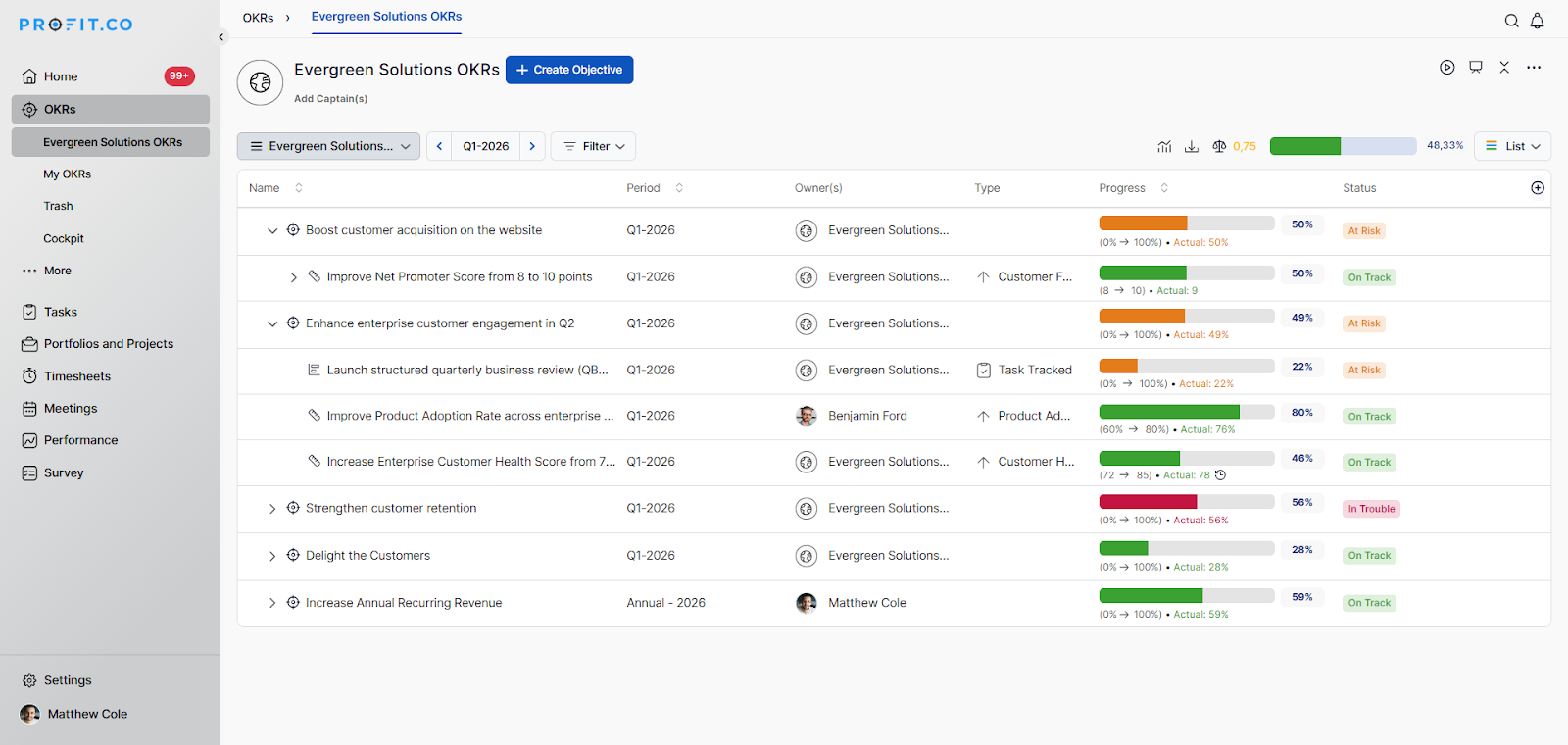
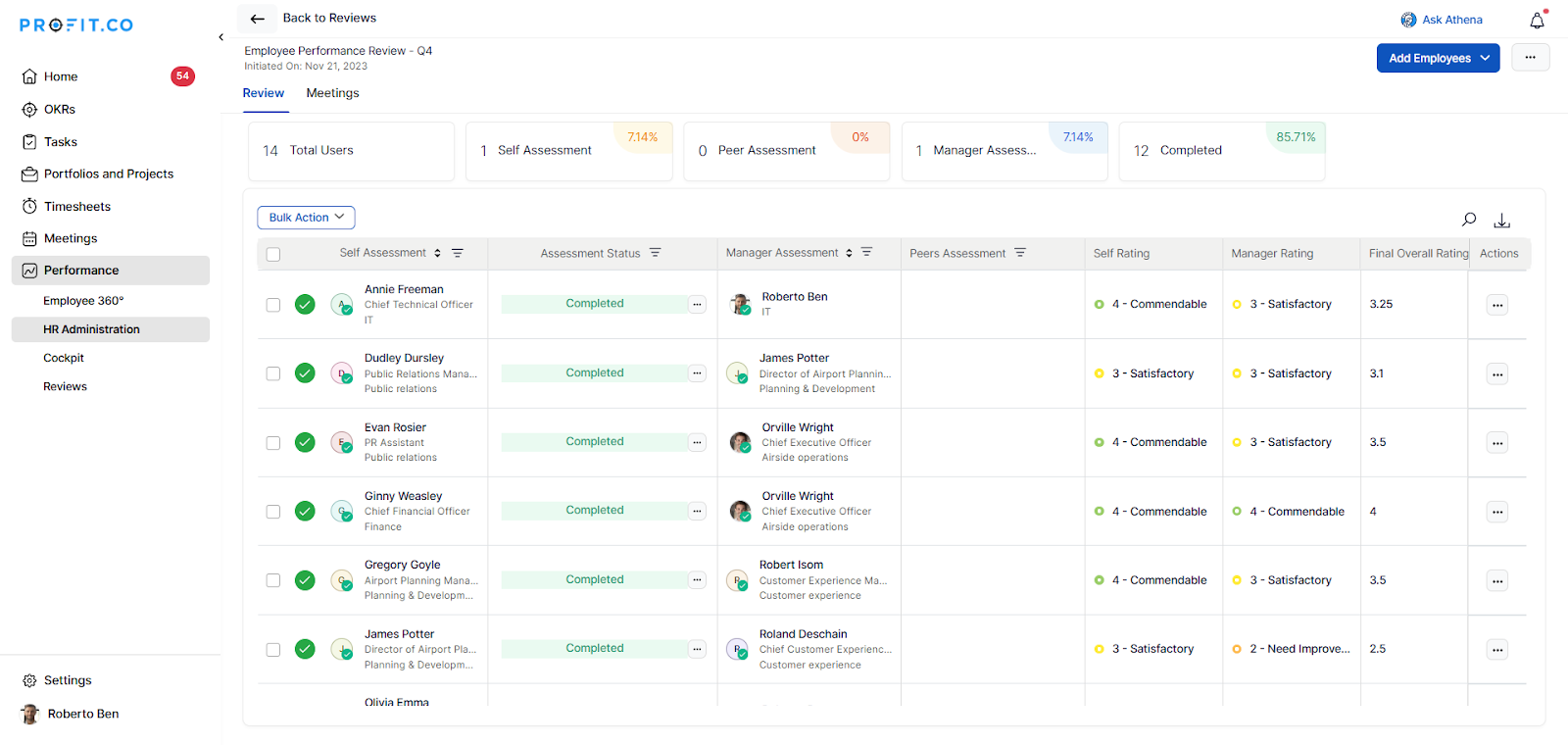
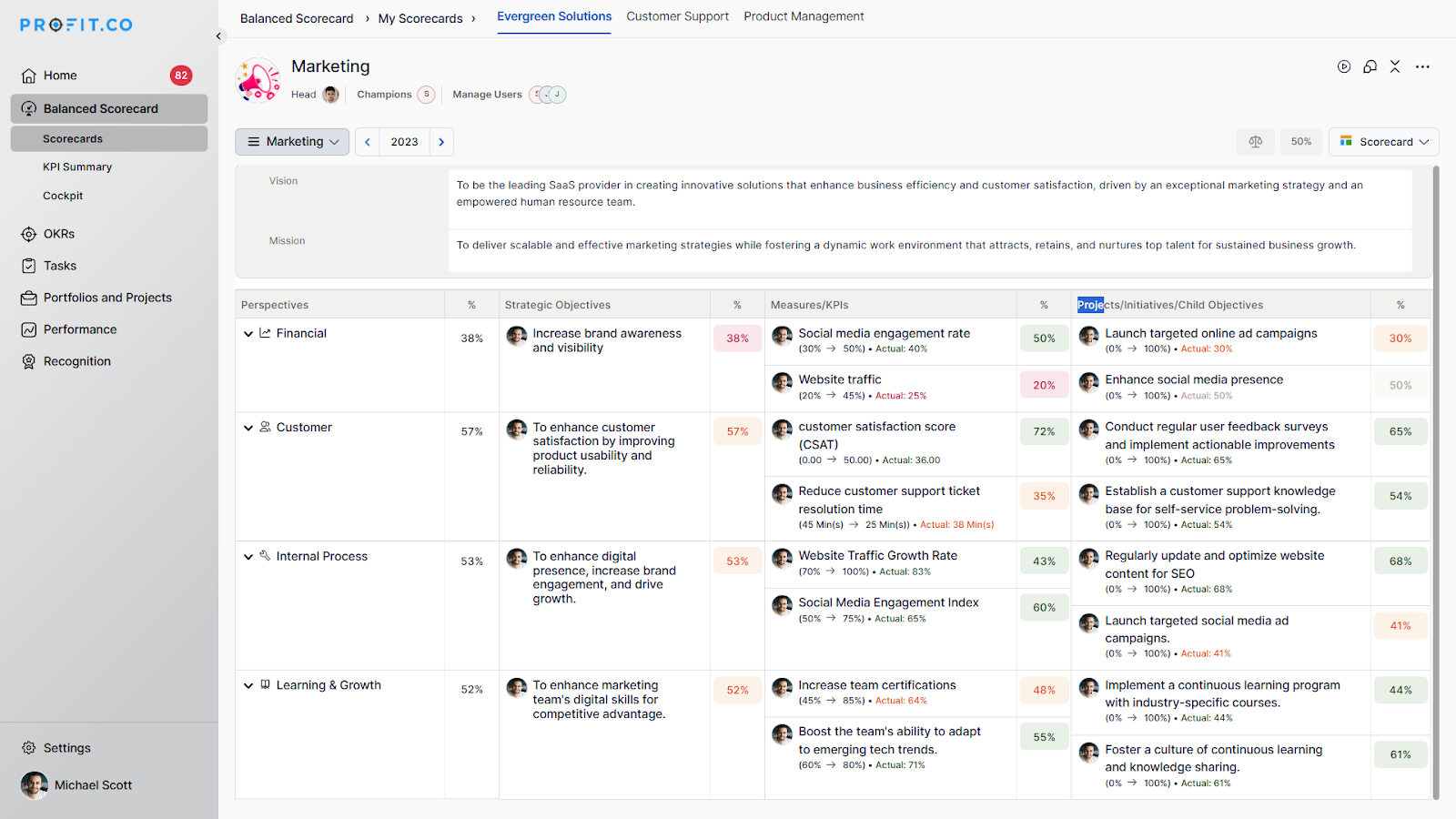
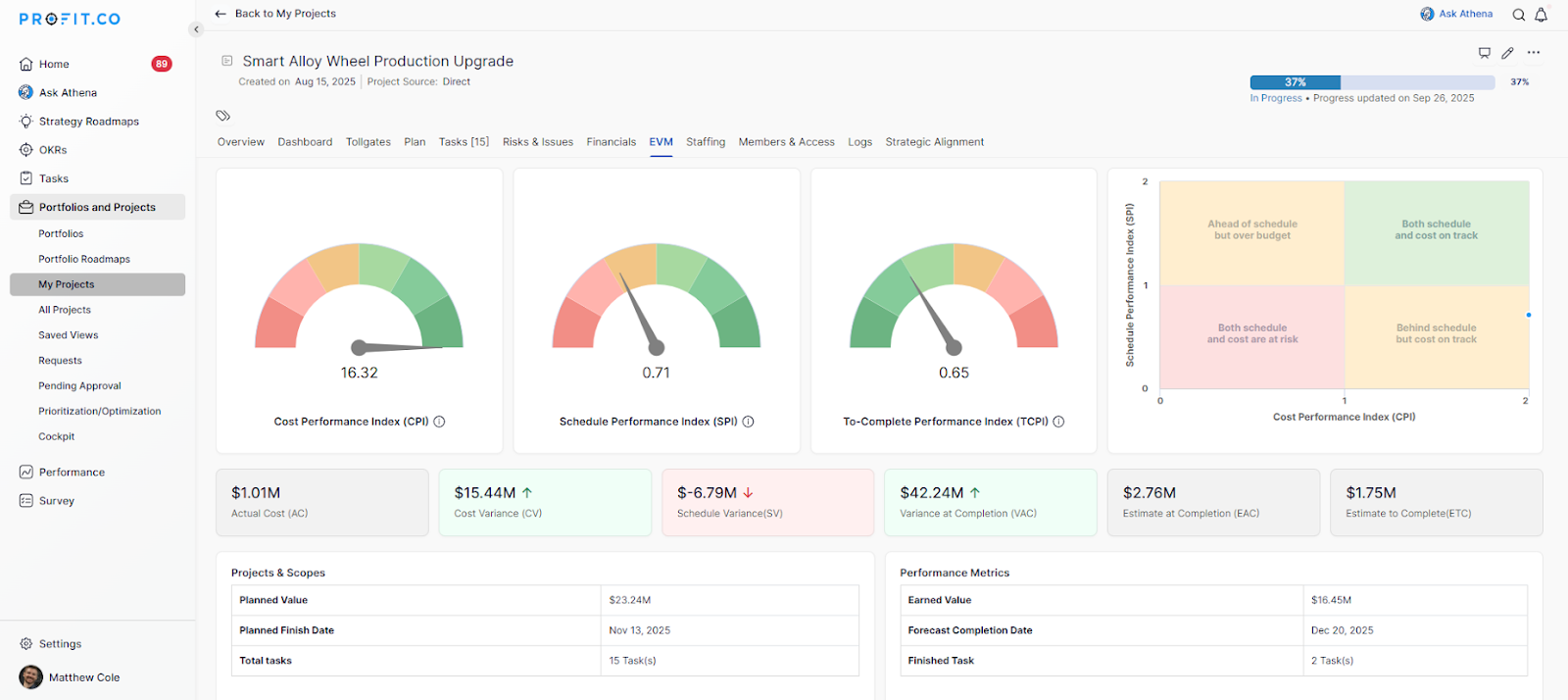
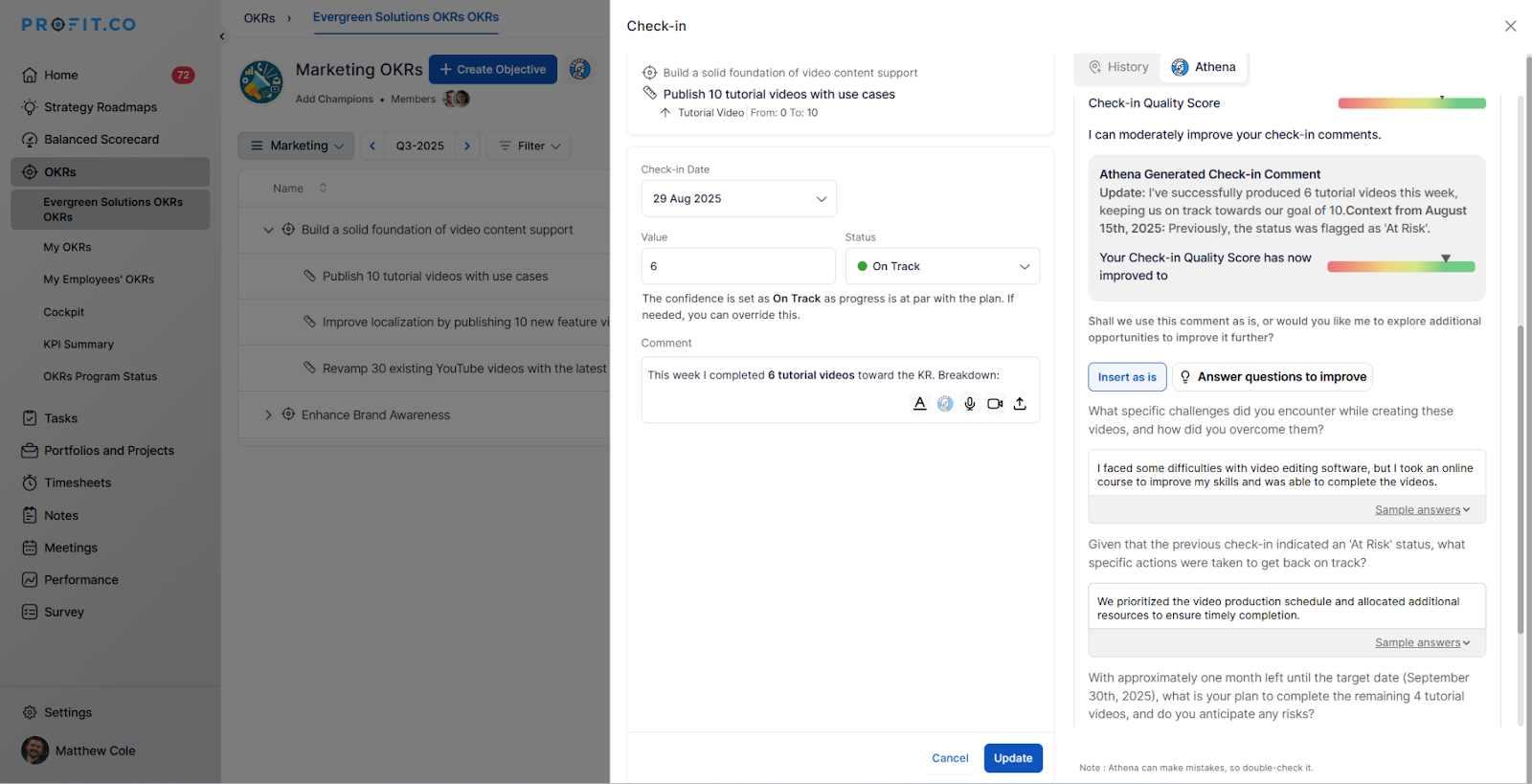
Profit.co is a strategy execution platform that enables organizations to manage strategy, performance, and execution in one system, supporting OKRs, Hoshin Kanri, Balanced Scorecards, performance management, and project portfolios.
Organizations with institutional subscriptions should consider maximizing the use of Microsoft Lists in their operations because it has the feature of seamlessly working with all the other Microsoft Apps. You can have a master file of multiple projects that are going on, and you don't have to manually do the updating. However, it is important to note that to maximize the Microsoft List experience, the team should have basic knowledge about integration and automation
A de minimis incentive was given to thank the reviewer for their time. The incentive was not used to bias or drive a particular response, nor was the incentive contingent on a positive endorsement. More Info
It is good for companies that want to have clear Objectives, where they describe how they will achieve them and will track the progress. If used properly it can significantly improve the company's productivity and the employees' understanding of where the company is going. This platform will find its customers in companies that are oriented towards efficiency and are willing to invest some time and effort to understand how their departments are working. Thus, reflect on how you can improve things.
A de minimis incentive was given to thank the reviewer for their time. The incentive was not used to bias or drive a particular response, nor was the incentive contingent on a positive endorsement. More Info
A de minimis incentive was given to thank the reviewer for their time. The incentive was not used to bias or drive a particular response, nor was the incentive contingent on a positive endorsement. More Info
A de minimis incentive was given to thank the reviewer for their time. The incentive was not used to bias or drive a particular response, nor was the incentive contingent on a positive endorsement. More Info
A de minimis incentive was given to thank the reviewer for their time. The incentive was not used to bias or drive a particular response, nor was the incentive contingent on a positive endorsement. More Info
A de minimis incentive was given to thank the reviewer for their time. The incentive was not used to bias or drive a particular response, nor was the incentive contingent on a positive endorsement. More Info
The first time I learned about Microsoft Lists, I was automatically converted. How I wish I had learned about Microsoft Lists early on; it could have saved me tons of time, and could have rendered me real-time reports regarding my work, as the data I work with usually keeps changing every time. I believe the best part of it is that it works well with other Microsoft products, so less stressful.
A de minimis incentive was given to thank the reviewer for their time. The incentive was not used to bias or drive a particular response, nor was the incentive contingent on a positive endorsement. More Info
They are all different but can be used for the same things. They all have different benefits, and I use them except Airtable. Trello has the best automation capabilities natively built into the product of any product I've ever used. (I've personally built over 1,000 automations or more for clients on Trello.) ClickUp has the best flexibility to view data in very different ways and from different organisation levels (i.e. High level data through to detailed specific data across multiple departments or projetcs. Microsoft Lists is an excellent choice if you work in M365 already and you want a deeply integrated way to hold data and use it within M365
A de minimis incentive was given to thank the reviewer for their time. The incentive was not used to bias or drive a particular response, nor was the incentive contingent on a positive endorsement. More Info
A de minimis incentive was given to thank the reviewer for their time. The incentive was not used to bias or drive a particular response, nor was the incentive contingent on a positive endorsement. More Info
A de minimis incentive was given to thank the reviewer for their time. The incentive was not used to bias or drive a particular response, nor was the incentive contingent on a positive endorsement. More Info
A de minimis incentive was given to thank the reviewer for their time. The incentive was not used to bias or drive a particular response, nor was the incentive contingent on a positive endorsement. More Info