Microsoft Office 2016 is the familiar suite of Office products including applications such as Word, Excel, and PowerPoint for use on a single PC or Mac. The 2016 is no longer available for sale from Microsoft, and support is at an end since 2020.
N/A
Zoho Forms
Score9.2 out of 10
N/A
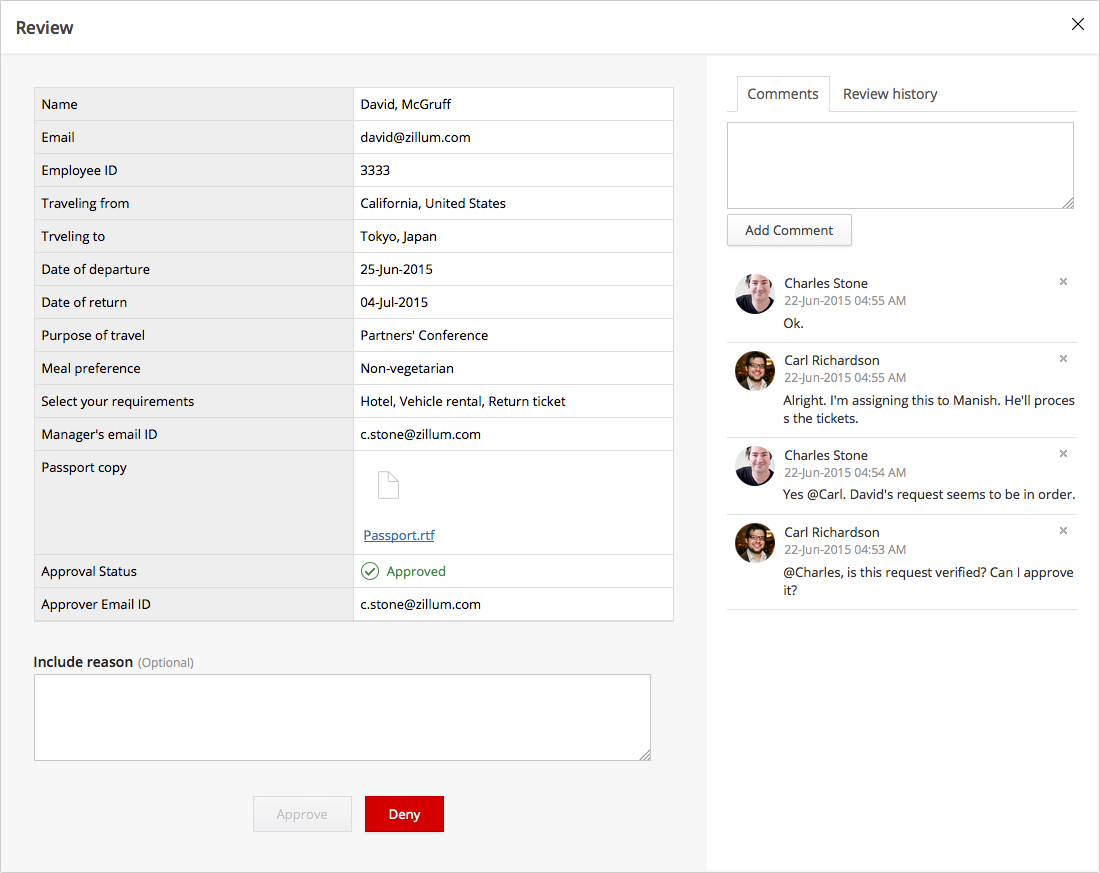
Zoho Forms is an online form builder that lets users create mobile-ready online forms. Forms can be shared with select users via email, or via a public link. This solution includes a drag-and-drop form builder that is responsive on all mobile devices. Zoho Forms also offers native mobile applications for iOS and Android devices.
According to the vendor, key benefits include: A web and mobile form builder. Drag and drop fields to add them to…
$0
per month
Pricing
Microsoft Office 2016 (discontinued)
Zoho Forms
Editions & Modules
No answers on this topic
Free
$0
per month
Basic
$10
per month
Standard
$25
per month
Professional
$50`
per month
Premium
$100
per month
Offerings
Pricing Offerings
Microsoft Office 2016 (discontinued)
Zoho Forms
Free Trial
No
Yes
Free/Freemium Version
No
Yes
Premium Consulting/Integration Services
No
No
Entry-level Setup Fee
No setup fee
$10 per month
Additional Details
—
Contact support@zohoforms.com to try out our paid plans.
I'd recommend [Microsoft] Office2016 for any business that has more than a couple of users, as the software is very scalable from just a small business to a large enterprise corporation. I don't know of any case where it might not be appropriate, as even home users and students use the software suite as well.
A de minimis incentive was given to thank the reviewer for their time. The incentive was not used to bias or drive a particular response, nor was the incentive contingent on a positive endorsement. More Info
Zoho Forms is great for customer surveys, collection of data, onboarding clients, instances where you need a signature. Might be less appropriate for some businesses depending upon branding messages. Zoho Forms has some disclaimers that appear on forms i.e. not to enter personal information, credit cards, passwords, etc. so depends upon the intent & purposes of the form data collection, whether it would be a solution that would fit every business model.
A de minimis incentive was given to thank the reviewer for their time. The incentive was not used to bias or drive a particular response, nor was the incentive contingent on a positive endorsement. More Info
Data manipulation. Excel takes the raw data we receive and allows us to digest it in ways that are useful to our business processes.
Communication. Outlook serves as our primary means of communication and setting up appointments.
Documentation. Word is the default standard when it comes to using a word processor and we are no different in this regard. Nearly every user has to use the application on a regular basis in order to accomplish their work.
A de minimis incentive was given to thank the reviewer for their time. The incentive was not used to bias or drive a particular response, nor was the incentive contingent on a positive endorsement. More Info
Its feature of sending alerts in real time is my favorite feature. Whenever someone fills an inquiry form, I get alert immediately.
It has a mobile app also which makes this software usable at anytime and anywhere.
It's a cloud based application so users don't need so save anything on their system and they don't need to be dependent on their system. They can access their forms from any system.
A de minimis incentive was given to thank the reviewer for their time. The incentive was not used to bias or drive a particular response, nor was the incentive contingent on a positive endorsement. More Info
A de minimis incentive was given to thank the reviewer for their time. The incentive was not used to bias or drive a particular response, nor was the incentive contingent on a positive endorsement. More Info
A de minimis incentive was given to thank the reviewer for their time. The incentive was not used to bias or drive a particular response, nor was the incentive contingent on a positive endorsement. More Info
We believe that office 2016 offers the best value when it comes to features included out of the box. The software is used in its entirety by our organization and is easily supported by our staff of IT technicians. Users find this software to be easy to learn and easy to use with minimal learning curve.
A de minimis incentive was given to thank the reviewer for their time. The incentive was not used to bias or drive a particular response, nor was the incentive contingent on a positive endorsement. More Info
It's fairly easy to use, but the automatic formatting or capturing of formatting when pasting is wonky - especially when there are outlines or other bullets/numbered lists. Fixing and sizing up tables can be annoying, and there are sometimes formatting issues that we just absolutely cannot fix for some reason
A de minimis incentive was given to thank the reviewer for their time. The incentive was not used to bias or drive a particular response, nor was the incentive contingent on a positive endorsement. More Info
The user interface and user experience is outstanding, seems like a lot of hard work has been put into it by the design, development and product teams. The fonts used are optimal, the icons and menu bars are well placed, the colors are very friendly to the eye and the standard white background is beautifully adjusted to the user expectations. The sliders are well designed and you can easily find whatever menu/option/feature you are looking for without much hassle.
A de minimis incentive was given to thank the reviewer for their time. The incentive was not used to bias or drive a particular response, nor was the incentive contingent on a positive endorsement. More Info
I am an MS feedback hub participant and they certainly don't pay enough attention to several bugs several people raise it in the portal. For the enterprise, it seems to me based on my prior experience that yes, they have a dedicated team to support operations. For mid to small companies or single users, it has been a struggle. So, you are pretty much with MS Blogs and others.
A de minimis incentive was given to thank the reviewer for their time. The incentive was not used to bias or drive a particular response, nor was the incentive contingent on a positive endorsement. More Info
So far we have not faced any issue while using the software but our customer journey has been breathtaking so far, which obviously i am expecting, should be the case of the support of Zoho Forms as well. However we have explored their support channels; you can easily find the contact us form in the profile slider and there are other resources available with a single click like Help Menu, What's New Menu, Blogs and Forums. However i could not find any live chat or support with the Free version.
A de minimis incentive was given to thank the reviewer for their time. The incentive was not used to bias or drive a particular response, nor was the incentive contingent on a positive endorsement. More Info
We use Microsoft Office 2016 because at the time it was the best tool for us, but now with full attention to cloud products, we may be thinking of migrating our solution to a cloud service.
A de minimis incentive was given to thank the reviewer for their time. The incentive was not used to bias or drive a particular response, nor was the incentive contingent on a positive endorsement. TR verified that a representative sample of customers was invited. More Info
Zoho Forms is just as good as Google Forms. I believe that ZF is easier to use. I have not used GF as extensively as ZF. I will be evaluating GF in the very near future. I selected ZF mainly because it easily integrates with its own Zoho applications quickly and with very little difficulty.
A de minimis incentive was given to thank the reviewer for their time. The incentive was not used to bias or drive a particular response, nor was the incentive contingent on a positive endorsement. More Info
Microsoft Office 2016 saves me a lot of time daily. I have functions and macros set up that calculate and show me a lot of things just from a couple of my inputs. This would take full days sometimes if not for that.
Apart from time, it saves me money, I manage data in Excel, I don't have to buy software specifically for that.
Sooner or later my company will have to switch to new edition, which will hurt revenues because of a subscription model.
A de minimis incentive was given to thank the reviewer for their time. The incentive was not used to bias or drive a particular response, nor was the incentive contingent on a positive endorsement. More Info
All positive. Zoho Forms is just another tool from the Zoho toolbox that adds value for us.
ROI is hard to say since we are a Zoho One user. Providing an amazing customer experience is what we strive for and this tool is part of that customer experience. It may have a small effect within our internal process but it is a customer facing and customer interaction point/application so it is crucial that it performs optimally.
A de minimis incentive was given to thank the reviewer for their time. The incentive was not used to bias or drive a particular response, nor was the incentive contingent on a positive endorsement. More Info