MicroStrategy Mobile vs. SAP Crystal

Overview
ProductRatingMost Used ByProduct SummaryStarting Price
MicroStrategy Mobile
Score 8.0 out of 10
N/A
MicroStrategy Mobile enables users to bring analytics, transactions, mapping, multimedia, and business workflows to life in custom mobile apps, personalized for any industry or any role. Users can convert any information system or web application into a user-friendly, highly-performant native mobile app—optimized for both iOS and Android. Users can scale to the most demanding enterprise needs in terms of user numbers and data volume. With multi-factor and biometric…N/A
SAP Crystal
Score 7.4 out of 10
N/A
SAP Crystal is an analytics and reporting software solution for SMBs. SAP Crystal comprises Crystal Reports for pixel-perfect reporting, and SAP Crystal Server for automated distribution and self-service access to reports, dashboards and data exploration.
$295
per single user license
Pricing
MicroStrategy MobileSAP Crystal
Editions & Modules
No answers on this topic
Upgrade Version to SAP Crystal Reports 2020
$295
per single user license
SAP Crystal Reports 2020 64-Bit
$495
per single user license
SAP Crystal Reports 2016 32-Bit
$495
per single user license
SAP Crystal Server 2020 1 NUL
$869
per user license + first year maintenance to be added
SAP Crystal Server 2020 5 CAL
$8,744
5 concurrent users + first year maintenance to be added
Offerings
Pricing Offerings
MicroStrategy MobileSAP Crystal
Free Trial
NoYes
Free/Freemium Version
NoYes
Premium Consulting/Integration Services
NoYes
Entry-level Setup FeeNo setup feeOptional
Additional Details* SAP Crystal Reports 2020 Viewer allows you to view static data within a SAP Crystal Reports file. * SAP Crystal Reports 2020 - Full version allows you to create powerful, richly formatted, and dynamic reports from virtually any data source, delivered in dozens of formats, in up to 28 languages. If you already have an older version of Crystal Reports, buy a license for SAP Crystal Reports 2020 - Upgrade at a discounted, upgrade price. * SAP Crystal Server 2020, 1 NUL includes 1 license of: SAP Crystal Reports 2020 - SAP Crystal Server 2020. * As an add-on to SAP Crystal Server 2020 1 NUL, SAP Crystal Server 2020 5 CAL allows you to support a wider, intermittent audience of end users, up to five logged on at the same time.
More Pricing Information
Community Pulse
MicroStrategy MobileSAP Crystal
Features
MicroStrategy MobileSAP Crystal
BI Standard Reporting
Comparison of BI Standard Reporting features of Product A and Product B
MicroStrategy Mobile
-
Ratings
SAP Crystal
7.8
124 Ratings
5% below category average
Pixel Perfect reports00 Ratings8.0113 Ratings
Customizable dashboards00 Ratings7.0100 Ratings
Report Formatting Templates00 Ratings8.4117 Ratings
Ad-hoc Reporting
Comparison of Ad-hoc Reporting features of Product A and Product B
MicroStrategy Mobile
-
Ratings
SAP Crystal
8.3
136 Ratings
3% above category average
Drill-down analysis00 Ratings9.0117 Ratings
Formatting capabilities00 Ratings8.7135 Ratings
Integration with R or other statistical packages00 Ratings7.064 Ratings
Report sharing and collaboration00 Ratings8.7120 Ratings
Report Output and Scheduling
Comparison of Report Output and Scheduling features of Product A and Product B
MicroStrategy Mobile
-
Ratings
SAP Crystal
8.8
136 Ratings
7% above category average
Publish to Web00 Ratings9.091 Ratings
Publish to PDF00 Ratings9.3133 Ratings
Report Versioning00 Ratings8.094 Ratings
Report Delivery Scheduling00 Ratings9.097 Ratings
Delivery to Remote Servers00 Ratings8.554 Ratings
Data Discovery and Visualization
Comparison of Data Discovery and Visualization features of Product A and Product B
MicroStrategy Mobile
-
Ratings
SAP Crystal
7.6
89 Ratings
5% below category average
Pre-built visualization formats (heatmaps, scatter plots etc.)00 Ratings7.650 Ratings
Location Analytics / Geographic Visualization00 Ratings7.576 Ratings
Predictive Analytics00 Ratings7.841 Ratings
Access Control and Security
Comparison of Access Control and Security features of Product A and Product B
MicroStrategy Mobile
-
Ratings
SAP Crystal
8.6
88 Ratings
1% above category average
Multi-User Support (named login)00 Ratings8.581 Ratings
Role-Based Security Model00 Ratings8.580 Ratings
Multiple Access Permission Levels (Create, Read, Delete)00 Ratings8.580 Ratings
Report-Level Access Control00 Ratings8.53 Ratings
Single Sign-On (SSO)00 Ratings9.040 Ratings
Mobile Capabilities
Comparison of Mobile Capabilities features of Product A and Product B
MicroStrategy Mobile
-
Ratings
SAP Crystal
6.7
65 Ratings
14% below category average
Responsive Design for Web Access00 Ratings6.363 Ratings
Mobile Application00 Ratings6.046 Ratings
Dashboard / Report / Visualization Interactivity on Mobile00 Ratings6.260 Ratings
Application Program Interfaces (APIs) / Embedding
Comparison of Application Program Interfaces (APIs) / Embedding features of Product A and Product B
MicroStrategy Mobile
-
Ratings
SAP Crystal
7.9
45 Ratings
2% above category average
REST API00 Ratings7.48 Ratings
Javascript API00 Ratings8.437 Ratings
iFrames00 Ratings7.18 Ratings
Java API00 Ratings8.437 Ratings
Themeable User Interface (UI)00 Ratings7.539 Ratings
Customizable Platform (Open Source)00 Ratings8.433 Ratings
Best Alternatives
MicroStrategy MobileSAP Crystal
Small Businesses
Swiftify
Swiftify
Score 9.0 out of 10
Yellowfin
Yellowfin
Score 8.7 out of 10
Medium-sized Companies
Swiftify
Swiftify
Score 9.0 out of 10
Reveal
Reveal
Score 10.0 out of 10
Enterprises
Swiftify
Swiftify
Score 9.0 out of 10
Kyvos Semantic Layer
Score 9.5 out of 10
All AlternativesView all alternativesView all alternatives
User Ratings
MicroStrategy MobileSAP Crystal
Likelihood to Recommend
8.4
(3 ratings)
7.0
(159 ratings)
Likelihood to Renew
-
(0 ratings)
10.0
(19 ratings)
Usability
-
(0 ratings)
7.3
(31 ratings)
Availability
-
(0 ratings)
8.0
(1 ratings)
Performance
-
(0 ratings)
8.0
(1 ratings)
Support Rating
-
(0 ratings)
8.6
(21 ratings)
In-Person Training
-
(0 ratings)
10.0
(1 ratings)
Implementation Rating
-
(0 ratings)
8.8
(14 ratings)
Configurability
-
(0 ratings)
8.0
(1 ratings)
Ease of integration
-
(0 ratings)
7.0
(1 ratings)
Product Scalability
-
(0 ratings)
7.0
(1 ratings)
Vendor post-sale
-
(0 ratings)
8.0
(1 ratings)
Vendor pre-sale
-
(0 ratings)
7.0
(1 ratings)
User Testimonials
MicroStrategy MobileSAP Crystal
Likelihood to Recommend
MicroStrategy
One of best business intelligence enterprise reporting tools, it has loads of rich features available to the business user with ease of use and advanced analysis in a single end-to-end solution. I like MicroStrategy's simplicity in creating complex multi-pass SQL reports, visualizations over varied data sets, and the breath of areas in which the product can be used. I like mostly everything. I think there are some remaining improvements that could be done in the area of data visualization.
Read full review
SAP
Generation of templated reports is the strong suit of SAP Crystal. Allows users to change formats in templates bases on requirement with minimal effort. Automated report delivery requires the user to be aware of sql which cannot be expected from all users. Should support more document export formats and improve the UI for SAP B1 Users
Read full review
Pros
MicroStrategy
  • MicroStrategy has widgets that allow you to display data using elaborate and complex graphs such as maps, microcharts, thermometers, etc.
  • The same dashboards can also be viewed on the web by users who don't have mobile devices.
  • For mobile, MicroStrategy has created unique selectors that are more suited for smartphones and tablets.
  • MicroStrategy uses the features of mobile devices such as accelerometers to select different views and change the display when the device is tilted or rotated. In addition you can use inputs such as the camera to read barcode data and enter inventory data into the database.
Read full review
SAP
  • Crystal Reports allows us to create a consistent template for all of our reports.
  • Crystal Reports and Server allows us to house a repository for all of our reports to make them easy to find and update when necessary.
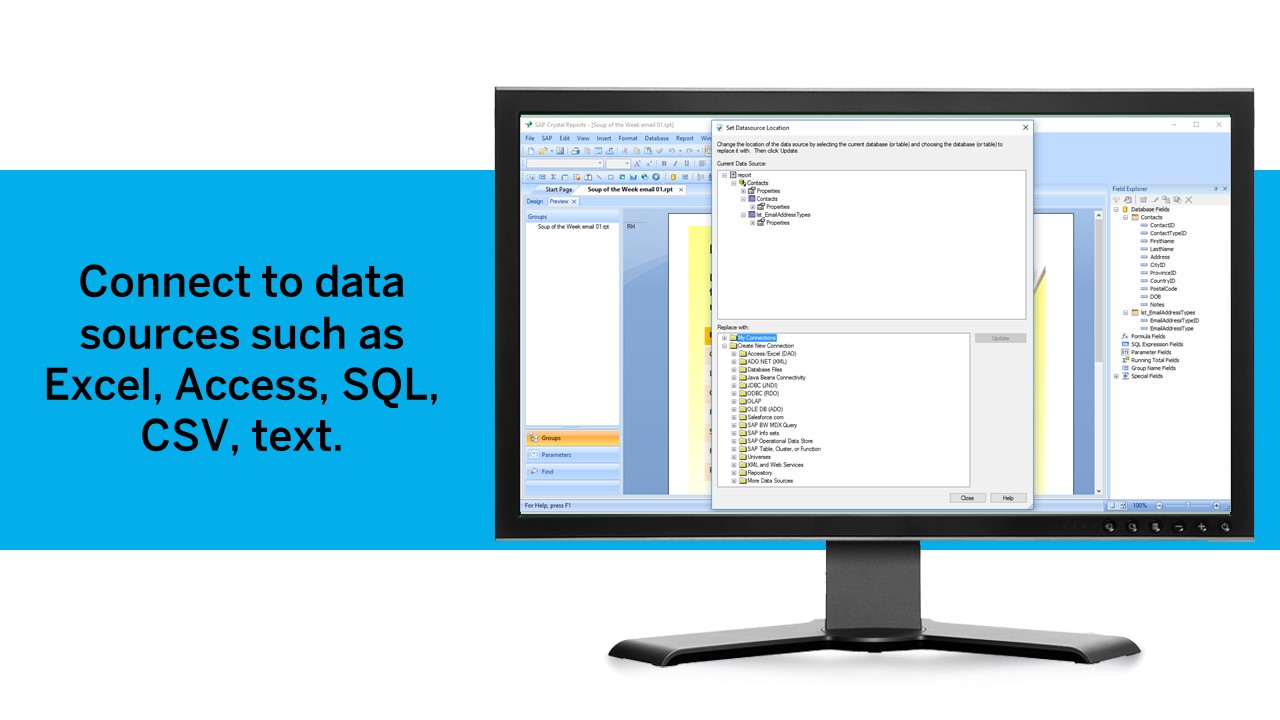
  • Crystal Reports can connect to a wide variety of data sources.
  • Crystal Reports can be a little daunting when first implementing. There are a lot of nuances in learning how to truly master this software and it can be frustrating at times.
Read full review
Cons
MicroStrategy
  • Pop-ups.
  • Refresh rate.
Read full review
SAP
  • The export of reports to Excel is very cumbersome and the results are difficult to format.
  • The design of reports and the graphical features (e.g. charts) feel quite rigid.
  • The learning curve for a non-programmer is incredibly steep, making Crystal a specialty tool.
Read full review
Likelihood to Renew
MicroStrategy
No answers on this topic
SAP
We have been using this product for so many years and it has truly become a cornerstone to our business processes when it comes to developing and distributing information via reports. We currently have over 500 reports developed to date over about 30 systems and that will continue to grow as user needs change.
Read full review
Usability
MicroStrategy
No answers on this topic
SAP
Crystal is very robust, but not always easy to use. It create wonderful looking reports, and so deserves a high rating. However, I have to take a couple of points off for the simple fact that I cannot hand it to a user and expect them to be able to do development with it.
Read full review
Support Rating
MicroStrategy
No answers on this topic
SAP
The support community can be difficult to navigate. I've also run into issues with my login. The SAP system has a bizarre mechanism for validating users that requires users to have what is called an S-ID. A basic ID may not give you access to all the features in the portal. The limitation may include not being able to perform a simple task like downloading patches and updates. This isn't a big deal for single user license but for teams it can be a pain.
Read full review
In-Person Training
MicroStrategy
No answers on this topic
SAP
Trainer was patient and thorough in going through the basics and willing to answer questions by email after the initial training
Read full review
Implementation Rating
MicroStrategy
No answers on this topic
SAP
Just like any other implementation: When designing the differing reports, get end users' input, make sure to design the reports so that they display the information that the company requires, in the best and clearest way possible.
Test, test, test, revise when needed, and, particularly, do sufficient training so users are comfortable using Crystal Reports!
Read full review
Alternatives Considered
MicroStrategy
MicroStrategy is much better.
Read full review
SAP
Crystal reports is useful in case we want to import data from data base . We can write queries in it but Google Charts require to be implemented in our application using code so crystal reports is better than Google Charts.
Read full review
Return on Investment
MicroStrategy
No answers on this topic
SAP
  • It is a decent buy for specific departments in terms of reporting capabilities but updates and cost (frequent) demands are higher with the benefits offered.
  • So long as the requirements are not ever changing, with scheduling functionality, it's a handsome tool.
Read full review
ScreenShots

MicroStrategy Mobile Screenshots

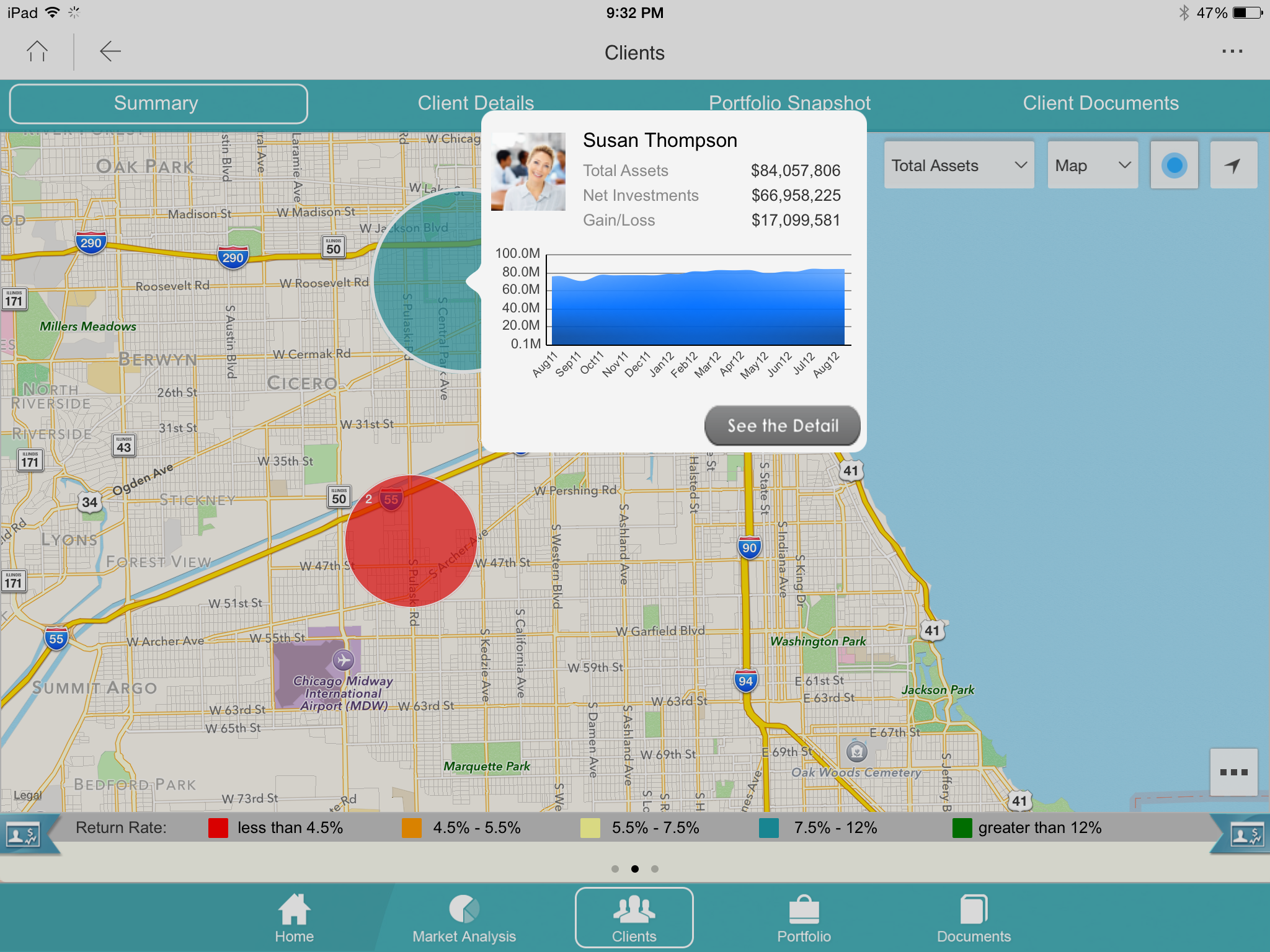
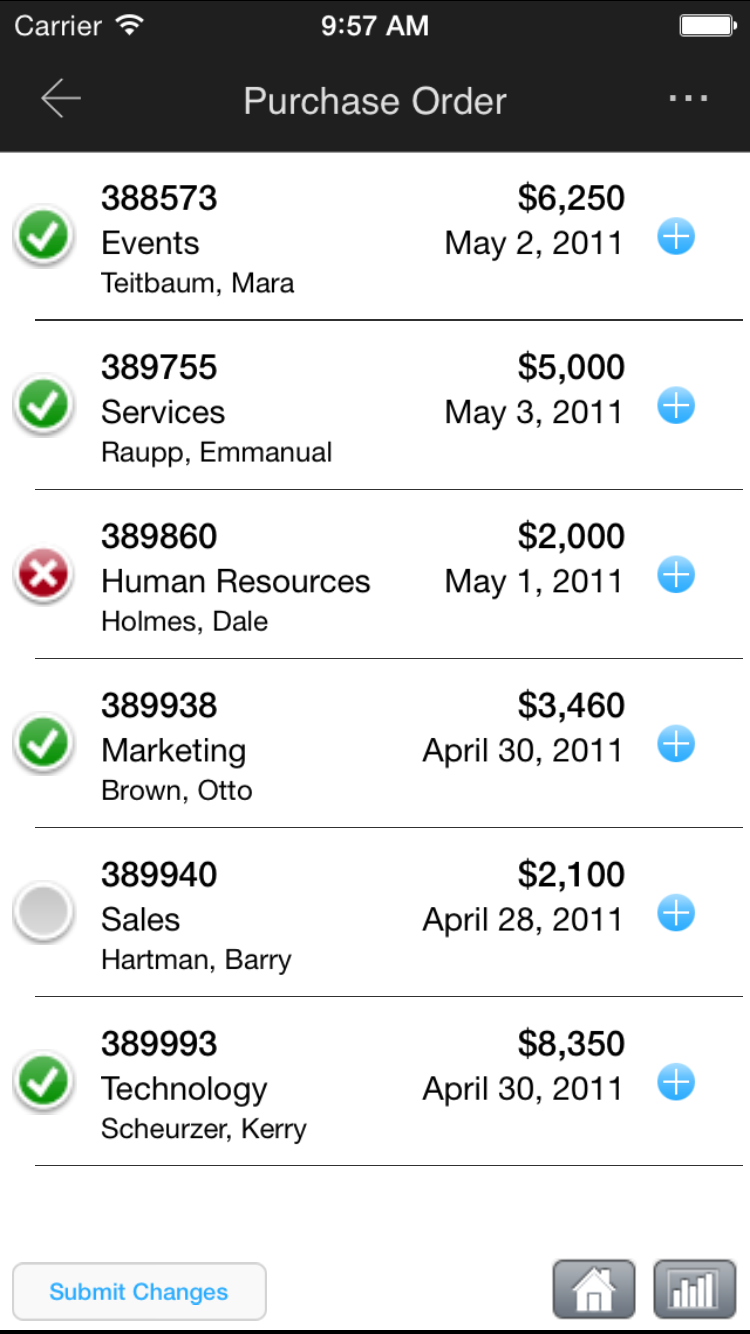
Screenshot of Monitor operational KPIs wherever, wheneverScreenshot of Look up detailed customer information while out in the fieldScreenshot of Log touchpoints or update CRM informationScreenshot of Approve or deny corporate requestsScreenshot of View customer buying trends and capture notesScreenshot of View performance and ranking

SAP Crystal Screenshots

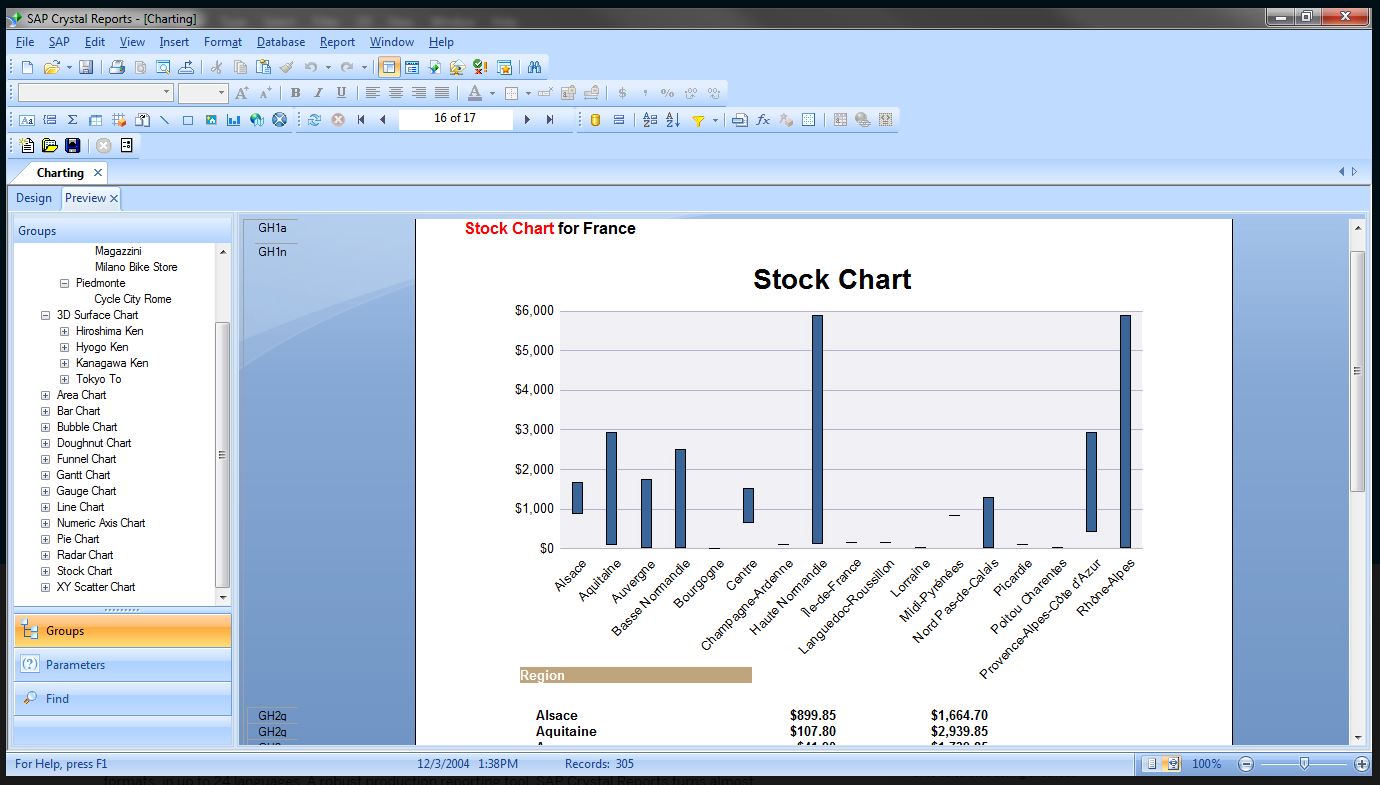
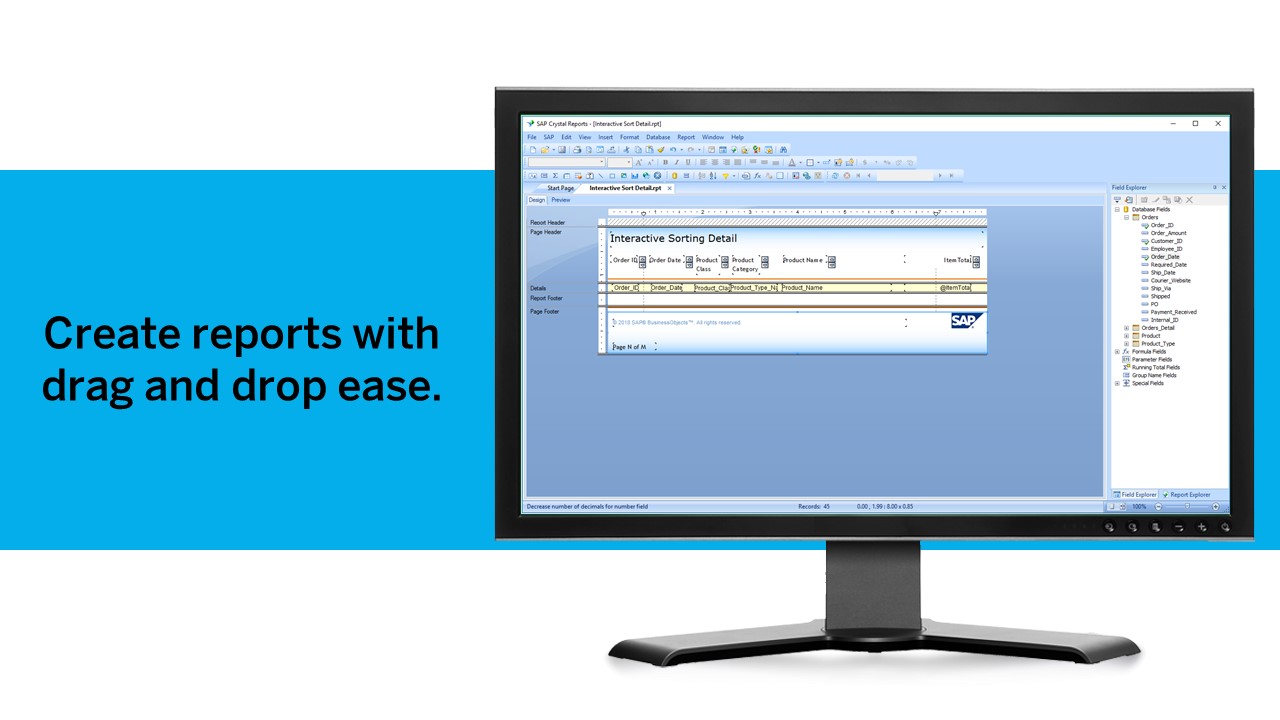
Screenshot of Pixel-perfect reporting solutionScreenshot of Refresh with a clickScreenshot of Build pixel-perfect documentsScreenshot of Connect to all data sourcesScreenshot of Use drag and dropScreenshot of Build interactive reports