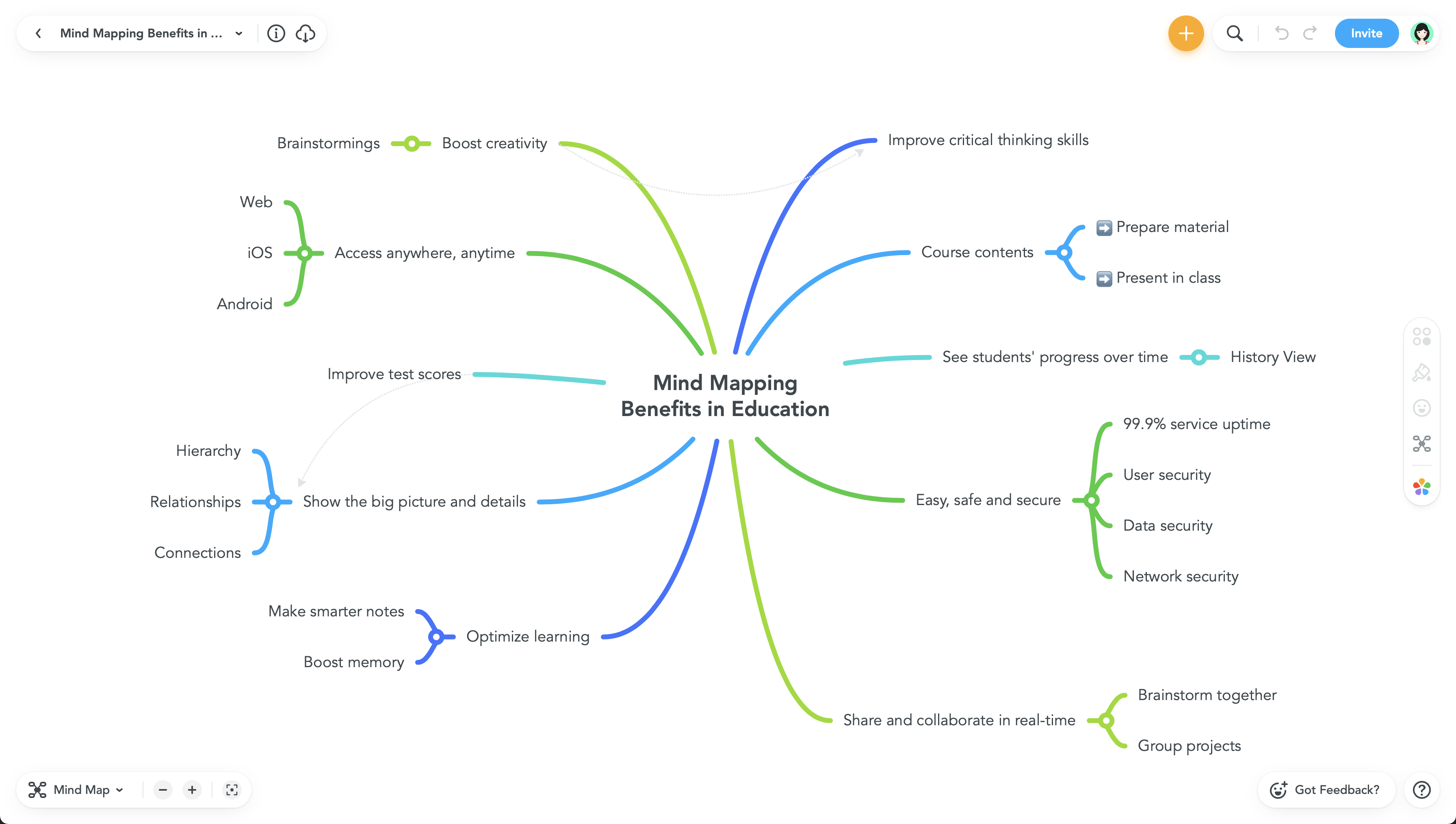
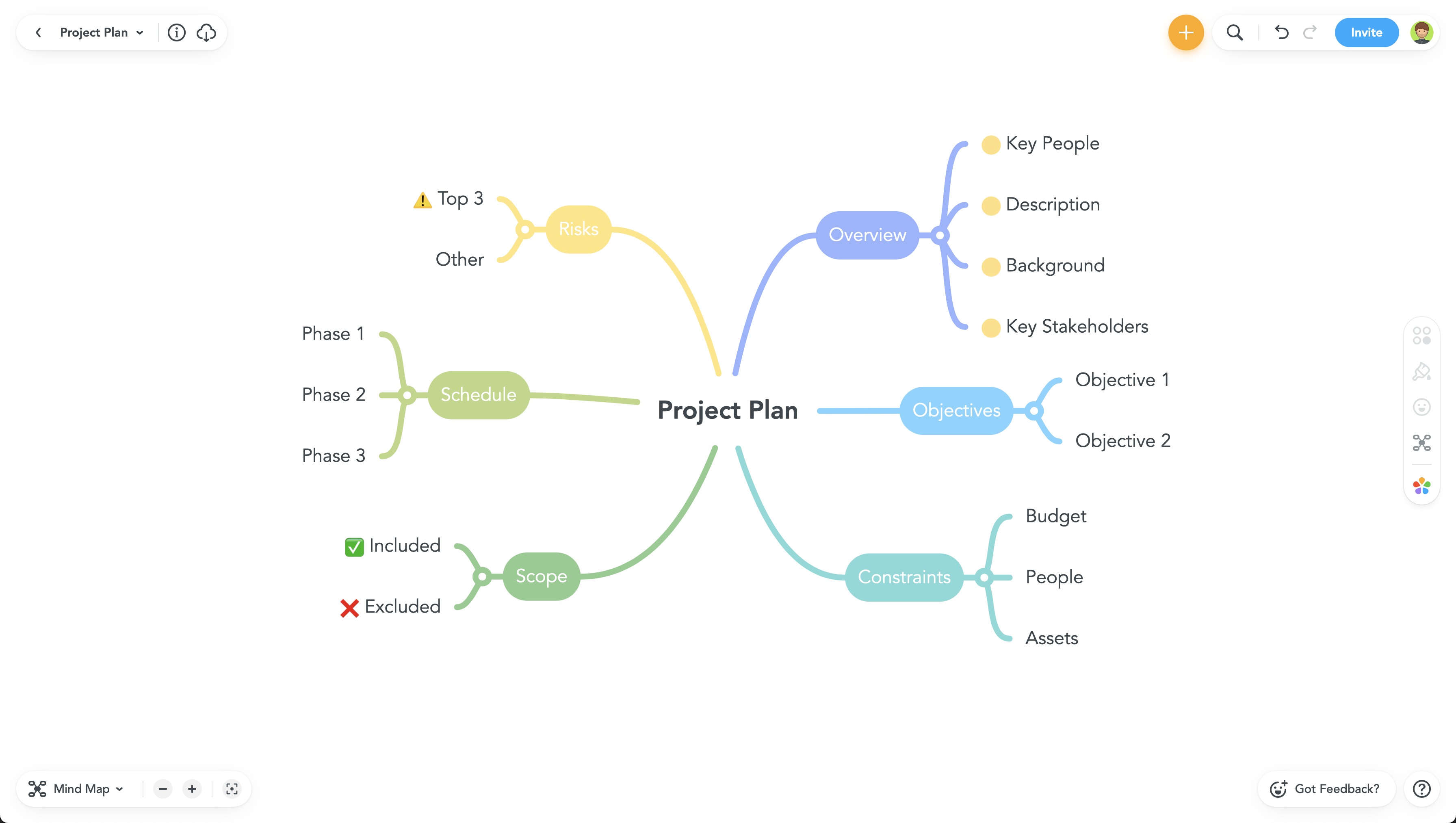
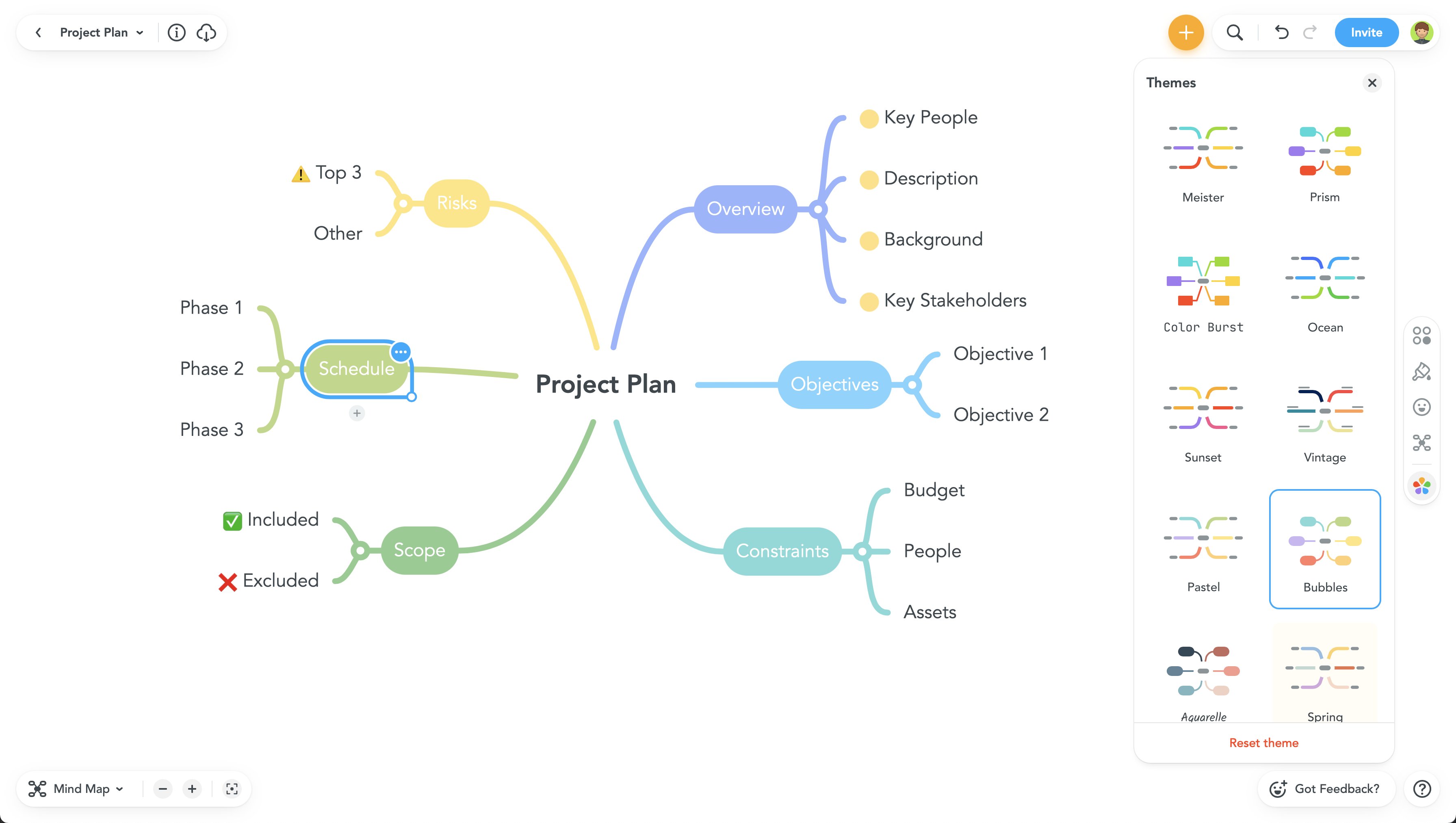
MindMeister is an online mind mapping tool that lets users share maps with an unlimited number of users and collaborate with them in real-time. MindMeister is used to brainstorm ideas, plan projects, take meeting minutes, develop business strategies, and create presentations. MindMeister runs in any standard web-browser as well as on iOS and Android devices, so users can access, edit and present their mind maps anytime, wherever they are. With MindMeister, users…
$45
every 6 months per user
Qmarkets
Score 8.0 out of 10
Enterprise companies (1,001+ employees)
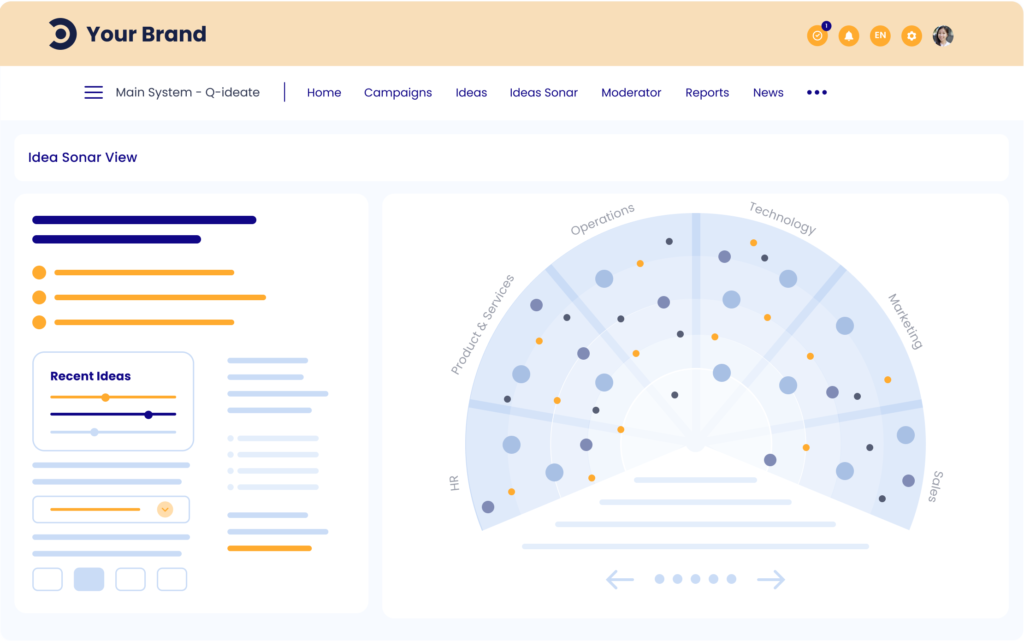
Managing innovation at a large company can require addressing the needs of an endless list of stakeholders to engage, a massive number of data points, and a multitude of obstacles and landmines to avoid. So the Qmarkets platform lets users define and manage intelligent crowdsourcing processes to identify, review, and implement the most relevant ideas, trends, or insights. The solution boasts clients like Ford, Intel, Coca-Cola, and UBS, as well as a wealth of best-practices to help organizations…
N/A
Xmind
Score 8.7 out of 10
N/A
Hong Kong based Xmind offers their diagramming tool featuring a range of templates, alternate brainstorming and presentation modes, a clip art library, and export to a wide variety of file types (e.g. PDF, JPG, Word or Excel, etc.).
$5.99
per month
Pricing
MindMeister
Qmarkets
Xmind
Editions & Modules
Personal
$45
per 6 months per user
Pro
$75
per 6 months per user
Business
$114
per 6 months per user
No answers on this topic
No answers on this topic
Offerings
Pricing Offerings
MindMeister
Qmarkets
Xmind
Free Trial
No
Yes
Yes
Free/Freemium Version
Yes
No
Yes
Premium Consulting/Integration Services
No
Yes
No
Entry-level Setup Fee
No setup fee
Required
No setup fee
Additional Details
MindMeister offers 6-monthly and yearly subscriptions. Discounts for educational users and non-profit organizations are also available. Up to 22% discount for yearly pricing.
Mindmeister has a good free plan compared with Lucidchart, and better Google Drive integration in my opinion. draw.io has a better free plan than MindMeister, but I prefer MindMeister for mindmap creation still, while I prefer draw.io for other types of diagrams. Xmind is …
We found MindMeister as the most complete tool considering our needs and context of use. Other tools that we had the chance to test/evaluate offered similar features for brainstorming and log of information, but we felt MindMeister was very easy-to-use, especially thinking …
MindMeister is ideally suited for building mind maps, site maps, or similar types of data maps in the cloud without needing to install extra software. I find that it isn't quite as ideal for other types of diagrams (ERDs, flowcharts, etc) as some other tools, though it definitely can handle those things as well.
I have no negative points to bring out. Qmarkets, as a company, has been very cooperative and has provided full support during the entire sales cycle. The sales cycle actually ran over a year with multiple discussions with the customer before they signed off. Qmarket products are well thought off and their fitment to customer needs are almost 100%.
The UI is well laid out and easy to use. The workflow makes perfect sense and makes creating tasks a breeze.
The collaboration features make brainstorming not only easy but fun! Everyone enjoys using the tool, which was not the case with other collaboration software we used.
I love being able to get all of my thoughts and ideas on the screen to see them and then be able to connect them in a logical way.
Commands and controls extremely easy to navigate and use. Ability to import mindmaps and collaborate also contribute to a very pleasant usability experience
Never had an issue with customer support, though we never really needed anything major as far as technical help. I do not believe they offer 24 hour customer support but we don't need it as MindMeister is not the type of tool we need need 24 hour a day support for. Overall, very happy with the level of support.
The support around a bug in the tool which prevented the correct printing of diagrams. Support came back after a few days, and there was no workaround. Eventually, the bug was fixed in a future release. The company does not pay much attention to user forums. With better support and plugin mechanism for user contributions, the product would be more convincing.
I have also used LucidChart and Google Draw to create mind maps and concept maps in the past. I think that MindMeister is by far the cleanest and most user friendly of the three. Google Draw does not have anywhere near the same functionality. LucidChart tends to be clunky and the options to create your map are not always clear and intuitive.
Other competition products were evaluated but Qmarkets had products that were 100% fit for our customer's needs and the Qmarket team has excellent Tech team which we didn't see in the competition that we and our client evaluated. Also, the Q products are very flexible compared to others in the market.