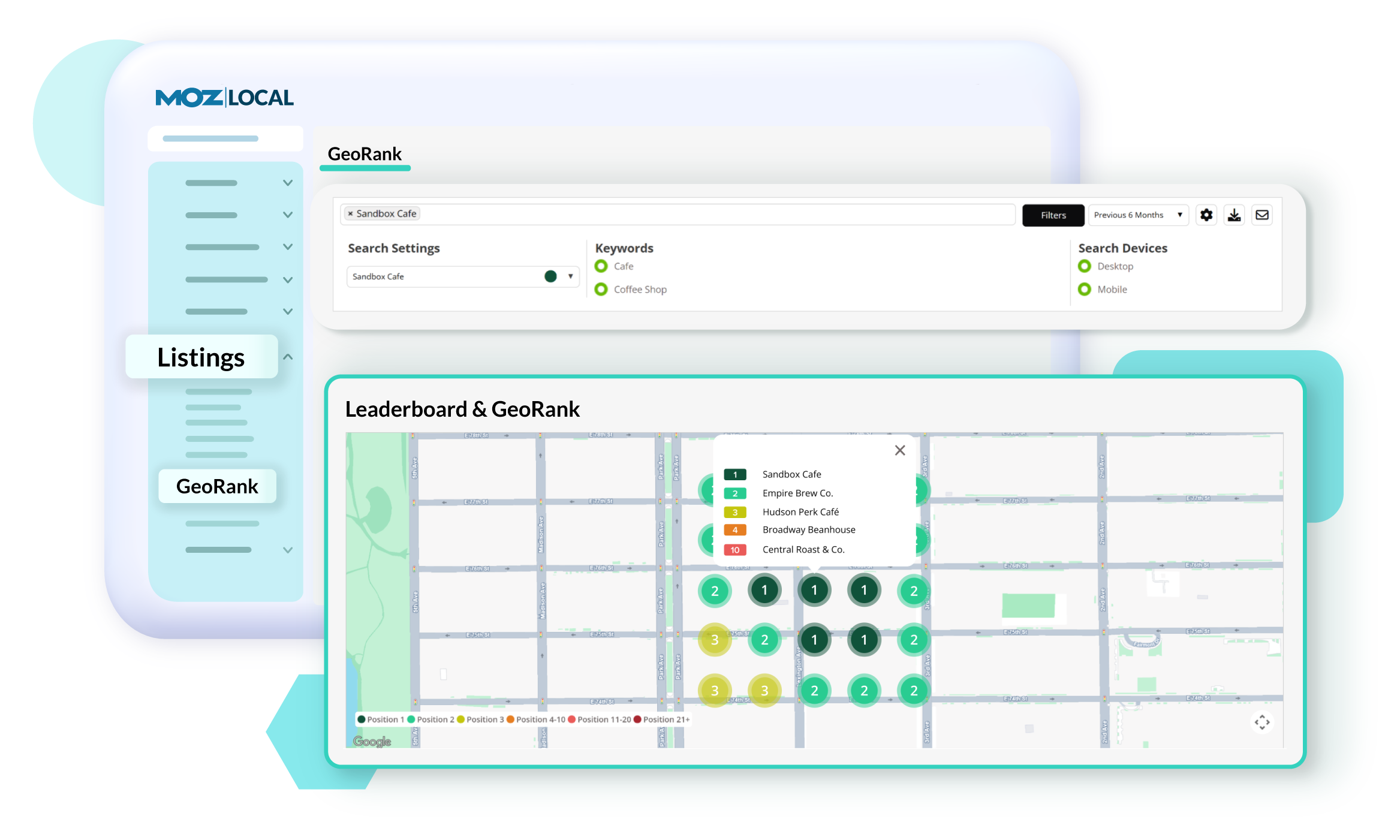
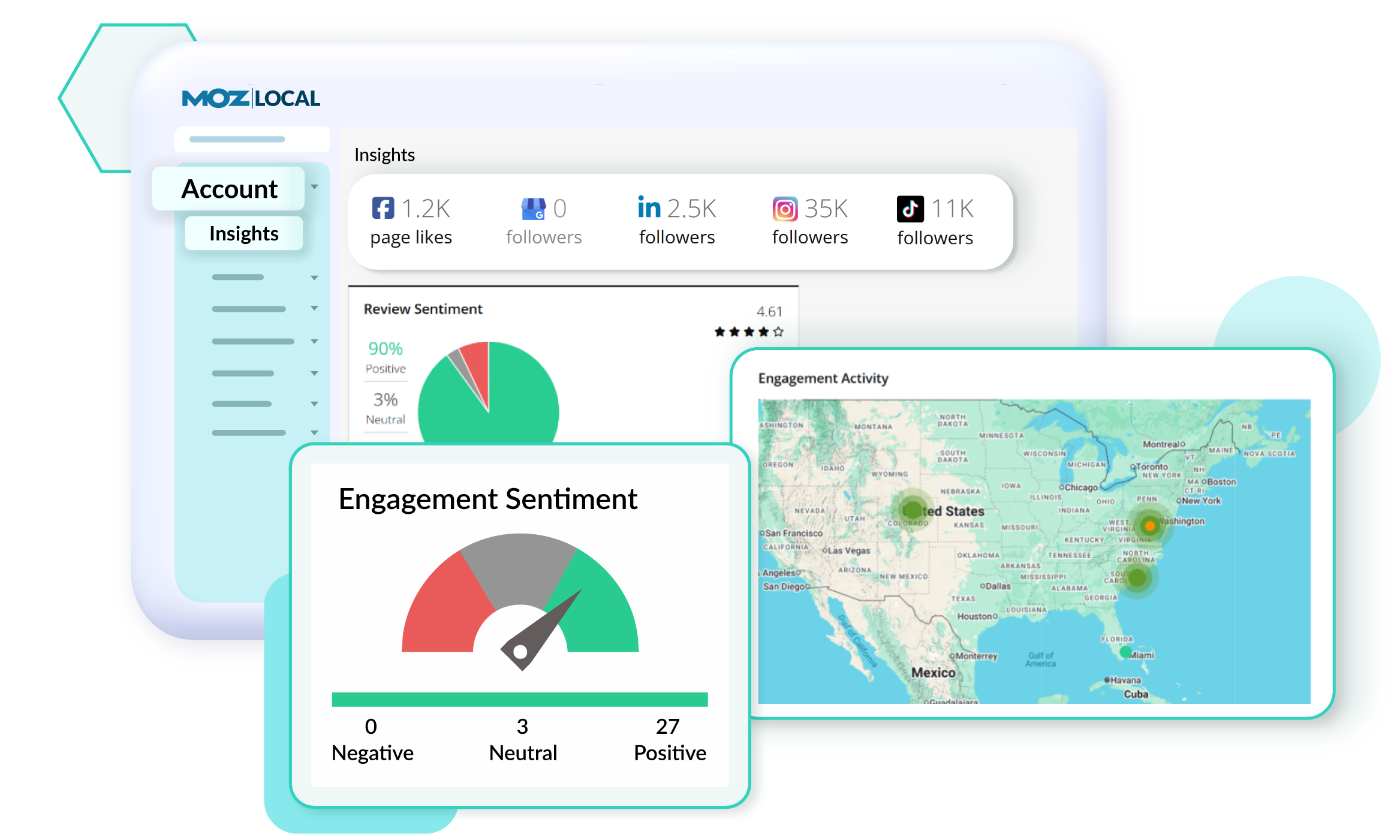
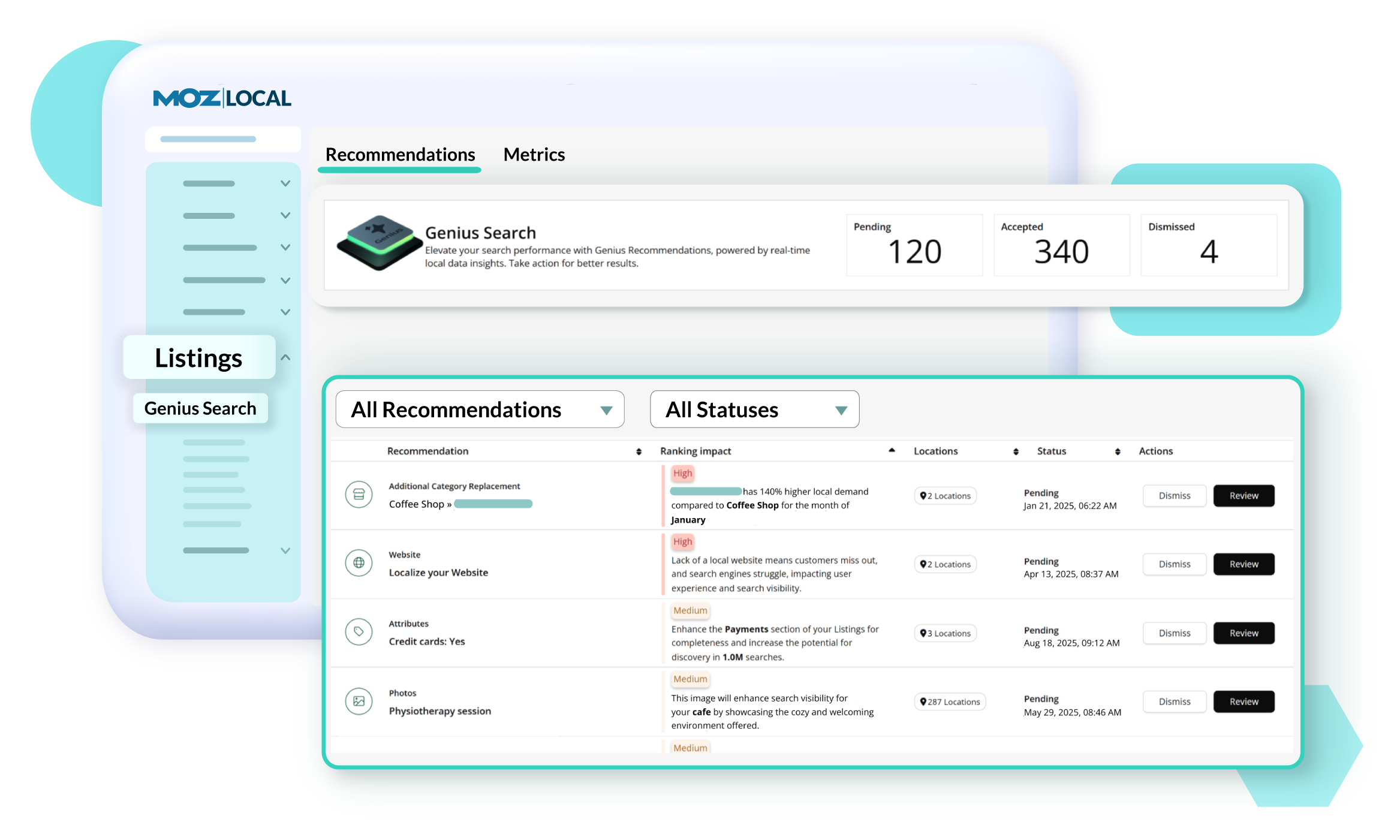
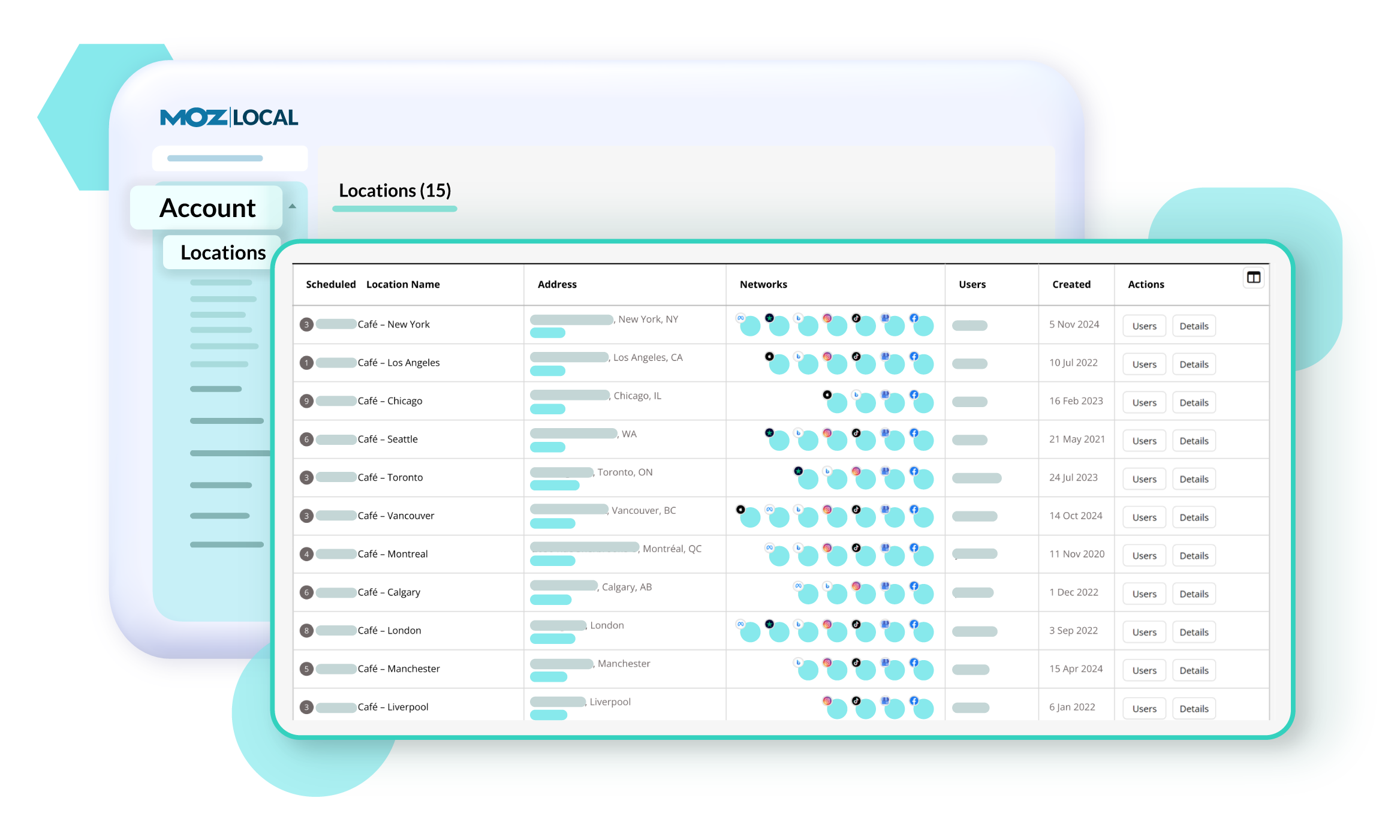
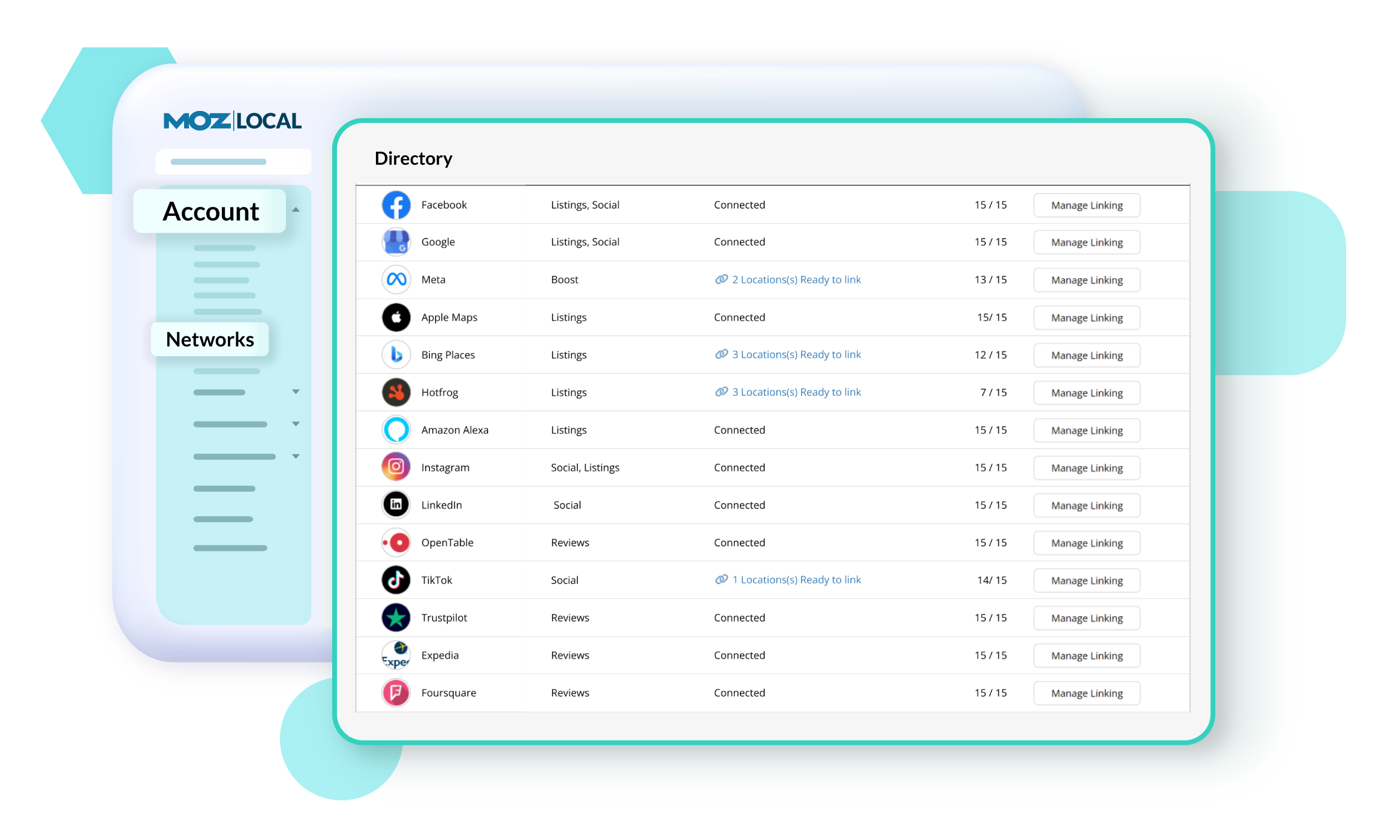
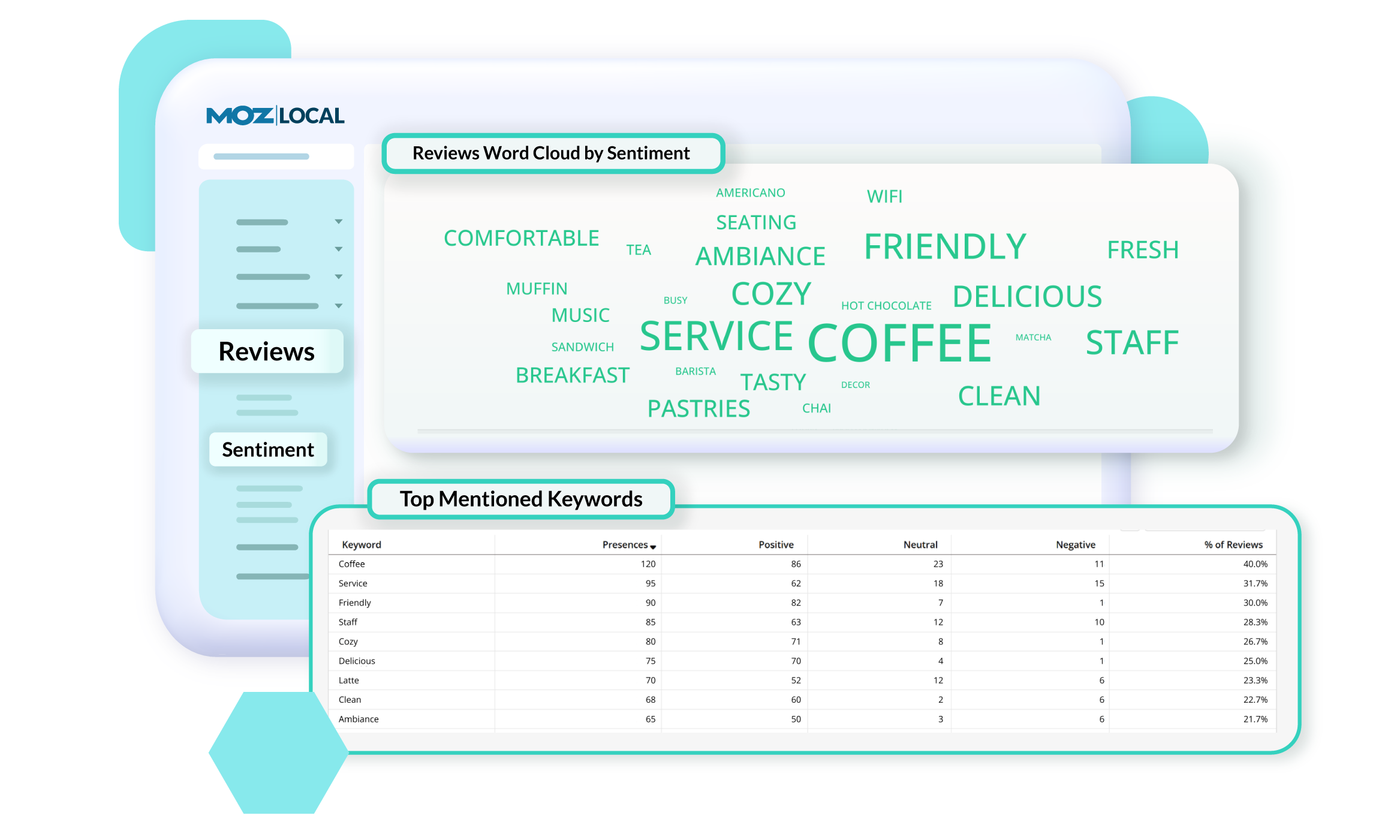
Moz Local is a Listing Management & Distribution software solution that enables users to actively manage location data to optimize local search performance. The solution also enables users to respond to reviews and analyze review sentiment on the most popular sites without having to visit them individually, delete duplicate listings, and engage with consumers to share news, offers, and updates across Google, Facebook and other directories.
$20
per month
RavenTools
Score7.6 out of 10
N/A
Raven Tools from the Tennessee company of the same name is Internet or search engine marketing optimization software consisting of popular tools targeted at SEO specialists who need research automation. To that end it contains the familiar set of website research and auditing, competitor monitoring, rank tracking, and also content investigation to see that material on the site is keyword-rich yet topically relevant. Social media and backlink checking tools facilitate outreach and drive traffic…
$49
per month
Pricing
Moz Local
RavenTools
Editions & Modules
Lite
$20
per month
Preferred
$30
per month
Elite
$40
per month
Small Biz (2 users)
$49
per month
Start (4 users)
$109
per month
Grow (8 users)
$199
per month
Thrive (20 users)
$299
per month
Lead (40 users)
$479
per month
Offerings
Pricing Offerings
Moz Local
RavenTools
Free Trial
No
No
Free/Freemium Version
No
No
Premium Consulting/Integration Services
No
No
Entry-level Setup Fee
No setup fee
No setup fee
Additional Details
Discounts are available for annual billing. Add-ons like Reviews AI and Listings AI are available on certain plans. A discount of up to 20% is available for annual billing.
—
More Pricing Information
Features
Moz Local
RavenTools
SEO
Comparison of SEO features of Moz Local and RavenTools
Feature
Moz Local
-
Ratings
RavenTools
8.4
12 Ratings
9% above category average
Keyword analysis
00 Ratings
10.011 Ratings
Backlink management
00 Ratings
7.012 Ratings
SERP ranking tracking
00 Ratings
10.012 Ratings
Page grader
00 Ratings
10.011 Ratings
Competitive analysis
00 Ratings
10.011 Ratings
Site audit / diagnostics
00 Ratings
10.012 Ratings
Site recommendations
00 Ratings
2.011 Ratings
Task management
00 Ratings
8.08 Ratings
SEO Channels
Comparison of SEO Channels features of Moz Local and RavenTools
Feature
Moz Local
-
Ratings
RavenTools
10.0
10 Ratings
27% above category average
Local SEO
00 Ratings
10.08 Ratings
Social SEO
00 Ratings
10.010 Ratings
Mobile SEO
00 Ratings
10.08 Ratings
Global SEO
00 Ratings
10.08 Ratings
SEO Platform & Account Management
Comparison of SEO Platform & Account Management features of Moz Local and RavenTools
Moz Local is a great alternative as well as a compliment to Yext. The service has a smaller network but is just as powerful. The dashboard is super easy to load your location information into and allows the product to do the work by distributing the data across platforms. Issues are easily identifiable and can easily be corrected. Depending on your service level package, you also can have access to reviews and be able to monitor those as you see fit. I would strongly recommend this service to anyone who has a local business they are looking to get seen across the web. For a larger business, I'd consider a larger company with a bigger network.
A de minimis incentive was given to thank the reviewer for their time. The incentive was not used to bias or drive a particular response, nor was the incentive contingent on a positive endorsement. More Info
If you are looking for a one-stop shop for MOST things related to digital marketing, RavenTools is a great solution. You will be able to monitor social media, Google tools, email campaigns, and much more from one spot. It really cuts down on time spent moving from account to account. If you are looking for clean and easy to read reports for clients, RavenTools is perfect for that as well. It provides tools and reports that can be used by internal and external teams alike.
A de minimis incentive was given to thank the reviewer for their time. The incentive was not used to bias or drive a particular response, nor was the incentive contingent on a positive endorsement. More Info
RavenTools has teamed up with SEO services like Moz and Magestic SEO to provide detailed data about the SEO health of your own websites as well as how they compare to your competitors' websites. I can directly compare number of backlinks, page speed, domain authority, integration of Google Analytics, presence of robots.txt files, on-site social media engagement, and home page load time. This a great way to get an idea of how your site stacks up against others and what can be done to improve it.
RavenTools' automated reports are mostly great (I'll cover the negatives later). You can create reports with as much data as you would like and schedule them to arrive as often as you would like. I have SEO, social media, and site performance reports delivered to my team and me every Monday covering the last 10 days, and a broader quarterly report arrives in the inboxes of a few executives once a quarter.
RavenTools' graphs are often easier to read and decipher than graphs found in Google Analytics. Part of the reason is the graph height. Google Analytics graphs are fairly short, so it's difficult to see smaller variations in the data. Those variations are more pronounced within RavenTools using the data.
A de minimis incentive was given to thank the reviewer for their time. The incentive was not used to bias or drive a particular response, nor was the incentive contingent on a positive endorsement. More Info
A de minimis incentive was given to thank the reviewer for their time. The incentive was not used to bias or drive a particular response, nor was the incentive contingent on a positive endorsement. More Info
The data it gets from Webmaster Tools and Analytics is great and reporting on it is easy - however, when you're looking at the charts for keyword placement on screen the graphic can be hard to read and often I find myself just checking GWT and BWT separately for easier information if no report needs to be generated.
RavenTools comes with an iPhone app so you can check on your campaigns and clients when you're not at your desk, however, the app crashes quite a bit when you get to the Google Analytics portion of the screen.
A de minimis incentive was given to thank the reviewer for their time. The incentive was not used to bias or drive a particular response, nor was the incentive contingent on a positive endorsement. More Info
A year ago or so, Raven abandoned many of their organic rank reporting tools in an attempt to favor some Adwords intelligence. The market rebelled, as did I; in our desperation to find an alternative to Raven, none could be found and a great majority of users didn't want/need Adwords data. Months later, Raven reverted. I'd renew with Raven not just because nothing else cuts it, but because they are both trying to innovate, and listening to customers.
Certain areas, Social Media scheduling, could stand to undergo a complete overhaul. However, most of the RavenTools interface is easy to use. You will not have any issues getting up and running and should there be an issue, the customer service is really good. They also continue to preform updates that make the usability even better
RavenTools has some of the best Customer Support I have ever received. They are quick to respond and will keep you posted on the progress of your issue. You truly feel as if you are getting customized service. No human is perfect and I have had one situation in which I had to reach out multiple times, but overall I fully trust and approve of their process
A de minimis incentive was given to thank the reviewer for their time. The incentive was not used to bias or drive a particular response, nor was the incentive contingent on a positive endorsement. More Info
I don't have a lot of experience with other tools although we have had a lot of demos of other products. We have often found that by utilizing features in Raven that we didn't know about we could have the same functionality without using another reporting tool. This allows us to continue using one integrated reporting tool.
A de minimis incentive was given to thank the reviewer for their time. The incentive was not used to bias or drive a particular response, nor was the incentive contingent on a positive endorsement. More Info
RavenTools has been invaluable in helping us improve ranking through website audits. The ease with which we can correct issues once they arise has resulted in approximately 35% increased productivity from our audit team.
It would be helpful if the reports were nice enough that they could be customer-facing. We have to put the data into our own reporting forms for customer presentation.
A de minimis incentive was given to thank the reviewer for their time. The incentive was not used to bias or drive a particular response, nor was the incentive contingent on a positive endorsement. More Info