OneDrive from Microsoft is a cloud storage and file syncing service.
$5
per month
Sembly.AI
Score9 out of 10
N/A
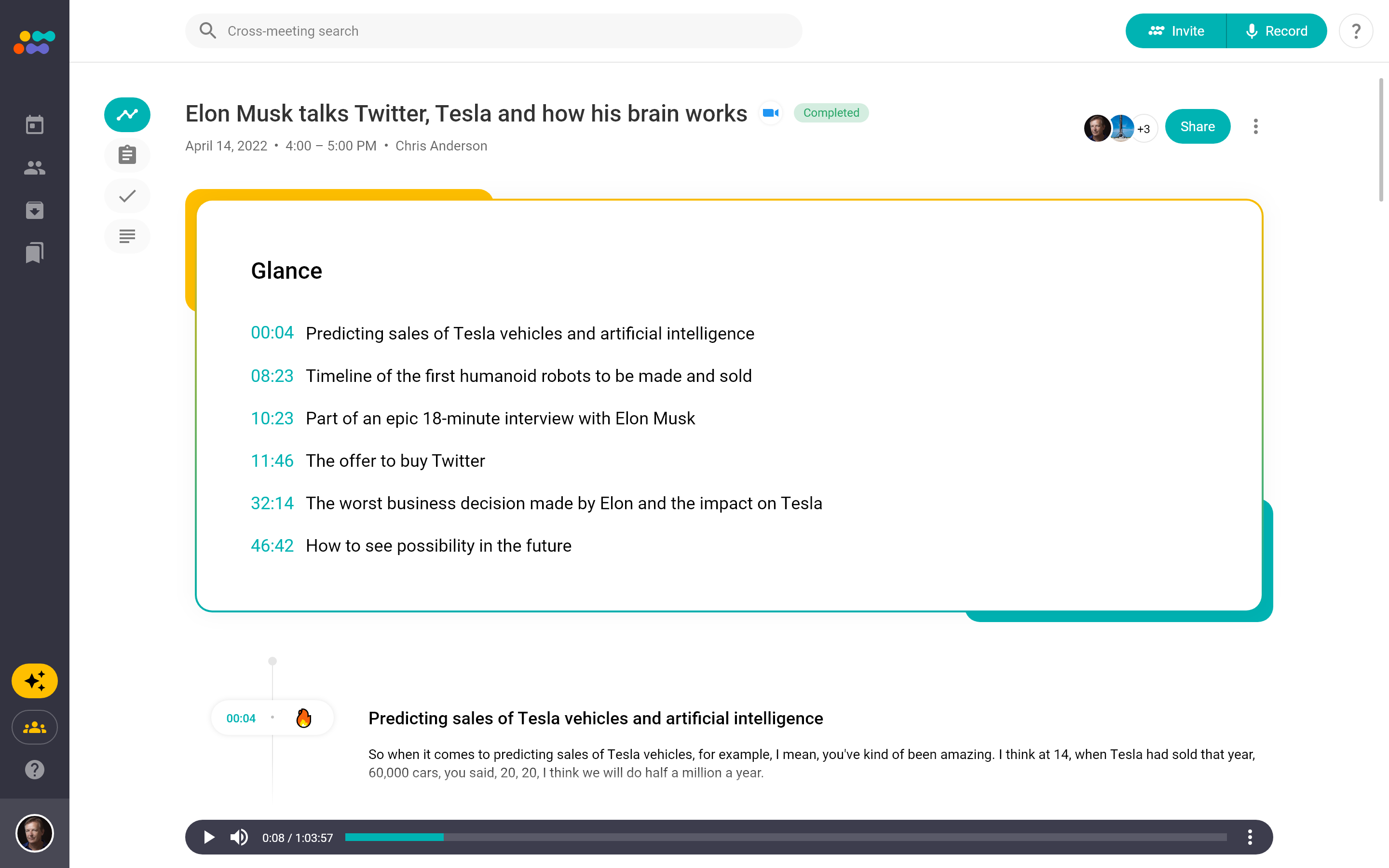
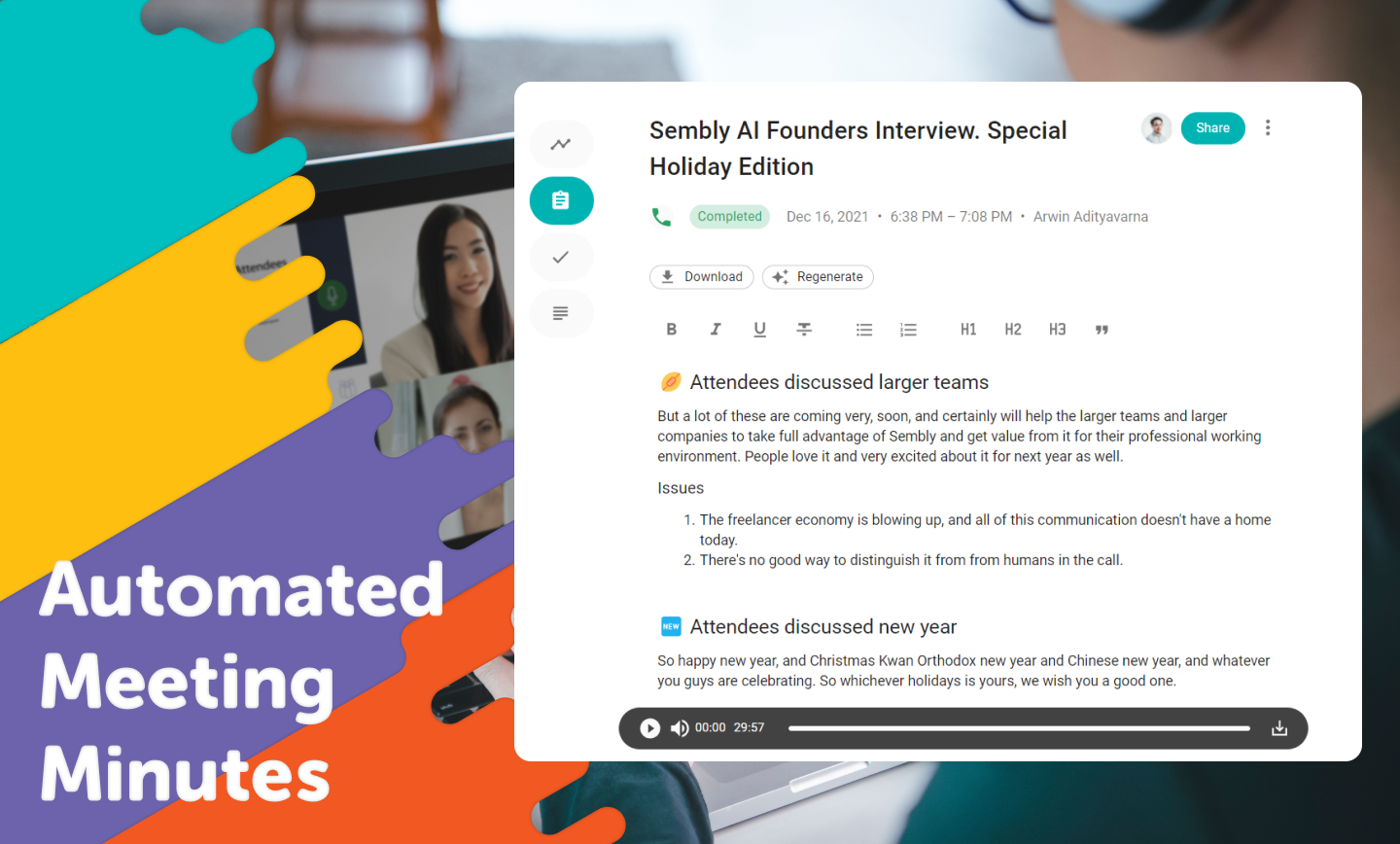
Sembly (formerly Powow) is a SaaS platform from the company of the same name in New York City, that helps to make meetings more effective by using proprietary AI algorithms to transcribe and analyze meetings, transforming them into actionable insights.
$0
per month per user
Pricing
OneDrive
Sembly.AI
Editions & Modules
OneDrive for Business Plan 1
$5.00
Per Month (Annual Commitment)
Microsoft 365 Business Basic
$5.00
Per Month (Annual Commitment)
OneDrive for Business Plan 2
$10.00
Per Month (Annual Commitment)
Microsoft 365 Business Standard
$12.50
Per Month (Annual Commitment)
Sembly Personal
$0
per month per user
Sembly Professional
$10
per month per user
Sembly Team
$20
per month per user
Offerings
Pricing Offerings
OneDrive
Sembly.AI
Free Trial
Yes
Yes
Free/Freemium Version
No
Yes
Premium Consulting/Integration Services
No
Yes
Entry-level Setup Fee
No setup fee
Optional
Additional Details
OneDrive can be purchased as a standalone tool, or as part of a Microsoft 365's business suite.
I can speak from my own experience: in cases where workstations are switched every year or so, one drive makes it very simple to keep things synced, even for very large files. This is even true for large files (such as video or CAD files) that are enormous.
Powow is well suited for meetings, multi-meetings, and having everyone in the team involved. It simplifies the process of decision-making and any process within our business that needs multiple people working at the same time. It allows people to focus on the meeting instead of taking notes as Powow uses audio transcription to create summaries about everything said. It also allows getting relevant insights and analytics that are really helpful for the business. In my own case, being a fashion and design store requires hand on meetings and work that can't be done thru the internet. Also, for very important meetings or information, you can't really rely on the transcripts as they are not perfect. Even though Powow is relatively new, it has mainly positive aspects.
A de minimis incentive was given to thank the reviewer for their time. The incentive was not used to bias or drive a particular response, nor was the incentive contingent on a positive endorsement. More Info
A de minimis incentive was given to thank the reviewer for their time. The incentive was not used to bias or drive a particular response, nor was the incentive contingent on a positive endorsement. More Info
A de minimis incentive was given to thank the reviewer for their time. The incentive was not used to bias or drive a particular response, nor was the incentive contingent on a positive endorsement. More Info
A de minimis incentive was given to thank the reviewer for their time. The incentive was not used to bias or drive a particular response, nor was the incentive contingent on a positive endorsement. More Info
I like Box better. If you sign into Microsoft using a personal account, be EXTREMELY careful. All of your downloads could suddenly be available to your entire company, and that is incredibly embarrassing. Did that happen to me? Not going to say, but just always check which MS account you sign into.
A de minimis incentive was given to thank the reviewer for their time. The incentive was not used to bias or drive a particular response, nor was the incentive contingent on a positive endorsement. More Info
Using OneDrive is very intuitive and has been improved over the years. It's just like using native file management on either your Mac or PC. It's drag and drop functionality is easy and it clearly shows when files are uploaded to the cloud or if there are errors
A de minimis incentive was given to thank the reviewer for their time. The incentive was not used to bias or drive a particular response, nor was the incentive contingent on a positive endorsement. More Info
It has a good performance, the pages load normally, access to the files, management, reports, everything is working well. With regard to integration with other systems, we have not done so yet.
It's a Microsoft product so there is a wealth of information online both from Microsoft directly and from millions of users but as a corporate user we also have access to direct Microsoft support through a variety of avenues (phone, email, etc.). This makes finding answers to issues more accessible, however, it does also mean that any new feature requests will get buried.
A de minimis incentive was given to thank the reviewer for their time. The incentive was not used to bias or drive a particular response, nor was the incentive contingent on a positive endorsement. More Info
Box is another file-sharing application that is very similar to OneDrive. Box falls short of OneDrive in its syncing capabilities. OneDrive is very quick with syncing so you never have to be concerned that you are not using the most up-to-date materials. Box was always a bit delayed and did not always accurately sync across systems. OneDrive benefits from being backed by Microsoft, so you expect the connection across applications that it allows. OneDrive also provides consistency for use and intuitive understanding because of that Microsoft consistency. I'd prefer OneDrive over Box.
A de minimis incentive was given to thank the reviewer for their time. The incentive was not used to bias or drive a particular response, nor was the incentive contingent on a positive endorsement. More Info
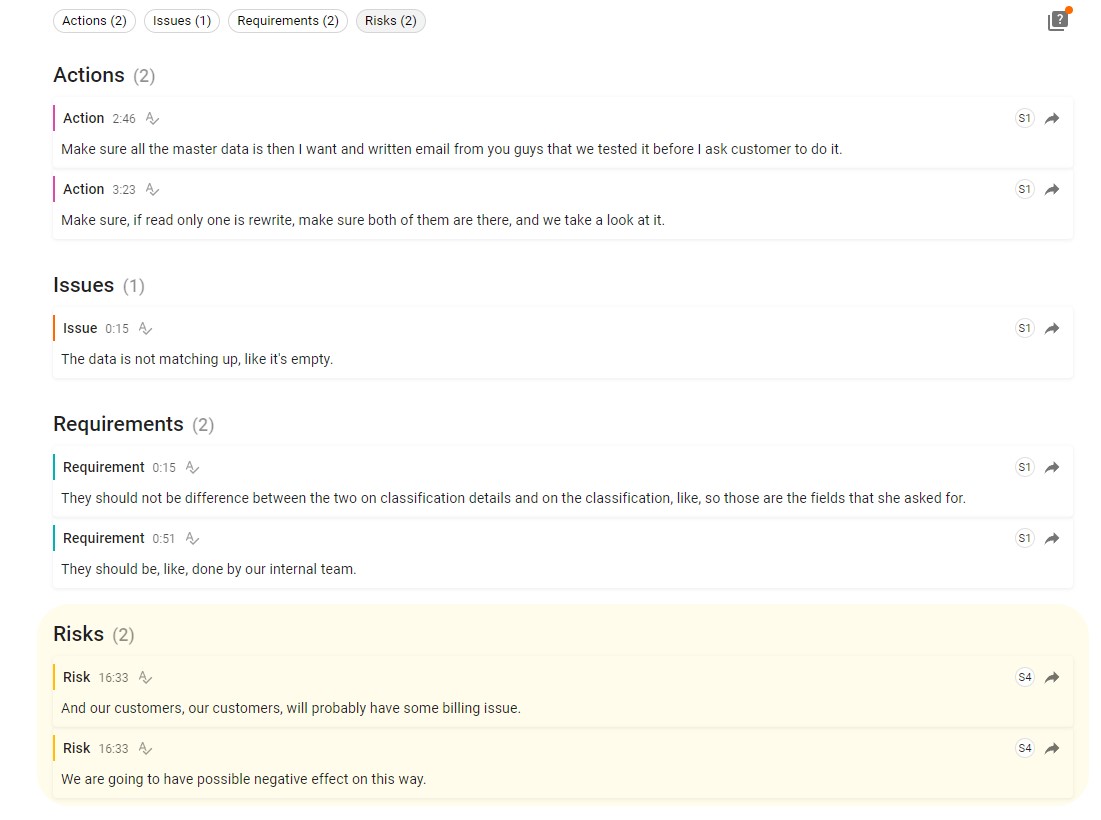
Even though all of the mentioned platforms are helpful for meetings and teamwork, Powow is so much better. First, it allows multi-meetings, facilitating the job of the managers and heads of every team to be involved in all the work done. Also, it has audio transcripts that avoid the need for note-taking, making people pay full attention to the meeting. Provides as well insights and analysis related to the business and meeting content that are really helpful for the business. The AI component to extract patterns and sentiments across multiple meetings is a huge tool for managers and heads of teams to identify key issues and mitigate risks.
A de minimis incentive was given to thank the reviewer for their time. The incentive was not used to bias or drive a particular response, nor was the incentive contingent on a positive endorsement. More Info
OneDrive allows us to save much time on creating and archiving backup copies of our data. Microsoft gives a guarantee on the possibility of recovery of files or folders even from 30 days ago. It provides a great comfort of work.
A de minimis incentive was given to thank the reviewer for their time. The incentive was not used to bias or drive a particular response, nor was the incentive contingent on a positive endorsement. More Info
A de minimis incentive was given to thank the reviewer for their time. The incentive was not used to bias or drive a particular response, nor was the incentive contingent on a positive endorsement. More Info