
Picatic vs. Zoom Events & Webinars
| Product | Rating | Most Used By | Product Summary | Starting Price |
|---|---|---|---|---|
 Picatic | Score9 out of 10 | N/A | Picatic gives users the tools to promote, manage and sell event tickets online. Users can publish branded listings, send invites and create custom promotional codes to increase the number of registrants for an event. The vendor says payment is fast and simple with their single-page checkout system. Once a listing has been created, users are sent a unique link to their event on Picatic which can be shared or spread across various social media platforms. Event listings and checkout… | $0.03 per ticket |
 Zoom Events & Webinars | Score8.8 out of 10 | N/A | Zoom Events and Webinars are part of Zoom’s event solutions that uses existing Zoom products to produce interactive and engaging virtual experiences. It combines Zoom Meetings, Chat, and Video Webinars in one solution that enables event organizers to produce ticketed, live events for internal or external audiences of any size. | $89 per month 300 attendees |
| Picatic | Zoom Events & Webinars | |||||||||||||||
|---|---|---|---|---|---|---|---|---|---|---|---|---|---|---|---|---|
| Editions & Modules |
|
| ||||||||||||||
| Offerings |
| |||||||||||||||
| Entry-level Setup Fee | No setup fee | No setup fee | ||||||||||||||
| Additional Details | — | Plans supporting up to 10k attendees available. Discount available for annual billing. Pay-per-attendee available for Zoom Webinars Plus and Zoom Events. | ||||||||||||||
| More Pricing Information | ||||||||||||||||
| Picatic | Zoom Events & Webinars | |
|---|---|---|
| Considered Both Products | No answer on this topic | No answer on this topic |
| Key User Insights | ||
| Would buy again | ||
No answers on this topic | 98% Would buy again 44 Answers | |
| Delivers good value for the price | ||
No answers on this topic | 100% Delivers good value for the price 37 Answers | |
| Happy with the feature set | ||
No answers on this topic | 98% Happy with the feature set 44 Answers | |
| Lived up to sales and marketing promises | ||
No answers on this topic | 94% Lived up to sales and marketing promises 34 Answers | |
| Implementation went as expected | ||
No answers on this topic | 97% Implementation went as expected 34 Answers | |
| Picatic | Zoom Events & Webinars | ||||||||||||||||||||||||||||
|---|---|---|---|---|---|---|---|---|---|---|---|---|---|---|---|---|---|---|---|---|---|---|---|---|---|---|---|---|---|
| Online Events Marketing |
| ||||||||||||||||||||||||||||
| Virtual Event |
| ||||||||||||||||||||||||||||
| Picatic | Zoom Events & Webinars | |
|---|---|---|
| Small Businesses |  SignUpGenius Score7 out of 10 |  BigMarker Score6 out of 10 |
| Medium-sized Companies |  CheckPoint Score8.5 out of 10 |  RingCentral Events Score8.6 out of 10 |
| Enterprises | CheckPoint Score8.5 out of 10 | No answers on this topic |
| All Alternatives | View all alternatives | View all alternatives |
| Picatic | Zoom Events & Webinars | |
|---|---|---|
| Likelihood to Recommend | 9.5 | 8.8 |
| Likelihood to Renew | - | 2.0 |
| Usability | - | 9.7 |
| Support Rating | - | 7.2 |
| Implementation Rating | - | 10.0 |
| Picatic | Zoom Events & Webinars | |
|---|---|---|
| Likelihood to Recommend |
|
|
| Pros |
|
|
| Cons |
|
|
| Likelihood to Renew | No answers on this topic |
|
| Usability | No answers on this topic |
|
| Support Rating | No answers on this topic |
|
| Implementation Rating | No answers on this topic |
|
| Alternatives Considered |
|
|
| Return on Investment |
|
|
| ScreenShots | Picatic Screenshots 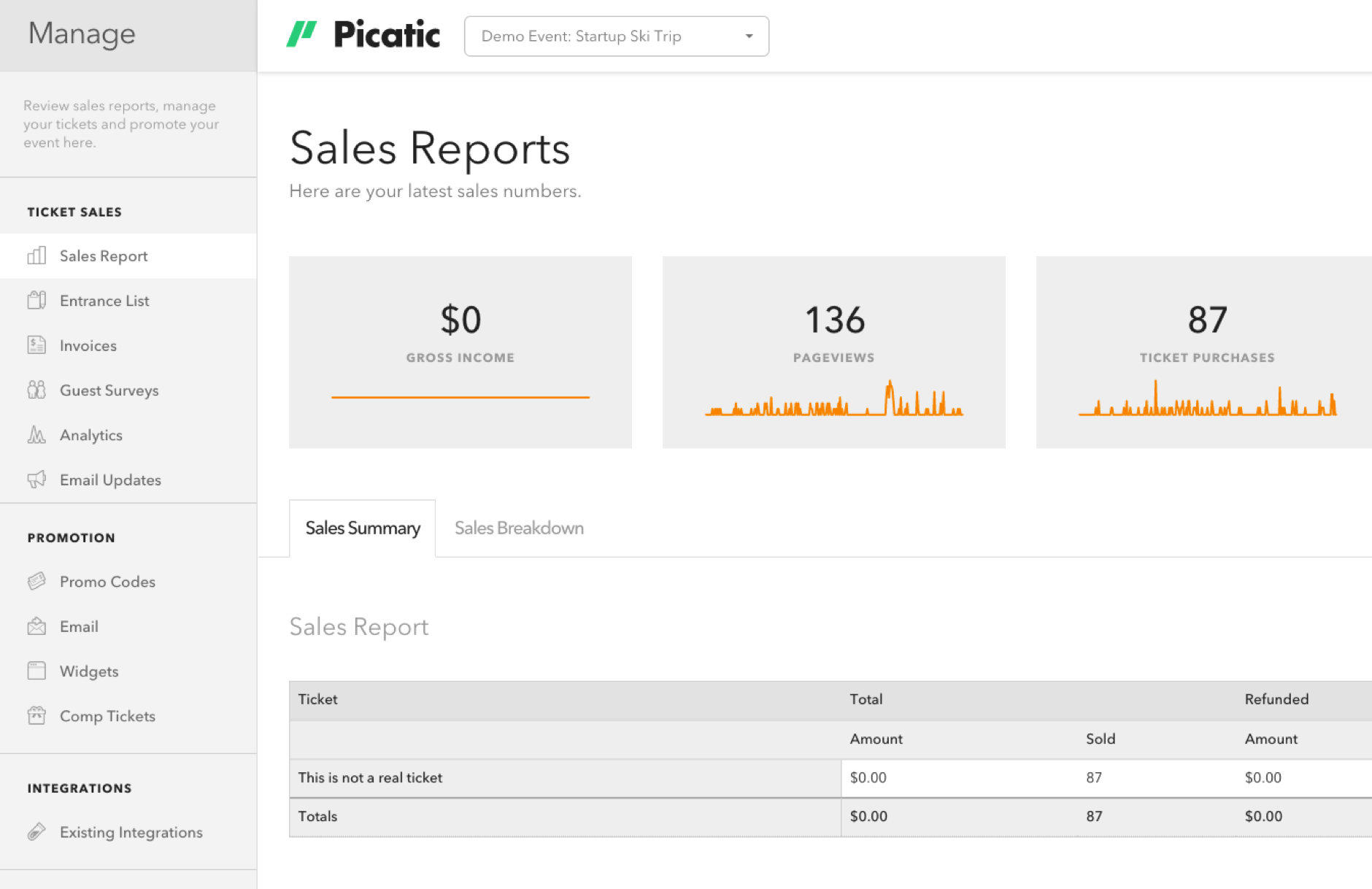   | Zoom Events & Webinars Screenshots   |





