Postman, headquartered in San Francisco, offers their flagship API development and management free to small teams and independent developers. Higher tiers (Postman Pro and Postman Enterprise) support API management, as well as team collaboration, extended support and other advanced features.
$0
SAP Integration Suite
Score8.5 out of 10
N/A
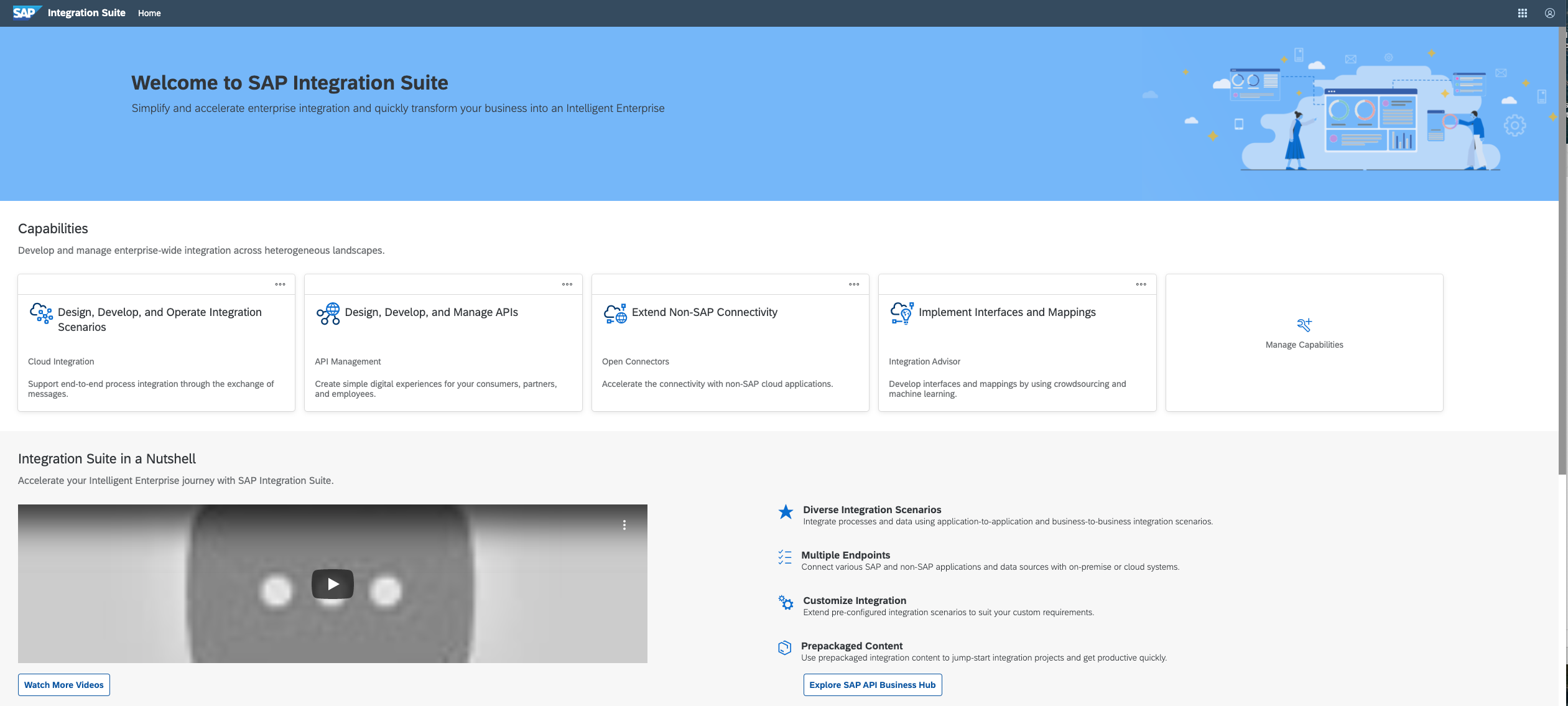
SAP Integration Suite is a modern, secure integration platform as a service (iPaaS) that connects applications, data, processes, and AI agents across SAP and non‑SAP environments.
$11,199
per year
Pricing
Postman
SAP Integration Suite
Editions & Modules
Postman Free Plan
$0.00 US Dollars
Postman Basic Plan
$12 US Dollars
per month per user
Postman Professional Plan
$29 US Dollars
per month per user
Postman Enterprise Plan
$99 US Dollars
per month per user
No answers on this topic
Offerings
Pricing Offerings
Postman
SAP Integration Suite
Free Trial
No
Yes
Free/Freemium Version
Yes
No
Premium Consulting/Integration Services
No
No
Entry-level Setup Fee
No setup fee
No setup fee
Additional Details
1. Postman Free plan: Start designing, developing, and testing APIs at no cost for teams of up to three people.
2. Postman Basic plan: Collaborate with your team to design, develop, and test APIs faster; $12/month per user, billed annually
3. Postman Professional plan: Centrally manage the entire API workflow; $29/month per user, billed annually
4. Postman Enterprise plan: Securely manage, organize, and accelerate API-first development at scale; $99/month per user, billed annually
Access to free tier services does not expire while there is an active Pay-As-You-Go or CPEA account with SAP. Once a free tier service limit has been reached users have the option to update from a free to a paid service plan in the same account.
A de minimis incentive was given to thank the reviewer for their time. The incentive was not used to bias or drive a particular response, nor was the incentive contingent on a positive endorsement. TR verified that a representative sample of customers was invited. More Info
Verified User
Chose SAP Integration Suite
I have experience with Apache Service Mix which is a bundle of 4 Apache components: ActiveMQ, Camel, Karaf, CXF. With SAP Integration Suite you have a more friendly developer experience because everything is integrated in one product and it offers much more functionalities …
A de minimis incentive was given to thank the reviewer for their time. The incentive was not used to bias or drive a particular response, nor was the incentive contingent on a positive endorsement. TR verified that a representative sample of customers was invited. More Info
Information Technology Adviser in Information Technology at AZEREX LLC. (Information Technology & Services, 1-10 employees)
Chose SAP Integration Suite
The artificial intelligence used in the software, as well as the speed of deploying and processing faster than competitors, is a good advantage for SAP Integration Suite. The support team also responds quickly to questions, and always application developers are developing …
A de minimis incentive was given to thank the reviewer for their time. The incentive was not used to bias or drive a particular response, nor was the incentive contingent on a positive endorsement. More Info
Postman is good for organising your API credentials, vendor settings, environments etc. It's also a good way of getting stared with APIs as you get to use a GUI which can help you understand what we mean by a 'body' or 'bearer token'. I think people generally gravitate towards GUI tools for getting started in a new technology area.
A de minimis incentive was given to thank the reviewer for their time. The incentive was not used to bias or drive a particular response, nor was the incentive contingent on a positive endorsement. More Info
Good at: 1. Integrations with in SAP applications, especially with event based triggers 2. Can be integrated very well with other BTP services to attain Batch processing and store credentials 3. Supports many authentication models Improvements: 1. No version history available compared to as it is available in S4HANA 2. Need a lot of improvement in git hub connections
A de minimis incentive was given to thank the reviewer for their time. The incentive was not used to bias or drive a particular response, nor was the incentive contingent on a positive endorsement. More Info
It has opened a door for me to explore more out of it, as it is associated with so many APIs that I never felt any difficulty in finding the right API template, which are well organized and easily available.
It is very secure to use and provides great services which are user-friendly.
Due to this software I have got rid of the excessive emails and the slack channels, Now I am using my own private API and even it give me an option to produce my personal Postman’s API Builder from its Private API Network and this features has shared my excessive workload.
A de minimis incentive was given to thank the reviewer for their time. The incentive was not used to bias or drive a particular response, nor was the incentive contingent on a positive endorsement. More Info
A de minimis incentive was given to thank the reviewer for their time. The incentive was not used to bias or drive a particular response, nor was the incentive contingent on a positive endorsement. More Info
Provide more pre-built integrations to use within SuccessFactors or other modules instead of everything having to be custom built
Support is unable to provide advice on custom builds so you often have to engage a 3rd party partner
Works best when you have the functional and technical teams working together. Otherwise, the system is too technical for a functional user to create integration and a technical user not always understand the functional perspective
A de minimis incentive was given to thank the reviewer for their time. The incentive was not used to bias or drive a particular response, nor was the incentive contingent on a positive endorsement. TR verified that a representative sample of customers was invited. More Info
It is in place, our system integrators are familiar with it, and it fits into the ecosystem. A better user interface, flow build and debugging experience would see it grow, many technical staff do not enjoy using it for this reason, however it is quite capable and powerful behind this one shortcoming.
A de minimis incentive was given to thank the reviewer for their time. The incentive was not used to bias or drive a particular response, nor was the incentive contingent on a positive endorsement. TR verified that a representative sample of customers was invited. More Info
1. Friendly user friendly - when I started using Postman, I was a beginner to the API world, and it gave me a friendly view to begin its usage 2. Postman offers many features, including API testing, monitoring, documentation, and mock servers 3. Environment variables simplify testing across multiple environments (dev, prod) without repetitive configuration.
A de minimis incentive was given to thank the reviewer for their time. The incentive was not used to bias or drive a particular response, nor was the incentive contingent on a positive endorsement. More Info
The user interface is messy and not intuitive. It has a steep learning curve, and flows developed around are easy to make a mess with layout and can be difficult to follow. The debugging is also quite difficult, it takes some time to figure out how to follow the flow and examine data. Error handling is also difficult and not intuitive, it is better to let some errors leak and monitor through ALM.
A de minimis incentive was given to thank the reviewer for their time. The incentive was not used to bias or drive a particular response, nor was the incentive contingent on a positive endorsement. TR verified that a representative sample of customers was invited. More Info
There is a lot of in-depth documentation for Postman available online, including detailed guides with screenshots and videos. They provide example APIs for new users to explore while learning how to use the tool. Generally, bugs in the client are quickly addressed through frequent free updates. Community and professional support options are available - most of the time, the free/community level support is adequate
A de minimis incentive was given to thank the reviewer for their time. The incentive was not used to bias or drive a particular response, nor was the incentive contingent on a positive endorsement. More Info
The support for SAP Integration Suite is satisfactory. We leverage SAP support through our manage services partner. So far, we have not had many major issues. One concern, to make our rating a ten, would be turnaround time on high priority incidents. SAP Integration Suite drives our key business functions forward. Without a reasonable service level agreement on turnaround, we sometimes find us running into issues running pay, etc.
A de minimis incentive was given to thank the reviewer for their time. The incentive was not used to bias or drive a particular response, nor was the incentive contingent on a positive endorsement. More Info
A de minimis incentive was given to thank the reviewer for their time. The incentive was not used to bias or drive a particular response, nor was the incentive contingent on a positive endorsement. More Info
Previous to using Postman, I would either use browser tools directly, or write an in-house tool to send requests. Postman eliminates that need while providing a much better experience and more features. At the base level, Postman is as simple as typing in the address as you would in a browser. Authentication can be provided simply as well.
A de minimis incentive was given to thank the reviewer for their time. The incentive was not used to bias or drive a particular response, nor was the incentive contingent on a positive endorsement. More Info
Before deploying SAP Integration Suite, we assessed Oracle Financial Services Analytics and IBM Risk Analytics. While Oracle had proved its mettle in the exceptional database support and IBM in presenting risk model tools, SAP Integration Suite overwhelmed others by being effortlessly integrated with our existing banking framework.
Postman is free (although there's a paid tier that offers more features) so using it for testing APIs comes with little to no risk (besides learning curve).
The learning curve is a little steep for non-developer users, but developers should find it easy to pick up and use right out of the box, so to speak.
A de minimis incentive was given to thank the reviewer for their time. The incentive was not used to bias or drive a particular response, nor was the incentive contingent on a positive endorsement. More Info
A de minimis incentive was given to thank the reviewer for their time. The incentive was not used to bias or drive a particular response, nor was the incentive contingent on a positive endorsement. TR verified that a representative sample of customers was invited. More Info