QuickBooks Online Advanced is a SaaS-based accounting software designed to scale with growing businesses. It includes the functionalities of QuickBooks Online, as well as more robust business analytics, customization, and resource management.
N/A
ZipBooks
Score7 out of 10
Small Businesses (1-50 employees)
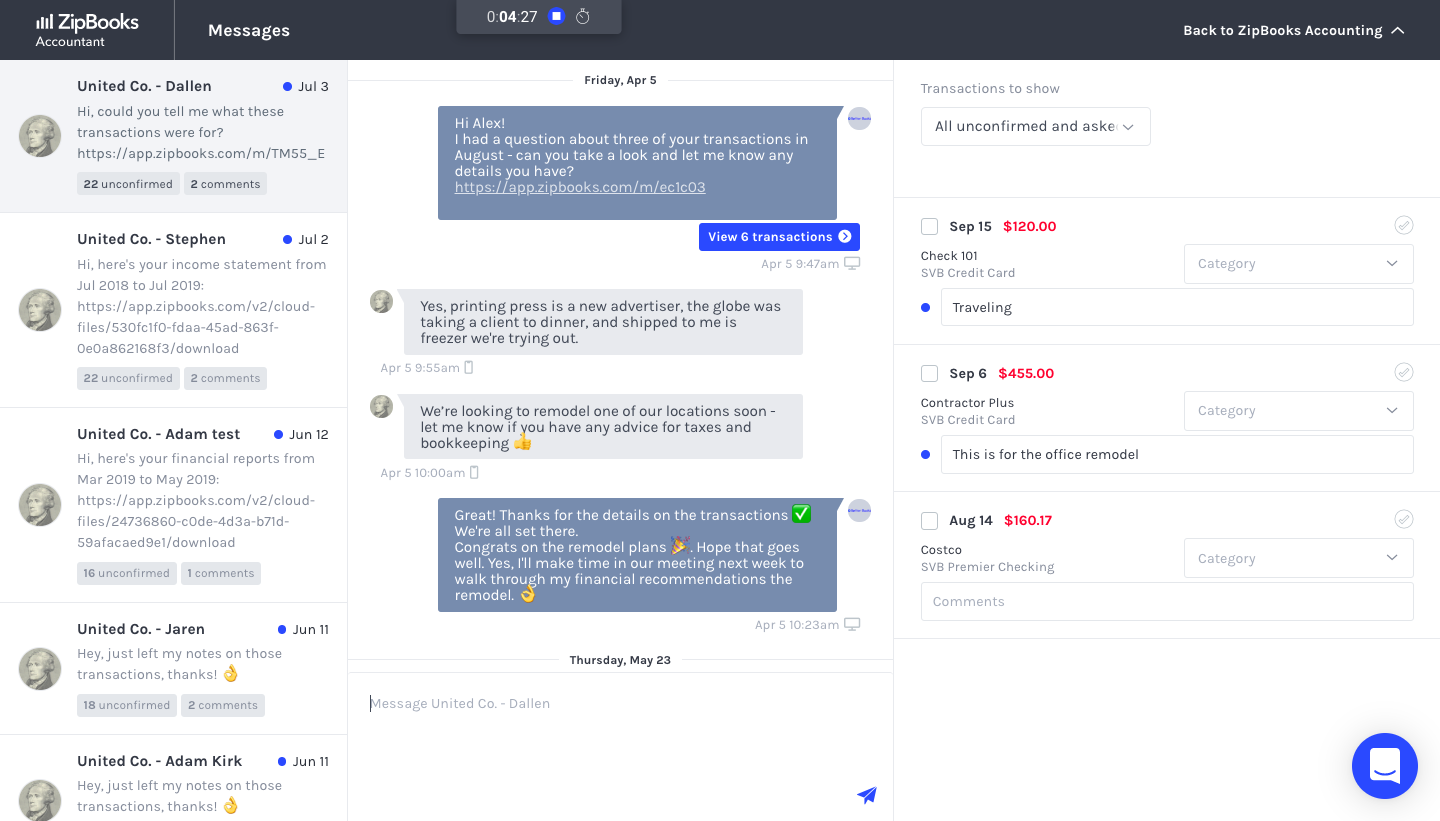
ZipBooks is an accounting software solution for small business owners and accountants. Users can track expenses, manage their team, send recurring invoices and manage projects.
Well suited for a larger company with many classes that need to be differentiated. It is relatively intuitive to use, whether you have used other versions of QuickBooks, or any other accounting software. Easy to dig into your accounts from wither the Balance Sheet or the Profit and Loss when trying to analyze performance.
A de minimis incentive was given to thank the reviewer for their time. The incentive was not used to bias or drive a particular response, nor was the incentive contingent on a positive endorsement. More Info
ZipBooks is really strong for small businesses (and non-profits like the ones I help manage). It may not yet be ready to handle medium or large businesses given the deep, niche functionality that is sometimes required in those cases.
A de minimis incentive was given to thank the reviewer for their time. The incentive was not used to bias or drive a particular response, nor was the incentive contingent on a positive endorsement. More Info
Budgeting is easy to input. Our entities have multiple departments, so using classes to separate and report the results of each department is important.
Reports are easy to customize to provide meaningful data to the board and department managers.
QuickBooks Online Advanced has a large market share of accounting software in use, so it is relatively easy to find new employees with prior experience with QuickBooks Online Advanced.
Able to open both entities at the same time, which is helpful due to the number of transactions between the two entities.
A de minimis incentive was given to thank the reviewer for their time. The incentive was not used to bias or drive a particular response, nor was the incentive contingent on a positive endorsement. More Info
Invoicing is particularly easy-to-use, quick, clean and beautiful. GREAT for branding.
The time tracker was unexpected, but very useful and integrates well with the invoicing. Leads to quick invoicing every time.
Customer support is phenomenal -- the support staff is friendly and helpful.
Although they are a new company, they are definitely on the right track!
I recommend this software to clients, colleagues, and friends alike, mostly for it quick and beautiful invoicing.
They do what they can to live up to their name! It doesn't take very long to get set up, or very long to create a complete invoice and send it to the right person.
A de minimis incentive was given to thank the reviewer for their time. The incentive was not used to bias or drive a particular response, nor was the incentive contingent on a positive endorsement. More Info
There is some difficulty with a need to learn the use of the menus, they are not open and click, at the moment, the user needs to open the menu then using the pad keys scroll down and use enter to select from the drop-down menu. A mouse does not work.
A de minimis incentive was given to thank the reviewer for their time. The incentive was not used to bias or drive a particular response, nor was the incentive contingent on a positive endorsement. More Info
It has become second nature to use Quick Books at the company. If you need a report you log in and pull the report. It helps expedite reconciliation of bank accounts, the automation of most tasks make it easy to get mundane tasks completed quickly.
A de minimis incentive was given to thank the reviewer for their time. The incentive was not used to bias or drive a particular response, nor was the incentive contingent on a positive endorsement. More Info
QuickBooks Online Advanced is highly usable and intuitive for most day-to-day financial tasks. Its interface is clear, and core functions such as invoicing, reconciliation, and reporting are easy to perform. While some advanced features like report customization or integrations can be less straightforward, overall the platform offers a smooth and efficient user experience.
A de minimis incentive was given to thank the reviewer for their time. The incentive was not used to bias or drive a particular response, nor was the incentive contingent on a positive endorsement. More Info
In the 5 years I have been using it, I cannot recall there ever having been an outage or not being able to access the system. Sure, there are issues with internet speeds sometimes that are unrelated to Intuit but it is a very reliable system.
A de minimis incentive was given to thank the reviewer for their time. The incentive was not used to bias or drive a particular response, nor was the incentive contingent on a positive endorsement. More Info
Since we do not integrate the software with other systems, I do not have any issues with speed related to that. Pages tend to load pretty quickly, but there are times when reports or other pages take a little longer to load than usual. It is not an overly frustrating amount of time, though, and it happens infrequently.
A de minimis incentive was given to thank the reviewer for their time. The incentive was not used to bias or drive a particular response, nor was the incentive contingent on a positive endorsement. More Info
A de minimis incentive was given to thank the reviewer for their time. The incentive was not used to bias or drive a particular response, nor was the incentive contingent on a positive endorsement. More Info
I did not participate in this part particularly much. The implementation was simple and easy to perform. There were not any major issues that arose during the process. QuickBooks has made the processes pretty streamless and I believe they had anticipated many difficulties ahead of time. This was easy enough
A de minimis incentive was given to thank the reviewer for their time. The incentive was not used to bias or drive a particular response, nor was the incentive contingent on a positive endorsement. More Info
QBO is great because it does accounting very well, and it can integrate well with everything. I appreciate that it has third-party integrations with many other software companies, so we can focus on doing our accounting through QuickBooks while adding other software as needed through those integrations.
A de minimis incentive was given to thank the reviewer for their time. The incentive was not used to bias or drive a particular response, nor was the incentive contingent on a positive endorsement. More Info
I've primarily compared ZipBooks vs. Quickbooks because I've used Quickbooks at larger companies before. ZipBooks was the right fit for a smaller organization because it still had all the core features of Quickbooks but at a dramatically lower price that fits the budget.
A de minimis incentive was given to thank the reviewer for their time. The incentive was not used to bias or drive a particular response, nor was the incentive contingent on a positive endorsement. More Info
A de minimis incentive was given to thank the reviewer for their time. The incentive was not used to bias or drive a particular response, nor was the incentive contingent on a positive endorsement. More Info
Spreadsheet sync reduces manual data entry significantly. Exporting data into my customized Excel workbook that has complex formulas and macros for automating makes uploading changes and reconfiguring easy and convenient, saving a lot of time.
Automating AP approval has reduced lost paper copies, improved internal controls, and reduced audit findings.
Having banking connections has improved cash flow management, streamlined credit card expenses and reconciliation. I have found that utilizing it for my primary operating account actually makes things more difficult and can easily double-post payments, so I avoid using it on the checking account. It has been well for the credit card account, though.
A de minimis incentive was given to thank the reviewer for their time. The incentive was not used to bias or drive a particular response, nor was the incentive contingent on a positive endorsement. More Info
ZipBooks is entirely affordable, and with my current $15/mo payments, I get ROI pretty quickly.
Invoices are simple and easy to make, while staying beautiful and functional at the same time. This saves me TIME, which means that I don't need to spend 15-20 minutes fiddling with the software to make it do what I want it to do. It just works. And that means, I can spend more time doing client work, and managing projects and sales.