Qwilr is designed to change the way a business creates and shares documents on the web. This solution allows businesses to turn traditional documents into powerful and interactive webpages that look great on any device. The vendor says this in turn offers businesses access to analytics and other helpful tools when sharing quotes, proposals and presentations with clients.
$39
per month
Responsive
Score8.9 out of 10
N/A
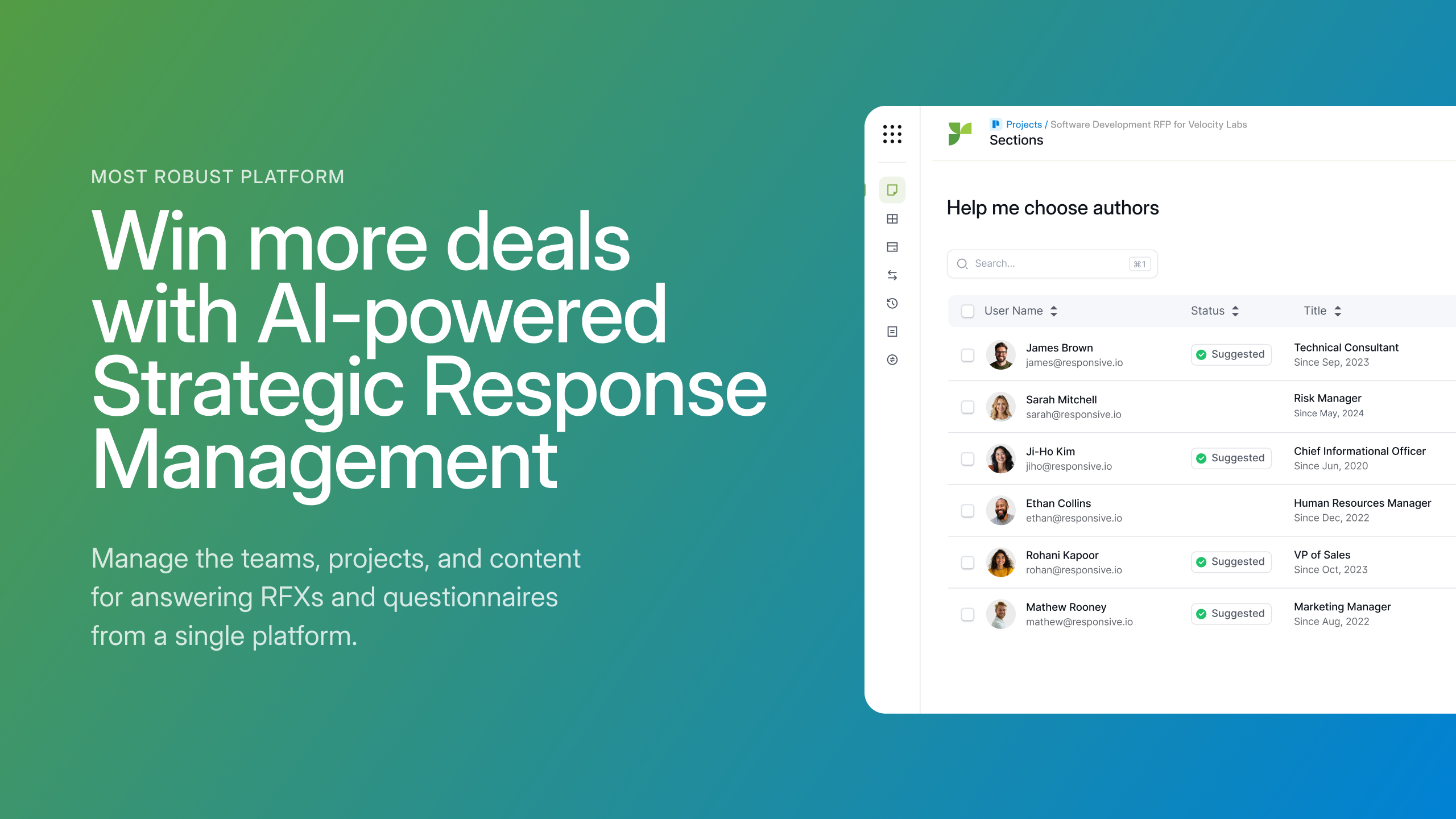
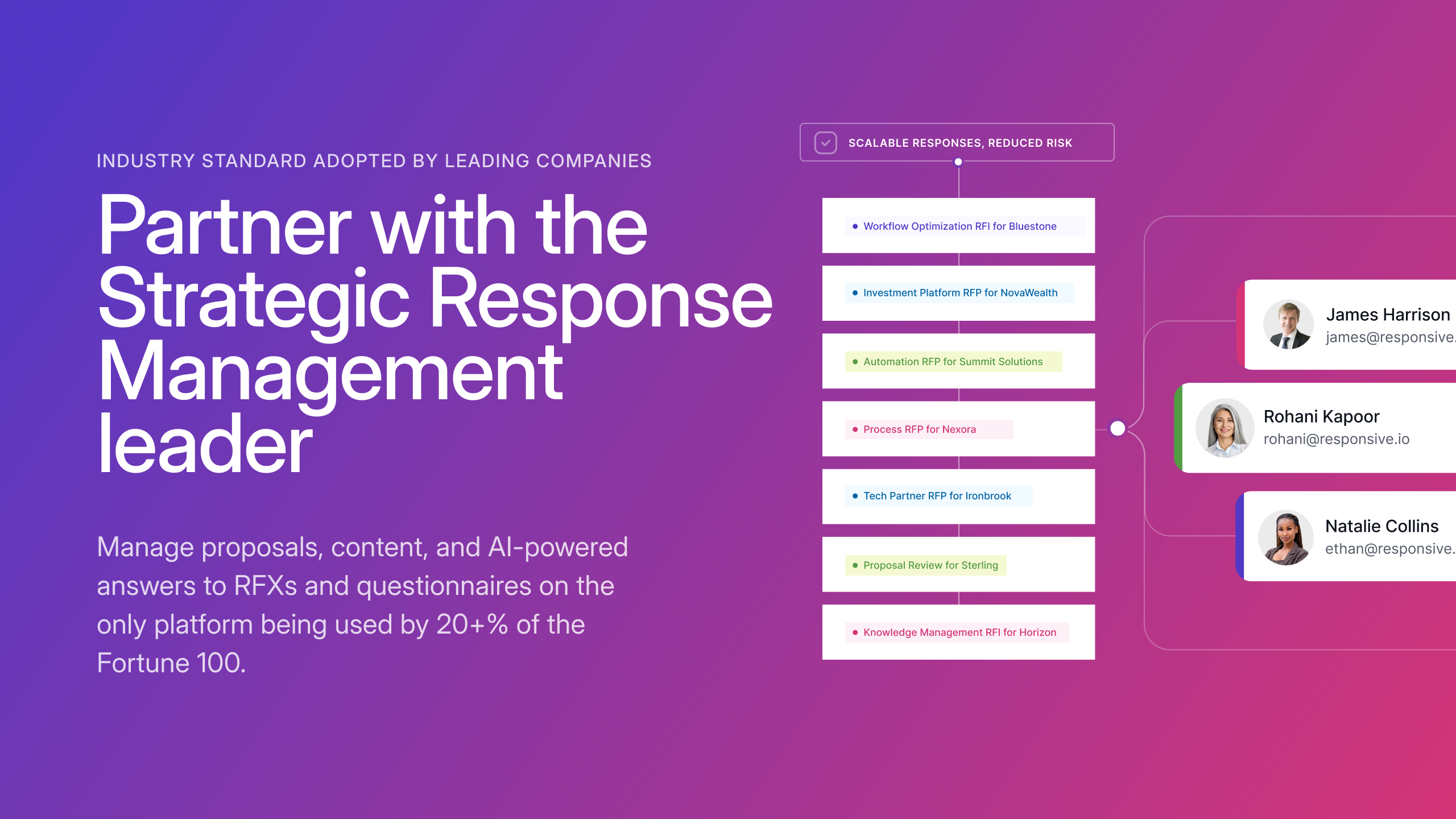
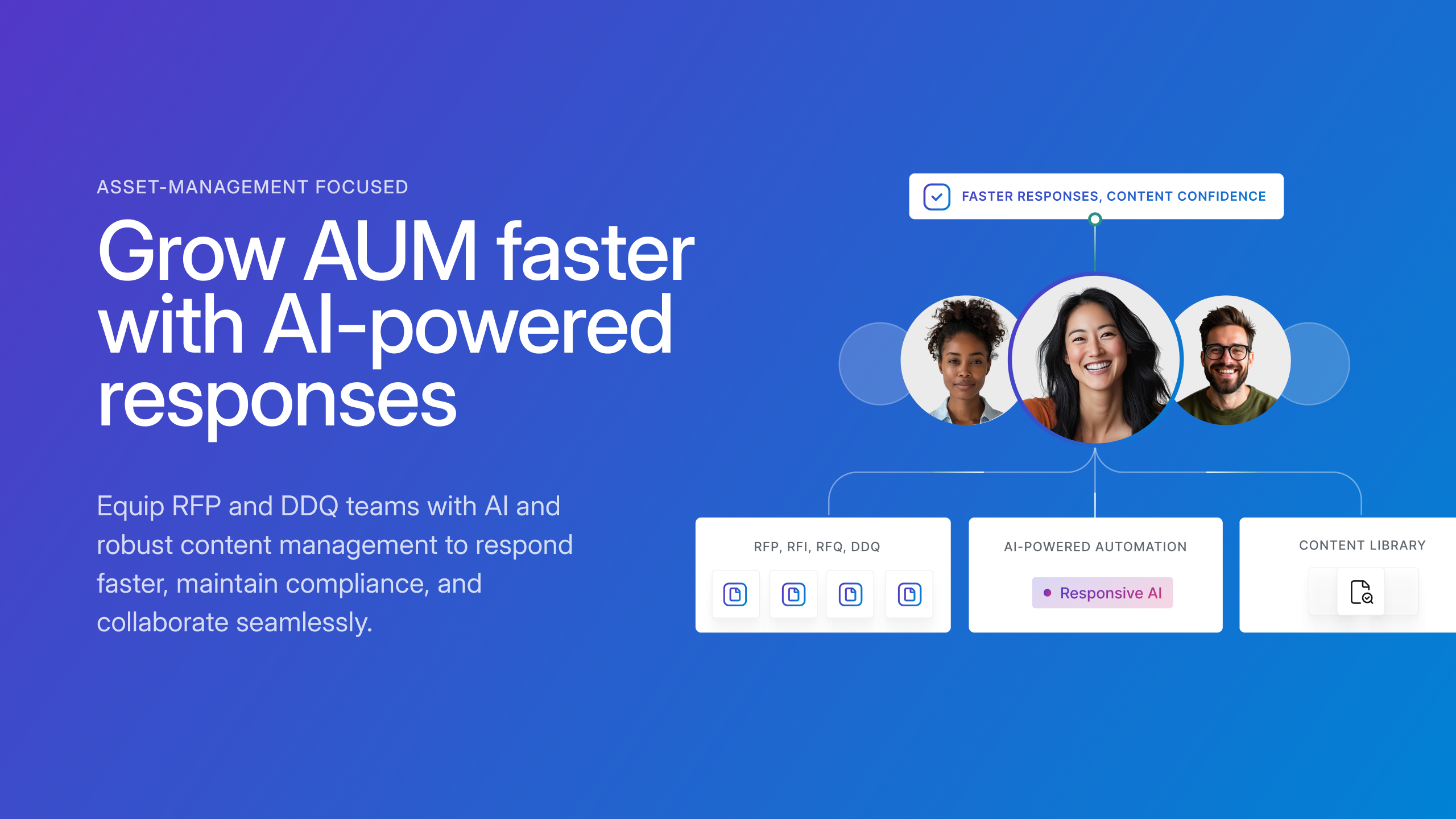
Responsive (formerly RFPIO), headquartered in Beaverton, offers their proposal management and automation software, featuring import and export, proposal knowledgebase and answer library, evaluation intake forms, and project management tools (e.g. Gantt chart) associated to proposal tracking.
N/A
Pricing
Qwilr
Responsive
Editions & Modules
Business
$39
per month per user
Enterprise
$590
per month 10 users
No answers on this topic
Offerings
Pricing Offerings
Qwilr
Responsive
Free Trial
Yes
No
Free/Freemium Version
Yes
No
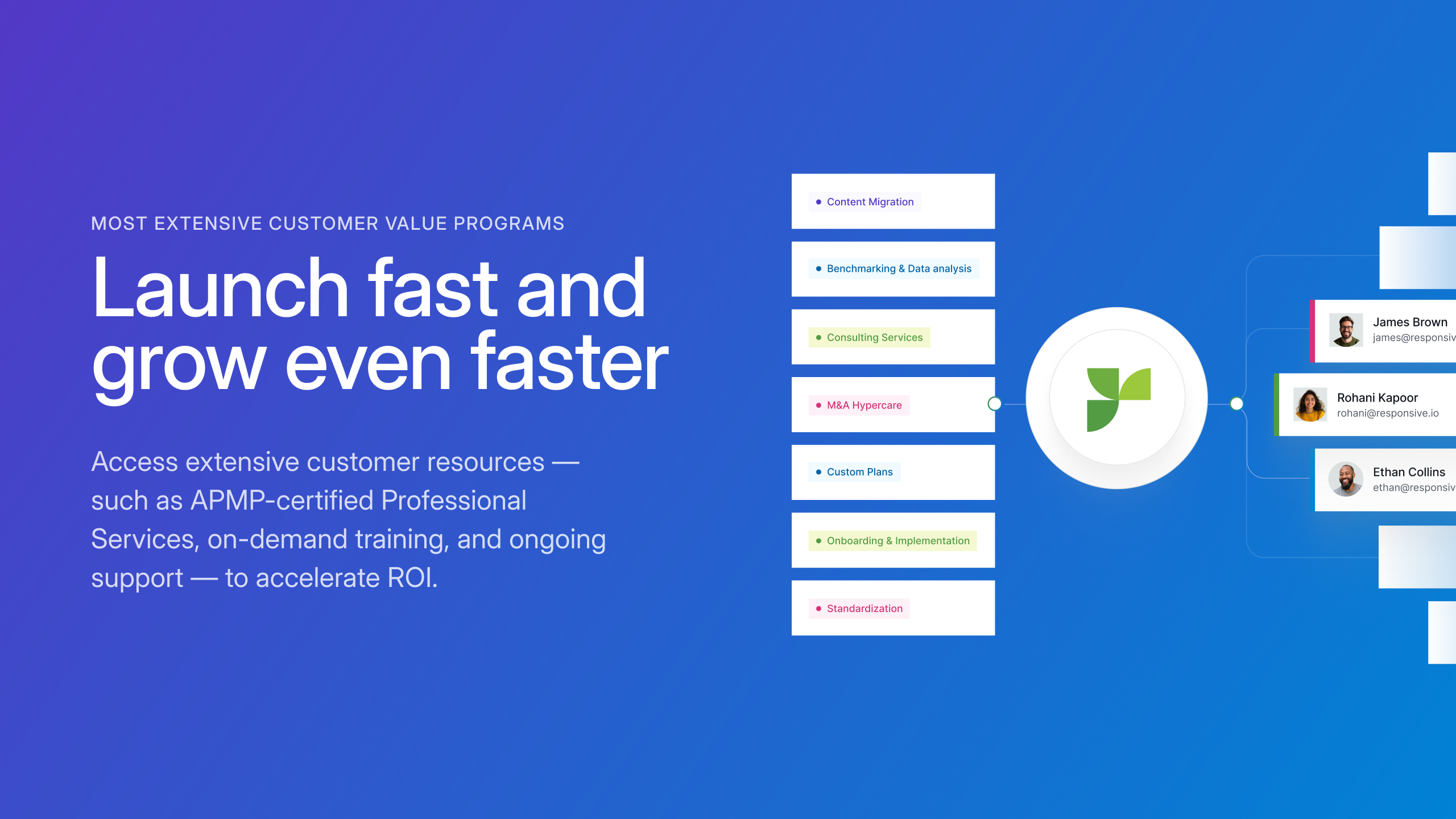
Premium Consulting/Integration Services
No
Yes
Entry-level Setup Fee
No setup fee
No setup fee
Additional Details
Qwilr is a freemium product. Users upgrade to the Business or Enterprise plans for access to premium features, like advanced analytics, security and branding controls, get sales material accepted, e-signed and collect payments via Stripe.
It is great for presentations to customers and keeping them engaged in your presentation. Although it is great for creating a highly customizable presentation, some users may want even more control over font, font size and font color. Some of my colleagues have expressed some dissatisfaction with the formatting as well as saving any formatting changes that have made.
A de minimis incentive was given to thank the reviewer for their time. The incentive was not used to bias or drive a particular response, nor was the incentive contingent on a positive endorsement. More Info
Good use cases: - Responding to RFP's especially generic questions that are asked frequently (company size, product info, security posture) - Delegating approvals or questions to appropriate teams where the AI solution is not well positioned to provide a thorough or complete answer - Reviewing previous RFP documents that have been submitted by previous account teams Bad Use Cases: - Struggles compared to other AI tools with contextual deep questions about product functionality - Doesn't seamlessly integrate with tools where our clients submit RFP and require sign ons.
A de minimis incentive was given to thank the reviewer for their time. The incentive was not used to bias or drive a particular response, nor was the incentive contingent on a positive endorsement. More Info
A de minimis incentive was given to thank the reviewer for their time. The incentive was not used to bias or drive a particular response, nor was the incentive contingent on a positive endorsement. More Info
A de minimis incentive was given to thank the reviewer for their time. The incentive was not used to bias or drive a particular response, nor was the incentive contingent on a positive endorsement. More Info
A de minimis incentive was given to thank the reviewer for their time. The incentive was not used to bias or drive a particular response, nor was the incentive contingent on a positive endorsement. More Info
Reporting and Analytics is basic, you can purchase advanced analytics though
It would have been nice to have a set structure in mind or a example/case study to structure our responses in the most appropriate way, but we are working through that with their stellar support team
A de minimis incentive was given to thank the reviewer for their time. The incentive was not used to bias or drive a particular response, nor was the incentive contingent on a positive endorsement. More Info
We'd be sunk without Responsive. The sales motion would slow way down in several places, and that's just unacceptable. AND I love the product. It helps me do my job efficiently. The Responsive team is GREAT. Support is getting better. The Product and Customer Experience Team is so knowledgeable and willing to help with new features and troubleshoot what's going on. It's an all-around great experience. Not to mention starting over - I can't even get my head around that.
A de minimis incentive was given to thank the reviewer for their time. The incentive was not used to bias or drive a particular response, nor was the incentive contingent on a positive endorsement. More Info
A de minimis incentive was given to thank the reviewer for their time. The incentive was not used to bias or drive a particular response, nor was the incentive contingent on a positive endorsement. More Info
A de minimis incentive was given to thank the reviewer for their time. The incentive was not used to bias or drive a particular response, nor was the incentive contingent on a positive endorsement. More Info
Onboarding was very organized and simple. Our account manager made it easy for our team to learn the tool by organizing several group training sessions.
A de minimis incentive was given to thank the reviewer for their time. The incentive was not used to bias or drive a particular response, nor was the incentive contingent on a positive endorsement. More Info
If I cannot solve a problem, then I reach out to Support and they are ON IT. They always solve the problem and get back to me immediately with an answer. Our customer support person who is assigned to us (we have had several) are responsive and helpful. We have asked them to sit in on meetings and help socialize the tool.
A de minimis incentive was given to thank the reviewer for their time. The incentive was not used to bias or drive a particular response, nor was the incentive contingent on a positive endorsement. More Info
Qwilr was a really quick and easy setup, which I think is great for smaller teams that have simple sales processes and cycles. Once more complication is it will fall short in providing the level of control and detail that is needed for a larger sales team. The end product is very elegant but comes down to the needs of the organization.
A de minimis incentive was given to thank the reviewer for their time. The incentive was not used to bias or drive a particular response, nor was the incentive contingent on a positive endorsement. More Info
While others have had a good experience with Qvidian, we unfortunately did not. Our questions were never answered by our Qvidian rep, as we used it the platform had no AI capabilities, and we had very low usage. It didn't serve our needs. Responsive has been incredible in their communication, responses, partnership, and willingness to get our feedback in order to improve the platform
A de minimis incentive was given to thank the reviewer for their time. The incentive was not used to bias or drive a particular response, nor was the incentive contingent on a positive endorsement. More Info
A de minimis incentive was given to thank the reviewer for their time. The incentive was not used to bias or drive a particular response, nor was the incentive contingent on a positive endorsement. More Info
Client Confidence: the use of RFP360 has allowed us to deliver a demonstrably robust process to our clients, providing them a very high level of confidence in the quality of our work.
Time Efficiency: RFP360's services provide a great deal of time-saving in the management of virtually the entire RFP process.
A de minimis incentive was given to thank the reviewer for their time. The incentive was not used to bias or drive a particular response, nor was the incentive contingent on a positive endorsement. More Info