React or React.js is a JavaScript library for building user interfaces. React enables users to create interactive UIs.
$0
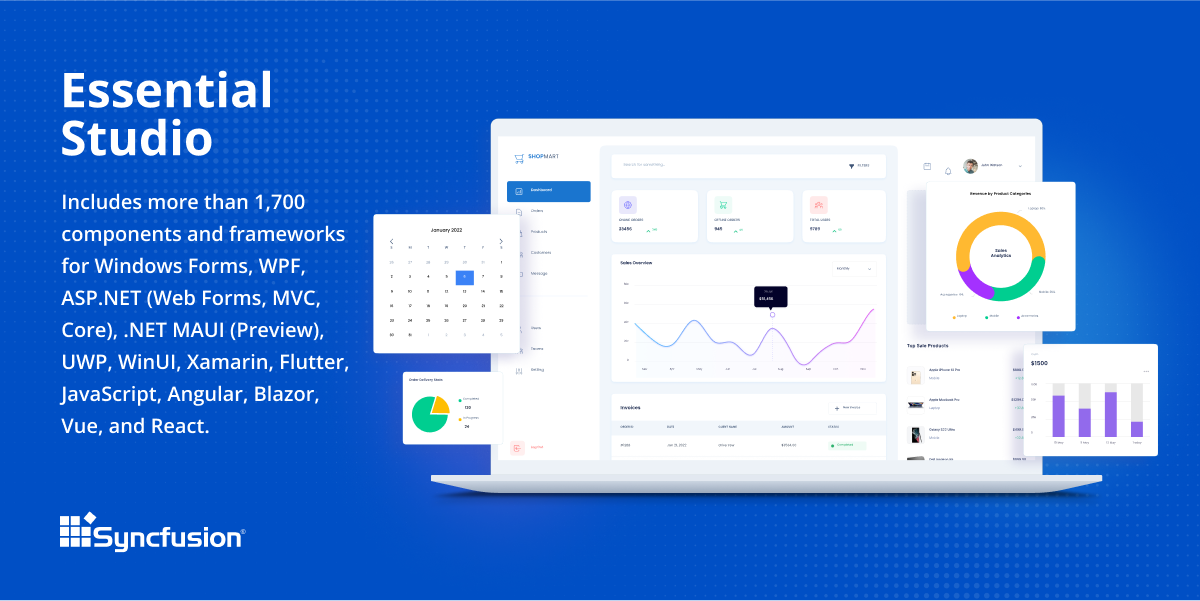
Syncfusion Essential Studio
Score 6.6 out of 10
N/A
Since 2002, Essential Studio® has supported the development of software applications across industries and economic sectors, in both public and private enterprises.
$0
with the Syncfusion Community License. It includes free access to all 1,600+ controls and is available to companies and individuals with less than $1 million USD in annual gross revenue and 5 or fewer developers.
Xamarin
Score 6.0 out of 10
N/A
N/A
N/A
Pricing
React (React.js)
Syncfusion Essential Studio
Xamarin
Editions & Modules
No answers on this topic
Essential Studio - Syncfusion Community License
$0
*up to 5 developers
Essential Studio - UI Edition
Custom Quote
per year Packages to suit teams of all sizes
Essential Studio - Document SDK
Custom Quote
per year Packages to suit teams of all sizes
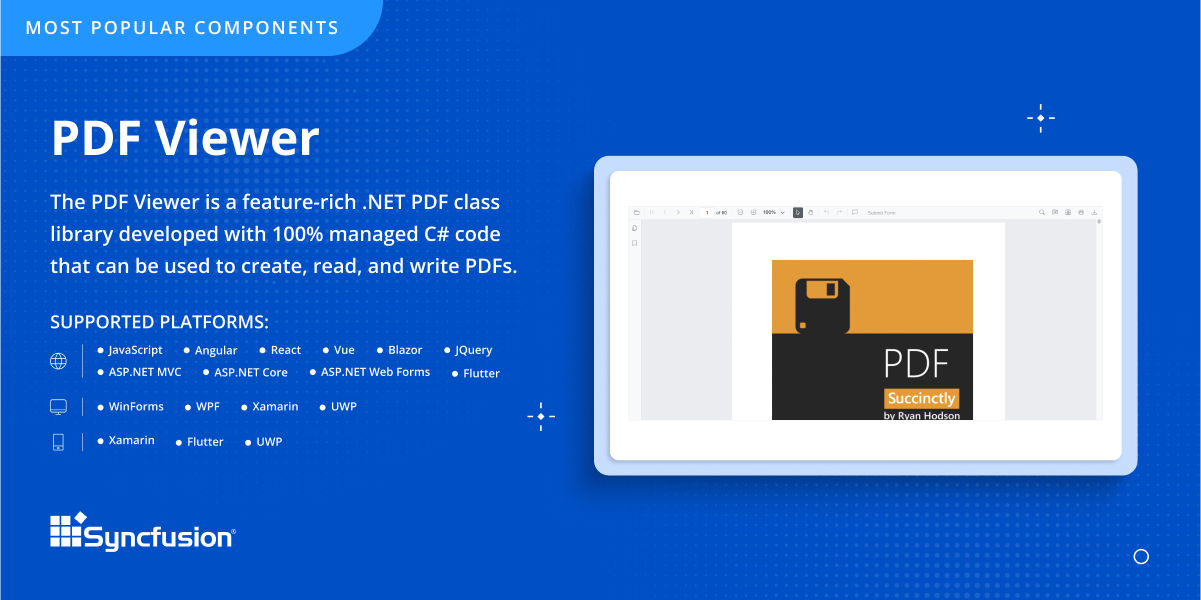
Essential Studio - PDF Viewer
Custom Quote
per year Packages to suit teams of all sizes
Essential Studio - DOCX Editor
Custom Quote
per year Packages to suit teams of all sizes
Essential Studio - Spreadsheet Editor
Custom Quote
per year Packages to suit teams of all sizes
Xamarin
Free
Offerings
Pricing Offerings
React (React.js)
Syncfusion Essential Studio
Xamarin
Free Trial
No
Yes
No
Free/Freemium Version
Yes
Yes
Yes
Premium Consulting/Integration Services
No
No
No
Entry-level Setup Fee
No setup fee
No setup fee
No setup fee
Additional Details
—
*The Syncfusion Community License includes free access to all 1,600+ controls and is available to companies and individuals with less than $1 million USD in annual gross revenue and 5 or fewer developers.
React is a JavaScript user interface construction library that works well for:
Developing web apps with dynamic and complicated user interfaces.
creating reusable UI elements that may be used in other applications.
creating single-page applications with dynamic content updates that don't require a page reload.
The Virtual DOM's effective updating mechanism allows it to handle large volumes of data updates.
React, on the other hand, might be less suitable for:
Websites that are simple, stagnant, and have no interaction. Other libraries or simple HTML, CSS, and JavaScript may be a better fit in such circumstances.
Web sockets may be a better choice for applications that need real-time updates, such as chat or gaming apps.
When creating mobile apps, React Native is a better option.
Server side rendering only, as React is designed to run on the client side.
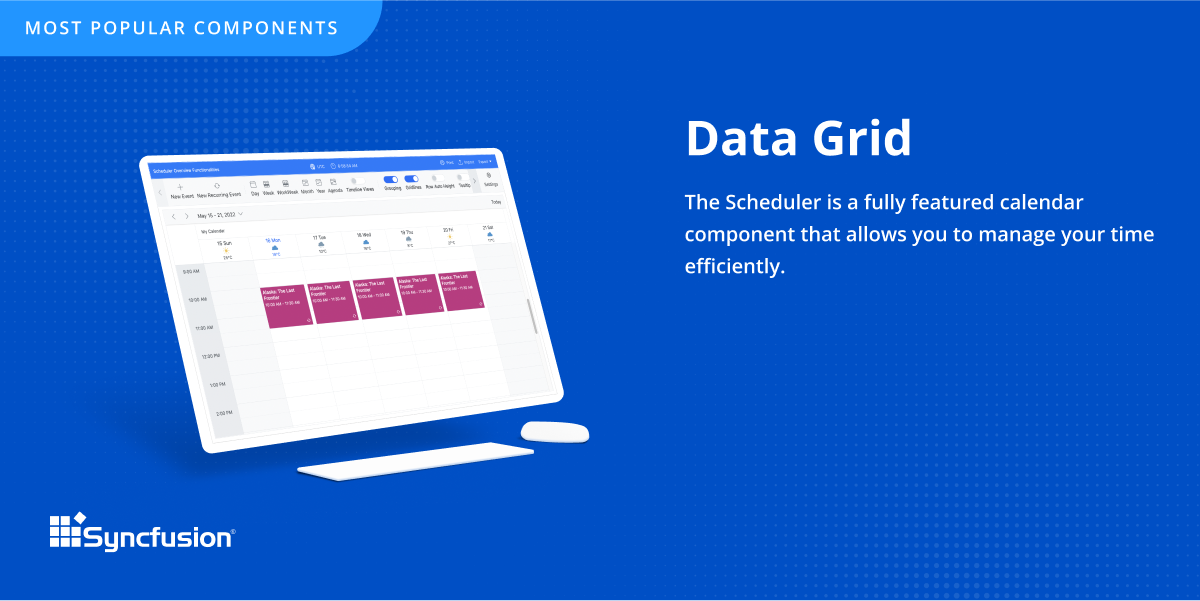
The datagrid is probably their most popular control I would think. It is so flexible and configurable. Most of mine are plain views in ASP.NET Core, but I have a whole bunch that are dynamically created at runtime in my controller. That is so powerful.
If you are required to develop applications that are cross-platformed, Xamarin is a great tool to use. It will help save time and effort from your development team to be able to build applications seamlessly for android, IOS, Windows, and web on a single platform instead of requiring multiple tools to get the job done.
React is fantastic for building performant user interfaces. Our web app is snappy and great for our customers.
React has the philosophy of doing one thing and doing it well which is the view layer of the application. This makes it incredibly intuitive and flexible for developers to use.
React has lead the way in being able to write modular and structured code. It is a drastic improvement since the days of spaghetti jQuery code.
React has an unmatched community. The amount of tools and libraries available is fantastic, and there plenty of solutions available online for common problems.
Xamarin allows you to write cross platform code. This allows companies to build apps more quickly by writing less code. Having code abstracted and reused across multiple platforms allows for more testing and less issues overall.
The ability to use Visual Studio is a huge plus. Visual Studio is one of the best IDE's available and being able to write cross platforms apps while in a great IDE makes everything less painful.
Xamarin is now free with a large company backing. This means that bugs on the platform get fixed more quickly and there is a large community of developers.
Debugging React is challenging. Bugs in react code generate stack traces internal to React and it is often totally unclear how it relates to the code you actually wrote.
Relating your React elements to corresponding DOM elements is difficult. The intentional separation of virtual and actual DOM also makes it difficult to map the elements to the structures in the DOM. This is partially ameliorated by the use of the React dev tool, which provides a DOM-like view of the React elements, but the tool still does not provide a direct correspondence with the DOM that is often necessary to figure out why something isn't right.
Because JSX is React-specific and not a language feature, a special compilation process is necessary to convert JSX code to normal JS. Coming from a C++ background, compiling things doesn't bother me, but many JS developers are used to a less structured development.
Sometimes links point to dead addresses in the documentation.
Some components have a difficult learning curve but that is usually due to the complexity of the control.
Minor version changes introduce breaking changes, for example updating from 20.1.x to 20.2.x gives us licensing errors, which in my opinion is a kind of breaking change as it requires all users to update their licenses.
Theming with CSS variables is not possible. Access to Theme Studio code is not possible. So a fully custom solution is needed to make Syncfusion Essential Studio Enterprise Edition components themeable with CSS variables.
It takes effort to include a new component library into existing software, especially in our case where we have 5 large applications that are written and maintained by about 100 developers. So changing such a core thing comes with a lot of effort. The other reason we will very likely renew our use of Syncfusion Essential Studio Enterprise Edition is that it works really well and has helped us to speed up the development process.
Xamarin has been great for developing different projects efficiently and effectively. It's nice to reuse the core business logic across different platforms so that there are less to maintain and little replications are needed. The biggest benefit is that C# programmers do not have to learn a different language to do mobile development.
React is just a bit of a different animal. I was avoiding it for the longest time. I thought for sure I would land on Vue or something else with a more approachable and familiar appearance. But after taking an online course in React, I started realize what people were raving about (and complaining about) and decided to implement it at our office for one of our products.
I would rate Syncfusion® Essential Studio® a 10 out of 10 for overall usability. The components are intuitive to implement, with clear APIs and consistent design patterns across the suite. This makes it easy for developers to get started quickly and reduces the learning curve even when working with new controls. In addition, the documentation and sample projects provide practical guidance that helps accelerate development. The built-in customization options also allow us to adapt the components to fit our branding and business requirements without excessive effort. Overall, the usability is one of the key reasons why Syncfusion has become an essential part of our development toolset.
If you are required to develop applications that are cross-platformed, Xamarin is a great tool to use. It will help save time and efforts from your development team to be able to build applications seamlessly for android, IOS, windows, and web on a single platform instead of requiring multiple tools to get the job done
Since it's open-source and very popular, the community support for React and related tools and libraries is excellent. There are a lot of people using the same tools, and so issues tend to get fixed quickly and "recipes" are easy to come by. And since it's backed by Facebook, they have a dedicated engineering team working on the progression of React.
Although I have decades of software development experience, I had never created a website from scratch before, and my html and css skills are not particularly strong. Between documentation and incredible dedication from the support team they helped me overcome all of my challenges. It's amazing that they typically create sample code for most of the issues that I submitted. On rare occasions where I uncovered a defect they kept me informed as to its status, and typically resolved it in a short-term release, and/or gave me a reasonable workaround. They hopped on zoom calls with me on multiple occasions when necessary.
I never had to contact support for any help. Most of the problems we ran into, we were able to identify and use peer support through blogs and other internet sources to resolve the problems. There are plenty of sources online which provide tutorials, discuss problems, etc. Example: StackOverflow
Just with any programming tasks, have a plan first. Design out the system, spend time to build it correctly the first time and have plenty of testing and user acceptance opportunities. Xamarin was easy to implement for a C# programmer. However, you need to do tutorials to realize the platform's capabilities.
While this is a widely contested debate with various blog posts and benchmarks all over the place, its really a personal choice to determine what works for the team. Coming from a Angular 1.x background, I decided to try a new framework when Angular 2.x was announced and at that time React is gaining popularity and Vue hasn't taken off yet. Compared to Angular 1.x and Vue (hybrid of React and Angular) that split the logic from the html templates, I loved the way React breaks code into components using the jsx syntax. In my mind, this allows for cleaner components and easier maintenance
Firstly, there is a free version for small businesses and it allows you to jump start without risk. I found one of the other products a bit short in the number of out-of-the-box supported events handlers for each control and, although you can manually add them, I feel more comfortable to just have them ready. After using the free version I just felt in love with Syncfusion Essential Studio Enterprise Edition controls and decided to stay with them; they have all I need and more. The usage of Syncfusion Essential Studio Enterprise Edition controls is straightforward and intuitive. Support is world-class even for the free version; you get answers in 24 hours at most. Also, the support team is ready to remotely connect to your project in case it is needed; we have had one situation like this, and the issue was solved.
Xamarin runs natively on MacOS, and the debugger and other integration and auto-complete tools are far better than Eclipse for C# .NET. It also carries much of the plugin/add-on capabilities that are so desirable on Atom. Eclipse is a better for generalized software development, provided a developer is comfortable switching between the IDE the command line for certain parts of their workflow, like building, package management, or debugging. But for C# .NET development on MacOS specifically, Xamarin is the best product I've used for the job.
First of all, I think the best positive impact is the reduce of time development. I do not know exactly how much time, but certainly, using the framework we save a lot of effort and time.
About negative impact, sometimes using the controls of the framewrok have a signifcant impact in the execution time and page load.
And of course, the use of Syncfusion Essential Studio Enterprise Edition has a significant impact of the learning of javascript and JQUERY.