Sage 100 Contractor is a construction accounting and project management software. It is intended to provide primary accounting and other management capabilities across a construction project lifecycle, including estimating, service management, and reporting.
N/A
TimeCamp
Score7.3 out of 10
Small Businesses (1-50 employees)
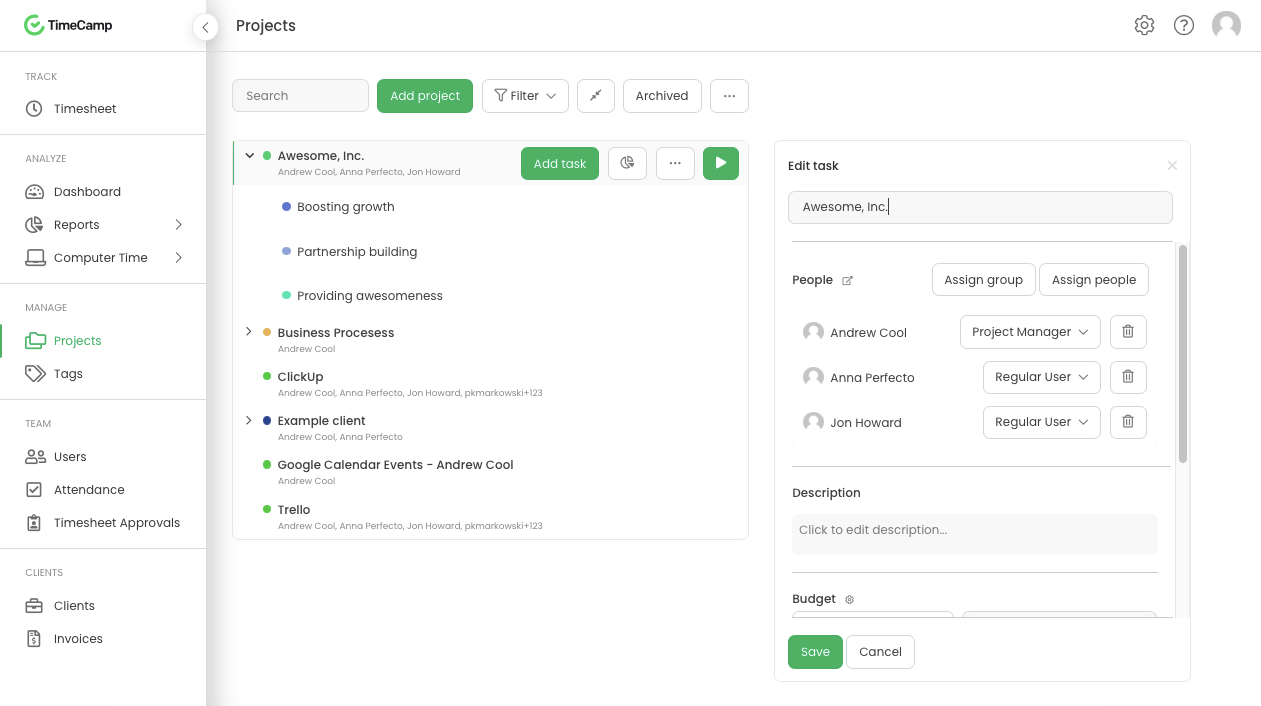
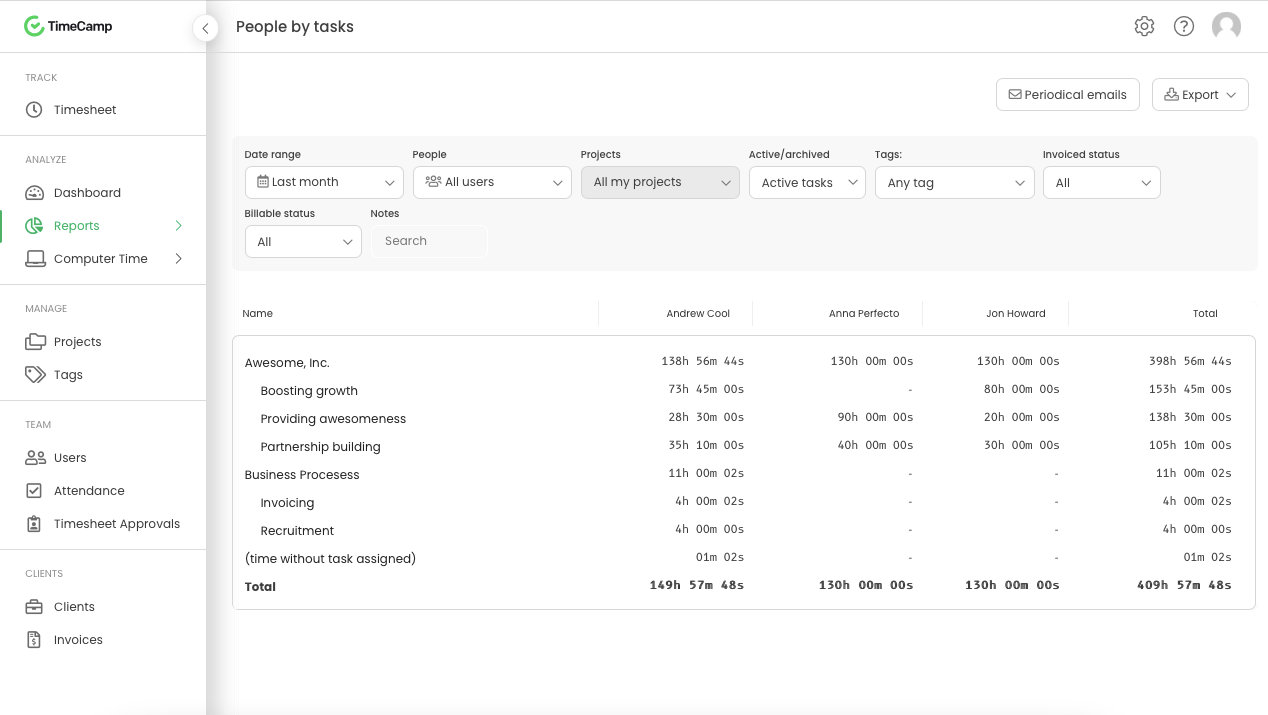
TimeCamp is cloud based, multi-platform (Windows, Mac, Linux, iOS, Android) time tracking and invoicing software.
$5.49
per month per user
Pricing
Sage 100 Contractor
TimeCamp
Editions & Modules
No answers on this topic
Free
$0
free with limited features.
Starter
$5.49
per month per user
Premium
$9.99
per month per user
Ultimate
$13.99
per month per user
Enterprise
Custom
Offerings
Pricing Offerings
Sage 100 Contractor
TimeCamp
Free Trial
No
Yes
Free/Freemium Version
No
Yes
Premium Consulting/Integration Services
No
Yes
Entry-level Setup Fee
No setup fee
No setup fee
Additional Details
—
Discount available for annual billing. The free plan encompass all basic time tracking features for unlimited users.
If you want a SQL-based ERP, this is a great solution. You can host it locally or on a cloud-based SQL instance. If you want a more modern, browser and cloud-based system, Sage 100 Contractor will not work.
A de minimis incentive was given to thank the reviewer for their time. The incentive was not used to bias or drive a particular response, nor was the incentive contingent on a positive endorsement. More Info
It is well suited for a company like ours, where we have different clients and can track hours per client/project. We charge hourly as well, so this is very important I wouldn't recommend it if you don't need to really track time of each task and that you are allowed to take your time with your daily tasks.
A de minimis incentive was given to thank the reviewer for their time. The incentive was not used to bias or drive a particular response, nor was the incentive contingent on a positive endorsement. More Info
Sage integrates very well with our field time tracking software called Exaktime. We import the start/end time card data that includes job costs directly to the PR module which greatly reduces the time it takes to process payroll.
Sage 100 C payroll calculations and WC/GL overhead calculations are easy to use and understand. The WC/GL overhead calculations are posted to project costs in real-time allowing for accurate total cost reporting of the project.
A de minimis incentive was given to thank the reviewer for their time. The incentive was not used to bias or drive a particular response, nor was the incentive contingent on a positive endorsement. More Info
A de minimis incentive was given to thank the reviewer for their time. The incentive was not used to bias or drive a particular response, nor was the incentive contingent on a positive endorsement. More Info
A de minimis incentive was given to thank the reviewer for their time. The incentive was not used to bias or drive a particular response, nor was the incentive contingent on a positive endorsement. More Info
The interface is pretty good, but it could be better with some slight restructuring.
One thing that can be a bit annoying is the "Task" bar that displays on the screen showing the task and time. It is there to help you to remember to stop time when you end a task. It is needed but it would be nice if there were some design aspects to it so it could be made smaller.
A de minimis incentive was given to thank the reviewer for their time. The incentive was not used to bias or drive a particular response, nor was the incentive contingent on a positive endorsement. More Info
The cost of Sage 100 Contractor software is relatively inexpensive compared to some higher-priced options like Foundation and Microsoft Dynamics GP. But more importantly, the cost of implementing new software is costly. Implementation costs include testing and training. There are also risks involved with switching software such as missing data after conversion. Plus, there are always some unknown downsides to switching that are not apparent until the switch is made such as perceived capabilities that really don't exist. For these reasons, we will likely stay with Sage 100 Contractor for a long time. If we grow (say double) in size, we would consider other options.
A de minimis incentive was given to thank the reviewer for their time. The incentive was not used to bias or drive a particular response, nor was the incentive contingent on a positive endorsement. More Info
In the end there are tons of other products that are much better. Time cards don't work, we needed an external software to track this for employees. Estimation is cumbersome, we just used Excel. Payroll was ok, but didn't do employee taxes correctly when they make a certain amount for some reason. Overall, it's a bad product.
A de minimis incentive was given to thank the reviewer for their time. The incentive was not used to bias or drive a particular response, nor was the incentive contingent on a positive endorsement. More Info
Generally pretty easy to use and doesnt take too much training to get people started. Most of the main features are quite straightforward although some of the reporting and set up options can take a bit of time to figure out properly. The interface is a little cluttered in the browser but overall I think it is a pretty great tool
A de minimis incentive was given to thank the reviewer for their time. The incentive was not used to bias or drive a particular response, nor was the incentive contingent on a positive endorsement. More Info
If we ever have issues with Sage 100, the live chat is an awesome tool. However, most of our live chat inquiries are not because of the issues we have, but more for us to better understand how we are supposed to use the software. Sometimes we ask ourselves "what if we" and if we need guidance, the live chat will provide us with the answers or resources to figure out what we need. They always follow up to ensure the problems we encounter have been fixed. If our issue is an indicator of an upgrade that could be made, Sage 100 C offers a way to submit the idea for review and improvement of the software.
A de minimis incentive was given to thank the reviewer for their time. The incentive was not used to bias or drive a particular response, nor was the incentive contingent on a positive endorsement. More Info
I am giving support a rating of 8 but that is quite arbitrary. Honestly, we have never had the need to contact support for any reason. There has not been a situation where we became stuck and could not figure out how to work through it. Sign up was easy and billing is like clockwork so there has been no need to contact billing support. I think this is a testament to the ease of use of TimeCamp.
A de minimis incentive was given to thank the reviewer for their time. The incentive was not used to bias or drive a particular response, nor was the incentive contingent on a positive endorsement. More Info
I have use Sage 50, Sage 90, Peachtree Quantum, QuickBooks, Great Plains. They are all good for what they can do. Sage 100 Contractor is the best at what it does. It's a good fit.
A de minimis incentive was given to thank the reviewer for their time. The incentive was not used to bias or drive a particular response, nor was the incentive contingent on a positive endorsement. More Info
Ultimately I selected Clockify instead of TimeCamp. As previously mentioned, I believe that TimeCamp wasn't that intuitive, and too many things were behind pay walls. Clockify offered the same features mostly for free. Although TimeCamps UX was sleeker than Clockify's I found that Clockify was a better fit for me.
A de minimis incentive was given to thank the reviewer for their time. The incentive was not used to bias or drive a particular response, nor was the incentive contingent on a positive endorsement. More Info
A de minimis incentive was given to thank the reviewer for their time. The incentive was not used to bias or drive a particular response, nor was the incentive contingent on a positive endorsement. More Info
A de minimis incentive was given to thank the reviewer for their time. The incentive was not used to bias or drive a particular response, nor was the incentive contingent on a positive endorsement. More Info