Field Service (formerly known as Field Service Lightning) is a customizable, mobile-friendly field service hub in Salesforce. It provides tools to manage work orders, scheduling, and a mobile workforce.
$600
per year per user
Simpro
Score8.4 out of 10
N/A
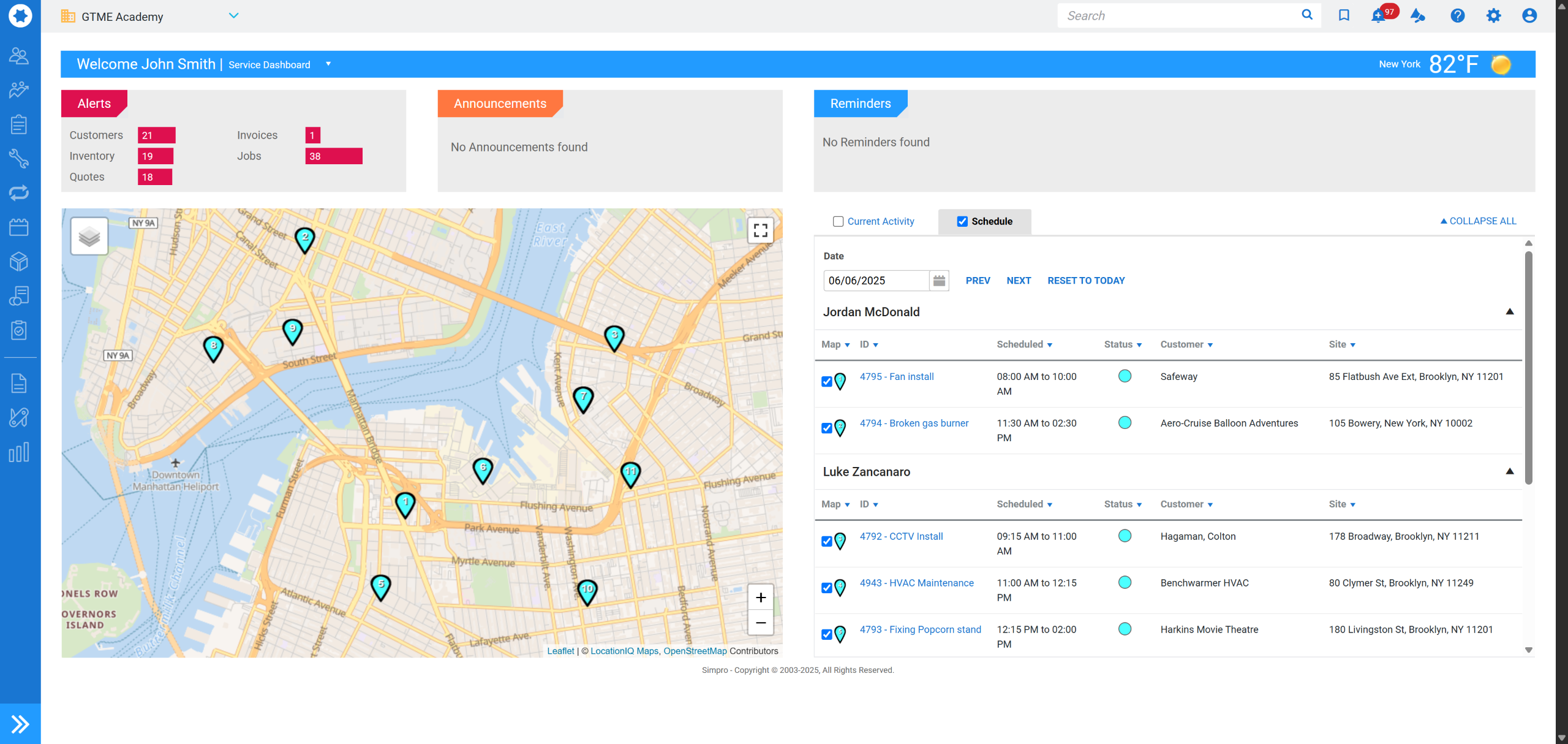
Simpro, headquartered in Brisbane, provides business management software for the trades and services industry. The solution combines field service management with asset tracking and maintenance, project management features with resource scheduling, and invoicing. For enterprises, Simpro helps manage business complexity such as franchises, multiple companies or multiple locations with a tailored Simpro framework that aims to handle complexity while maintaining the simplicity of working with one…
N/A
Pricing
Agentforce Field Service
Simpro
Editions & Modules
Contractor
$50
per month (billed annually) per user
Contractor Plus
$75
per month (billed annually) per user
Dispatcher
$165
per month (billed annually) per user
Technician
$165
per month (billed annually) per user
Field Service Plus
$220
per month (billed annually) per user
No answers on this topic
Offerings
Pricing Offerings
Agentforce Field Service
Simpro
Free Trial
No
No
Free/Freemium Version
No
No
Premium Consulting/Integration Services
Yes
Yes
Entry-level Setup Fee
No setup fee
No setup fee
Additional Details
—
Simpro uses quote-based pricing tailored to each business and its requirements. A personalized demo and consultation are available. Simpro does not offer a self-service free trial or free version. Pricing varies based on the selected platform capabilities, add-ons, onboarding, training, and professional services.
We've demoed quite a few models, different companies. I know Salesforce has huge backing, but even so they're open to customization and solutions. Some of the competition, keep in mind for my industry, there's not a lot of options out there. We're not your typical Salesforce target market. I mean we're not really selling a lot. I mean, quite honestly, I don't even have a sales department because can't do all of the work that my current customers need me to do. So I don't need to go drum up new business. I just needed it for more of tracking and a work management solution. And in the construction, specifically utility construction, industry, there's not a lot of options, but it definitely was the best option for us.
A de minimis incentive was given to thank the reviewer for their time. The incentive was not used to bias or drive a particular response, nor was the incentive contingent on a positive endorsement. More Info
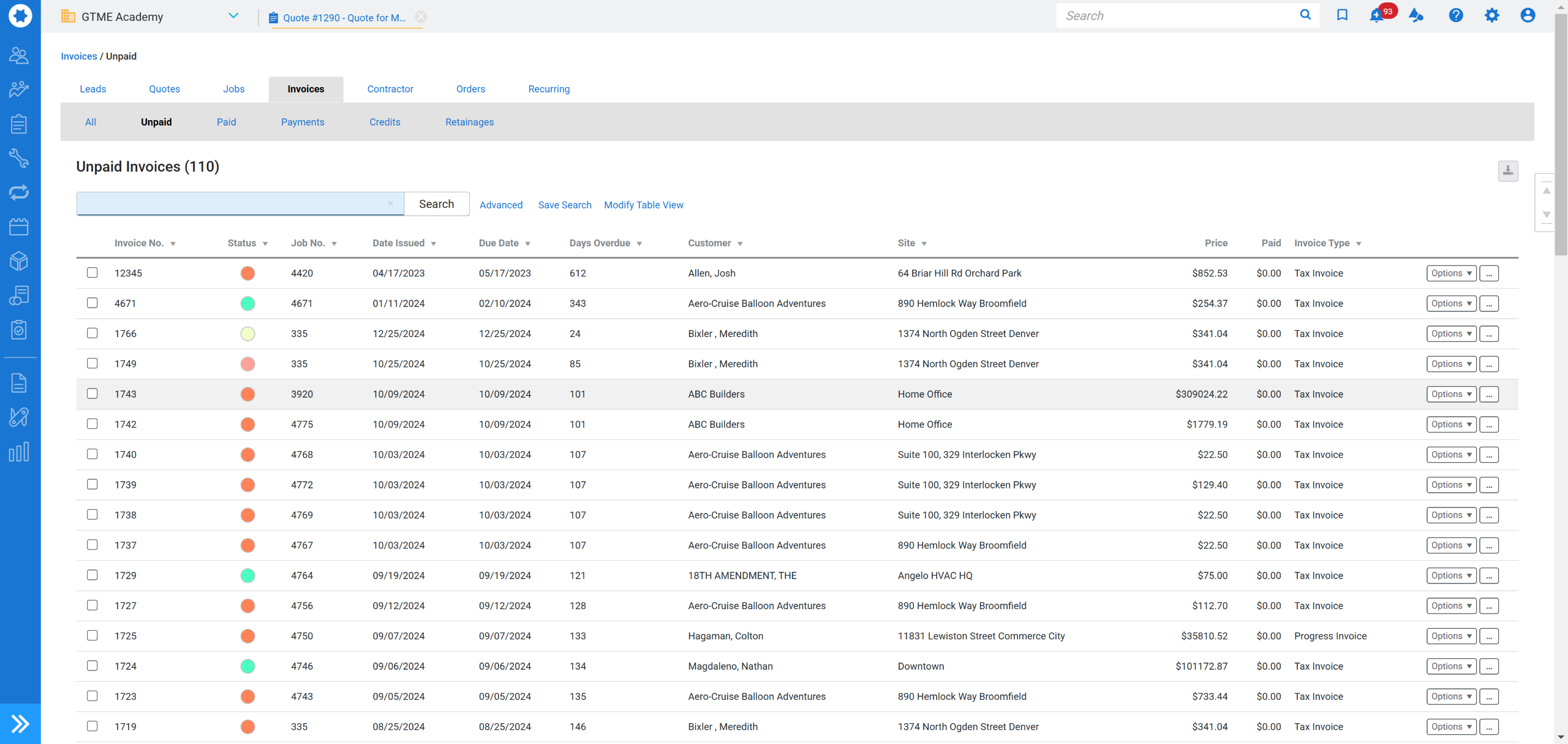
Simpro is well suited for job and team management, tracking inventory and the workflow is very logical. The mobile app for our field technicians works very well to clock on and off and then being in a position to report to a customer based on factual information has made invoicing a breeze! Reporting can be a bit frustrating especially on materials used on different cost centre numbers as you can only specify a job number, but not a cost centre number.
A de minimis incentive was given to thank the reviewer for their time. The incentive was not used to bias or drive a particular response, nor was the incentive contingent on a positive endorsement. More Info
Real Time Communication with back-office team When our nurses need anything by using mobile app they can reach out to our back office team to resolve their issues
Utilization of resources We can see the all the appointments view with the assigned representative in a single page so We can assign more appointments if any resources has any free slot it is just a drag and drop
It helps us to automate the process like delay or reach notification we can also route the appointments based on representative skill set, location and urgency of task
A de minimis incentive was given to thank the reviewer for their time. The incentive was not used to bias or drive a particular response, nor was the incentive contingent on a positive endorsement. TR verified that a representative sample of customers was invited. More Info
A de minimis incentive was given to thank the reviewer for their time. The incentive was not used to bias or drive a particular response, nor was the incentive contingent on a positive endorsement. More Info
Our biggest complaint is the optimizer removes jobs from the schedule at times and they are hard to track down and if missed we may not have a tech show up at all for the customer.
Reporting off of Service Appointment history is challenging
Without having a developer adjust your views the amount of available fields can be overwhelming.
A de minimis incentive was given to thank the reviewer for their time. The incentive was not used to bias or drive a particular response, nor was the incentive contingent on a positive endorsement. More Info
A de minimis incentive was given to thank the reviewer for their time. The incentive was not used to bias or drive a particular response, nor was the incentive contingent on a positive endorsement. More Info
As of right now there is not a alternative that seems to offer all of the functionality with a vision of what is needed in the future. It is my belief that ClickSoftware will remain a leader in Mobile Workforce Management for a long time.
Within a week a scheduler can confidently navigate the program and from there they learn more niche tools but from the beginning they can hit the ground running. With different user views available the developers can narrow down what is needed based on your job role which has been invaluable.
A de minimis incentive was given to thank the reviewer for their time. The incentive was not used to bias or drive a particular response, nor was the incentive contingent on a positive endorsement. More Info
As mentioned before, materials reporting could use some work as one cannot report by cost centre number, only by job number. It makes it difficult with large jobs with multiple cost centre numbers to easily extract information for reporting. Other than that the system is user friendly and easy to understand.
A de minimis incentive was given to thank the reviewer for their time. The incentive was not used to bias or drive a particular response, nor was the incentive contingent on a positive endorsement. More Info
Having a program that gives sales leaders a real time view was game changing. Time was always an issue because there wasn't always a sales leader available for closing sales. This has allowed for any sales leader to jump in and help make the sale without the need to do a warm transfer.
A de minimis incentive was given to thank the reviewer for their time. The incentive was not used to bias or drive a particular response, nor was the incentive contingent on a positive endorsement. More Info
It is a great option for solar project management. It needs some improvements for real-time one-page reports, inventory management, scheduling and custom views. I believe these will come because they listen to their customers. I would also like to see some better training and not be expected to pay out of pocket for it.
A de minimis incentive was given to thank the reviewer for their time. The incentive was not used to bias or drive a particular response, nor was the incentive contingent on a positive endorsement. More Info
Overall the training was quite informative but did lack detail in some areas. It had all of the necessary content for an experience product user but didn't offer enough information for a new user to complete the training and then feel comfortable in real-world situations running or managing the software. I would recommend this course for anyone with at least 1 year of full-time exposure to the ClickSchedule product.
I have added a few of the many Salesforce products we use. We also use HubSpot but they all have different functions so not really comparable as they are used for different things/ teams.
A de minimis incentive was given to thank the reviewer for their time. The incentive was not used to bias or drive a particular response, nor was the incentive contingent on a positive endorsement. More Info
monday.com was easier to set up and you can create boards with loads of subtasks which helps manage a project. Also, the ability to integrate with google was much better as we could link it to the calendar and also store documents that the engineers could see easier onsite. Overall we could make monday.com work better for our business based on how we are set up but simPRO will be great for other businesses with more specific needs.
A de minimis incentive was given to thank the reviewer for their time. The incentive was not used to bias or drive a particular response, nor was the incentive contingent on a positive endorsement. More Info
A de minimis incentive was given to thank the reviewer for their time. The incentive was not used to bias or drive a particular response, nor was the incentive contingent on a positive endorsement. More Info