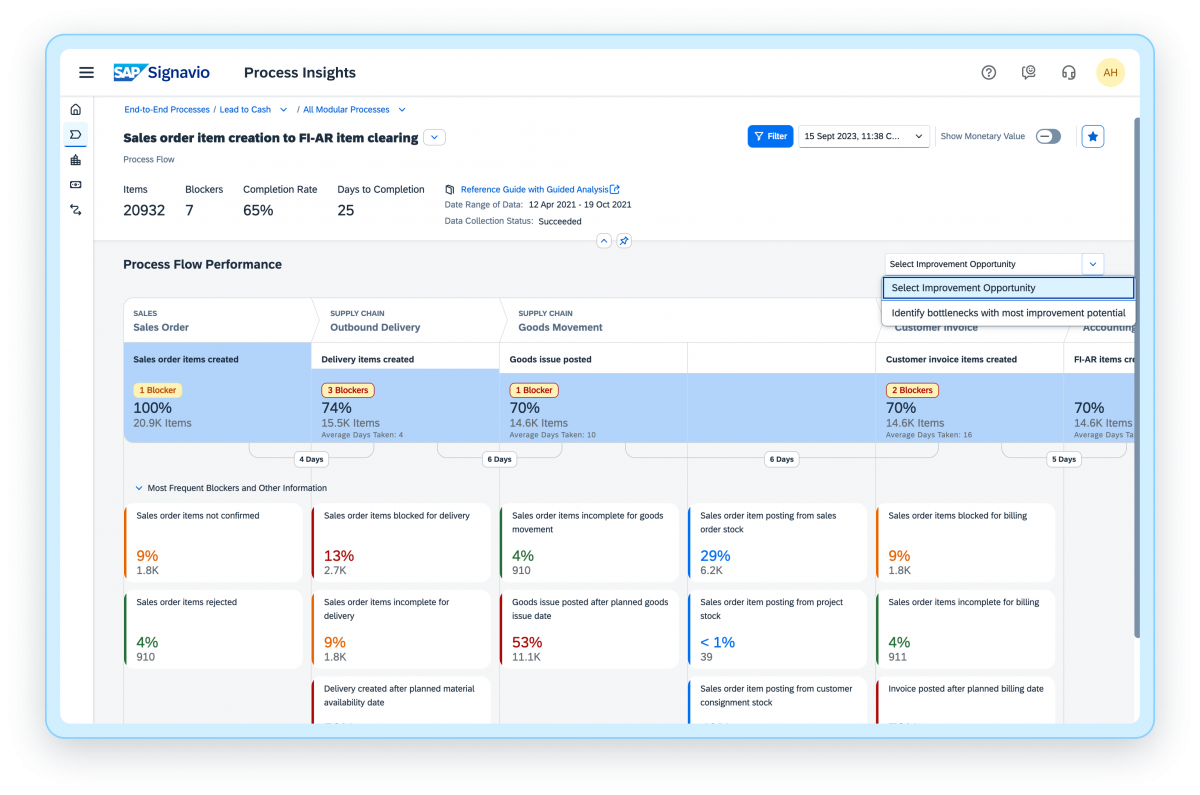
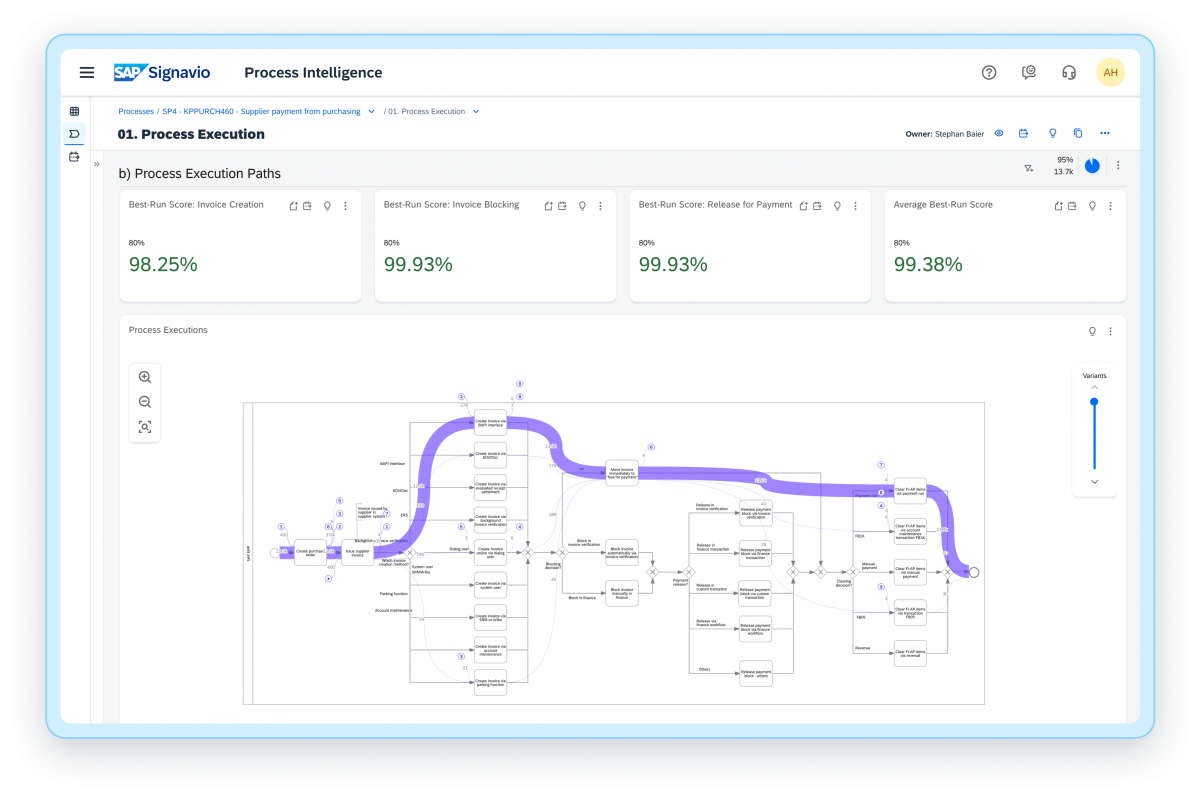
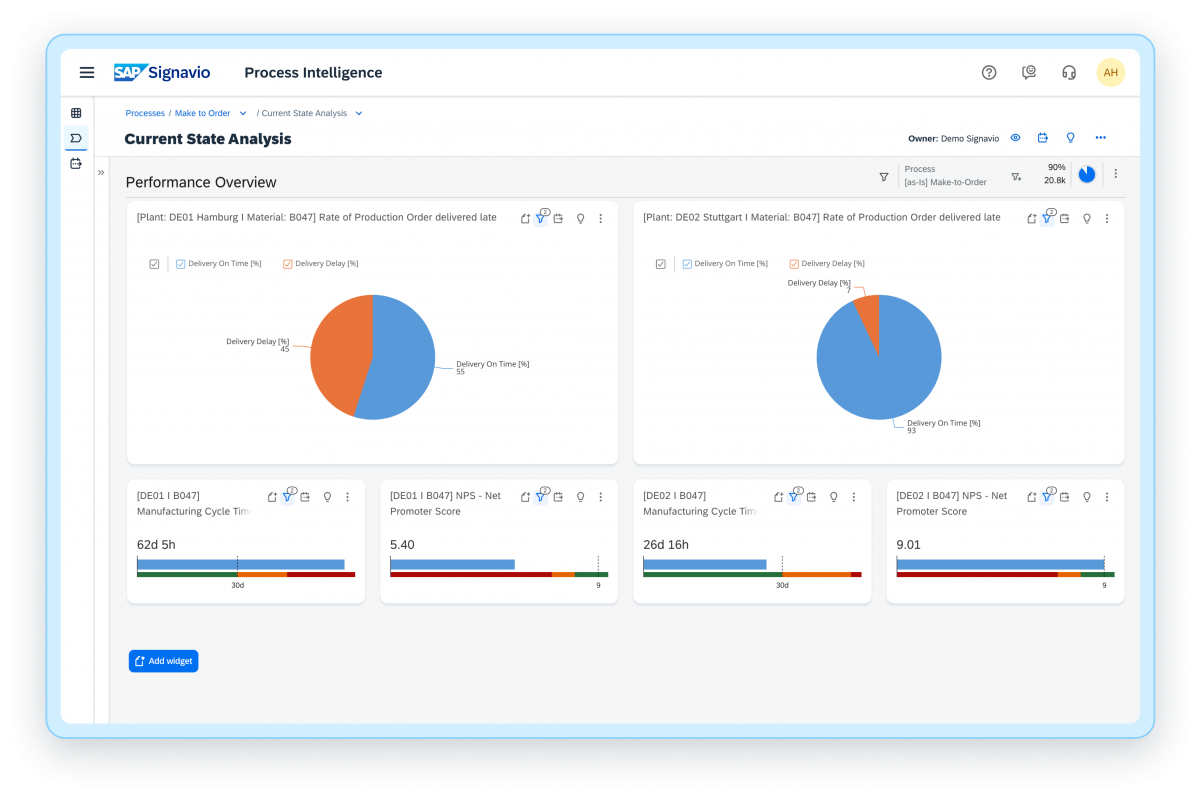
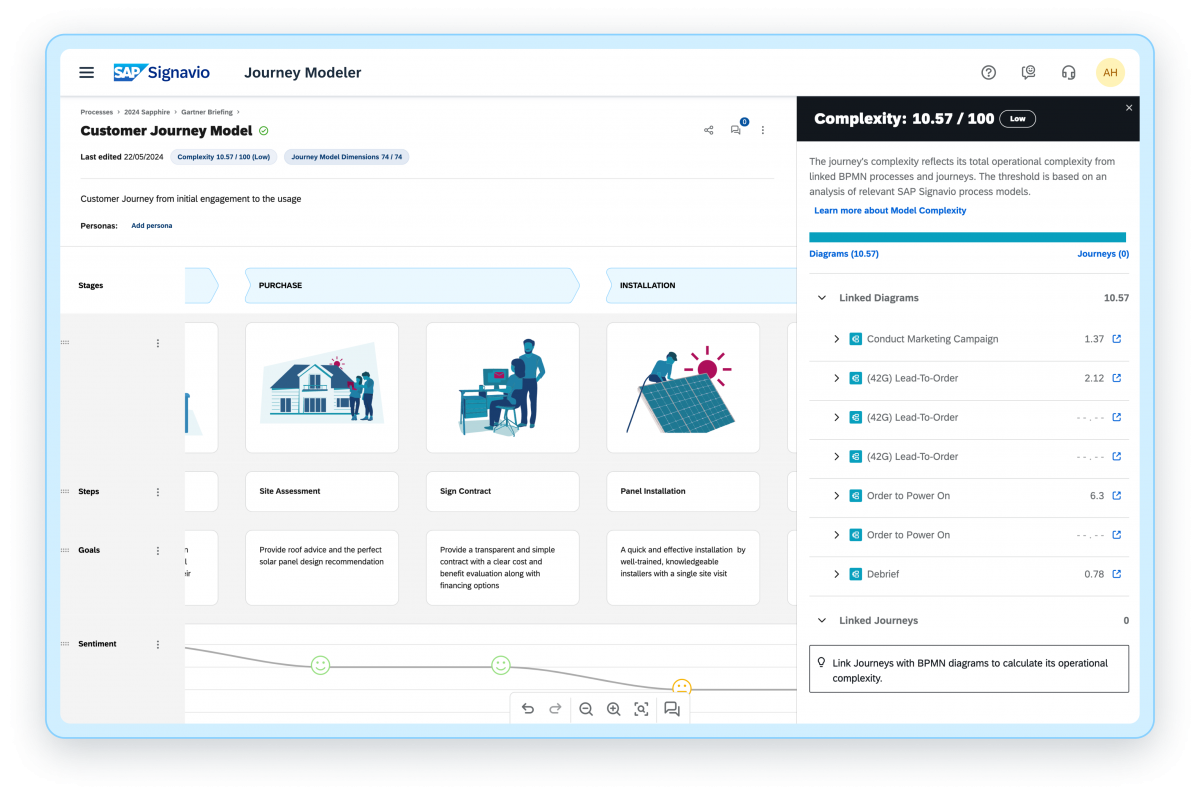
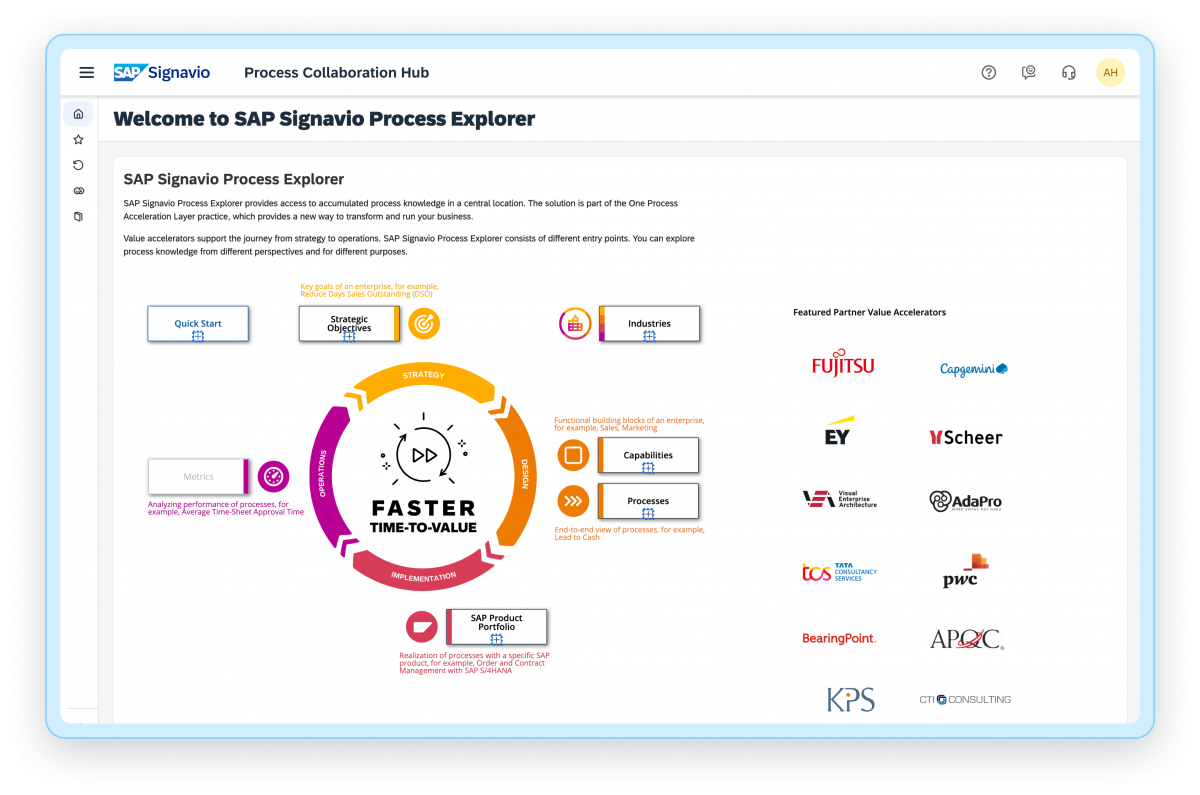
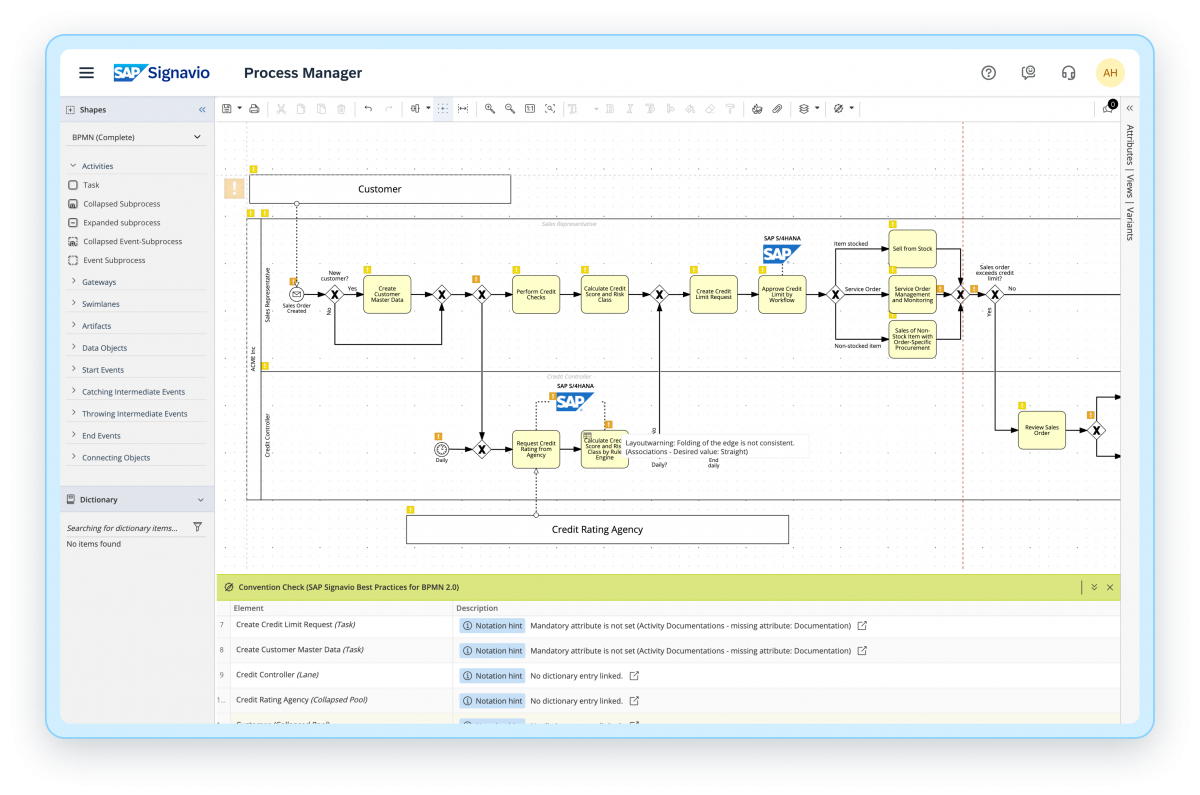
The SAP Signavio portfolio offers an integrated platform that helps usersto realign the organization and bring changes, with a suite of products that support business processes. The SAP Signavio portfolio offers a range of business transformation solutions to serve the emerging practice of customer excellence (CEX). SAP Signavio solutions bring together a full 360-degree view of outside-in and inside-out thinking, translating experiences into operational reality by putting the customer at the…
N/A
Microsoft Visio
Score7.8 out of 10
N/A
Microsoft offers Visio, a diagramming tool for building flowcharts, diagrams (e.g. network diagrams), org charts and floor plans, available online as a subscription and also in enterprise level packages (e.g. Visio Professional).
$5
per month per user
Pricing
SAP Signavio Process Transformation Suite
Microsoft Visio
Editions & Modules
No answers on this topic
Visio Plan 1
$5.00
per month per user
Visio Plan 2
$15.00
per month per user
Visio Standard 2024
$309.99
one-time fee On-premises diagramming solution, licensed for one PC
Visio Professional 2024
$579.99
one-time fee On-premises diagramming solution, licensed for one PC
Sr Business Analyst in Corporate at HelloFresh (Consumer Goods, 10,001+ employees)
Chose SAP Signavio Process Transformation Suite
SAP Signavio Process Collaboration Hub is a standout feature, providing a centralized platform for stakeholders to access, share, and collaborate on process models in real-time. This level of collaboration was superior to what we experienced with other tools such as Lucidchart …
A de minimis incentive was given to thank the reviewer for their time. The incentive was not used to bias or drive a particular response, nor was the incentive contingent on a positive endorsement. TR verified that a representative sample of customers was invited. More Info
Financial Analyst in Finance and Accounting at One Mind Marketing (Market Research, 51-200 employees)
Chose SAP Signavio Process Transformation Suite
We considered alternatives like Microsoft Visio and Bizagi before deciding on SAP Signavio Process Transformation Suite. Although these technologies have their advantages, SAP Signavio Process Transformation Suite stood out thanks to its user-friendly design, powerful …
A de minimis incentive was given to thank the reviewer for their time. The incentive was not used to bias or drive a particular response, nor was the incentive contingent on a positive endorsement. More Info
Verified User
Chose SAP Signavio Process Transformation Suite
SAP Signavio Process Transformation Suite stacks up mainly in collaboration features and definition of standards.
A de minimis incentive was given to thank the reviewer for their time. The incentive was not used to bias or drive a particular response, nor was the incentive contingent on a positive endorsement. TR verified that a representative sample of customers was invited. More Info
Verified User
Chose SAP Signavio Process Transformation Suite
Yes, SAP Signavio Process Transformation Suite is much more advanced and robust tool. While Visio helps visualize process in a good way, it lacks an analysis or reporting feature making it a basic tool.
A de minimis incentive was given to thank the reviewer for their time. The incentive was not used to bias or drive a particular response, nor was the incentive contingent on a positive endorsement. TR verified that a representative sample of customers was invited. More Info
Verified User
Chose SAP Signavio Process Transformation Suite
User friendly interface with wide variety of process design and modelling features, which is easy to learn and understand. Plus, it is from a reputed brand SAP, hence clients readily accept this choice of tool for modelling.
A de minimis incentive was given to thank the reviewer for their time. The incentive was not used to bias or drive a particular response, nor was the incentive contingent on a positive endorsement. TR verified that a representative sample of customers was invited. More Info
Verified User
Chose SAP Signavio Process Transformation Suite
Signavio loses in process mining capability against Celonis in many areas like usability and look and feel. Signavio is superior in its BPM related capabilities against e.g. QPR and MS Visio due to its feature set. Against all of them Signavio has better overall solution suite …
A de minimis incentive was given to thank the reviewer for their time. The incentive was not used to bias or drive a particular response, nor was the incentive contingent on a positive endorsement. More Info
Verified User
Chose SAP Signavio Process Transformation Suite
The features we knew from Signavio regarding approval workflows were the reason why we considered Signavio as our single source of truth for processes. But the possibilities are much wider. That is what we learned during the last couple of weeks and months during our project. …
A de minimis incentive was given to thank the reviewer for their time. The incentive was not used to bias or drive a particular response, nor was the incentive contingent on a positive endorsement. More Info
Verified User
Chose SAP Signavio Process Transformation Suite
will help our transformation of legacy cis to s/4 hana in best practice alignment.
A de minimis incentive was given to thank the reviewer for their time. The incentive was not used to bias or drive a particular response, nor was the incentive contingent on a positive endorsement. More Info
Pros: 1. It reduces technical debt and accelerates a smooth transition, while harmonizing across data migration regions which replaces the legacy customization that are not for S4/HANA. 2. It cuts operational cost by 30% - 40% and improves SLA adherence, while process intelligence identifies duplicate or redundant approval steps when we know SAP ecosystems ties all modules together for better data insights. Cons: 1. Complicated and costly for small businesses. 2. Mature process required for better data feeding and data insights. 3. If non-SAP system data feed might cause misleading and incomplete data insights
A de minimis incentive was given to thank the reviewer for their time. The incentive was not used to bias or drive a particular response, nor was the incentive contingent on a positive endorsement. TR verified that a representative sample of customers was invited. More Info
Visio is by far and away the best tool that I have used to do Value Stream Mapping sessions with the warehouse I support. It has all of the shapes needed built in to be able to represent all areas of the processes. I also like how you are able to make the drawing as big as needed and when printing it out of Visio you have the ability to use the necessary paper size. The biggest complaint that I have with the software if how it can be cumbersome for non-Visio users (that is, people without a license in the orgnaization) to interact with the Visio Map. We normally have to dedicate one Visio SME to be able to make the changes that Process SME's find since they do not have access to the software.
A de minimis incentive was given to thank the reviewer for their time. The incentive was not used to bias or drive a particular response, nor was the incentive contingent on a positive endorsement. More Info
Location agnostic (or home office agnostic) collaboration in virtual workshops
Internally within the team or with clients, I can prepare, gather materials, and lead during a workshop or meeting with SAP Signavio Process Transformation Suite and feel incredibly positioned as the facilitator. Whether in real time or in an asynchronous manner.
The combination of highly adaptable and visual work with collaborative tools like forms, comments, timers, and point voting transforms it into a tool I use frequently.
A de minimis incentive was given to thank the reviewer for their time. The incentive was not used to bias or drive a particular response, nor was the incentive contingent on a positive endorsement. More Info
Microsoft Visio is excellent for organizing thought processes related to our more complex research.
The diagrams created with Microsoft Visio are ideal for graphically displaying the internal organization of work and research groups through flow diagrams.
Microsoft Visio is a great tool for managing our students' activities by creating flowcharts that help us graphically visualize the steps of their group work.
For businesses looking to improve their current business processes, I think SAP Signavio Process Transformation Suite is incredibly well-suited.
In my opinion, SAP Signavio Process Transformation Suite excels in sectors with strict regulatory requirements.
I think SAP Signavio Process Transformation Suite is the best option when teams from several departments must work together on process design or improvement initiatives because of its real-time collaboration capabilities.
A de minimis incentive was given to thank the reviewer for their time. The incentive was not used to bias or drive a particular response, nor was the incentive contingent on a positive endorsement. More Info
When navigating through swim lanes, the user must be careful between switching from the point to the connection features as it can be difficult to remember which mode you’re in.
When drawing “decision points,” it can be difficult to type words like “yes” or “no” between the connection lines.
The exporting options aren’t ideal. They are hard to create in PDF format.
A de minimis incentive was given to thank the reviewer for their time. The incentive was not used to bias or drive a particular response, nor was the incentive contingent on a positive endorsement. More Info
A de minimis incentive was given to thank the reviewer for their time. The incentive was not used to bias or drive a particular response, nor was the incentive contingent on a positive endorsement. TR verified that a representative sample of customers was invited. More Info
We use Microsoft Visio to keep our diagrams updated and to that end we will need the subscription to keep using the software. Otherwise we will be left with PDF versions of the diagrams.
A de minimis incentive was given to thank the reviewer for their time. The incentive was not used to bias or drive a particular response, nor was the incentive contingent on a positive endorsement. More Info
A de minimis incentive was given to thank the reviewer for their time. The incentive was not used to bias or drive a particular response, nor was the incentive contingent on a positive endorsement. TR verified that a representative sample of customers was invited. More Info
I have always struggled with some basics, such as connection points, object alignment, font consistency, arranging layers and their order (bring forward, send backward), and managing overlap. I usually need to create an initial rough draft and then do a separate cleanup pass to bring the diagram up to my quality standards. If I skip that step, the result generally does not look very good. And once a diagram becomes busy or the file gets large, Visio has been unstable for me in the past, including occasional crashes that caused non-recoverable edits.
A de minimis incentive was given to thank the reviewer for their time. The incentive was not used to bias or drive a particular response, nor was the incentive contingent on a positive endorsement. More Info
A de minimis incentive was given to thank the reviewer for their time. The incentive was not used to bias or drive a particular response, nor was the incentive contingent on a positive endorsement. TR verified that a representative sample of customers was invited. More Info
A de minimis incentive was given to thank the reviewer for their time. The incentive was not used to bias or drive a particular response, nor was the incentive contingent on a positive endorsement. TR verified that a representative sample of customers was invited. More Info
i contacted support via sap for me via the person who implemented and also via our customer support executive. all 3 channels i was satisfied. of course it was the slowest via the ticket, but even that one i got proper solution in relatively OK time frame
A de minimis incentive was given to thank the reviewer for their time. The incentive was not used to bias or drive a particular response, nor was the incentive contingent on a positive endorsement. More Info
Overall, I feel that Microsoft's support is weak. They are now such a behemoth that their model of putting documentation online for their users to sift through is totally outgrown. Given the amount of money you pay for these licenses, Microsoft should provide easy one-on-one support for their products via email or chat. The idea of paying their rates for support incidents is ridiculous. If you have an enormous amount of time on your hands, use their support websites and you will eventually find a solution most of the time.
A de minimis incentive was given to thank the reviewer for their time. The incentive was not used to bias or drive a particular response, nor was the incentive contingent on a positive endorsement. More Info
A de minimis incentive was given to thank the reviewer for their time. The incentive was not used to bias or drive a particular response, nor was the incentive contingent on a positive endorsement. TR verified that a representative sample of customers was invited. More Info
A de minimis incentive was given to thank the reviewer for their time. The incentive was not used to bias or drive a particular response, nor was the incentive contingent on a positive endorsement. TR verified that a representative sample of customers was invited. More Info
Training is taking way longer than expected. We have had more than 50 hours of training and still do not feel proficient enough to do anything meaningful with Process Intelligence. The Process Insights are pretty intuitive but does take a willingness to dig in and explore, but in general good right out of the box.
A de minimis incentive was given to thank the reviewer for their time. The incentive was not used to bias or drive a particular response, nor was the incentive contingent on a positive endorsement. TR verified that a representative sample of customers was invited. More Info
We were able to end the use of archive versions thanks to SAP Signavio Process Transformation Suite, and everyone has access to the most recent archive. Mac and Windows users can collaborate on a single document. A design tool that spans the concept phase, design phase, and delivery to engineering
A de minimis incentive was given to thank the reviewer for their time. The incentive was not used to bias or drive a particular response, nor was the incentive contingent on a positive endorsement. More Info
Even though it’s a more expensive solution, Vizio is built for the enterprise. Therefore, it integrates perfectly with our existing Microsoft stack, and quite frankly, because it’s such a more mature product, it provides exactly the functionality we need and expect.
A de minimis incentive was given to thank the reviewer for their time. The incentive was not used to bias or drive a particular response, nor was the incentive contingent on a positive endorsement. More Info
A de minimis incentive was given to thank the reviewer for their time. The incentive was not used to bias or drive a particular response, nor was the incentive contingent on a positive endorsement. TR verified that a representative sample of customers was invited. More Info
A de minimis incentive was given to thank the reviewer for their time. The incentive was not used to bias or drive a particular response, nor was the incentive contingent on a positive endorsement. TR verified that a representative sample of customers was invited. More Info
With the help of Signavio, we are now much more operationally efficient, which saves money and makes better use of our resources.
The software's emphasis on collaboration has encouraged innovation within our teams, resulting in original solutions and better project outputs.
Compliance is crucial for our sector. We have lowered the danger of regulatory problems by maintaining stringent compliance standards with the aid of Signavio.
A de minimis incentive was given to thank the reviewer for their time. The incentive was not used to bias or drive a particular response, nor was the incentive contingent on a positive endorsement. More Info
Reduces the amount of time I need to create process flow diagrams. In the past I would use Powerpoint or Word which required a lot more effort and time and never looked as good. Visio just takes that headache away.
Only negative is that I personally believe it should always have been part and parcel of the Office suite, thus giving more users the opportunity to use it rather than specifically having to justify its separate purchase within our organisation. Different now with Office 365 of course!
A de minimis incentive was given to thank the reviewer for their time. The incentive was not used to bias or drive a particular response, nor was the incentive contingent on a positive endorsement. More Info