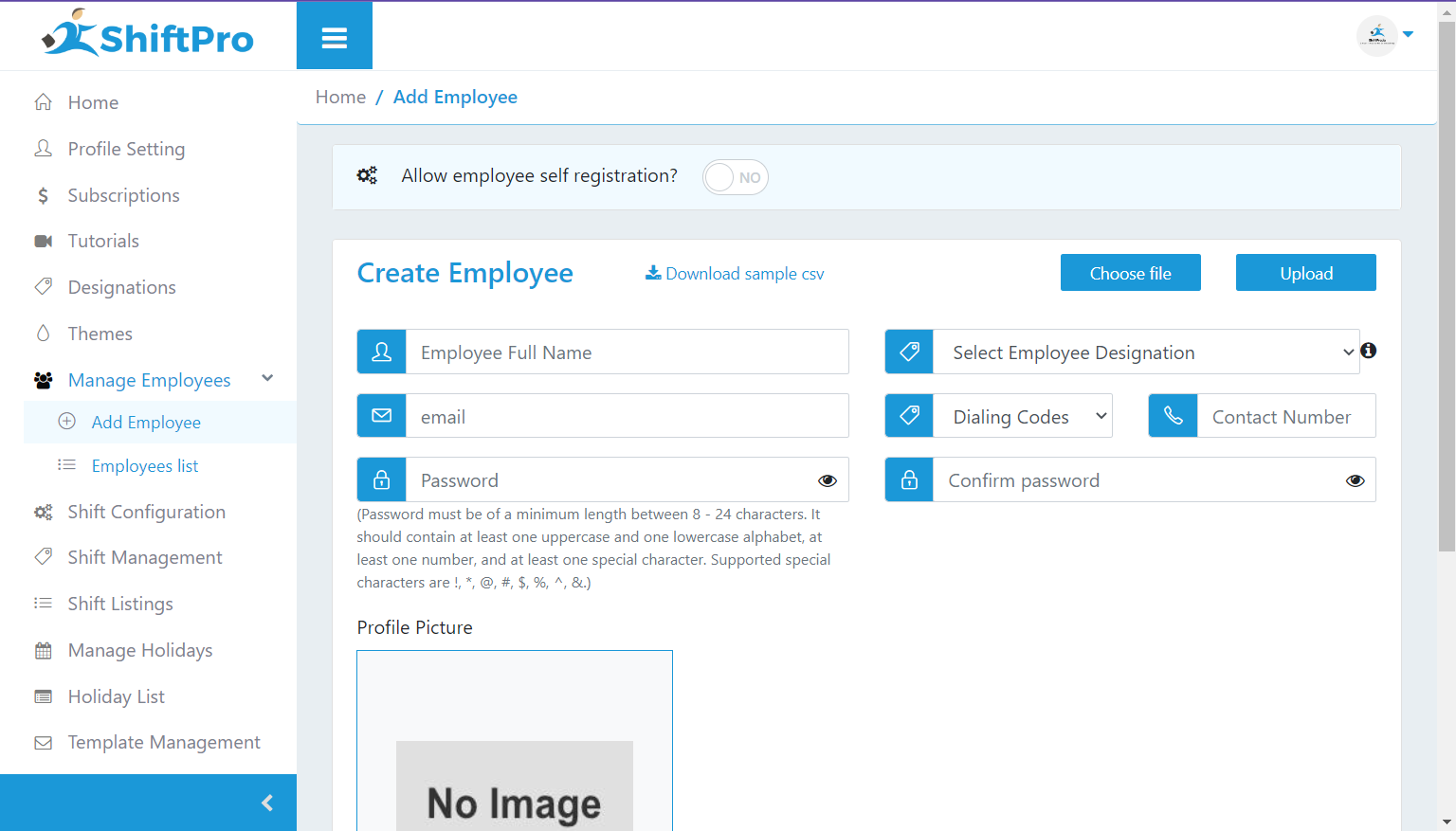
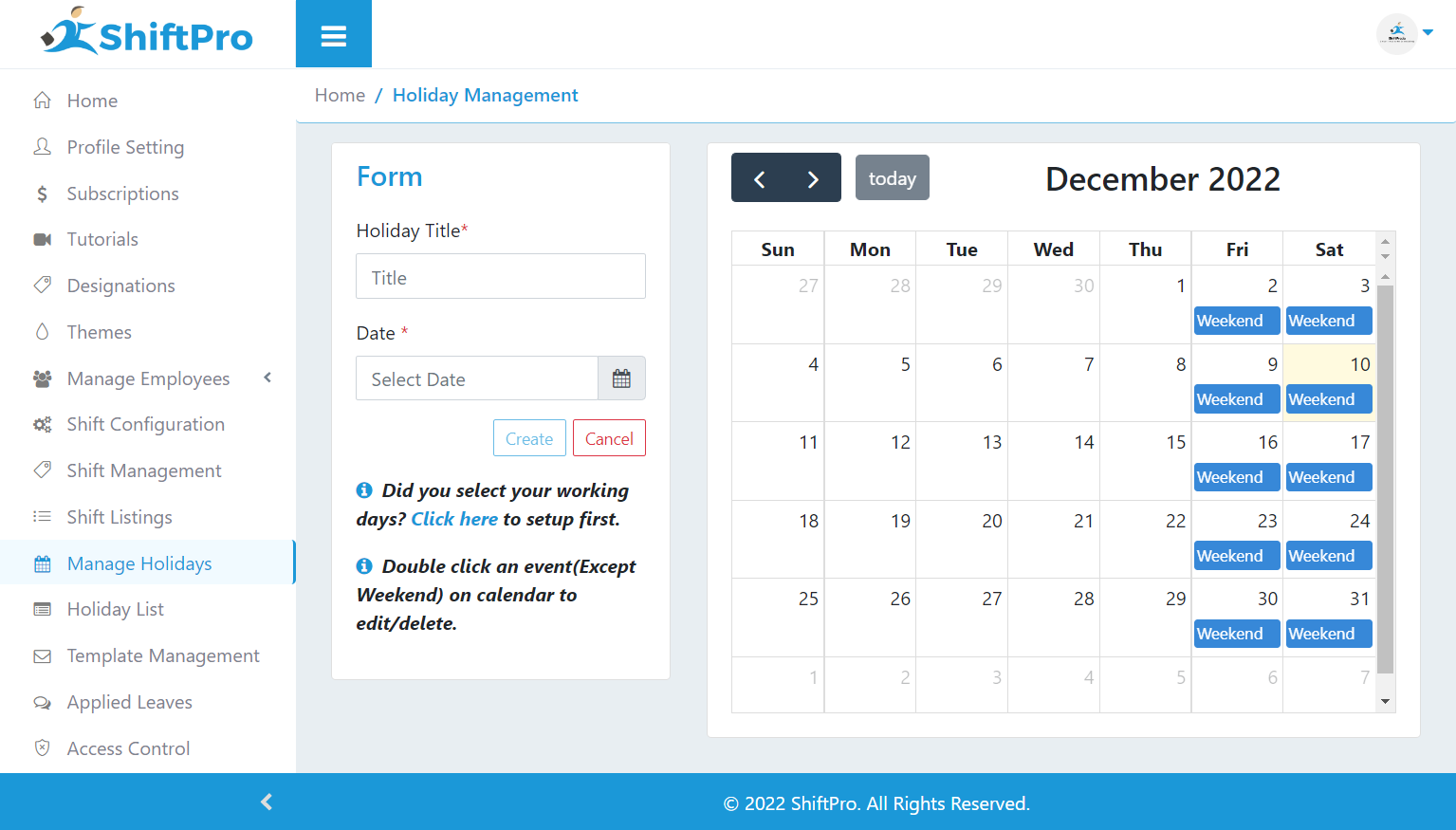
ShiftPro is a scheduling software designed to maintain a cohesive work environment through simplified shift scheduling. It aims to accomplish this by automating the scheduling and rescheduling process, Email and SMS alerts, Time off/leave requests management, and with an in-built chat feature where employees communicate with their supervisors and managers.
$170
per month
Tracksmart
Score 1.0 out of 10
Small Businesses (1-50 employees)
Tracksmart is a time and attendance option from the small Florida company of the same name.
N/A
Pricing
ShiftPro
Tracksmart
Editions & Modules
Premium
$170
per month
Business
$375
per month
Enterprise
$560
per month
Attendance - Coretrack
$169.00 ($21.95)
billed annually (billed monthly)
Scheduling - Basic
$264 ($24)
billed annually (billed monthly)
TimeClock - Basic
$264 ($24)
billed annually (billed monthly)
Attendance - Flextrack
$269.00 ($31.95)
billed annually (billed monthly)
Attendance - Powertrack
$369.00 ($41.95)
billed annually (billed monthly)
Scheduling - Plus
$528 ($49)
billed annually (billed monthly)
TimeClock - Plus
$528 ($49)
billed annually (billed monthly)
Scheduling - Premium
$768 ($69)
billed annually (billed monthly)
TimeClock - Premium
$768 ($69)
billed annually (billed monthly)
Scheduling - Enterprise
$1,068 ($99)
billed annually (billed monthly)
TimeClock - Enterprise
$1,068 ($89)
billed annually (billed monthly)
Offerings
Pricing Offerings
ShiftPro
Tracksmart
Free Trial
No
Yes
Free/Freemium Version
Yes
No
Premium Consulting/Integration Services
No
No
Entry-level Setup Fee
No setup fee
No setup fee
Additional Details
Premium - Max 100 Employees
Business - Max 250 Employees
Enterprise - Max 400 Employees
We feel like Tracksmart has all of the features that we need for our team to schedule live chat shifts. The ability to trade shifts has been hugely helpful for our team and we love the user-friendly flexibility of the software.
Tracksmart is very simple to use compared to ClickTime. Tracksmart keeps a good count of PTOs, vacation, personal sick-days, etc. Which saves the organization a lot of time as everyone knows the remaining days available.
The system is great for attendance. It is also good for employee's time tracking, however, this feature works well for an organization that pays on a per hourly basis.
We've had a few instances where the site was down and we weren't able to access our schedules which was tricky, so now we save a back up copy to have on hand in case it goes down.
There is room for improvement in the notifications.
Tracksmart has been very helpful when we have problems with our scheduling or questions about how to do different tasks. They are responsive and it's always a positive experience when we interact with them.
We feel like Tracksmart has all of the features that we need for our team to schedule live chat shifts. The ability to trade shifts has been hugely helpful for our team and we love the user-friendly flexibility of the software.
Easier to request time off rather than taking management's time up - they can view requests at their convenience
Some employees don't like it and don't utilize it consistently - might be better if it could be some sort of clock-in icon on desktop instead of a website window that needs to be opened.