Sococo is a remote collaboration tool with integrations with third-party applications such as Google Docs, Atlassian JIRA, and Box.
$14.99
per month per seat
Tresorit
Score6.2 out of 10
N/A
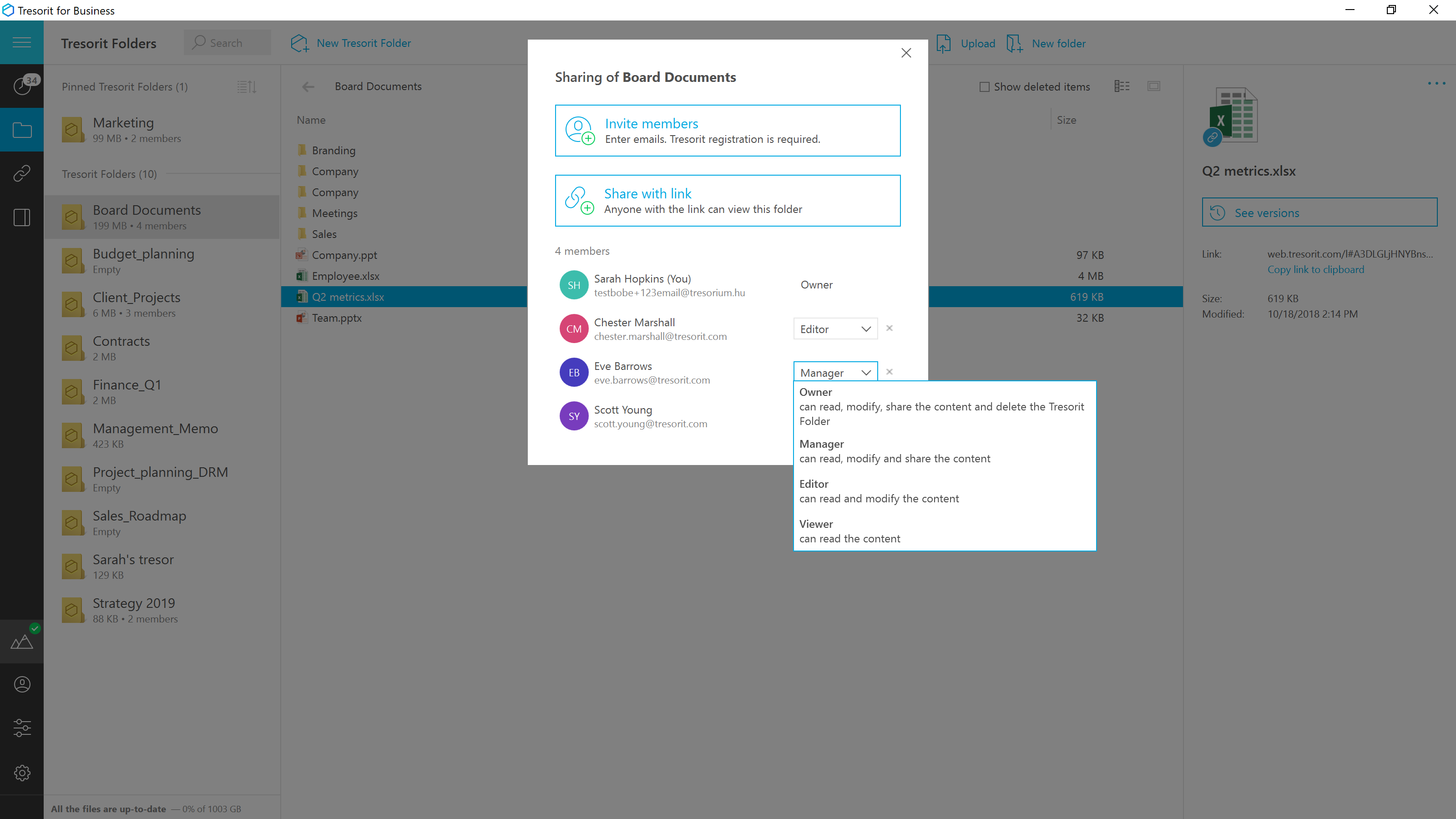
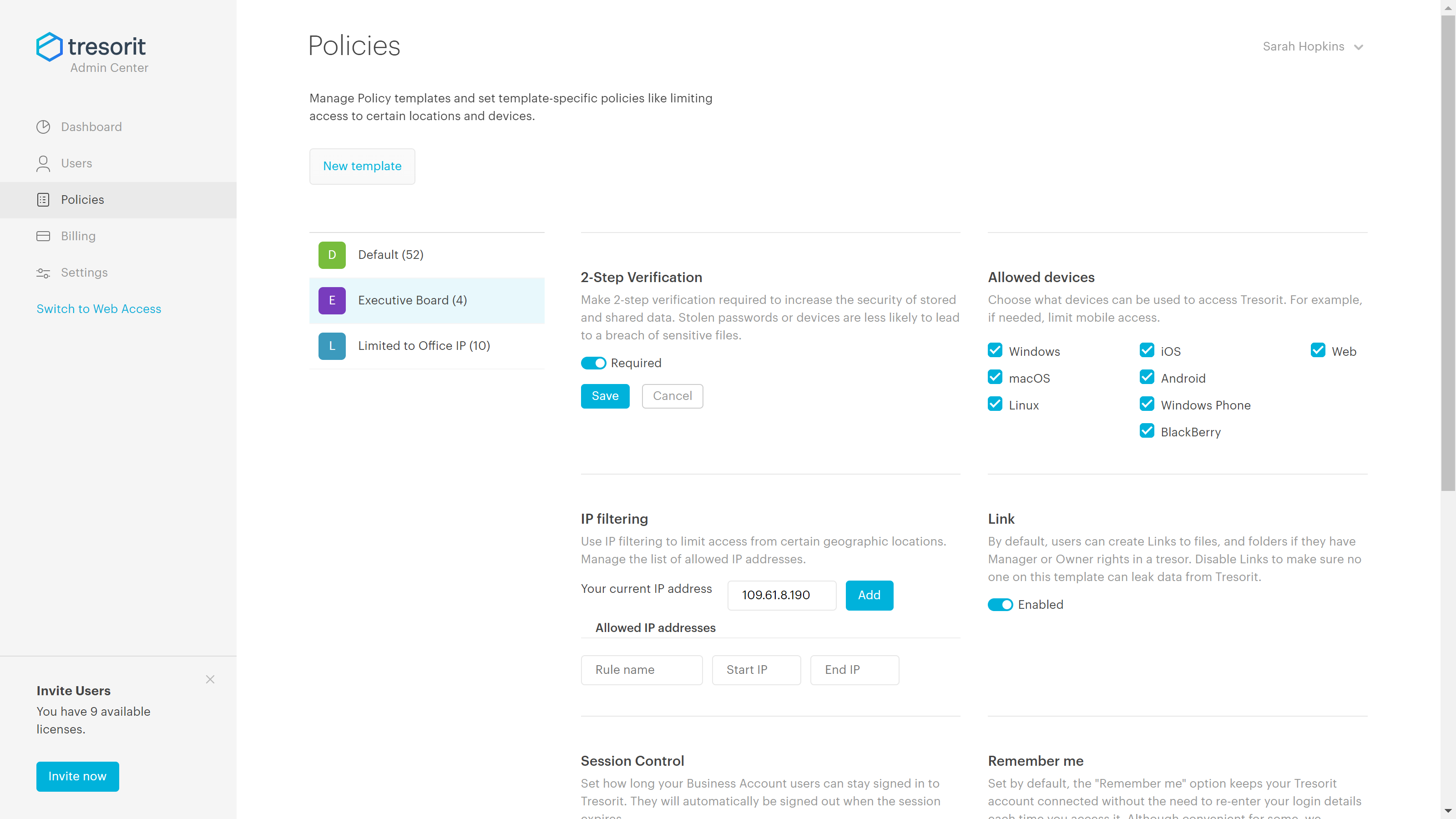
Tresorit offers end-to-end encrypted file
sync & sharing. The vendor promises an ultra-secure place in the cloud to store,
sync and share files easily from anywhere, anytime. The vendor says Tresorit is powered by
end-to-end encryption and enhanced with a flexible permission system, therefore
it seals your files away from internal data breaches and hackers. All the data
is securely stored according to the GDPR in Europe in Microsoft Azure
datacenters.
Tresorit promises to help secure…
$13.99
per month 1TB of encrypted storage
Pricing
Sococo
Tresorit
Editions & Modules
Sococo
$14.99 or $13.99 if paid annually
per month per seat
Sococo Unlimited
$24.99
per month per seat
Personal
$13.99
per month 1TB of encrypted storage
Business Standard
$18
per month 1TB of encrypted storage
Business Plus
$24
per month per user (2TB of encrypted storage per user)
Professional
$33.99
per month 4TB of encrypted storage
Enterprise
Custom
Starts from 50 users
Offerings
Pricing Offerings
Sococo
Tresorit
Free Trial
No
Yes
Free/Freemium Version
No
No
Premium Consulting/Integration Services
No
Yes
Entry-level Setup Fee
No setup fee
No setup fee
Additional Details
Sococo pricing plan includes a 10 seat minimum and 500 minutes per seat per month. Additional minutes price at $5 per 1,000 minutes. Sococo unlimited include a 100 seat minimum with unlimited minutes per seat per user.
Discount for annual pricing.
More Pricing Information
Features
Sococo
Tresorit
Project Management
Comparison of Project Management features of Sococo and Tresorit
Feature
Sococo
4.7
3 Ratings
49% below category average
Tresorit
-
Ratings
Task Management
5.01 Ratings
00 Ratings
Scheduling
5.01 Ratings
00 Ratings
Workflow Automation
4.01 Ratings
00 Ratings
Mobile Access
3.03 Ratings
00 Ratings
Search
3.02 Ratings
00 Ratings
Visual planning tools
8.01 Ratings
00 Ratings
Communication
Comparison of Communication features of Sococo and Tresorit
Feature
Sococo
5.3
5 Ratings
40% below category average
Tresorit
-
Ratings
Chat
5.05 Ratings
00 Ratings
Notifications
5.05 Ratings
00 Ratings
Discussions
6.03 Ratings
00 Ratings
Internal knowledgebase
5.02 Ratings
00 Ratings
Integrates with GoToMeeting
5.01 Ratings
00 Ratings
Integrates with Gmail and Google Hangouts
7.01 Ratings
00 Ratings
Integrates with Outlook
4.01 Ratings
00 Ratings
File Sharing & Management
Comparison of File Sharing & Management features of Sococo and Tresorit
Feature
Sococo
4.6
2 Ratings
55% below category average
Tresorit
4.7
1 Ratings
56% below category average
Versioning
6.01 Ratings
00 Ratings
Video files
3.01 Ratings
2.01 Ratings
Audio files
3.01 Ratings
2.01 Ratings
Document collaboration
3.01 Ratings
2.01 Ratings
Access control
5.01 Ratings
2.01 Ratings
Advanced security features
6.01 Ratings
00 Ratings
Integrates with Google Drive
5.01 Ratings
00 Ratings
Device sync
6.02 Ratings
10.01 Ratings
File search
00 Ratings
10.01 Ratings
Cloud Storage Security & Administration
Comparison of Cloud Storage Security & Administration features of Sococo and Tresorit
Feature
Sococo
-
Ratings
Tresorit
7.7
1 Ratings
12% below category average
User and role management
00 Ratings
9.01 Ratings
File organization
00 Ratings
5.01 Ratings
Device management
00 Ratings
9.01 Ratings
Cloud Storage Platform
Comparison of Cloud Storage Platform features of Sococo and Tresorit
We tried Sococo as means of gamifying a natively remote office. It does the job but the tool suffers from a lack of integrations. You will run out of free minutes very quickly and the additional charges are too high to make business sense.
Good scenario: Wanting to have your files stored by an independent group that specializes in secure file storage. The ability to have files stored on servers that are not domestic is a big plus too. We had issues in the past with a solution that went down when the US AWS East Coast servers had an issue; Tresorit is insulated from these problems and appears to handle load balancing as well. Not good scenario: If you want to have outside parties, upload files/share files with you within your Tresorit environment. There is no way of doing this, and this is a real operational problem.
A de minimis incentive was given to thank the reviewer for their time. The incentive was not used to bias or drive a particular response, nor was the incentive contingent on a positive endorsement. More Info
Visual layout - the virtual office visible was very helpful because it made the organization feel closer and as a whole, much more connected. Further, you can group departments in your layout, so it gave a good visual understanding of who was part of each 'department/team.'
Sound - the sound quality was good overall in meetings, and I liked the realistic sounds for opening and closing an office, etc. It allowed for a real office feel, and this is especially important since a lot of companies offer the option to work from home now - this removes the 'disconnect' that usually exists when working from home.
Communication options - it allowed for multiple ways to communicate and places to communicate - i.e., in the auditorium, lunchroom, conference room, or a smaller room. Very realistic and a variety in that sense.
A de minimis incentive was given to thank the reviewer for their time. The incentive was not used to bias or drive a particular response, nor was the incentive contingent on a positive endorsement. More Info
A de minimis incentive was given to thank the reviewer for their time. The incentive was not used to bias or drive a particular response, nor was the incentive contingent on a positive endorsement. More Info
A de minimis incentive was given to thank the reviewer for their time. The incentive was not used to bias or drive a particular response, nor was the incentive contingent on a positive endorsement. More Info
A de minimis incentive was given to thank the reviewer for their time. The incentive was not used to bias or drive a particular response, nor was the incentive contingent on a positive endorsement. More Info
A de minimis incentive was given to thank the reviewer for their time. The incentive was not used to bias or drive a particular response, nor was the incentive contingent on a positive endorsement. More Info
Sococo didn't seem to have a strong support line. In comparison to other products, such as Microsoft Teams, it did not regularly check in with us. There should be opportunities to give feedback on the quality of the program periodically and if we had any issues. Sometimes, Sococo would crash, and we would 'restart it' but not know why it happened.
A de minimis incentive was given to thank the reviewer for their time. The incentive was not used to bias or drive a particular response, nor was the incentive contingent on a positive endorsement. More Info
Exceptionally responsive. This is something we needed from our storage provider. We are continuously accessing the information, and downtime or technical issues would be and are unacceptable. We have had no downtime issues so far, and Support has been responsive to us whenever needed. Exactly what we needed from their service.
A de minimis incentive was given to thank the reviewer for their time. The incentive was not used to bias or drive a particular response, nor was the incentive contingent on a positive endorsement. More Info
I prefer Sococo over Lync/Skype for a few reasons. I feel the user interface is slicker, better voice clarity, easier to hop between calls. And, all call members can go to a common chat room on their own accord instead of one person trying to invite everybody. I also feel that it's easier to share one's screen and swap between different shared screens with Sococo.
A de minimis incentive was given to thank the reviewer for their time. The incentive was not used to bias or drive a particular response, nor was the incentive contingent on a positive endorsement. More Info
Secure and independently operated. We selected Tresorit for its secure file storage capabilities that the other services (except SpiderOak) did not provide. Tresorit is a zero-knowledge system, which gives us a lot of comforts when it comes to secure data storage. SpiderOak was a close alternative, but they have been in continuous development to provide competitive features, and still haven't provided what we needed (SpiderOak has promised features for several years at this point).
A de minimis incentive was given to thank the reviewer for their time. The incentive was not used to bias or drive a particular response, nor was the incentive contingent on a positive endorsement. More Info
Morning meetings are much simpler with sococo than without. Small powwows with coworkers to work out little bugs are also a lot more enticing since setup is essentially nonexistent.
It might be argued that the cost of sococo isn't worth the benefits of simplicity and ease of use.
A de minimis incentive was given to thank the reviewer for their time. The incentive was not used to bias or drive a particular response, nor was the incentive contingent on a positive endorsement. More Info
A de minimis incentive was given to thank the reviewer for their time. The incentive was not used to bias or drive a particular response, nor was the incentive contingent on a positive endorsement. More Info