Stackby is designed to bring together the simplicity of spreadsheets, the functionality of databases and integrations with best business APIs to let anyone build their own tools, the way they want. No coding needed. Users can build a database from scratch, import data from pre-existing sources like spreadsheets or Google Sheets, or choose from over 100 pre-built templates across multiple categories. Stackby offers over 25 unique column types like text,…
$5
per month per user
Deltek TrafficLIVE
Score4 out of 10
N/A
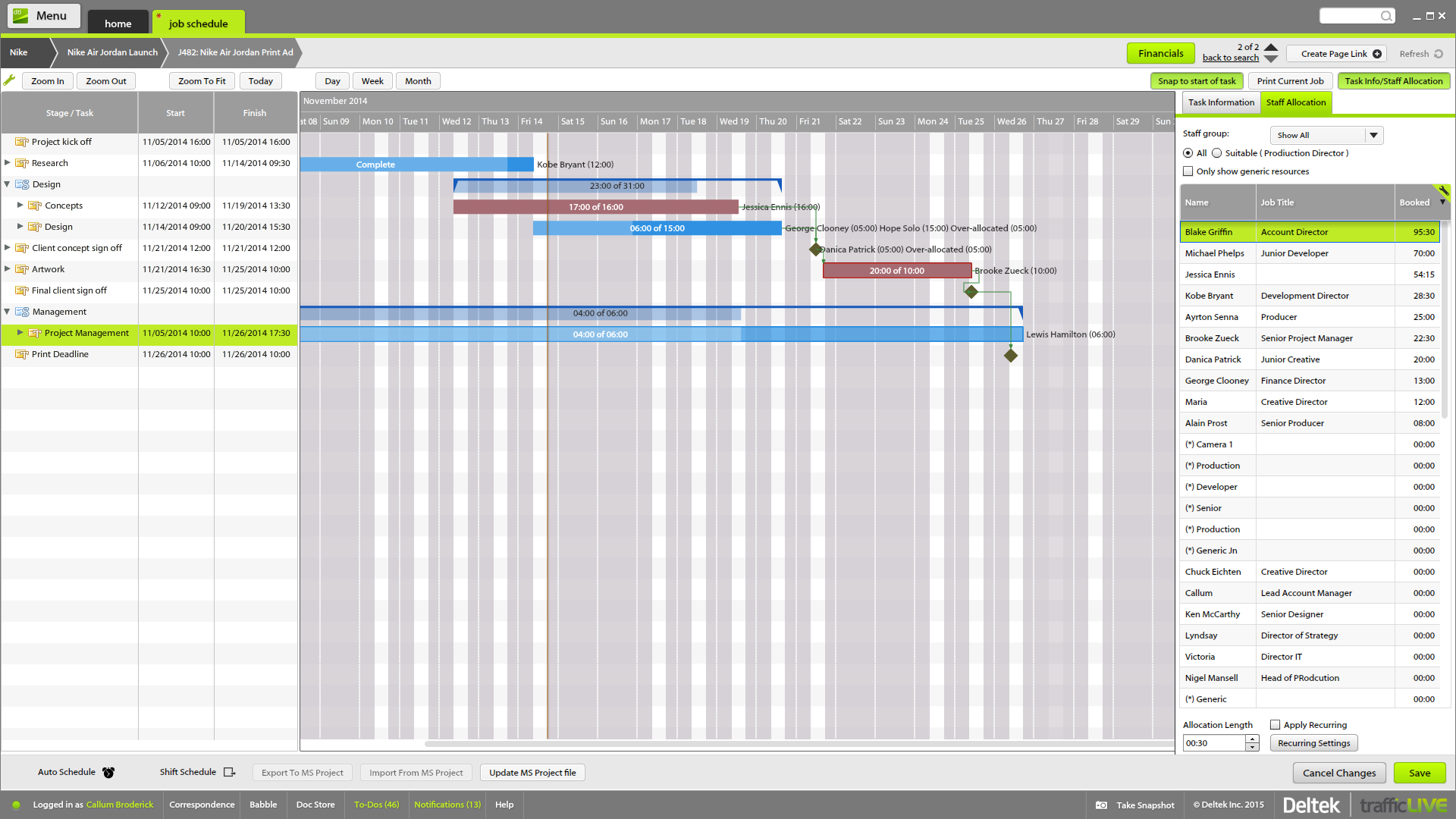
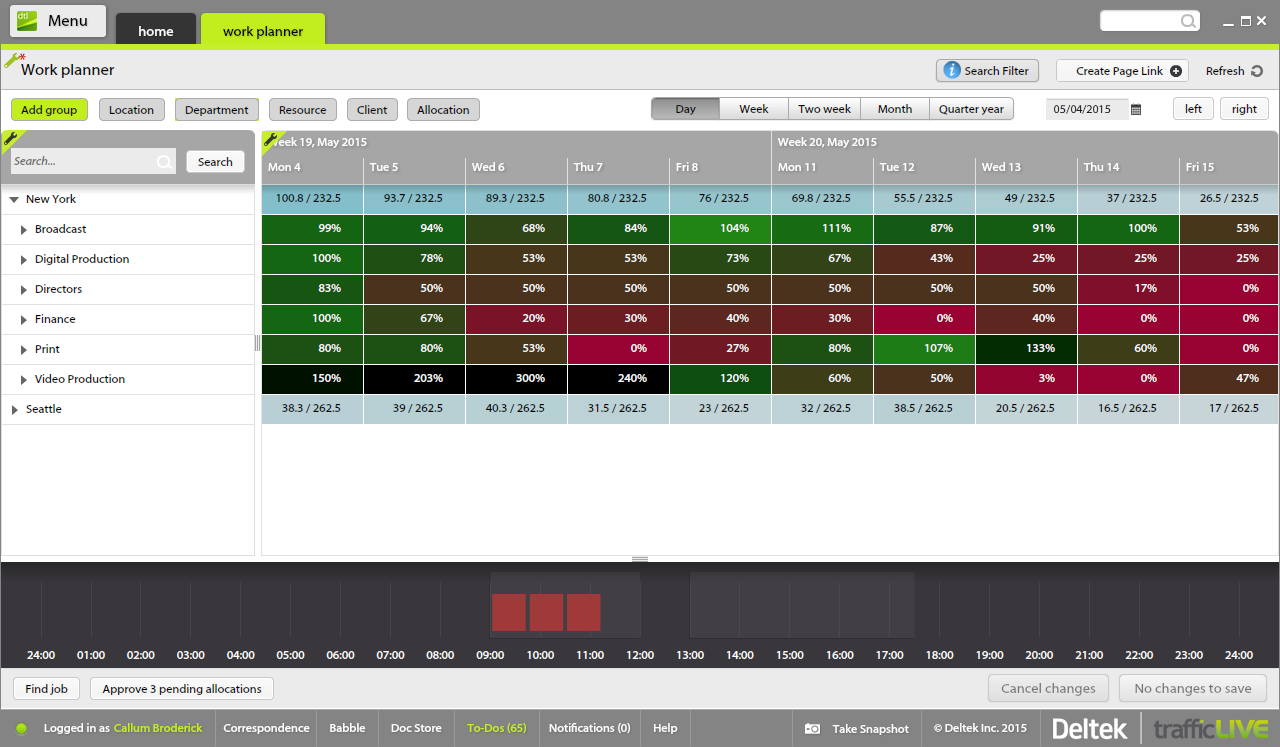
Deltek’s TrafficLIVE is a cloud-based agency management
software solution. The vendor says that the solution provides unmatched
visibility into an agency’s entire business; improves business processes and
drives efficiency that sets an agency up for success and increased
profitability. TrafficLIVE is designed to help agencies to be more connected,
productive and profitable. The vendor says that with TrafficLIVE agencies can start:
Attacking
Over…
N/A
Pricing
Stackby
Deltek TrafficLIVE
Editions & Modules
Personal
$6
per month per user
Economy
$10
per month per user
Business
$20
per month per user
Business Plus
$35
per month per user
Enterprise
Custom
No answers on this topic
Offerings
Pricing Offerings
Stackby
Deltek TrafficLIVE
Free Trial
Yes
No
Free/Freemium Version
Yes
No
Premium Consulting/Integration Services
No
Yes
Entry-level Setup Fee
No setup fee
Required
Additional Details
20% discount for annual pricing.
TrafficLIVE offers solutions for small to large agencies. Our prices range based on number of users and requirements.
Based on my experience, I can provide specific scenarios where Stackby is well suited and others where it may be less appropriate: Project Management: Stackby is an excellent choice for project management scenarios. Its ability to create custom databases, track tasks, assign responsibilities, and collaborate in real-time makes it highly effective for managing and monitoring project progress. CRM and Sales: Stackby is well suited for managing customer relationships and sales processes. Its customizable database structure allows for organizing customer information, tracking leads, managing deals, and generating reports. The ability to integrate with other tools further enhances its usefulness in CRM and sales workflows. Content Planning: Stackby is a great fit for content planning scenarios. Users can create databases to manage editorial calendars, track content ideas, assign tasks to team members, and monitor content performance. Collaboration features facilitate seamless content collaboration and ensure timely publishing.
Traffic is suitable for most agencies, regardless of size. You don't need to use all of the features in order to get good results. And it can be linked to Maconomy which is useful for larger agencies. We have around 80 employees and it works great.
The time sheet area is really good - it's easy to drag and drop and fill in time sheets with allocated tasks quickly, which makes it more likely that people will actually do it!
It's invaluable to be able to see the time spent on different tasks across a job - both for keeping track of ongoing projects, but also to plan resourcing and costs for the next time.
It's useful to be able to mark parts of a job as 'complete' before the full job is finished - this makes it easier to track which tasks still have to be finished, and makes sure that people are tracking time to the correct task within the job.
Job templates are very useful to make sure the same set of tasks is added to each job automatically.
A de minimis incentive was given to thank the reviewer for their time. The incentive was not used to bias or drive a particular response, nor was the incentive contingent on a positive endorsement. More Info
Implement the same views available on desktop into the mobile app
Internal automations (like Airtable)
Ability to implement and display info as a dashboard (like Airtable)
Polish up the formatting of formulas, inputting them causes user frustration due to the formula input cursor jumping around
Better intelligence and ease of inputting data in bulk i.e have the fields automatically identify what data is being input and format appropriately (like Airtable does)
A de minimis incentive was given to thank the reviewer for their time. The incentive was not used to bias or drive a particular response, nor was the incentive contingent on a positive endorsement. More Info
Stackby is overall pretty easy to use, especially if you're used to something like Airtable or SmartSuite. Some of the pages seem like near exact clones (though they put their own creative spin on things). I'd prefer a slighty fresher interface (like SmartSuite), but I'm willing to sacrifice that for the better price and great customer service.
I have also tried Ora.Pm. Infinity has better graphical interface, but nowhere near as many features and the UI isn't as effective (i.e, moving around with keys). Grist has a much more technical interface and it comes from being more of a database/interactive spreadsheet vs Stackby. Grist has much more functionality in terms of formulas, but is much harder to learn to use and less other functionalities. Ora.PM is more of a test at a task management app, and doesn't compare - Stackby is much better.
Deltek TrafficLIVE was the pre-existing system when I joined the company. When we decided to purchase a new system, we considered a number of options such as Kimble PSA, Oracle NetSuite & Mavenlink. We decided to go ahead with Kimble PSA because we felt that as a package, it provided all the functionality we need against its competitors. It had far more functionality than TrafficLIVE and was more suited to the scale of our business.
A de minimis incentive was given to thank the reviewer for their time. The incentive was not used to bias or drive a particular response, nor was the incentive contingent on a positive endorsement. More Info
Much more clarity as to how much time each different type of brief should take to complete as we can back reference as to how long it took last season.
It has lead to better customer service. We can visibly demonstrate where we are with jobs and who has been assigned. In the past verbally confirming the different stages did not always convince the project leaders that they were being given the actual real time.
From the Studio users point of view it has empowered them to manage their time more efficiently. If they receive a request to move onto another job their calendars can be reviewed to see if they are available or not.