Superhuman for Business is an email management solution that helps to enhance team collaboration and help users maintain focus. Some features include timed sent, Unsend, conversation snooze, support for offline actions, Gmail shortcuts, etc.
$30
per month per user
Zimbra
Score 6.7 out of 10
N/A
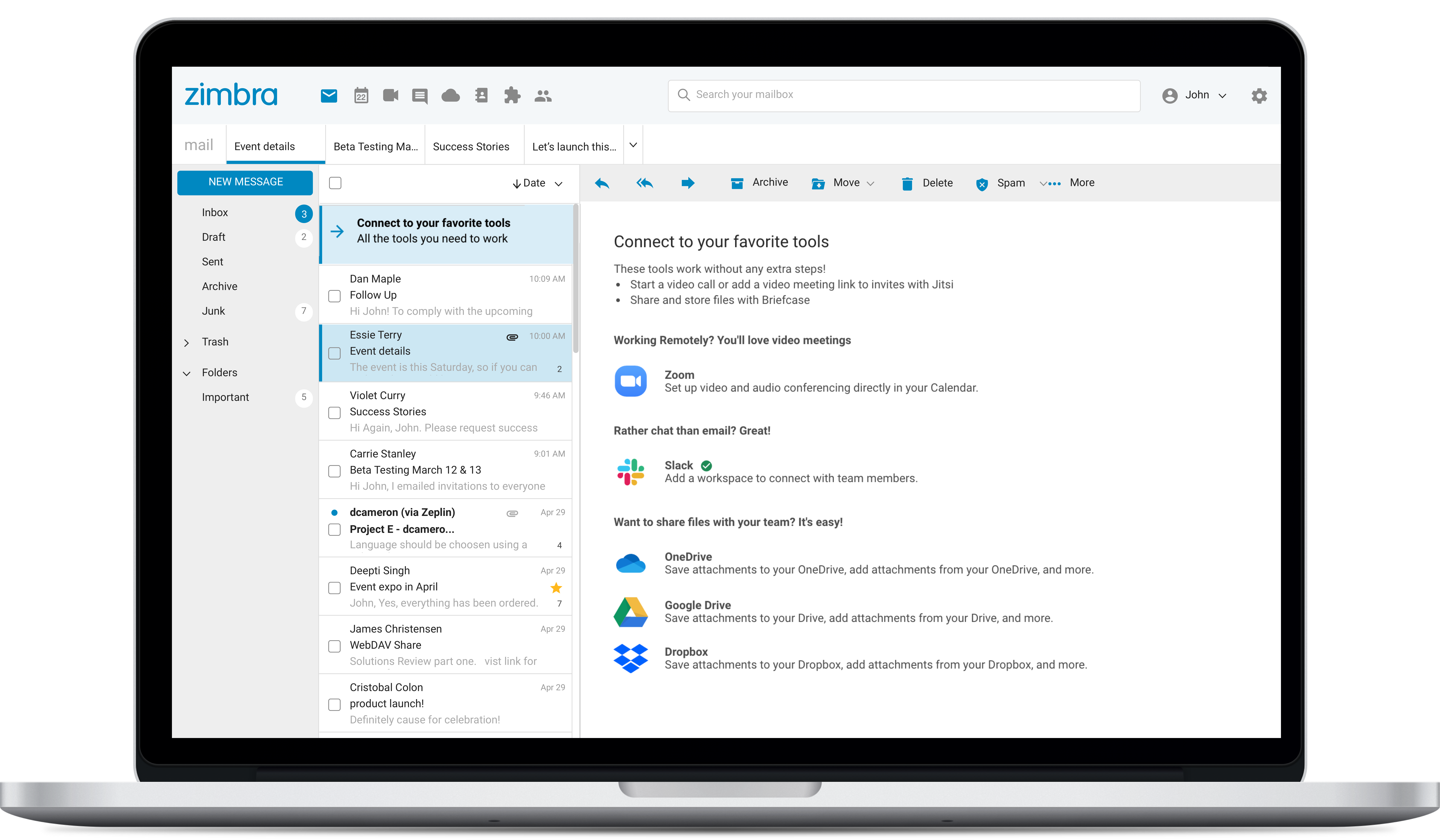
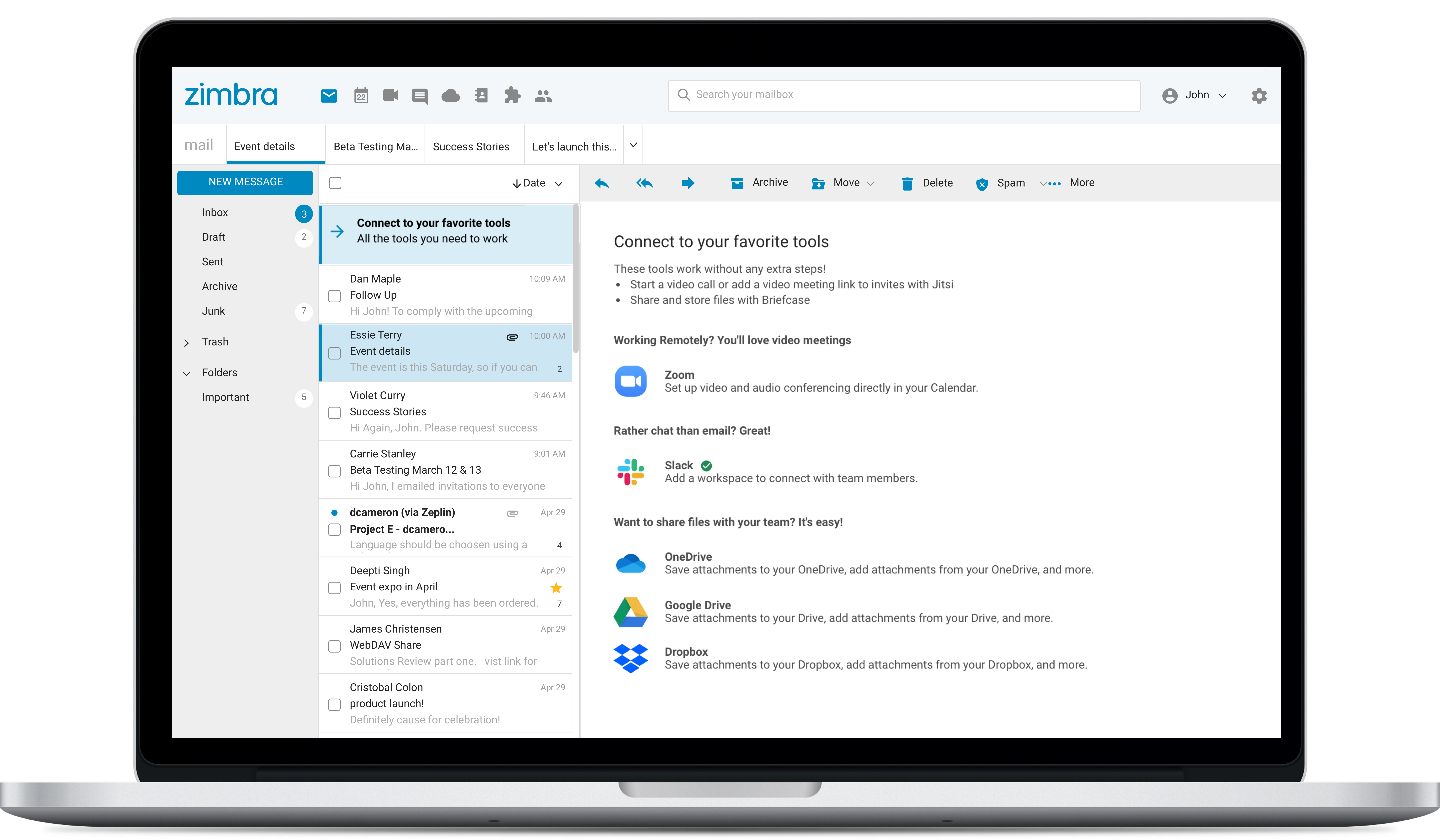
Zimbra is an email and collaboration platform and productivity suite that includes contacts, calendar, tasks, chat and file sharing, plus videoconferencing, document editing, and file storage.
N/A
Thunderbird
Score 8.4 out of 10
N/A
Thunderbird is an open-source email management application from MZLA Technologies Corporation, a subsidiary of Mozilla.
N/A
Pricing
Superhuman
Zimbra by Synacor
Thunderbird
Editions & Modules
Starter
$30
per month per user
Business
$40
per month per user
Enterprise
Contact for pricing
No answers on this topic
No answers on this topic
Offerings
Pricing Offerings
Superhuman
Zimbra
Thunderbird
Free Trial
No
Yes
No
Free/Freemium Version
No
No
Yes
Premium Consulting/Integration Services
No
No
No
Entry-level Setup Fee
No setup fee
No setup fee
No setup fee
Additional Details
Up to 18% discount for annual billing on Starter and Business plans.
—
—
More Pricing Information
Community Pulse
Superhuman
Zimbra by Synacor
Thunderbird
Considered Multiple Products
Superhuman
Verified User
Administrative Assistant
Chose Superhuman
Superhuman is far simpler to use and get started with. The UI is modern and suits all the needs. AI, although it has limited real-life use, is very much optimized and fits the use case. It is compatible and easy to configure.
1. Inbox management 2. Saving time 3. For CXOs, it can save a lot of time. 4. Superhuman AI is very good, optimized for the use case. 5. UI/UX is to notch, the team has really put in some effort here. 6. Although there's a learning curve but the onboarding makes it very simple.
Zimbra is great for an email system for a medium or large organization with appropriate IT staffing. The system is easy to use for end-users, and has a fantastic web interface. Unfortunately, it is overly complex, when considering staffing requirements and price, when compared with Office 365 or Google Apps for smaller organizations. For other education customers, it is hard to compete with Microsoft and Google providing their services for "Free" now though
I like that it's free, I like that it's open-source, and the fact that it allows IMAP lets me have this on all 3 laptops and it's synced. I would never consider using it as my primary email client, however; just too clunky and can't navigate around fast enough the way I do with Gmail. And not even close to having all the features I'd need that Gmail does: 30 second undo-sending, canned responses, easy-to-create signatures for each email address (I literally toggle over to Gmail, compose a message, and paste my sig into the body of Thunderbird emails, so clunky), all spam ends up in my inbox even after I've marked enough as spam that it should know, email labeling and filtering... Gmail is just way more advanced and feature-ful. But, Thunderbird does beat my ridiculous RoundCube webmail interface!
When I started adopting it, it was VERY Apple-focused. I could not get access to Android and Windows. They are not releasing an Android version, and there is web access for Windows, which I use with an iPhone.
Built-in calendar, while nice, could be a little more functional.
Zimbra's mobile application leaves much to be desired; it is its weakest point.
This forces the use of third-party applications on smartphones, which only offer a more or less complete integration with the ActiveSync protocol.
Zimbra allows for an on-premise scenario, which is not for everyone, especially considering that the trend nowadays is to outsource email; in any case, it also offers this alternative.
The cost of Zimbra as a SaaS solution comes too close to that of more widely adopted competing options.
Zimbra lacks a robust integrated chat system, which its competitors offer.
The web usability of the solution is adequate, with all functions integrated into a single interface. However, it is important to note that in the desktop environment, it lacks its own application and relies on ActiveSync synchronization with reference solutions like Outlook or Thunderbird. Some features, such as the briefcase, will be excluded. The same happens on smartphones.It is also common for competing solutions to include integrated chat or video call tools, which Zimbra lacks. These shortcomings are among the most frequently requested by users.
Thunderbird is a software very simple to use, but efficient in every aspect. We don't have a specific need, apart to manage email in both directions, and Thunderbird does it's job in the best way. I would like to see a more friendly interface, with some colours more, to help the sight in the email searching. When we have many of them, sometimes it's difficult to find the one that we need.
Overall, we were satisfied with the implementation. We perhaps should have spent more time consulting with Zimbra or others regarding best practices but as we got to know the system better we were able to make changes relatively easily after the fact.
Zimbra is a significantly cheaper option than one of the Microsoft solutions, such as Exchange. It is able to run in a free environment, as it is in the case of Linux. It offers the advantages of a powerful mail manager, such as indexed searches and the integration of contacts and notes, all in one platform. It is constantly updated and the operation of its connection in mobile equipment is remarkable and very efficient. Additionally, it is able to easily integrate with Outlook solutions with its connector, which brings all the benefits of Zimbra to the user under the interface known as "mail manager." So far, I have been using Zimbra for several years and I have not missed my previous work platforms.
Zimbra is a cheaper email service than other similar platforms and in my point of view offers better features, that's why the company migrated services to this platform several years ago and without a doubt, it has been the best investment.
Zimbra has a more user-friendly interface for employees, this has improved response times to external customers of the company.
The implementation of Zimbra in the company motivated the IT engineering department to make improvements in open source to adapt it to the needs of the company.