TrustRadius: an HG Insights company

Creately

Score8.2 out of 10

32 Reviews and Ratings

What is Creately?

Creately is a visual collaboration platform that supports genograms, flowcharts, org charts, mind maps, and UML diagrams. Featuring template-based AI diagram generation, Creately boasts speed and accuracy in visual planning.

Read more details.

Media

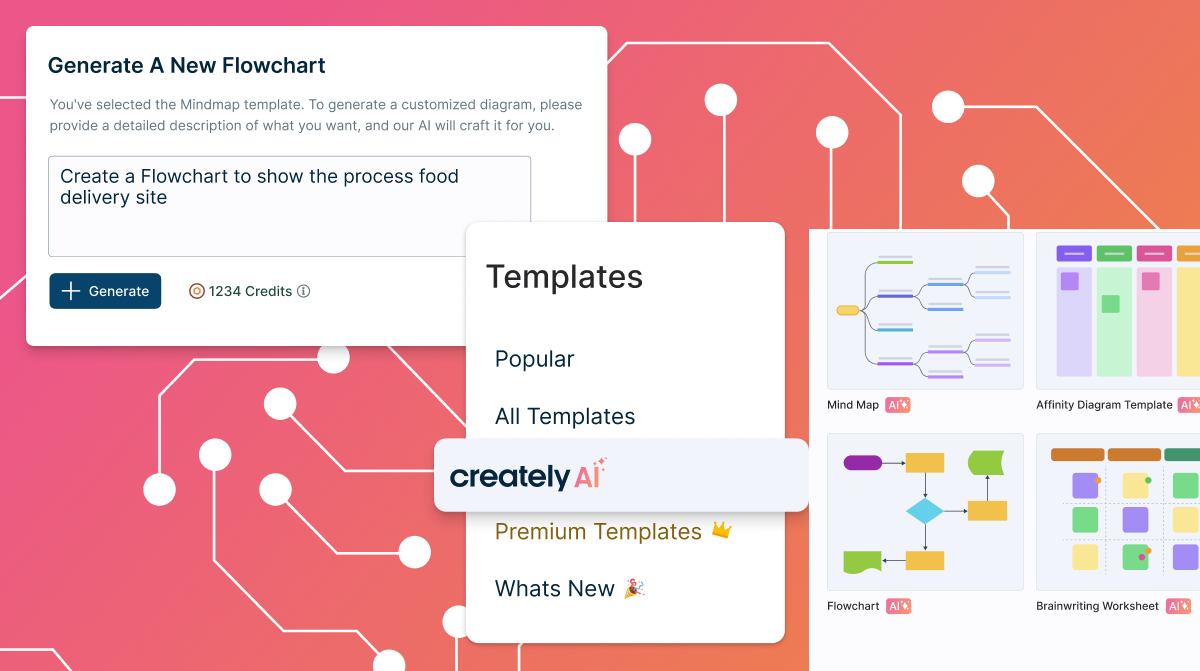
Screenshot of templated instructions for Creately AI
Screenshot of the AI base templates and text prompts
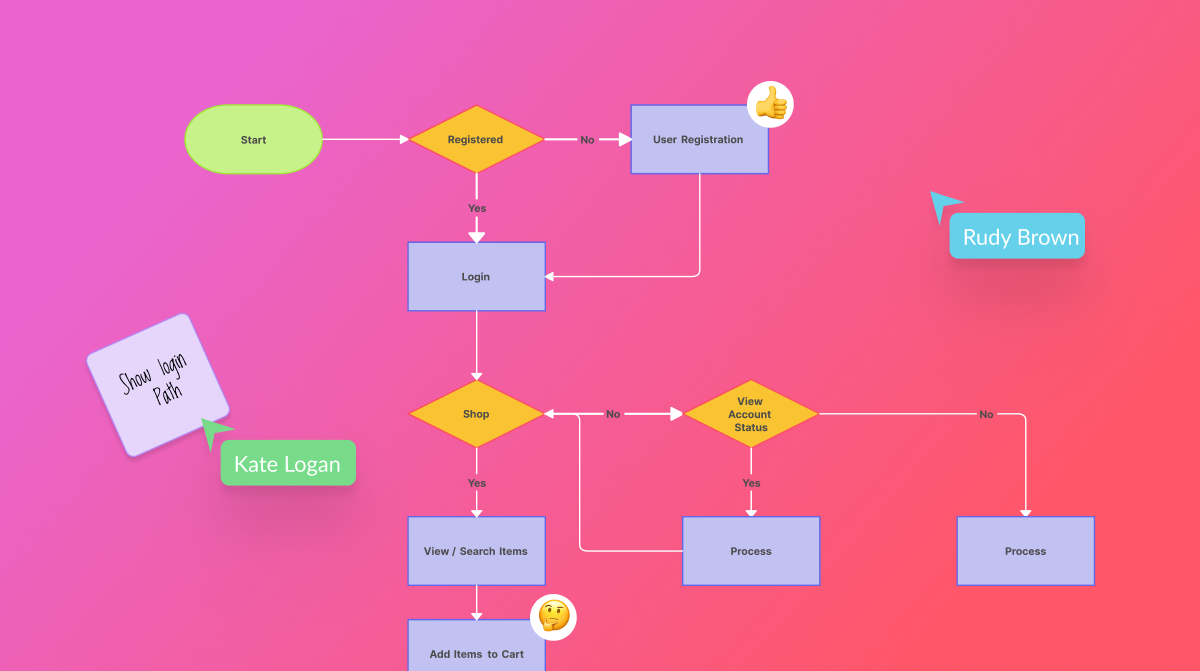
Screenshot of real-time collaboration
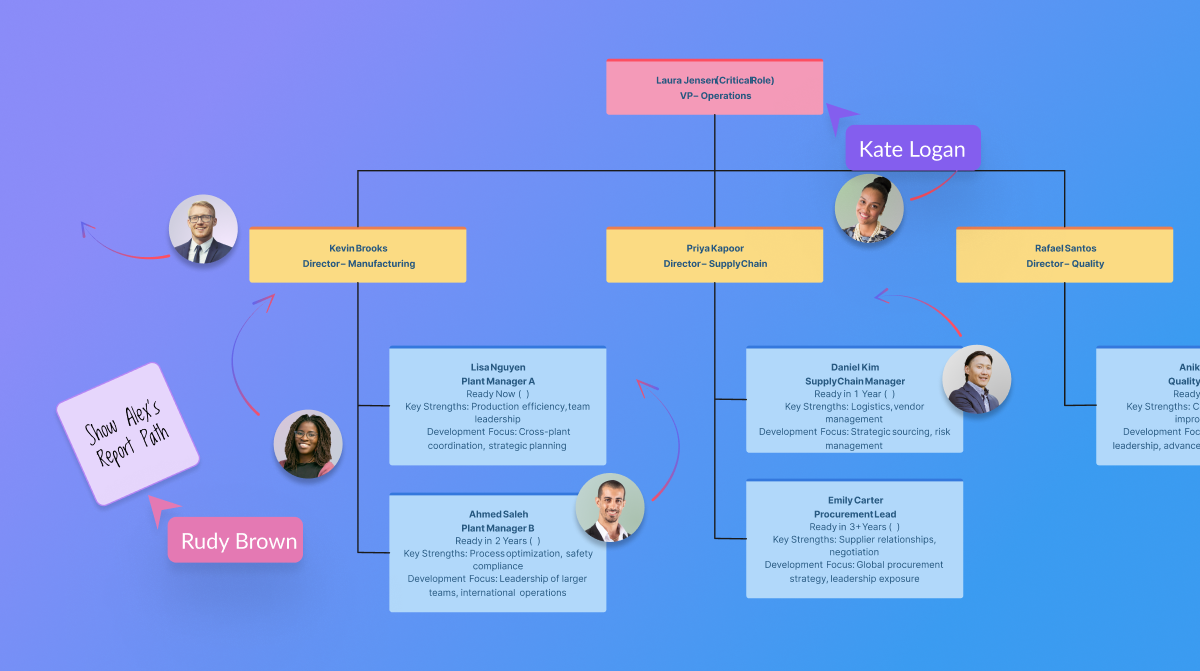
Screenshot of the AI org chart tool
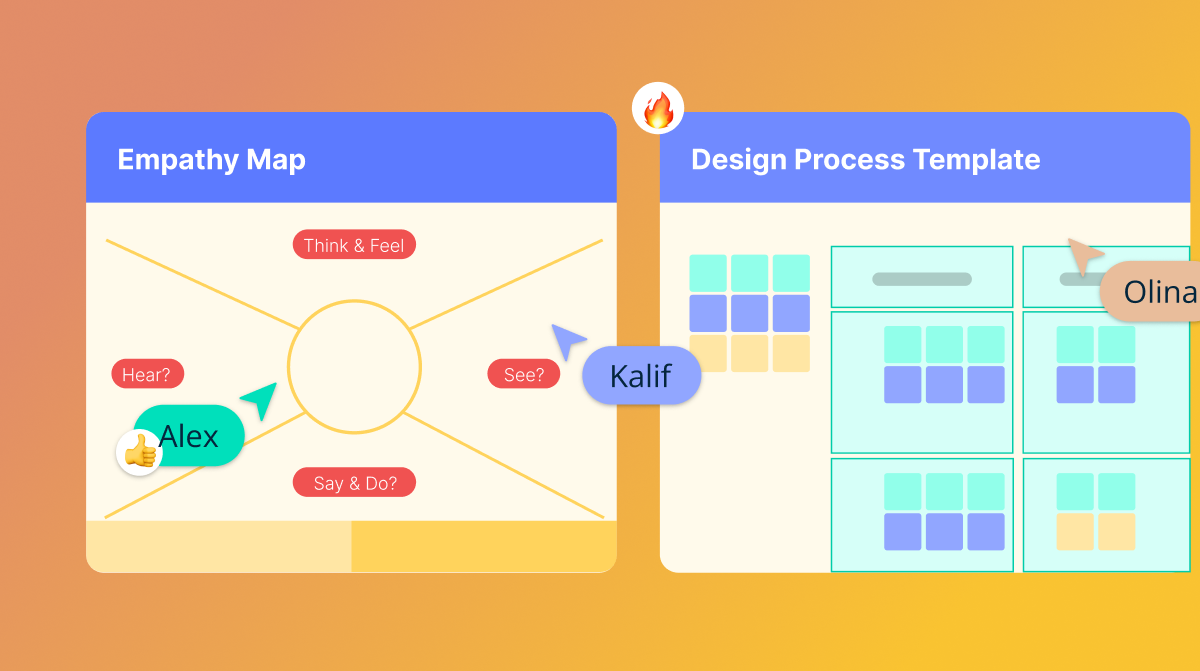
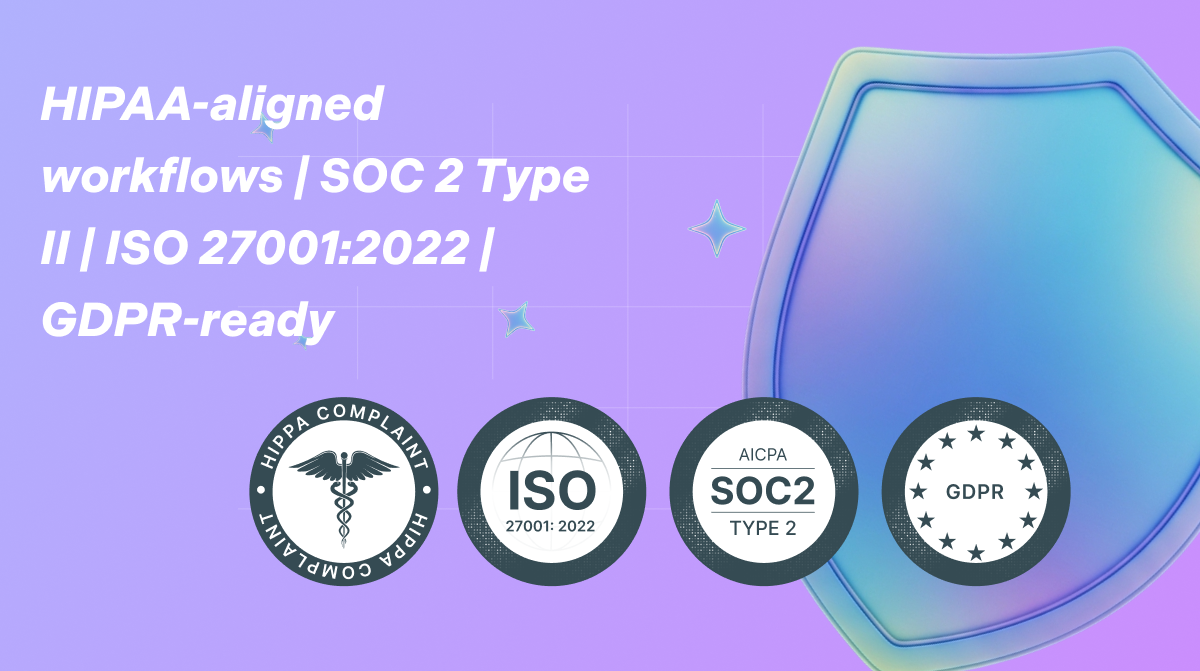
Screenshot of certifications

1 / 5

Screenshot of templated instructions for Creately AI

Pros

  • Robust features for team collaboration in shared environments
  • Simplifies project management and planning processes
  • Provides well-built and customizable templates for quick diagram creation

Cons

  • Significant learning curve and lack of intuitiveness for new users
  • Limited selection of fonts and shapes
  • Occasional performance issues, such as lags

Good experience with Creately.

Use Cases and Deployment Scope

We use Creately in our industry mainly for collaboration. It allows us to hold interactive meetings where we share our presentations and brainstorm as a team. Creately has well-built-in and customizable templates and a canvas. It allows us to create org charts and diagrams and manage our projects in real time.

Pros

  • Interactive and collaborative meetings with team.
  • Brainstorming.
  • Well built-in and customizable templates.

Cons

  • High learning curve.
  • Lacks intuitiveness.

Return on Investment

  • Enhanced collaboration with team.
  • Easy sharing of presentations.
  • Well made templates saves time.

Usability

Other Software Used

Microsoft SharePoint, BambooHR®

A Well Equipped Diagramming and Whiteboarding Solution For Business.

Use Cases and Deployment Scope

We have Creately deployed across several departments, and I use it in the marketing department. It helps us streamline complex workflows by ensuring smooth collaboration while also facilitating remote work. With the tool, we easily turn complex marketing ideas into well-structured visual plans on an infinite canvas, making team discussions easier. With its diagramming and white-boarding features, it is always easy for our teams to manage projects and align on agreed strategies for maximum productivity.

Pros

  • I like that it supports remote work and that it makes real-time collaboration easy.
  • AI-powered diagramming works well and has been very helpful in explaining complex ideas.
  • It supports data driven workflows.
  • It makes project management easy.
  • It effortlessly boosts team productivity thanks to easy alignment with strategies.

Cons

  • Besides occasional performance lags, I have not experienced any other issues.

Return on Investment

  • It supports real-time collaboration, and our remote/hybrid teams can effectively participate.
  • Diagramming makes it easy to understand complex strategies.
  • With the tool in place, we have effectively boosted team productivity.

Usability

Other Software Used

Zoho Campaigns, Zoho Forms

A good tool for collaboration and ideation.

Use Cases and Deployment Scope

As an IT project manager I use Creately for project planning, processes mapping, documentation of project, communication with my clients and stakeholders and general team collaboration during joint software designing. The software allows easy navigation and enables me to work remotely and collaborate on ideas with my team without being on the same location. It has a library of templates which are pre-built for different use cases.

Pros

  • Smooth learning curve.
  • Multi user capabilities.
  • Availability of built-in calendar view and reminders.
  • Single sign on.
  • Unlimited customizable templates.

Cons

  • Creately is ultimate tool for collaboration, diagramming and work management. The software has user friendly features and ability to visualize workflows in real-time. From my personal experience Creately is a great tool. We have not faced any major issue during deployment and implementation.

Return on Investment

  • The software has improved communication between our team of developers and clients. Through use of the software clients are able to track projects in real-time.
  • Creately has highly aided in reducing misunderstanding by providing tools for visual representation during development of software and websites.
  • The software has enabled us to facilitate training sessions and workshops.

Usability

Other Software Used

Collaboard, Figma, IBM Verify

A robust tool for collaboration.

Use Cases and Deployment Scope

We use Creately software in our organisation for collaboration,brainstorming, visualisation of ideas and creation of professional diagrams. The software ensures that everyone stays on the same page. Creately also plays an important role in project management but ensuring real-time project tracking and compliance management. Use of the software has fulfilled all our collaboration needs including call handling workflows and customer journey mapping.

Pros

  • Customizable templates.
  • The software allows organisational chatting.
  • Creately supports data import and export.
  • Real-time technical support services.
  • Availability of advanced diagramming tools.

Cons

  • Creately stands out in many ways from presentations management, collaboration, progress tracking,project management and milestone tracking. No complaints.

Return on Investment

  • Creately has centralised communication in our organisation and enabled smooth collaboration,securely, anywhere and effortlessly.
  • Use of the product allows us to execute work together.
  • The software has eased creation and sharing of professional diagrams.

Usability

Other Software Used

Zoho Show, Asana, Microsoft Azure

Great Project management software.

Use Cases and Deployment Scope

I use Creately in mind mapping and allows me create diagrams in real-time. It allows us collaborate with team and and helps us in project management and planning. Creately canvas helps us design and brainstorm which makes us come up with good decisions.

Pros

  • Team Collaboration.
  • Brainstorming.
  • Great canvas.
  • Project management and planning.

Cons

  • Customer support need to be improved.
  • Not intuitive.

Return on Investment

  • Improved decision making through brainstorming.
  • Enhanced collaboration with team.
  • Easy to create flowcharts and diagrams.

Usability

Other Software Used

Cisco Board Series, Twilio SendGrid