

ExpenseBot
What is ExpenseBot?
ExpenseBot is expense management software built for Gmail and Google Workspace. It helps freelancers, small businesses, bookkeepers, accountants, and teams turn receipts and invoices into organized expense records without replacing the Google tools they already use.
Key capabilities
ExpenseBot can find receipts in Gmail and accept photos and PDF documents. It extracts details such as vendor, date, amount, tax, tip, and currency, then organizes receipt files in Google Drive and expense data in Google Sheets. Users can review and correct expenses, reconcile card activity, track income, create reports, record mileage, and export accounting-ready data.
Google Workspace workflow
Durable receipt files, spreadsheets, and reports remain in the customer’s Google Drive. ExpenseBot also uses limited operational metadata and temporary document processing to authenticate users, run scans, secure the service, and operate integrations, as described in its Privacy Policy.
Accounting and security
ExpenseBot supports exports and workflows for QuickBooks Online, Xero, Sage, NetSuite, FreshBooks, Zoho Books, and Microsoft Dynamics 365 Business Central. ExpenseBot completed a CASA Tier 2 independent security assessment in 2026 through a CASA-authorized assessment lab.
Categories & Use Cases
Screenshots


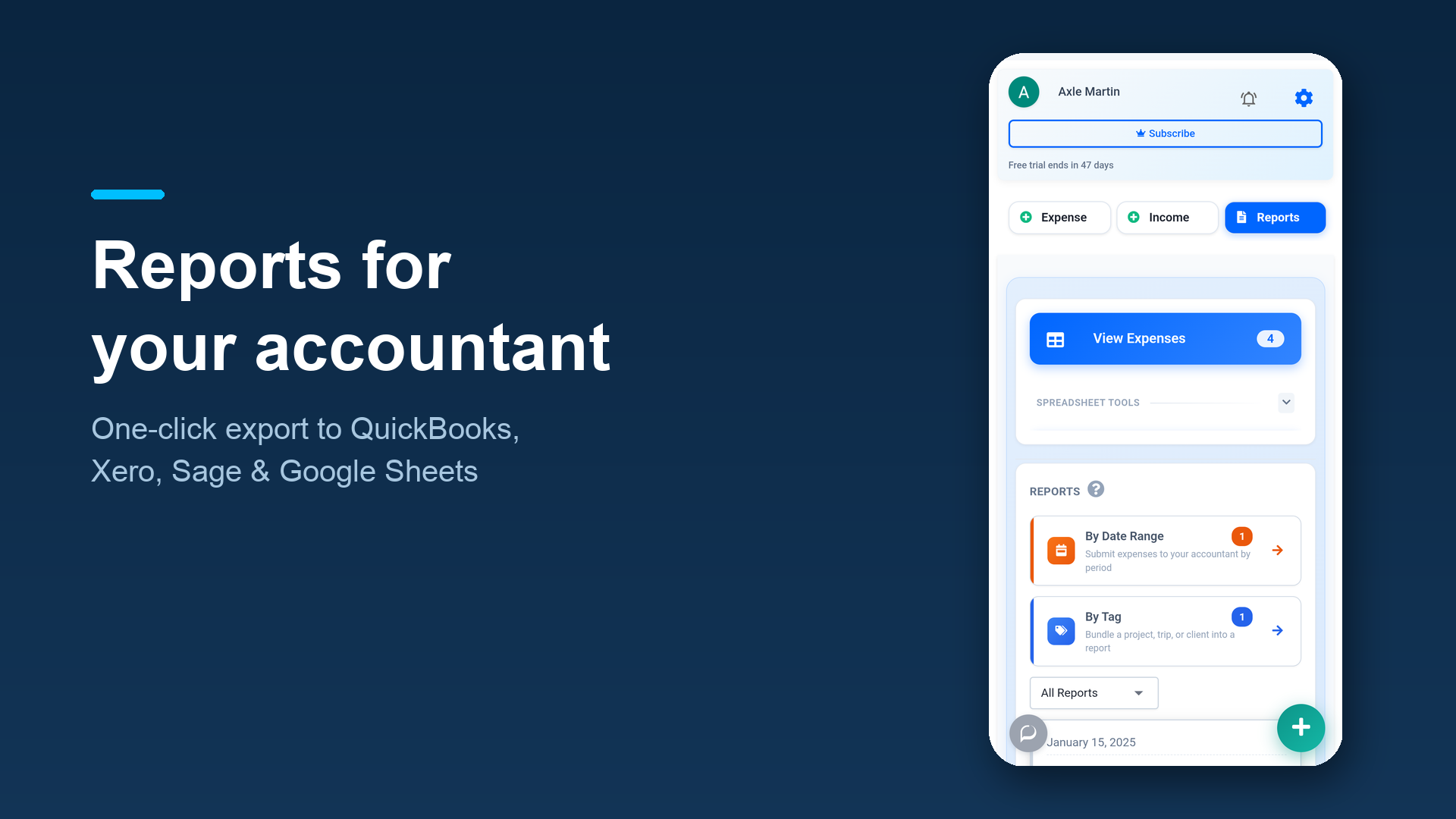
1 / 4
Screenshot of Capture receipts from Gmail, Google Photos, Google Drive, PDFs, photos, or a forwarding address.
Technical Details
| Deployment Types | SaaS |
|---|---|
| Mobile Application | No |
| Supported Countries | Worldwide |
| Supported Languages | English |
FAQs
How much does ExpenseBot cost?
ExpenseBot starts at $10.
What are ExpenseBot's top competitors?
Expensify, Dext, and Zoho Expense are common alternatives for ExpenseBot.