GIMP is a free, open-source graphics software. GIMP, or General Image Manipulation Program was developed in 1996 and has continued to be updated by volunteers since then.
N/A
Genially
Score 9.0 out of 10
N/A
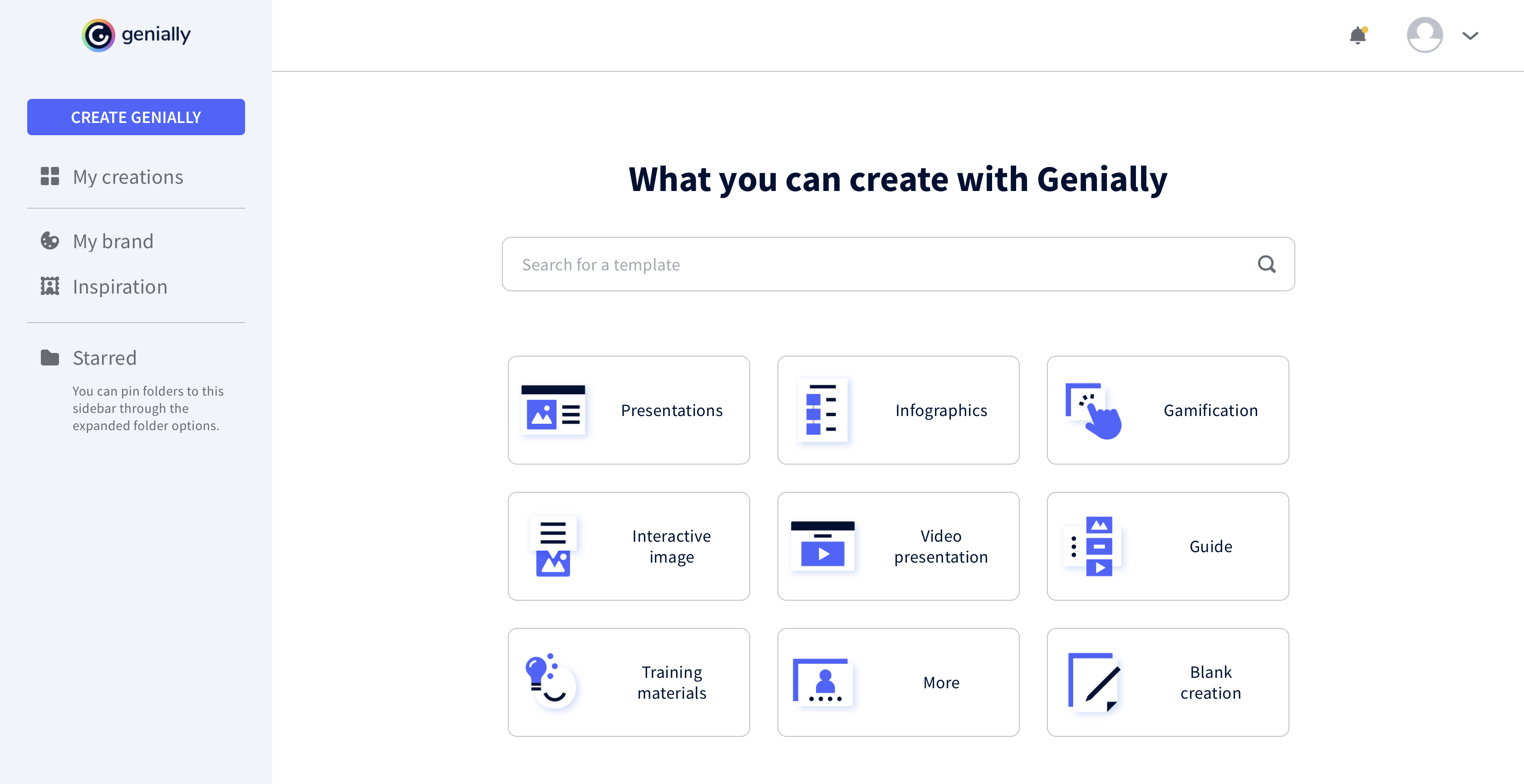
Genially is a provider of interactive visual communication and an online tool to create presentations, interactive images, infographics, dossiers, quizzes, resumes, etc. and enrich them with interactivity and animation effects. Without needing a team of designers and programmers, Genially is designed to allow enterprises to make an impact with striking, visual communication in a flash. It includes interactive and animated effects to distribute…
$7.49
per month (billed annually)
Inkscape
Score 8.7 out of 10
N/A
Inkscape is a free and open source vector drawing app for Windows, MacOS & Linux, available for download free under the GPLv3+ license. The tools aims to support illustrators, designers, web designers or anyone wanting to create vector graphics.
While Adobe Photoshop and Illustrator are the gold standards, there is nothing I've used for as long which compares for overall graphical content creation/editing offered freely that comes close to what GIMP can accomplish. For vector formats, I prefer to work in something more …
It is free. Easy to install Easy and simple to use and master.
Verified User
Professional
Chose Inkscape
Inkscape is the standard if you want a free product that can produce high quality vector based graphics, there may be other products that can do it better but they are very very expensive. The experience you will get from expensive commercial products will be better but if you …
GIMP is great for anyone ranging from personal use to a small business. But, if you are a large business and have a sufficient budget, I would recommend you to opt for an expensive paid software like Photoshop, that would provide not only great features but also public recognition. Its great for beginners wanting to start editing photos, there is a small learning curve that could be gotten used to in no time.
Genially is well suited for important presentations and when you want the reader to interact with the document you are creating. The smart blocks are also very useful and well thought out. Genially is not your best tool if you need to put something together fast or if you need to customize a lot because editing could be time-consuming.
I would 100% recommend Inkscape to anyone starting out with graphic design or illustration, as it isn't that difficult to get the hang of on the first day of using it. I am not recommending Inkscape for beginners alone, even experts in the field can use Inkscape professionally as it cuts of the expense of needing to buy a paid graphic design software which provides almost the same features. Inkscape is also great for beginners because it can be treated like a stepping stone to move onto a paid graphic designing software like Adobe Illustrator, so Inkscape can be used to test the waters before making the leap. Inkscape and Illustrator are almost the same so there wont be any difficulty in switching later on.
GIMP should make the font tool more intuitive. Make it easier to change fonts during edit process without resetting the typeface selection.
Build in selection/move ability within tools like the typeface tool... I.e. don't require toggle between selection tool and typeface tool when wanting to move a line of type within a layer. Likewise with shapes, etc.
Capability, open architecture, compatibility with Photoshop plugins, wide platform coverage; To me, as an open-source, freely available application, it's the nest-in-class.
I interface GIMP with other software--I need to. I generally use the major calculation, CAD, word processing, and photo editing programs. In my office, my use of this software is not limited to computer-aided design. However, I am sure that if I needed this software for other purposes, it would have no interface problems.
We have never needed to use the support functions for GIMP. Any queries we have or had about whether GIMP could complete a task we have used Google and YouTube. There is a wealth of information, guides, and forums dedicated to GIMP and how to perform certain tasks with the application.
Online services like Canva are fine for quickly designing brochures and marketing materials, videos, etc. They're user friendly and fast if you have a good connection. But if you're in production mode and need to do a lot of photo manipulation at once, without being connected to the web at all times and just want to focus, GIMP is the go-to product for you
This web tool is designed to be broad and wide-reaching because it can be used in several ways such as attracting customers, circulating news, and teaching skills. You don't have to be a programmer to create stunning digital projects that are both unique and stunning.
It is free. Easy to install Easy and simple to use and master. I find it as the best solution to do simple things without spending much time loading the API and trying to find the menu necessary to do the job. It produces vector graphics which is very well suited to illustrate research papers.
GIMP is freeware, which allows organizations that are not graphics-centered to use the powerful toolset without spending money on very expensive alternatives
GIMP is fairly easy to learn and does not require extensive user training (especially, if used for basic tasks)