ACCELQ is an agile quality management platform that helps users achieve continuous delivery for web, mobile, manual testing, and APIs. It can be used to write and manage manual test cases for the functionality that may be too fluid for automation.
N/A
JMeter
Score 8.2 out of 10
N/A
JMeter, from Apache, is a load and performance testing tool.
$0
Tricentis NeoLoad
Score 7.3 out of 10
N/A
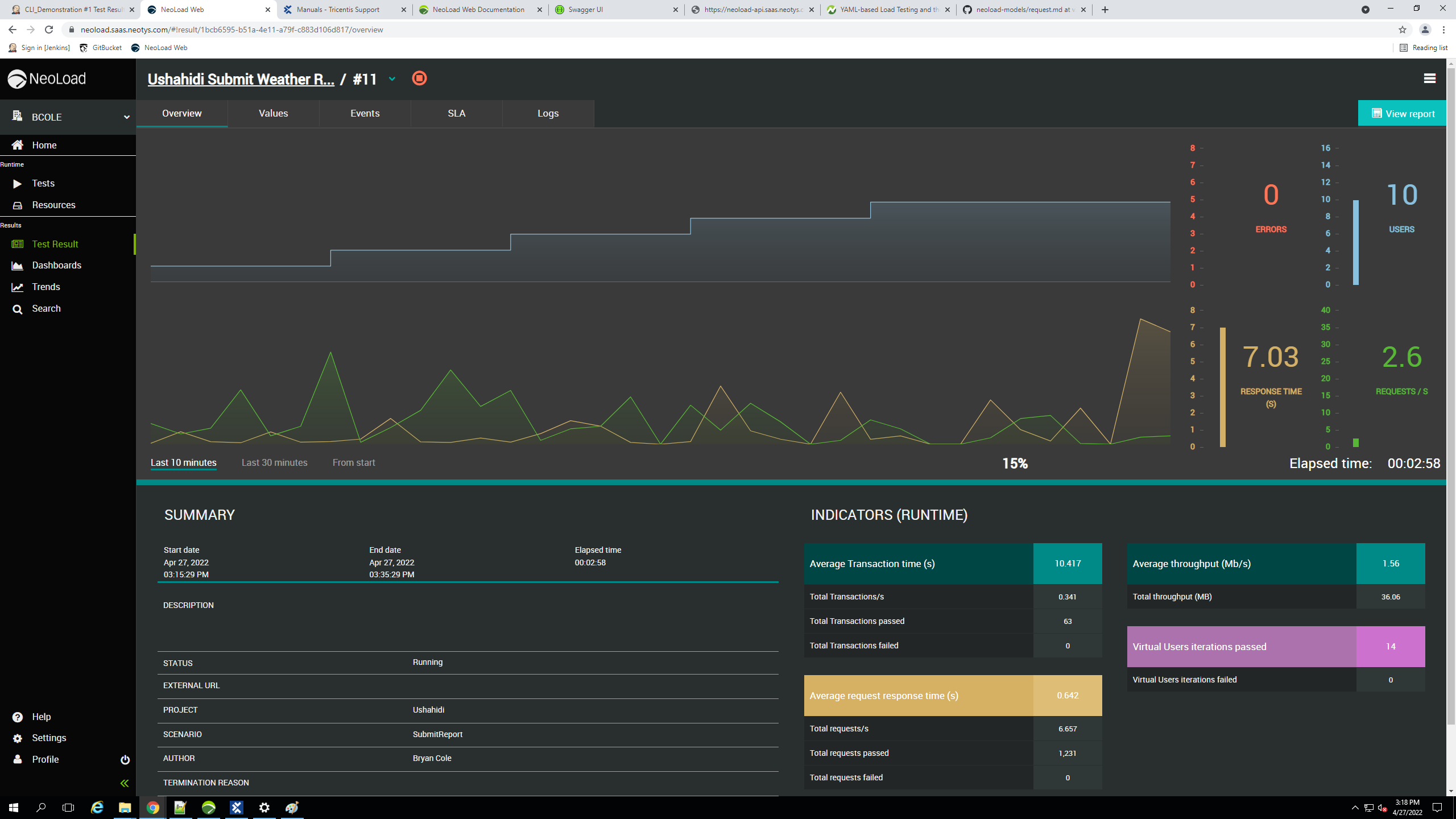
Tricentis NeoLoad is a solution for continuous performance testing software to automate API and application load testing. It was developed by the French company Neotys and acquired by Tricentis, along with the company, in March 2021.
It's very easy GUI helps the tester to perform various testing scenarios. Easy to configure test cases and modules which has proper and well-maintained documentation. Its an excellent tool for performance testing and running a variety of load tests, stress tests, and longevity …
I have evaluated LOADUI (web free version) and it was a very unstable tool and I could not rely on those results completely as I was not sure how the tool was performing. It only generated the top 10 less transaction times and when Jmeter was in use, it was very effective in …
NeoLoad is far ahead of JMeter in terms of reporting and user interface, the turn around time is less compared to JMeter as there are enough experts in market.
Its tools are very compatible with both Windows,Linus & can be reuse & share our test-suite & results to certain analytics. Neoload has good support of many protocols. like enterprise software SAP Oracle Siebel etc as compared to Apache JMeter. Moreover; for value-added & with …
One major difference between the two tools is that Apache JMeter is an open-source tool, while Tricentis NeoLoad is a commercial product. Although Apache JMeter is free to use and Tricentis NeoLoad requires a license to use, Tricentis NeoLoad is more feature-rich and …
We discovered that recording and playing back the performance scripts was easier than with JMeter.The application features an easy-to-use interface that allows us to record and run the script locally before attempting to run it through the Tricentis NeoLoad Web site.In order to …
When we used Apache JMeter we faced some problems like less documentation is available for integrating tools, and some integrations have not yet been deployed. Very few plugin updates are made. Since customer support is an open source tool, it is a major problem. While …
When I used Apache JMeter in our organization, I faced a problem with its user interface, which was quite hard to understand. New and beautiful UI/UX designs can greatly improve the usability of the user interface. So we decided to switch to Tricentis Neoload, and we are happy …
1. Tricentis NeoLoad is Cheaper Cost... significantly 2. Tricentis NeoLoad Script Development Learning Curve 3. Tricentis NeoLoad is more comprehensive with all Communication Protocols included in base Tool and no need to Purchase Additional Protocol Specific Add-Ons.
Because of noted as below points we leaning towards Tricentis NeoLoad over other tools: Easy to use, faster test design, script customization, real time test monitoring, IP spoofing, mobile testing, scalability, easy to setup and maintain, record and playback capability, …
Tricentis NeoLoad is easier to use, with simpler steps to follow to record/write test scripts and to design scenarios. It is scalable and comparatively provides overall benefits in a fair cost. Neoload also provides APIs for anyone to leverage and build on top of the existing …
Tricentis NeoLoad stacks up against them as it is generally used where there are many websites or applications with large number of users. It is less expensive and provides some additional functionlities than the other tools available in the market. It ensures if any website …
We used Jenkins for manual performance testing and had big efforts to script and evaluate the test results. Furthermore, the effort of maintaining and editing the scripts was very high. To generate a report, many tables must be analyzed. The efforts of these tasks are minimized …
NeoLoad is more SAP-centric and offers use cases a lot closer to what we experiment on a daily basis. The main competition in the space would be loadrunner but it lacks the flexibility of NeoLoad, and also comes at a much higher price in a way that would have hurt our …
NeoLoad's ability to provide accurate visual test results in GUI saves developer time. NeoLoad's focus on Load Testing saves developer time when compared to combing thru details of 3 or 4 other products we evaluated. NeoLoad's ability to view live testing metrics/results …
In small projects open source tools like JMeter are the hardest competitors because money is a reliable metric. But NeoLoad offers a value in case of reporting and scalability. The standard reports are very comprehensive and easy to understand for stakeholders. It takes much …
Low code test automation, Ready to pickup platform without having much prior knowledge on automation, AI agent interactions are nearly close to real life scenarios, best API automation scale it has got, QGPT logic builder has really changed the talk with DBs in AI way, Logic insights feature is really impressive to identify possible risk while just started developing web apps.
JMeter is well suited for Java applications where the user can script the scenario once and make changes to accommodate for as many numbers of users for load test execution. The image and selection of any files or exporting files scenario is handled well.
It is less appropriate to test Ajax applications where it is required to script click per use.
While Tricentis NeoLoad supports SAP GUI protocols, recording and maintaining test scripts for complex SAP transactions (like those in the OTC module) can be cumbersome.
For instance, we had challenges recording a VA01 (Sales Order Creation) transaction because of the dynamic nature of SAP screen fields and session handling. NeoLoad sometimes struggles to properly correlate or handle SAP’s SAPGUI Dynpro fields automatically.
Easy of use - in generate load like HTTP requests, and processing/analyzing the responses. No coding is necessary at the basic level, just need to understand load testing and the infrastructure being tested.
Automatic management of things like cookies to help with session state support - so you don't specifically have to worry about it or handle it
Lots of testing/configuration options to suit your needs in making the right load generation (sampling requests), and analyzing the results, including any pre and post processing of the results first. Things like the Beanshell/BSF pre/post processors, response assertion, regular expression extractor, XPath extractor, CSV data set config
There is a JMeter cloud service called BlazeMeter that I think would be useful for those that need to scale up high load without provisioning their own systems. I've not personally tried it though, but I recently attended a meetup presentation that highlighted nice useful features that BlazeMeter provides. One should evaluate the service if they are considering JMeter and need to expand beyond existing hardware resources.
With Tricentis NeoLoad, we have control on the test dynamically. One can alter user count/volume even when test is in progress. This makes it a very cool tool as you can avoid running multiple tests eventually saves a lot of time.
Tricentis NeoLoad user paths are very well structured. End points can be identified and tweaked easily especially when a large list of endpoints are part of the neoload project.
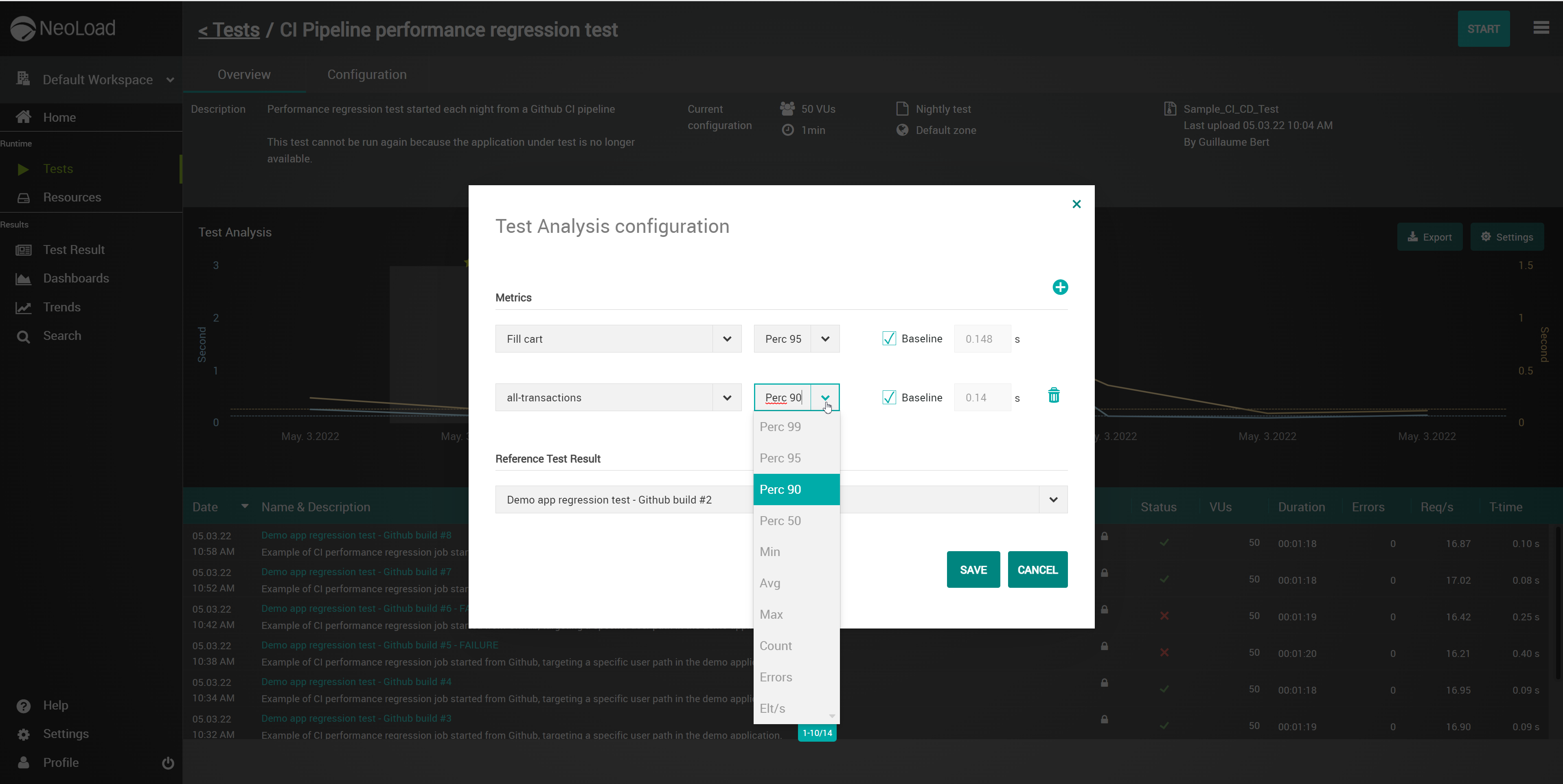
Tricentis NeoLoad results comparison is one of the cool options. We can compare previous tests against the current one to see the exact delta between transaction metrics. This helps in gauging the application behaviour with changes deployed
Jmeter requires many tweaks with respect to its configuration file and thread properties. users need to edit theses files themselves. There could be some interface where we can edit this fields.
Jmeter cannot handle more threads and hangs up when we increase the number of threads. This causes lot of inconvenience. In these situations, user can be notified that such change would be lead to slow performance so that user can do as required. The same appears when we try to view huge files on graph listener.
Jmeter should optimize the read and write access to output csv since it acts as overhead to the I/O performance. This affects our test results for the application which we are testing.
Ease of use: Some users find certain features or aspects of the interface to be confusing or hard to use. Improving the overall usability of the tool could make it more accessible and easier for users to get up and running with it.
Integration with other tools: Tricentis NeoLoad does not have many integrations with other tools. Adding more integrations with popular tools and platforms could make it easier for users to work with Tricentis NeoLoad as part of their overall workflow.
Mobile testing: Some users wish that Tricentis NeoLoad had more robust support for testing the performance of mobile applications. This could include the ability to simulate different mobile devices and networks, as well as the ability to test the performance of native mobile apps.
Cloud support: Tricentis NeoLoad does not have as much support for cloud-based applications and infrastructure. Adding more support for testing the performance of applications hosted in the cloud could be a useful feature for some users.
Advanced scripting capabilities: While Tricentis NeoLoad does offer some scripting capabilities, it would be nice to have more advanced options for customizing and automating load testing scenarios. Adding more advanced scripting capabilities could make it easier for users to create complex load testing scenarios.
Price, Wiki and user sharing. Having access to the information provided by the developers and other open source providers is key for me. The ability to share information and get answers directly is very important to success in software testing. And the price of this product currently is amazing. Too many companies charge way too much money for products that are far behind in their value and pertinence
We find NeoLoad easy to use compared to their competitors. It requires minimal coding knowledge, also it is easy to train newcomers with NeoLoad. It also offers good integration and automation capability where with less code you can automate your testing process
Features like low code, API automation, auto pilot and free account creations, case studies are better suited for my business into IOT space, some of the enterprise automation features are truly game changer in productivity for my team. Database migration was supported seamlessly while opted for ACCELQ solutions.
The purpose related to performance and load testing through Apache JMeter works fine but the usability of the tool should be improved quite a lot. If someone starts with the Jmeter fresh without prior experience, they need to put more efforts in understanding the tool. The UI is not that great which is the main reason not to give high rating on usability.
I have been using JMeter for the last year. By using this tool, you can make sure the system will work under varied loads. It helps us to simulate real time scenarios by creating required virtual users and make sure the application will work under load. Perform load, stress, and stability testing using JMeter.
This is the only area where we strongly feel Tricentis needs to improve. Their support process is inadequate, representatives are not so capable of providing solutions at one shot without consulting their internal engineering teams. Most importantly, the time they take to resolve simple issues is huge and at many times hampered our work.
When we implemented ACCELQ, we conducted POCs with many similar solutions. Among the tools we pursued at that time, accelQ stood out against Tricentis Tosca and QMetry automation studio. However, subject 7 did better. However, they were still in the nascent stages of building the tool, and hence we did not pick it.
I have used LoadRunner and Silkperformer, and so far Jmeter turns out be the easiest to use of all these. While each of them have their own ROI, Jmeter can be picked by anyone in hours and start testing within a day. While with other tools, we need to get license, install them (takes a while) and setup tests and firewalls, etc.
When we used Apache JMeter we faced some problems like less documentation is available for integrating tools, and some integrations have not yet been deployed. Very few plugin updates are made. Since customer support is an open source tool, it is a major problem. While Tricentis Neoload provides better documentations and customer services.
Performance testing is like an insurance. An online store which is not available causes a loss of sales. Without a performance test you do not know if it might happen. The invest into performance tests reduces the risk of loosing sales. The flexible license model of NeoLoad allows or customers to choose reasonable and suiteable rate.