
Marc Blake
Producer
Chose Adobe Acrobat
Actually,, Adobe Acrobat is a GO TO PDF partner to all of these. It's a critical member of the production (output) family.

| Product | Rating | Most Used By | Product Summary | Starting Price |
|---|---|---|---|---|
 Adobe Acrobat | N/A | Adobe Acrobat DC is the current version of the well-established document / PDF management solution, part of the Adobe Document Cloud (the other part being Adobe's eSign services based on technology acquired with EchoSign in 2011). | $19.99 per month | |
 On-Screen Takeoff® | N/A | On-Screen Takeoff is a construction takeoff and estimating solution. It is intended to streamline takeoff, RFI, and bidding processes. | N/A |
| Adobe Acrobat | On-Screen Takeoff® | |||||||||||||||
|---|---|---|---|---|---|---|---|---|---|---|---|---|---|---|---|---|
| Editions & Modules |
| No answers on this topic | ||||||||||||||
| Offerings |
| |||||||||||||||
| Entry-level Setup Fee | Optional | No setup fee | ||||||||||||||
| Additional Details | — | On-Screen Takeoff® pricing varies based on licensing options and specific business needs. The annual subscription plans are designed to scale with project and team size. Available Subscription Options: •On-Screen Takeoff •On-Screen Takeoff with Takeoff Boost™ •On-Screen Takeoff and Quick Bid® •On-Screen Takeoff with Takeoff Boost and Quick Bid Each subscription is customized to match the subscriber's workflow requirements. A 14-day free trial is available. | ||||||||||||||
| More Pricing Information | ||||||||||||||||
| Adobe Acrobat | On-Screen Takeoff® | |
|---|---|---|
| Considered Both Products |  Adobe Acrobat Marc Blake Producer Chose Adobe Acrobat Actually,, Adobe Acrobat is a GO TO PDF partner to all of these. It's a critical member of the production (output) family.  Adam Carter Program Director Chose Adobe Acrobat Adobe remains the industry standard in companies like this  Kenneth Cameron Principal Managing Partner Chose Adobe Acrobat I am sure it works fine but I do not have any reason to ever use it instead of or in addition to acrobat. If the software is working fine, has the features you need and is already well known by the staff, it would be foolish to switch to a different software.  Gaston Barcia Advisor Chose Adobe Acrobat Adobe Acrobat runs in a parallel way to these other products. Only Illustrator has a function that you can save files as PDF and read them in acrobat Reader. And you can open PDF files and edit them. The thing is that for simple things and simple modifications Adobe Acrobat has …  Ben Egerton Marketing and Communications Executive Chose Adobe Acrobat Adobe Acrobat is the best tool to be able to view and amend documents especially for accessibility. While some other products might be better for editing the documents Adobe Acrobat will allow you to do a full accessibility report and ensure that the content of the document is …  Chandler B. Grivetti Paralegal Chose Adobe Acrobat I have used eCopy Pro before. This, when I used it, was very limited on what I can do with whole pages or electronic signatures. It did not at the time have the function to get an electronic signature directly. It would allow me to erase meta data, but I am not sure that is …  Aaron Henderson Marketing Specialist Chose Adobe Acrobat For what we need the application for, Acrobat is the right software. Yes, it is the right tool for the job and for our organization to complete the projects we need it to do and succeed with.  Guilherme Hahnemann Hahn Delivery Manager Chose Adobe Acrobat Adobe Acrobat has the naming and reliability solidified all over the world and the name already share what's needed to work without security issues  Kaleem Ahmed Senior Software Engineer Chose Adobe Acrobat DocuSign was the main alternative we looked at seriously. The E-Signature side is comparable, but DocuSign does not give you the broader PDF editing and OCR capabilities, so you would still need another tool alongside it. Acrobat made more sense as a single tool that covered … | On-Screen Takeoff®  christian Maxwell Project Engineer Chose On-Screen Takeoff® I think that the simplicity and set up of On-Screen Takeoff makes this an overall better software than Bluebeam or Navisworks. Both of which can be used to create good takeoffs but they are limited in ways that on screen is not so it is a much more versatile take off tool. I …  Aaron Graves Estimator Chose On-Screen Takeoff® OST simply is a more robust product at the moment. Bluebeam is fine for a simple, quick takeoff but requires a vast amount of effort to layer, perform the calculations you need and (most importantly) secure your takeoff. Bluebeam may head for there in the future, but for right …  Tim Vitek Estimator Chose On-Screen Takeoff® I have not used others. |
| Adobe Acrobat | On-Screen Takeoff® | |
|---|---|---|
| Small Businesses |  Square 9 Softworks Score 9.3 out of 10 |  Bluebeam Score 9.0 out of 10 |
| Medium-sized Companies |  MSB Docs Score 9.4 out of 10 |  InEight Score 8.2 out of 10 |
| Enterprises |  M‑Files Score 8.9 out of 10 | InEight Score 8.2 out of 10 |
| All Alternatives | View all alternatives | View all alternatives |
| Adobe Acrobat | On-Screen Takeoff® | |
|---|---|---|
| Likelihood to Recommend | 8.9 (0 ratings) | 9.0 (0 ratings) |
| Likelihood to Renew | 9.0 (0 ratings) | 10.0 (0 ratings) |
| Usability | 8.8 (0 ratings) | 6.0 (0 ratings) |
| Availability | 9.1 (0 ratings) | - (0 ratings) |
| Performance | 5.3 (0 ratings) | - (0 ratings) |
| Support Rating | 9.5 (0 ratings) | 8.2 (0 ratings) |
| Online Training | 9.0 (0 ratings) | - (0 ratings) |
| Implementation Rating | 9.9 (0 ratings) | 7.0 (0 ratings) |
| Configurability | 7.9 (0 ratings) | - (0 ratings) |
| Ease of integration | 8.0 (0 ratings) | - (0 ratings) |
| Product Scalability | 7.1 (0 ratings) | - (0 ratings) |
| Vendor post-sale | 1.0 (0 ratings) | - (0 ratings) |
| Vendor pre-sale | 1.0 (0 ratings) | - (0 ratings) |
| Adobe Acrobat | On-Screen Takeoff® | |
|---|---|---|
| Likelihood to Recommend |
|
|
| Pros |
 Alan Gilbertson Creative Director |
|
| Cons |
|
|
| Likelihood to Renew |
 Avery Chipman Interior Designer |
|
| Usability |
|
|
| Reliability and Availability |
 Rod Lott Manager of Marketing Strategy | No answers on this topic |
| Performance |
 Daniel Epstein Senior Clinical Quality Analyst | No answers on this topic |
| Support Rating |
|
christian Maxwell Project Engineer |
| Online Training |
 Michael Craven President | No answers on this topic |
| Implementation Rating |
Rod Lott Manager of Marketing Strategy |
|
| Alternatives Considered |
Kenneth Cameron Principal Managing Partner |
|
| Scalability |
 Jamie Caroland Independent Consultant | No answers on this topic |
| Return on Investment |
Kaleem Ahmed Senior Software Engineer |
christian Maxwell Project Engineer |
| ScreenShots | Adobe Acrobat Screenshots    | On-Screen Takeoff® Screenshots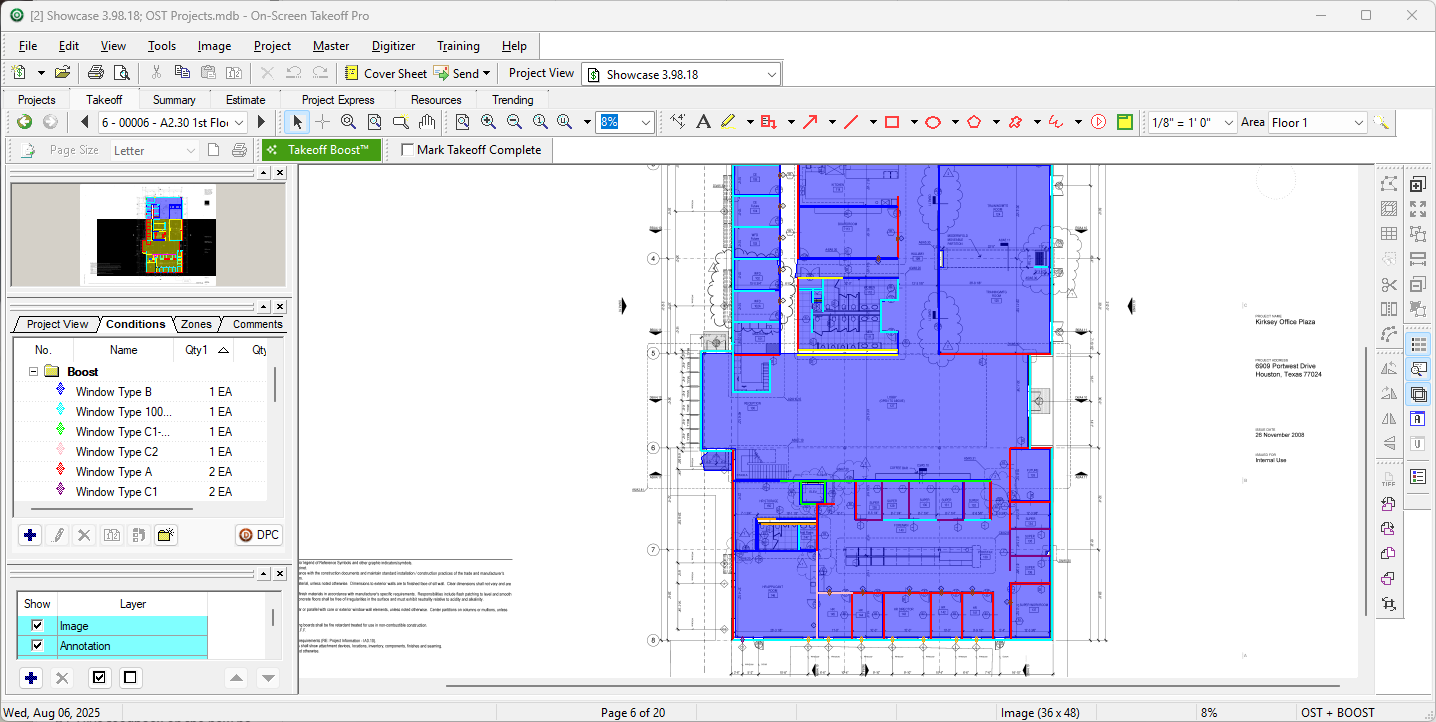 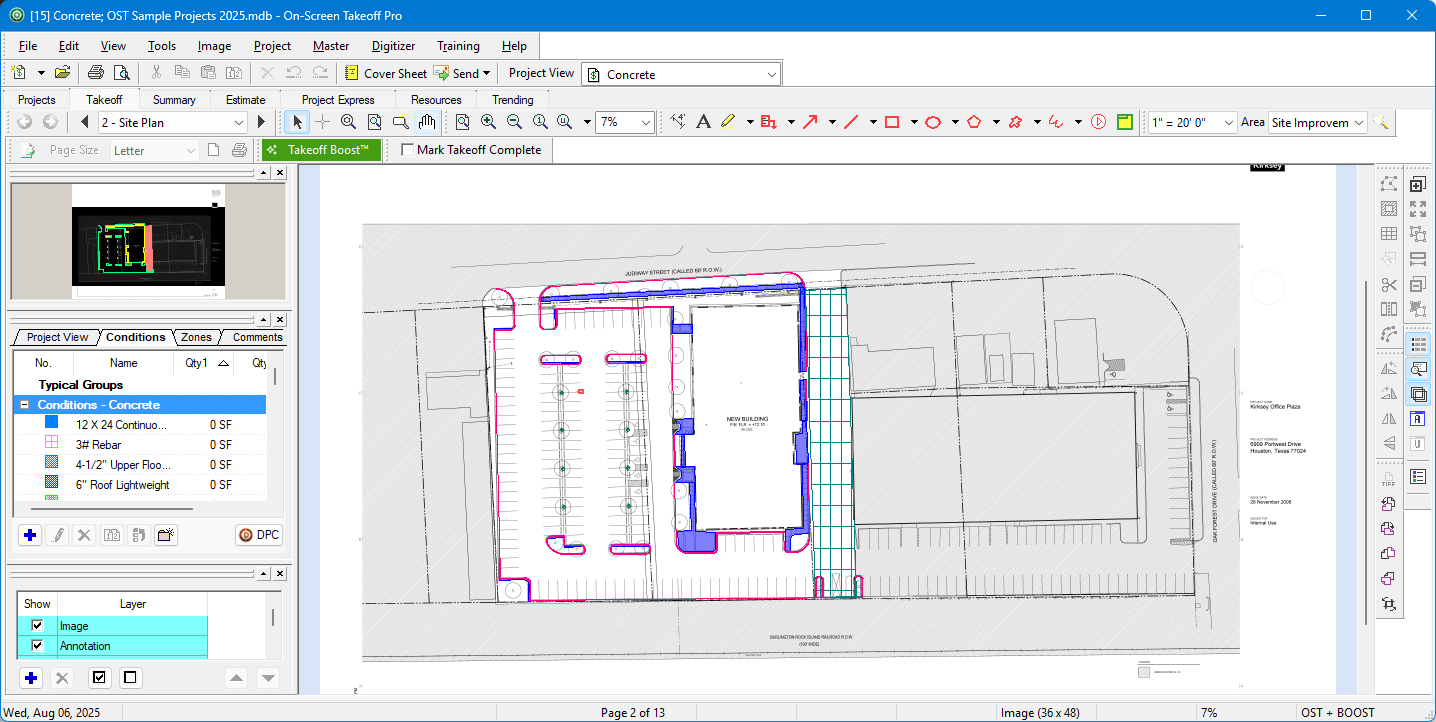 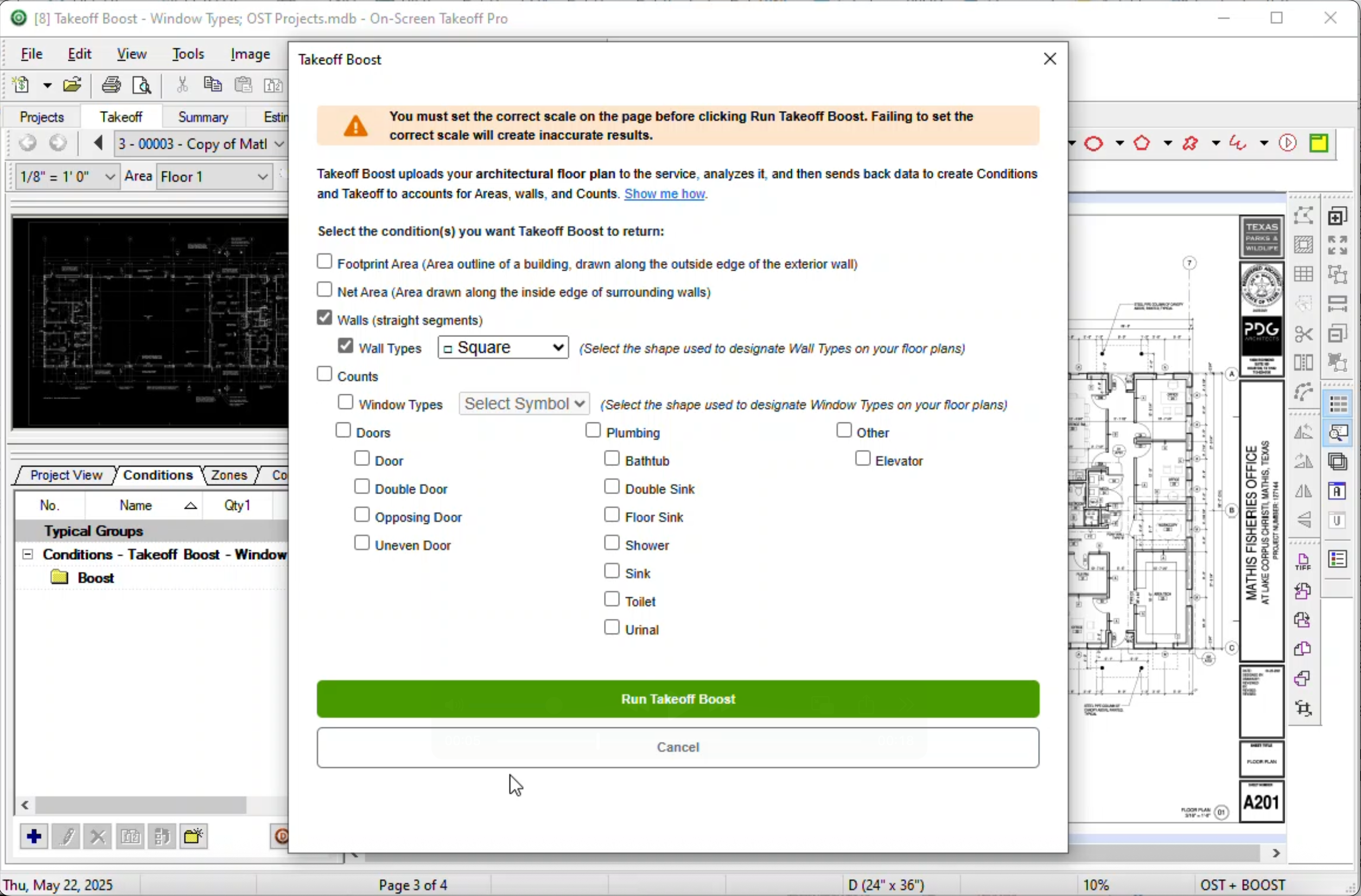 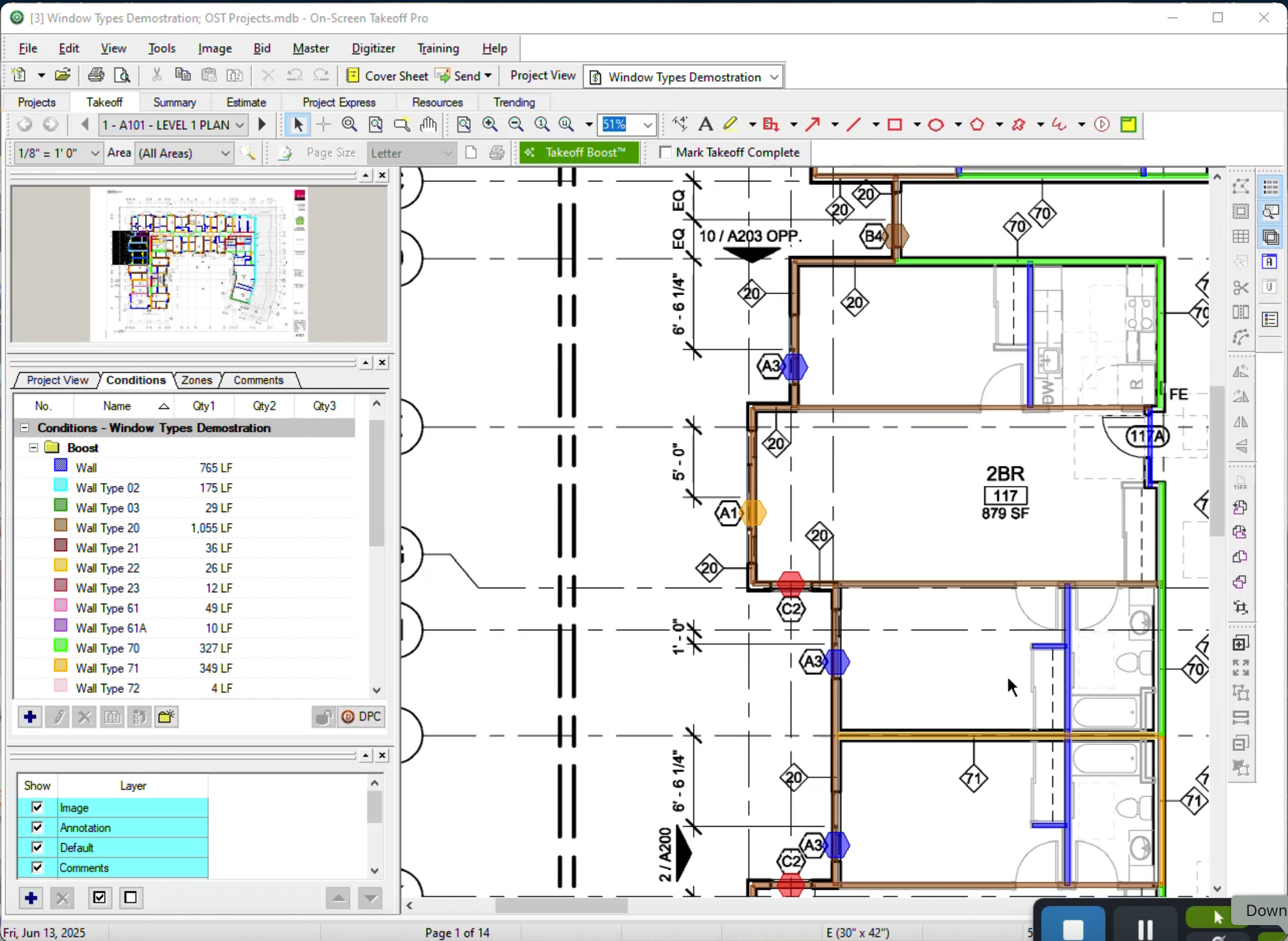 |