Chose Adobe Express
Adobe PhotoShop

| Product | Rating | Most Used By | Product Summary | Starting Price |
|---|---|---|---|---|
 Adobe Express | N/A | Adobe Creative Cloud Express (formerly Adobe Spark) is a task-based, web and mobile product used to create and share rich multimedia content – from social media posts and stories to invitations to marketing materials like logos, flyers and banners. | $0 | |
 QuarkXPress | N/A | QuarkXPress from Quark Software headquartered in Denver introduces modern responsive web design with Flex Layouts, reimagined Tables, and productivity-boosting design features. | $279 per year |
| Adobe Express | QuarkXPress | |||||||||||||||
|---|---|---|---|---|---|---|---|---|---|---|---|---|---|---|---|---|
| Editions & Modules |
|
| ||||||||||||||
| Offerings |
| |||||||||||||||
| Entry-level Setup Fee | No setup fee | Optional | ||||||||||||||
| Additional Details | Contact Adobe directly for Enterprise pricing plan details. | — | ||||||||||||||
| More Pricing Information | ||||||||||||||||
| Adobe Express | QuarkXPress | |
|---|---|---|
| Considered Both Products |  Adobe Express  Daniel Flores Creative Genius Chose Adobe Express Express has put all the tools a design agency will need for day-to-day operations, production, and creation. And with the addition of the Calendar, scheduling these posts is a breeze and very important in a designer's tool belt. We used other products before and found ourselves …  Lisa Guillory Multimedia Specialist Chose Adobe Express In addition to Adobe Express, I have also used Canva because both platforms are quite similar. Basically, the application that I use is typically based on the clients needs, however my personal preference is Adobe Express because I find it too intuitive to my creative persona.  Pauline Goyard art director Chose Adobe Express I think they all have a different target audience and a different use for them. I love crafting posts with Figma but i think the "figma look" is a bit cold and super recognizable for my taste. I think creating something with Illustrator still gives me the most options in terms …  Najihah Najlaa Adobe Certified Instructor Chose Adobe Express I use Adobe Express for designing social media content, appreciating its ready-made templates which save time and effort. It solves creative blocks by providing design ideas, and I love its voice character feature for making animations. However, the layering feature feels basic …  Nix Thomas Personal Brand Specialist Chose Adobe Express I think Adobe Express is a bit behind Canva, but as an Adobe Community Expert, I try to provide as much feedback as I can to help improve Adobe Express. ADobe Express does a better job than InShot and a few other apps, but isn't quite there against Canva, I'm sorry to say!  Jimmy Flame Illustrator Chose Adobe Express In my opinion, Adobe Express blows it away. Canva is great and all and gets the job done. But it lacks the additional value offered by Adobe Express and Adobe. Canva's stock asset library doesn't come close to Adobe's stock asset library, and the Creative Cloud makes using …  Christiano Theiss Neto Graphic Designer Chose Adobe Express Software like Illustrator, Photoshop, and After Effects are indispensable for my needs. I used Canva to streamline the process of creating carousels, mainly, and Express effectively replaces Canva. The advantage of having everything under a single subscription was crucial for …  Christelle Richard Illustrator & Graphic Designer Chose Adobe Express It's very easy to generate images or graphics and find them on Adobe Express.In the application, in "Your stuff" > Files section, you'll find all the creations you've made with Adobe Photoshop and Adobe Illustrator, and you can use them directly in Adobe Express. No need to … |  QuarkXPress  Kim Guarnaccia 🔷 🔷 🔷 Owner Chose QuarkXPress InDesign is a fantastic program as well; I just prefer QuarkXPress because I better understand how it "thinks"/is programmed, due to years of working with it. |
| Adobe Express | QuarkXPress | |
|---|---|---|
| Small Businesses |  Spotify for Podcasters Score 8.4 out of 10 |  CorelDRAW Graphics Suite Score 7.5 out of 10 |
| Medium-sized Companies |  Pexels Score 8.0 out of 10 |  GIMP Score 7.9 out of 10 |
| Enterprises | Pexels Score 8.0 out of 10 | CorelDRAW Graphics Suite Score 7.5 out of 10 |
| All Alternatives | View all alternatives | View all alternatives |
| Adobe Express | QuarkXPress | |
|---|---|---|
| Likelihood to Recommend | 8.8 (0 ratings) | 9.9 (0 ratings) |
| Likelihood to Renew | 9.5 (0 ratings) | - (0 ratings) |
| Usability | 8.2 (0 ratings) | 10.0 (0 ratings) |
| Support Rating | 7.0 (0 ratings) | - (0 ratings) |
| Implementation Rating | 6.4 (0 ratings) | - (0 ratings) |
| Adobe Express | QuarkXPress | |
|---|---|---|
| Likelihood to Recommend |
Lisa Guillory Multimedia Specialist |
|
| Pros |
 Anissa Barton-Thompson Digital Technologist |
|
| Cons |
|
Kim Guarnaccia 🔷 🔷 🔷 Owner |
| Likelihood to Renew |
| No answers on this topic |
| Usability |
|
|
| Support Rating |
| No answers on this topic |
| Alternatives Considered |
Daniel Flores Creative Genius |
|
| Return on Investment |
|
|
| ScreenShots | Adobe Express Screenshots      | QuarkXPress Screenshots 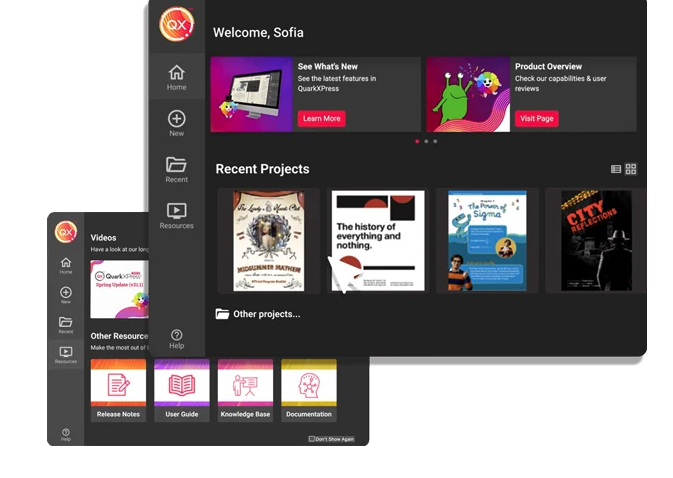 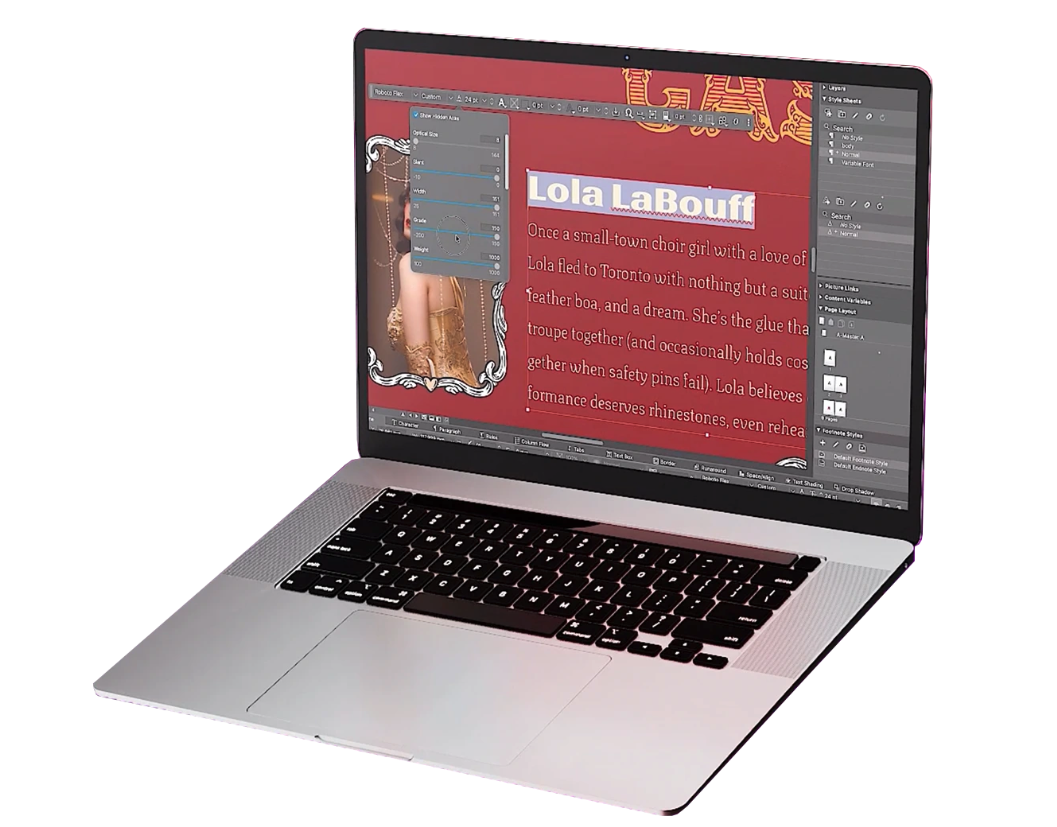 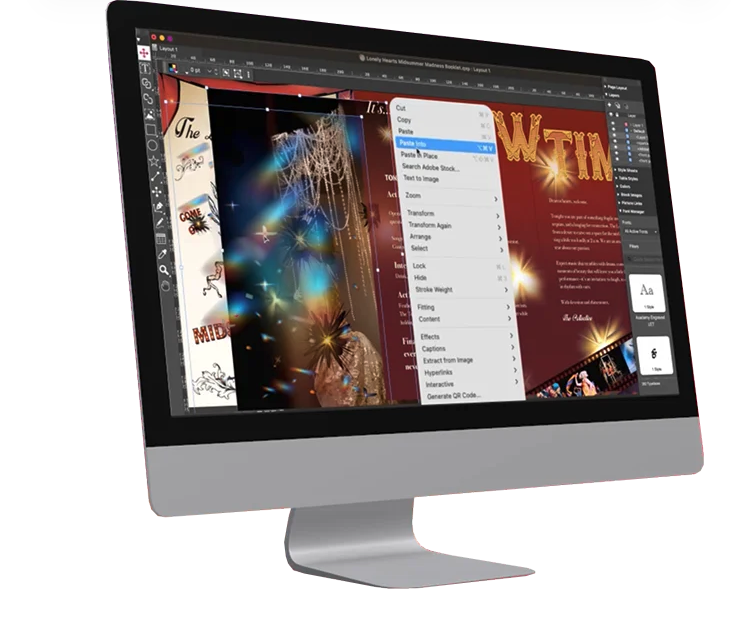 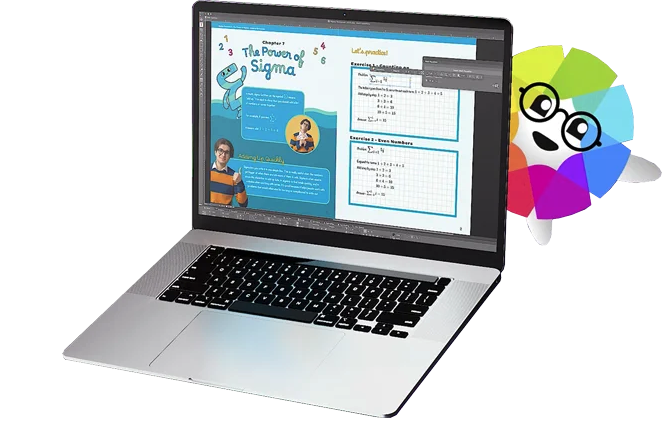 |