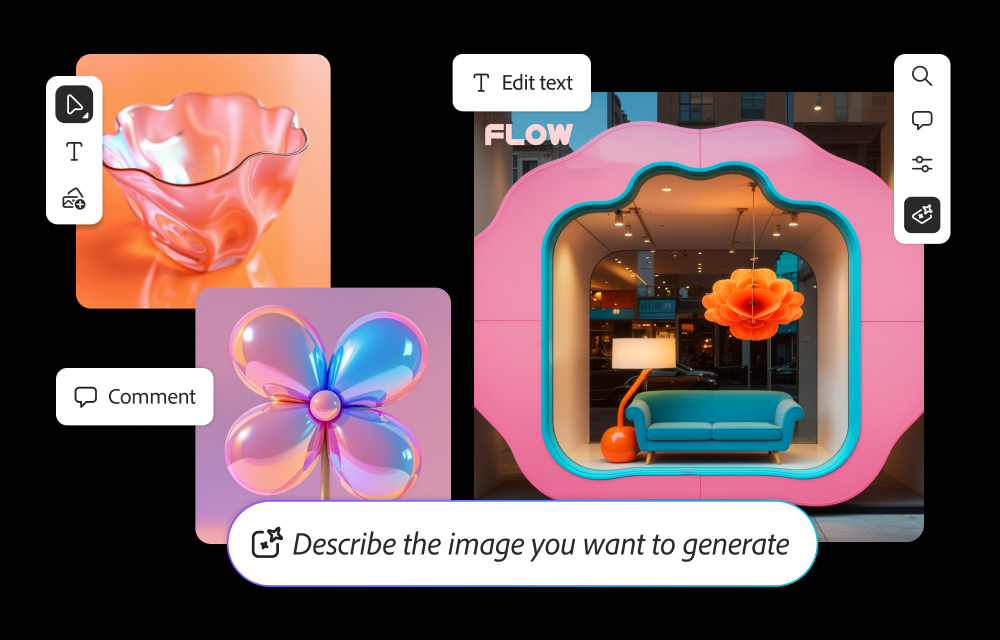
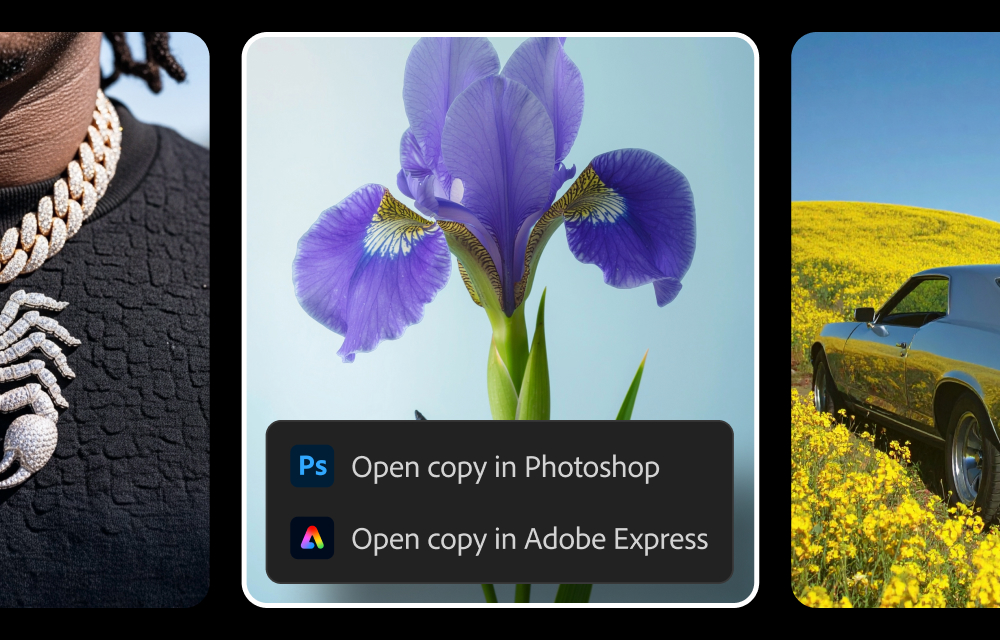
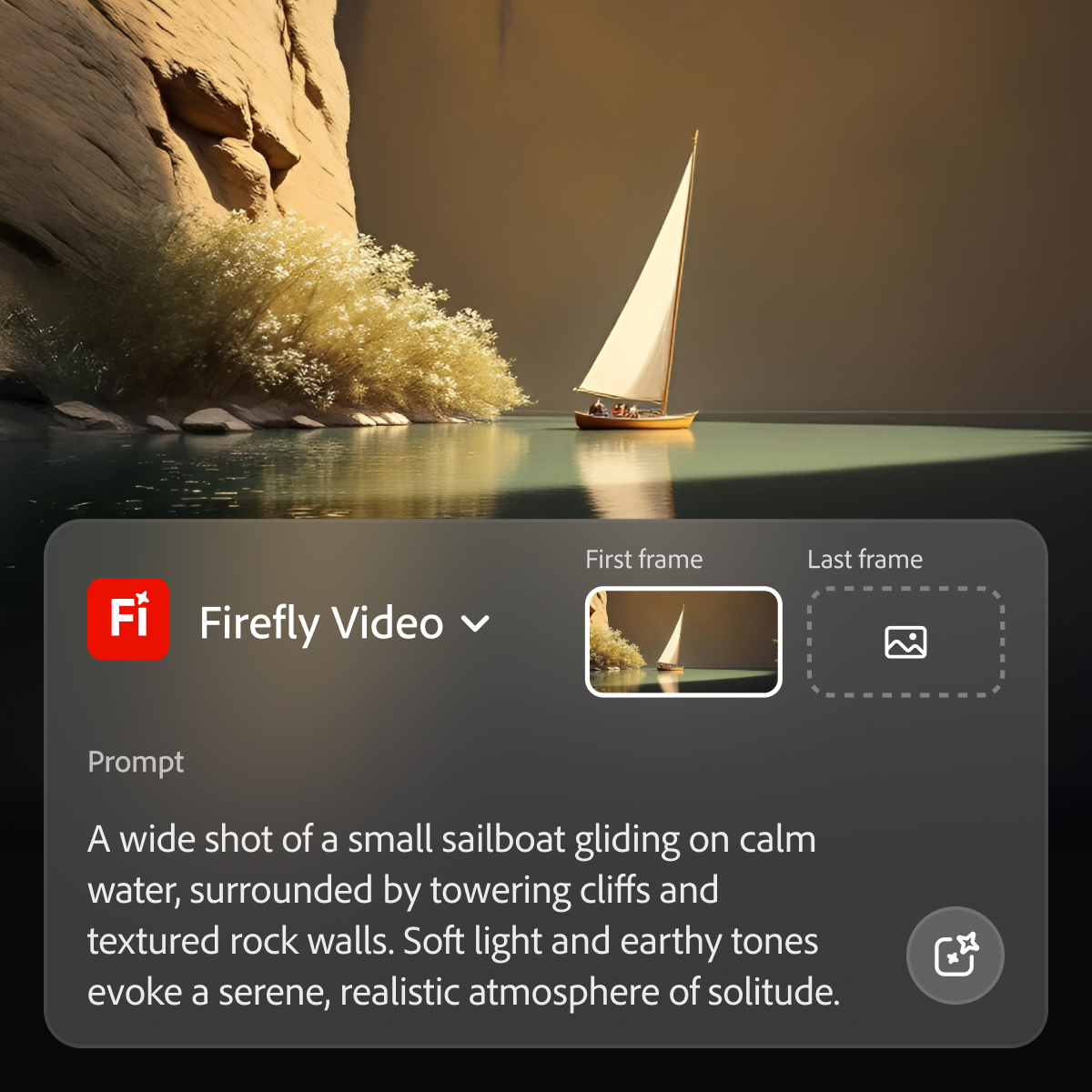
Adobe's Firefly models and services power generative AI features in Adobe creative apps, with features that can be used in Photoshop, Premiere Pro (beta), and the Firefly web app.
$9.99
per month (1 user & 2000 generative credits per month)
Adobe Premiere Pro
Score9.2 out of 10
N/A
Adobe offers their video editing platform Adobe Premiere Pro, supporting video and audio editing as well as VR presentations, available as part of the company's Creative Cloud suite or as a standalone application.
Midjourney was the first text to AI program I had experience with, and I've used it successfully for nearly three years. But with the availability of Adobe Firefly and its partner models, it became unnecessary to assume the additional expense. I do occasionally use AI …
A de minimis incentive was given to thank the reviewer for their time. The incentive was not used to bias or drive a particular response, nor was the incentive contingent on a positive endorsement. More Info
A de minimis incentive was given to thank the reviewer for their time. The incentive was not used to bias or drive a particular response, nor was the incentive contingent on a positive endorsement. More Info
Verified User
Chose Adobe Firefly
I think Adobe Firefly is more suited to graphic design work, but in my opinion, it's equally as disappointing to use in terms of quality of images.
A de minimis incentive was given to thank the reviewer for their time. The incentive was not used to bias or drive a particular response, nor was the incentive contingent on a positive endorsement. More Info
Verified User
Chose Adobe Firefly
Both are useful but Adobe Firefly is able to generate content.
A de minimis incentive was given to thank the reviewer for their time. The incentive was not used to bias or drive a particular response, nor was the incentive contingent on a positive endorsement. More Info
Verified User
Chose Adobe Firefly
Our organization chose to use Adobe Firefly because, in our experience, it is Easier to generate ideas in Adobe Firefly
A de minimis incentive was given to thank the reviewer for their time. The incentive was not used to bias or drive a particular response, nor was the incentive contingent on a positive endorsement. More Info
Verified User
Chose Adobe Firefly
Well Adobe Firefly is basically AI and the others only use parts of AI
A de minimis incentive was given to thank the reviewer for their time. The incentive was not used to bias or drive a particular response, nor was the incentive contingent on a positive endorsement. More Info
A de minimis incentive was given to thank the reviewer for their time. The incentive was not used to bias or drive a particular response, nor was the incentive contingent on a positive endorsement. More Info
Verified User
Chose Adobe Firefly
In my experience, Adobe Firefly has been good wing man to these other Adobe Products
A de minimis incentive was given to thank the reviewer for their time. The incentive was not used to bias or drive a particular response, nor was the incentive contingent on a positive endorsement. More Info
A de minimis incentive was given to thank the reviewer for their time. The incentive was not used to bias or drive a particular response, nor was the incentive contingent on a positive endorsement. More Info
Animation and VFX Engineer in Product Management at ENZO (Marketing & Advertising, 1-10 employees)
Chose Adobe Firefly
I don't know of other generative AI models integrated within other services. However, I have other generative AI references that, although they did not appear in the list generated by you, here I include one about some that I have used. DALLE-E MidJurney AWS Generative AI …
A de minimis incentive was given to thank the reviewer for their time. The incentive was not used to bias or drive a particular response, nor was the incentive contingent on a positive endorsement. TR verified that a representative sample of customers was invited. More Info
Senior Art Director at COOLA (Consumer Goods, 51-200 employees)
Chose Adobe Firefly
Midjourney was not in this list but that is the most similar to Firefly in my opinion. I find that Adobe Firefly and Midjourney have a lot of overlap. The generative fill options on Photoshop and Illustrator also include very similar use cases with generating photography and …
A de minimis incentive was given to thank the reviewer for their time. The incentive was not used to bias or drive a particular response, nor was the incentive contingent on a positive endorsement. TR verified that a representative sample of customers was invited. More Info
Interior Designer in Professional Services at EOP Architects (Architecture & Planning, 11-50 employees)
Chose Adobe Firefly
Adobe Firefly biggest difference from Adobe Illustrator's generative image tools is not being vector-based like Illustrator. Firefly is a little more pared down in it's interface and a little easier to pick up use, but is also therefore more limited in user settings. Overall, …
A de minimis incentive was given to thank the reviewer for their time. The incentive was not used to bias or drive a particular response, nor was the incentive contingent on a positive endorsement. TR verified that a representative sample of customers was invited. More Info
Designer Gráfico in Marketing at Instituto de Engenharia Nuclear (Government Relations, 51-200 employees)
Chose Adobe Firefly
Since it is from Adobe, which is recognized worldwide for image and video editing, I believe that Firefly is ahead of ChatGPT in terms of image generation.In terms of Machine Learning, it performs better than ChatGPT and CoPilot, although Notion AI is very good and has a better …
A de minimis incentive was given to thank the reviewer for their time. The incentive was not used to bias or drive a particular response, nor was the incentive contingent on a positive endorsement. More Info
Verified User
Chose Adobe Firefly
The quality and clarity of the visuals generated by Adobe Firefly is more consistent and life-like than ChatGPT. The options to create different types of visuals such as graphics, illustrations as well as photorealistic images is a great benefit. The integration options with …
A de minimis incentive was given to thank the reviewer for their time. The incentive was not used to bias or drive a particular response, nor was the incentive contingent on a positive endorsement. TR verified that a representative sample of customers was invited. More Info
A de minimis incentive was given to thank the reviewer for their time. The incentive was not used to bias or drive a particular response, nor was the incentive contingent on a positive endorsement. TR verified that a representative sample of customers was invited. More Info
Verified User
Chose Adobe Firefly
Surprisingly, I've had better results from the Photoshop AI.
A de minimis incentive was given to thank the reviewer for their time. The incentive was not used to bias or drive a particular response, nor was the incentive contingent on a positive endorsement. TR verified that a representative sample of customers was invited. More Info
Verified User
Chose Adobe Firefly
I tried to find Dall-e in the list as it is more closely related to Adobe Firefly. The closest to Dall-e that I used is ChatGPT. It is definitely not the same as it is uses language not image. I actually enjoy the fact that Firefly is not trying to pretend it is a human and …
A de minimis incentive was given to thank the reviewer for their time. The incentive was not used to bias or drive a particular response, nor was the incentive contingent on a positive endorsement. TR verified that a representative sample of customers was invited. More Info
While Adobe does and should establish policies with regard to censorship of certain types of images and words used in prompts, the restrictions do at times seem arbitrary and random, with little feedback in such cases as to what issues in particular are causing problems. For example, if using a reference image of a child to produce a video is forbidden, it would seem simple enough from an AI point of view to explain the limitation to the user.
A de minimis incentive was given to thank the reviewer for their time. The incentive was not used to bias or drive a particular response, nor was the incentive contingent on a positive endorsement. More Info
I have actually recommended Adobe Premiere Pro to many people looking to get into the editing field. It is perfect for any type of video creation. It would not be very useful for someone who isn't serious about video editing and wants to just use something to cut out the beginning or ends of clips. It's too advanced for that and [maybe] confusing for someone not educated in the field.
A de minimis incentive was given to thank the reviewer for their time. The incentive was not used to bias or drive a particular response, nor was the incentive contingent on a positive endorsement. More Info
In Adobe Premiere Pro, Adobe Firefly does a great job with the Remix Tool which expands the length of an audio music track while matching notes and adding more beats to its length. The transitions are seamless, and after the generation is completed it is difficult to distinguish the new beats apart from the original composition.
In the Adobe Firefly, I use the standalone app to create graphic variations and visual concepts for quick mockups to streamline design ideas. This process helps me to speed up the creative process and to work more efficiently. It also presents me with additional creative ideas to incorporate in future ideations.
In Adobe Photoshop, Adobe Firefly is wonderful with the 'Generative Fill' which uses prompts to enhance an original image by adding complimentary content, replacing content, or even removing the background or content from an image altogether. The result is extremely realistic and amazing.
A de minimis incentive was given to thank the reviewer for their time. The incentive was not used to bias or drive a particular response, nor was the incentive contingent on a positive endorsement. More Info
A de minimis incentive was given to thank the reviewer for their time. The incentive was not used to bias or drive a particular response, nor was the incentive contingent on a positive endorsement. More Info
A de minimis incentive was given to thank the reviewer for their time. The incentive was not used to bias or drive a particular response, nor was the incentive contingent on a positive endorsement. TR verified that a representative sample of customers was invited. More Info
Export times: I do a massive amount of exports with intensive graphics. They often need to be done quickly. If export times could be reduced by 90%, my life would improve drastically.
Importing errors: Certain video formats are not compatible, such as specific types of MP4s and MKV files. Greater flexibility would be wonderful.
End the subscription model. I'd gladly pay one flat fee once and be done with it.
A de minimis incentive was given to thank the reviewer for their time. The incentive was not used to bias or drive a particular response, nor was the incentive contingent on a positive endorsement. More Info
Because while Adobe Firefly is a good tool (and comes integrated to a certain extent with your Adobe CC subscription) there is still a long way to go before it can have the support to be able to use it outside of the same program subscription.
A de minimis incentive was given to thank the reviewer for their time. The incentive was not used to bias or drive a particular response, nor was the incentive contingent on a positive endorsement. TR verified that a representative sample of customers was invited. More Info
There is not better program for your needs than Adobe Premiere Pro. It doesn't matter if it can be hard to learn because this product is the top of the line and you will not find a better video editing program. This is what the professionals use. It is worth the learning curve.
Easy to use on the web application, and its integration into Photoshop is super easy to utilize for my projects. I always get what I am looking for out of Firefly, and it's become an amazing tool to save me time on a heavy workload task.
A de minimis incentive was given to thank the reviewer for their time. The incentive was not used to bias or drive a particular response, nor was the incentive contingent on a positive endorsement. More Info
Premiere Pro is a very powerful tool, but it's not intuitive - it's virtually impossible to use without some kind of training or instruction. That being said, once you've learned how to use the product so that you can take advantage of its various video editing and creation options, it's an incredible program in terms of features and tools.
A de minimis incentive was given to thank the reviewer for their time. The incentive was not used to bias or drive a particular response, nor was the incentive contingent on a positive endorsement. More Info
A de minimis incentive was given to thank the reviewer for their time. The incentive was not used to bias or drive a particular response, nor was the incentive contingent on a positive endorsement. TR verified that a representative sample of customers was invited. More Info
It is a professional team that provides customer service at any time. I think that the team does not rest until they find a solution to your problem. I think this makes this company great because when a company offers a good service, and they treat you well, the customer always returns satisfied.
A de minimis incentive was given to thank the reviewer for their time. The incentive was not used to bias or drive a particular response, nor was the incentive contingent on a positive endorsement. More Info
A de minimis incentive was given to thank the reviewer for their time. The incentive was not used to bias or drive a particular response, nor was the incentive contingent on a positive endorsement. More Info
As I have noted in previous answers, the integration of Adobe Firefly is already done for you. It is part of the Adobe Suite and works seamlessly with all other Adobe products. If you don't happen to use Adobe products, it works just like any other AI image creation tool in that you can save and download your creations to edit in whatever software tools you prefer.
A de minimis incentive was given to thank the reviewer for their time. The incentive was not used to bias or drive a particular response, nor was the incentive contingent on a positive endorsement. TR verified that a representative sample of customers was invited. More Info
Midjourney was not in this list but that is the most similar to Firefly in my opinion. I find that Adobe Firefly and Midjourney have a lot of overlap. The generative fill options on Photoshop and Illustrator also include very similar use cases with generating photography and extending areas of a photo to imagine outside of the crop.
A de minimis incentive was given to thank the reviewer for their time. The incentive was not used to bias or drive a particular response, nor was the incentive contingent on a positive endorsement. TR verified that a representative sample of customers was invited. More Info
DaVinci Resolve is a powerful editing and color-grading application, and the base version is free. However, I've found that with the Lumetri Color panel in Premiere, I really have no need for Resolve as it meets all of my needs. Additionally, I've found Resolve to be lacking in support for the broad range of file types that Premiere handles gracefully.
A de minimis incentive was given to thank the reviewer for their time. The incentive was not used to bias or drive a particular response, nor was the incentive contingent on a positive endorsement. More Info
Firefly has saved us many hours by being able to generate images that were otherwise hard to find, or images that we'd need to request licenses to use. Those time saving equate to money savings as team members can move on to other paid tasks more quickly.
When using the generative fill feature, being able to extend the aspect ratio of images we already have in our library has saved us both time and money.
Using Firefly has been a useful part of our strategy to introduce Generative AI to our clients, which helps us stay on the front foot with new developments.
A de minimis incentive was given to thank the reviewer for their time. The incentive was not used to bias or drive a particular response, nor was the incentive contingent on a positive endorsement. TR verified that a representative sample of customers was invited. More Info
Speed of workflow has increased- specially when coupled with keyboard shortcuts
Jobs have had a faster turnover rate which makes clients happy.
I have two Adobe accounts, one for work and one for personal use. Both of these accounts are paying for themselves through the work I can provide with the use of Premiere.
A de minimis incentive was given to thank the reviewer for their time. The incentive was not used to bias or drive a particular response, nor was the incentive contingent on a positive endorsement. More Info