Alooma is a data integration product providing ETL capabilities with a focus on output to data warehouse. It also offers pipeline monitoring and error handling protocols.
N/A
SAP Integration Suite
Score 8.5 out of 10
N/A
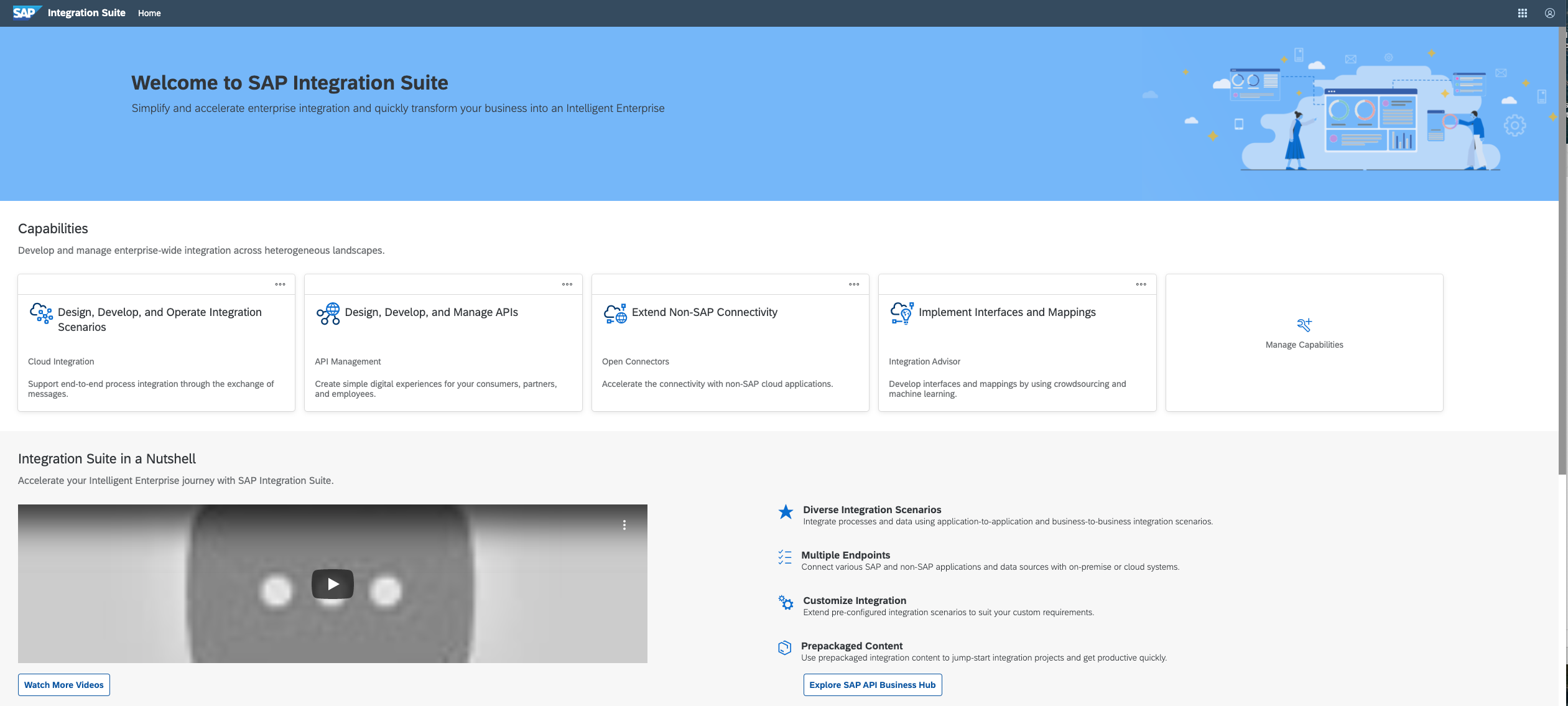
SAP Integration Suite is a modern, secure integration platform as a service (iPaaS) that connects applications, data, processes, and AI agents across SAP and non‑SAP environments.
$11,199
per year
Zoho Flow
Score 9.7 out of 10
N/A
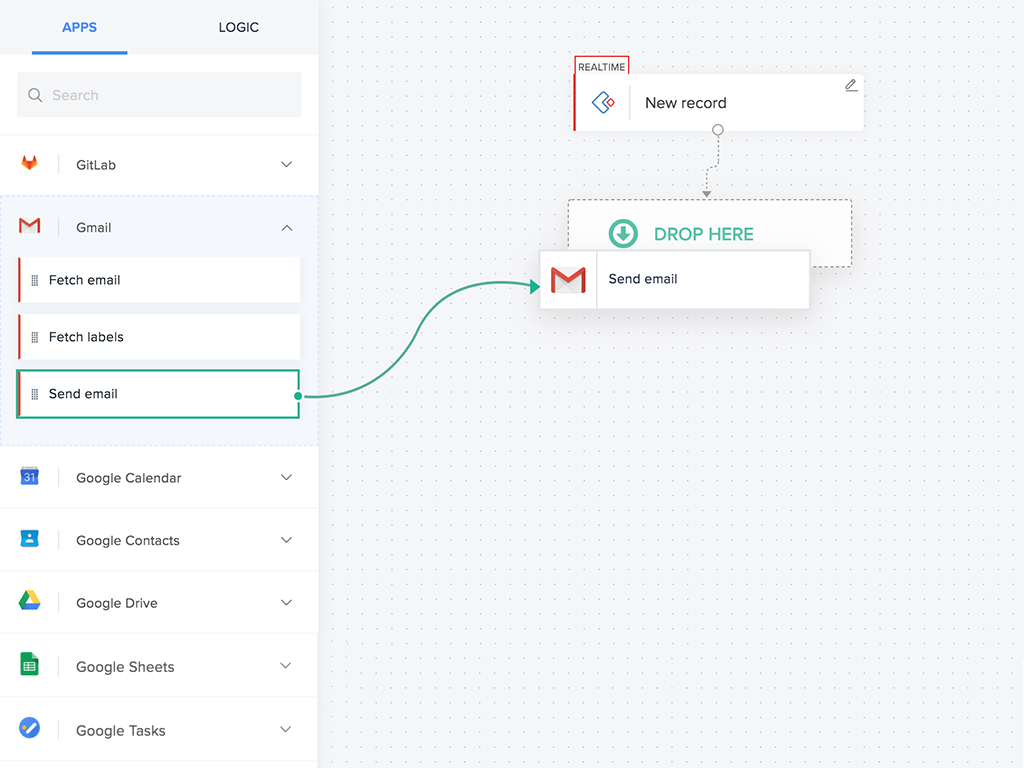
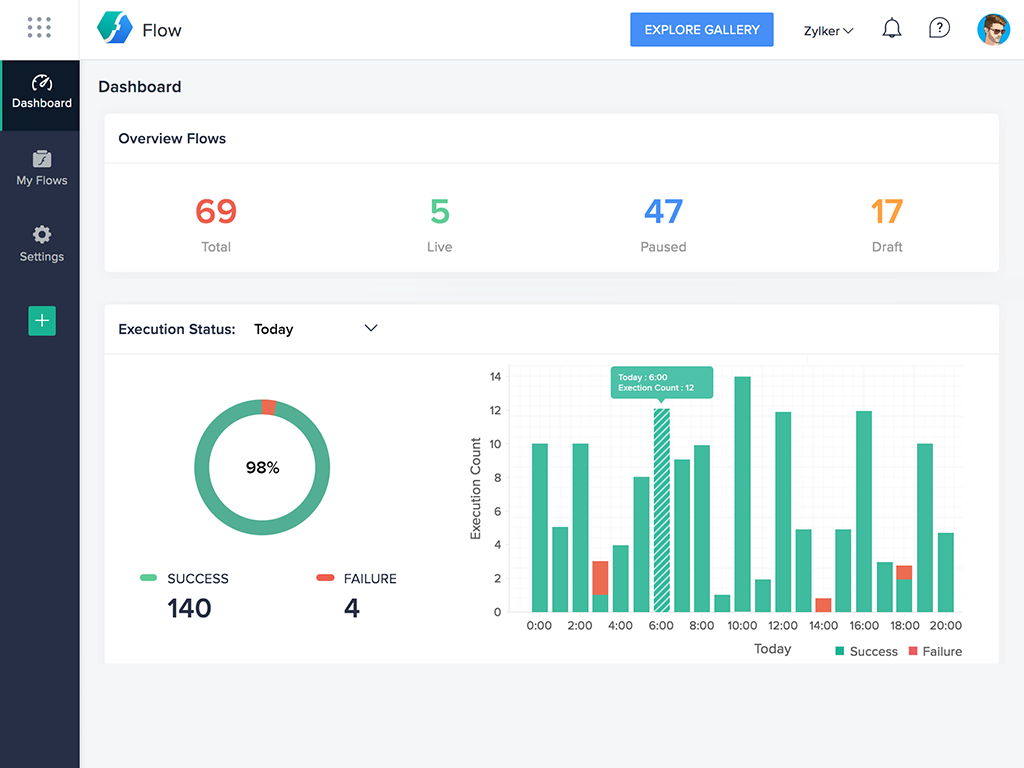
Zoho Flow allows the user to integrate business apps to automate a workflow.
$29
per month (for 5k tasks per month)
Pricing
Alooma
SAP Integration Suite
Zoho Flow
Editions & Modules
No answers on this topic
No answers on this topic
Standard
starting at $29
per month starting with 5k tasks per month
Professional
starting at $49
per month starting with 10k tasks per month
Offerings
Pricing Offerings
Alooma
SAP Integration Suite
Zoho Flow
Free Trial
No
Yes
Yes
Free/Freemium Version
No
No
Yes
Premium Consulting/Integration Services
No
No
Yes
Entry-level Setup Fee
No setup fee
No setup fee
Optional
Additional Details
—
Access to free tier services does not expire while there is an active Pay-As-You-Go or CPEA account with SAP. Once a free tier service limit has been reached users have the option to update from a free to a paid service plan in the same account.
Discount available for annual pricing. Higher monthly task volume available.
Very appropriate for managing an ELT stack -- Alooma handles the 'E' and 'L' pieces very well. Due to the way transformation is setup, it is more on the lightweight side of things and thus works for this kind of stack. For more traditional ETL stacks, Alooma would probably not be the right fit.
Good at: 1. Integrations with in SAP applications, especially with event based triggers 2. Can be integrated very well with other BTP services to attain Batch processing and store credentials 3. Supports many authentication models Improvements: 1. No version history available compared to as it is available in S4HANA 2. Need a lot of improvement in git hub connections
For small—to medium-sized connections between different applications, Zoho Flow is quick and easy to set up and test. However, as a Flow becomes more complicated with multiple connections and decisions, it becomes more difficult to track errors and faults and manage changes. Some of this is due to the history not being detailed enough, and some is just the UI, where you can't zoom in and out and clearly see connecting lines for flows.
More tools on managing the data warehouse itself. Although great on the ingest and transformation of data, more help provided by the tool on managing the outputs would be welcome.
Increase possibilities in the transformation step, rather than single event transformations.
Provide more pre-built integrations to use within SuccessFactors or other modules instead of everything having to be custom built
Support is unable to provide advice on custom builds so you often have to engage a 3rd party partner
Works best when you have the functional and technical teams working together. Otherwise, the system is too technical for a functional user to create integration and a technical user not always understand the functional perspective
It is in place, our system integrators are familiar with it, and it fits into the ecosystem. A better user interface, flow build and debugging experience would see it grow, many technical staff do not enjoy using it for this reason, however it is quite capable and powerful behind this one shortcoming.
The user interface is messy and not intuitive. It has a steep learning curve, and flows developed around are easy to make a mess with layout and can be difficult to follow. The debugging is also quite difficult, it takes some time to figure out how to follow the flow and examine data. Error handling is also difficult and not intuitive, it is better to let some errors leak and monitor through ALM.
Flow can accomplish almost anything you want to do. It's imperfect, but it could be with just a few more features and better error management/visibility. For someone who's not a developer, this is a no-brainer. Having used other products in the past, like Zapier, this is as easy to use, if not even easier.
The support for SAP Integration Suite is satisfactory. We leverage SAP support through our manage services partner. So far, we have not had many major issues. One concern, to make our rating a ten, would be turnaround time on high priority incidents. SAP Integration Suite drives our key business functions forward. Without a reasonable service level agreement on turnaround, we sometimes find us running into issues running pay, etc.
I've reached out to the support team several times with assistance requests in Zoho Flow. Each time the team has answered my questions promptly and accurately. And because we are mainly integrating other Zoho apps their teams are perfectly positioned to solve our problems.
Haven't used the alternatives, since Alooma was one of the earlier ones to the market. From a cursory viewing, however, the features seem to match relatively similarly.
Before deploying SAP Integration Suite, we assessed Oracle Financial Services Analytics and IBM Risk Analytics. While Oracle had proved its mettle in the exceptional database support and IBM in presenting risk model tools, SAP Integration Suite overwhelmed others by being effortlessly integrated with our existing banking framework.
I've used Zapier and both programs are similar. Zapier has deeper integrations or more apps to integrate with but considering Flow's association with other Zoho apps this does it for us!