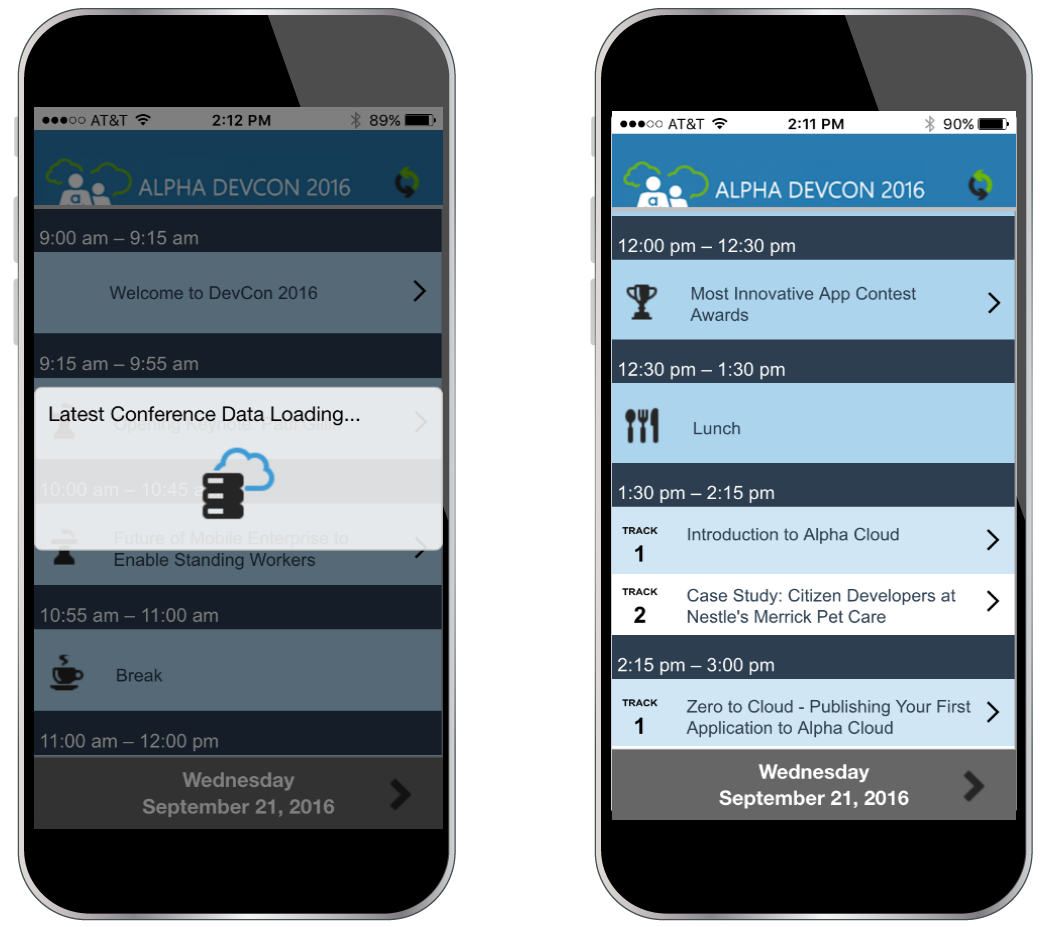
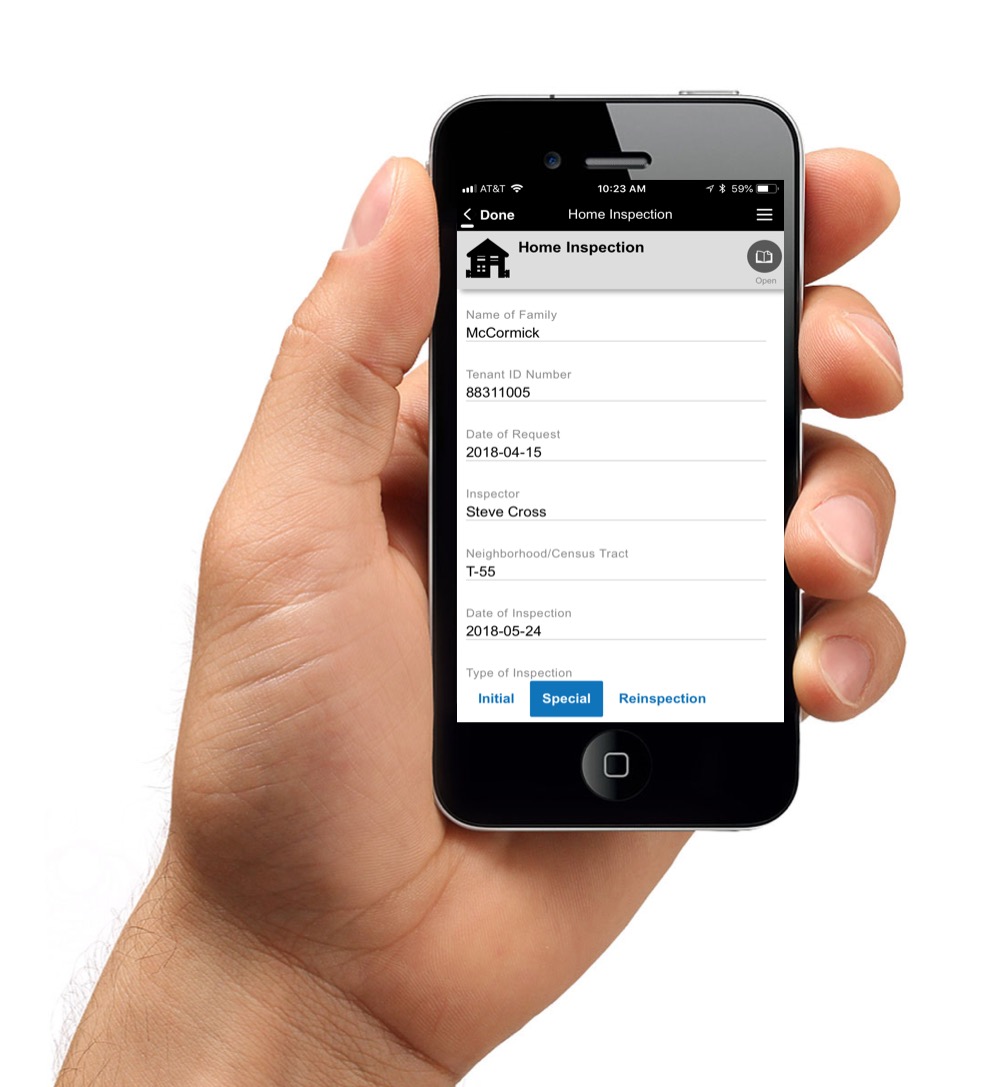
The Alpha platform is a unified mobile and web app development and deployment environment with distinct "no-code" and "low-code" components. The vendor says that using the Alpha TransForm no-code environment, business users and developers can take full advantage of all the capabilities of the smartphone to turn any form into a mobile app in minutes, and power users can add advanced app functionality with Alpha TransForm's built-in programming language. IT developers can use the…
$35
Android Studio
Score 9.3 out of 10
N/A
Android Studio is an official Android development integrated development environment (IDE) for mobile application development in the Android operating system developed by Google. Android Studio is based on Jetbrains'
N/A
Xamarin
Score 6.0 out of 10
N/A
N/A
N/A
Pricing
Alpha Anywhere
Android Studio
Xamarin
Editions & Modules
Alpha TransForm (no-code component)
35/month
Alpha Anywhere Business
$1,499/year
Alpha Anywhere
$1,499/year
Alpha Anywhere Business Pro
$2,499/year
Alpha Anywhere Enterprise
Call Us +1 781.850.4600
Volume Discounts
No answers on this topic
Xamarin
Free
Offerings
Pricing Offerings
Alpha Anywhere
Android Studio
Xamarin
Free Trial
Yes
No
No
Free/Freemium Version
Yes
No
Yes
Premium Consulting/Integration Services
Yes
No
No
Entry-level Setup Fee
Optional
No setup fee
No setup fee
Additional Details
Questions?
Call us: +1 781.229.4500
—
—
More Pricing Information
Community Pulse
Alpha Anywhere
Android Studio
Xamarin
Features
Alpha Anywhere
Android Studio
Xamarin
Low-Code Development
Comparison of Low-Code Development features of Product A and Product B
The speed of development from concept, through development and delivery of the end product is so impressive [with Alpha Anywhere]. There is an impressive array of genies and helper functions meaning that you can focus on what matters, the end user experience. It is not a "No code" solution but it is a very impressive "low code" solution which allows detailed access under the hood to tweak the applications to your own needs and the needs of your clients.
Android Studio is a great mobile development IDE. I have found it is the best for both Android and Flutter development. It is created by JetBrains, so any developer used to their products, such as IntelliJ IDEA, will find themselves right at home with this IDE. It is very intuitive so it is a good choice for people needing to learn an IDE quickly.
If you are required to develop applications that are cross-platformed, Xamarin is a great tool to use. It will help save time and effort from your development team to be able to build applications seamlessly for android, IOS, Windows, and web on a single platform instead of requiring multiple tools to get the job done.
Our company had been creating small business applications since the 1980's, when we used DBase IV (don't laugh... that's what was available). Then, we got more "sophisticated" with Microsoft Access. Clearly, we would always be limited with what we can do with those two programs. By accident, during an Internet search, we saw and ad for Alpha Anywhere (back then, it was called Alpha V). After working with the 30 free trial for just two weeks, we retired Access, for good. The best part was Alpha's flexibility in its use of "back end" data tables. That allowed us to use existing Access tables as we redesigned the front-end program (Alpha ships with its own DBF system, but we prefer SQL-Based tables). You can choose, SQL Server, MySQL, Oracle, Access, Paradox (actually, too many to name) for your tables. You can even create links to Excel spreadsheets or QuickBooks Tables. It's outstanding!
Alpha allows developers to create very large and very complex programs. However, it's also a great choice for RAD (Rapid Application Development) for those who need to be up and running quickly or for less experienced programmers. Actually, the interface truly allows for "codeless" development of your application (more on that later). That means you can design a fully functional application, without typing a single line of code. They have some examples on their website.
My favorite part of Alpha is that it is constantly adding features and functions that allow us to do more with our applications. In fact, one of my biggest problems is that I need more time to learn and practice the added features as fast as they are introduced
Prior to Alpha Anywhere, we never considered creating/developing "mobile" applications (for tablets, smartphones, etc.). Alpha created a unique "panel" system that makes those application work great... and allows for the design of very sophisticated Apps.
Xamarin allows you to write cross platform code. This allows companies to build apps more quickly by writing less code. Having code abstracted and reused across multiple platforms allows for more testing and less issues overall.
The ability to use Visual Studio is a huge plus. Visual Studio is one of the best IDE's available and being able to write cross platforms apps while in a great IDE makes everything less painful.
Xamarin is now free with a large company backing. This means that bugs on the platform get fixed more quickly and there is a large community of developers.
Android Studio needs a very high amount of RAM and a high-end processor to run smoothly, which can't be affordable for everyone.
Updates in Gradle files can sometimes come up with a hectic improvement in whole code, which can lead us to improve some code and consume precious time.
Multitasking is very difficult in Android Studio due to its heavy consumption of resources.
Xamarin has been great for developing different projects efficiently and effectively. It's nice to reuse the core business logic across different platforms so that there are less to maintain and little replications are needed. The biggest benefit is that C# programmers do not have to learn a different language to do mobile development.
Android Studio is very useful for developers to write the code of Android apps. It provides auto implementation, suggestions, and removes boilerplate codes, which helps developers write clear and optimized code. Number of third party and Jetbrains plugins available to improve the speed of development and help the developer.
If you are required to develop applications that are cross-platformed, Xamarin is a great tool to use. It will help save time and efforts from your development team to be able to build applications seamlessly for android, IOS, windows, and web on a single platform instead of requiring multiple tools to get the job done
Overall support for Android Studio is quite good. As the project is maintained by Google itself, frequent updates are usually made to Android Studio to keep the IDE update and bug-free. Many community forums are also available to help developers across the world if they face any issue.
I never had to contact support for any help. Most of the problems we ran into, we were able to identify and use peer support through blogs and other internet sources to resolve the problems. There are plenty of sources online which provide tutorials, discuss problems, etc. Example: StackOverflow
Just with any programming tasks, have a plan first. Design out the system, spend time to build it correctly the first time and have plenty of testing and user acceptance opportunities. Xamarin was easy to implement for a C# programmer. However, you need to do tutorials to realize the platform's capabilities.
Alpha Anywhere is a full-stack IDE. It’s no code and low code, but you can also custom code if you need to. About 10% of our application is no code. 80% is low code and 10% is custom code.
Android Studio is the best possible offering to make android based apps. It's a product by Google and the official integrated development environment for android app development. That's why it is able to offer the easiest to learn and simplest coding environment to developers. But it needs higher performance and is at times slower as compared to Flutter, etc. So that's the only drawback, but overall it's better than most tools for app development.
Xamarin runs natively on MacOS, and the debugger and other integration and auto-complete tools are far better than Eclipse for C# .NET. It also carries much of the plugin/add-on capabilities that are so desirable on Atom. Eclipse is a better for generalized software development, provided a developer is comfortable switching between the IDE the command line for certain parts of their workflow, like building, package management, or debugging. But for C# .NET development on MacOS specifically, Xamarin is the best product I've used for the job.
Allows for a great return on investment since you can quickly become very productive and complete more projects and applications in a shorter period of time with hand coding and the normal programming headaches of PHP, C#, Angular, etc.
You can afford to take on more and smaller projects since they will require far less time to complete than more traditional development environments.
Alpha Anywhere is continuously updated coming out with new features and capabilities on essentially a daily basis. Continuous improvement and frequent updates allows you to always stay ahead of the curve and competitors.
Alpha Anywhere allows you to offer lower cost solutions that will be completed in less time and that will be much easier to support and maintain.
Positive Impact: No license fee, saves a lot of money upfront.
Positive Impact: Faster project delivery, because errors are cached quickly while typing code allowing to fix the code at the same time, and this eliminates the need of fixing bugs which saves time. Saves 20% of my time.
Negative Impact: Not works well on low end laptops with RAM less than 16GB.