Altair Monarch (formerly Datawatch Monarch, acquired by Altair in December, 2018) works with both relational and multi-structured data including support for a wide range of formats including PDF, XML, HTML, text, spool and ASCII files. The product can access data from invoices, sales reports, balance sheets, customer lists, inventory, logs and more. According to the vendor, the system is easy to use, allowing users to quickly select any data source and automatically convert it into…
N/A
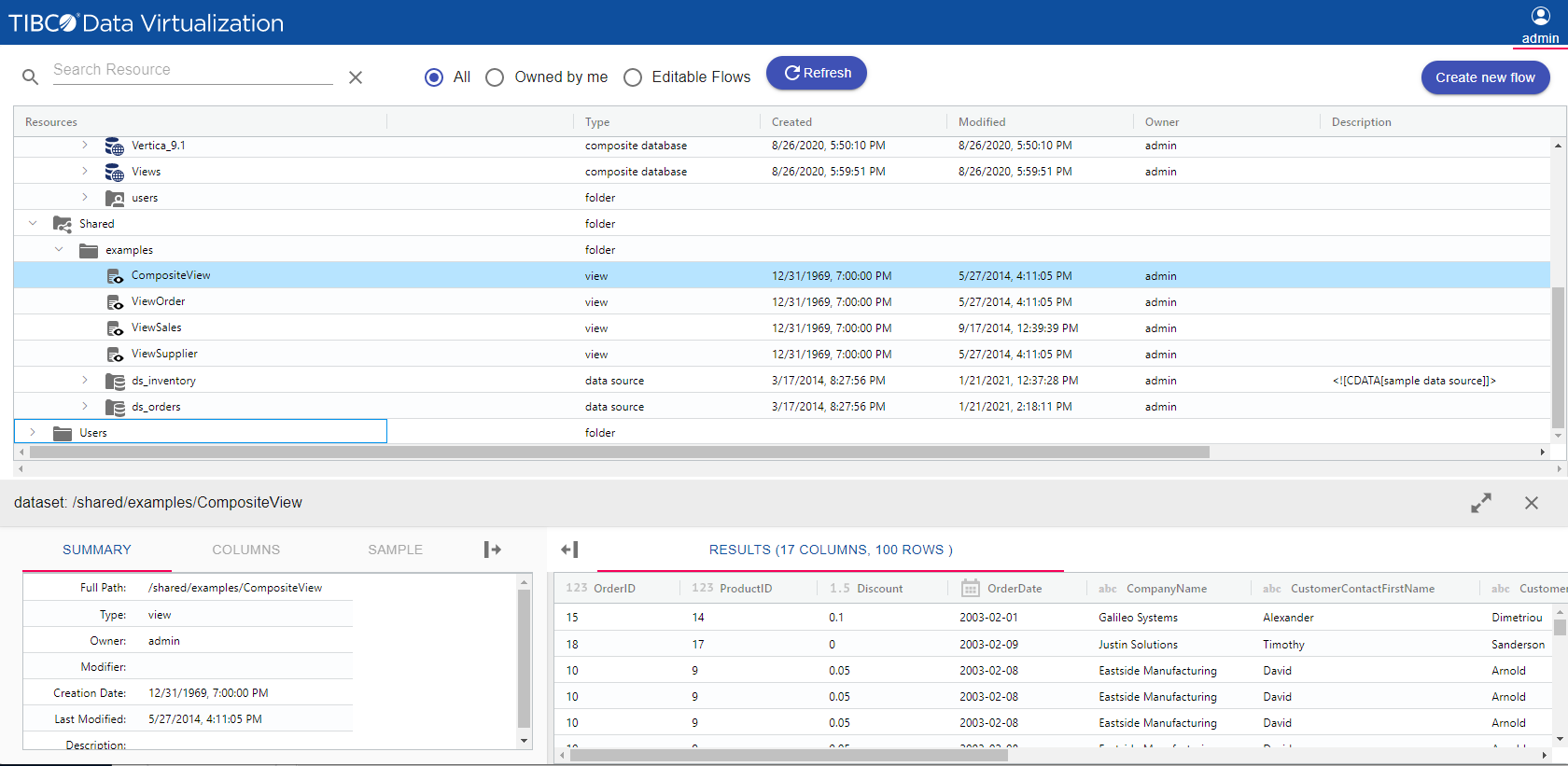
TIBCO Data Virtualization
Score 8.6 out of 10
N/A
TIBCO Data Virtualization is an enterprise data virtualization solution that orchestrates access to multiple and varied data sources and delivers the datasets and IT-curated data services foundation for nearly any solution.
N/A
Toad Data Point
Score 8.0 out of 10
N/A
Toad Data Point is a cross-platform, self-service, data-integration tool that simplifies data access, preparation and provisioning. It provides data connectivity and desktop data integration, and with the Workbook interface for business users, it provides simple-to-use visual query building and workflow automation.
The product is especially useful when you have real-time and/or time series data to analyze. If you have more mundane, simpler requirements, other products might do the job you need for less money (there are even some decent open source visualization tools you can find.) I know the product is very widely used in capital markets applications to monitor and analyze risk and price and volume changes; if you're working in that area, I don't think there's a better tool to use.
TIBCO Data Virtualization is well suited for customers who are challenged to deal with extracting data from dozens of different sources and systems, and do not have the time and liberty to hire data engineers and/or ETL developers to write dozens or hundreds of complex ETLs. However, there are situations where TIBCO Data Virtualization severely underperforms, and those are where we are dealing with large volumes of data, in tera bytes or peta byte scale system. For example, a messaging queue which sends 200 million messages every hour will choke TIBCO Data Virtualization if the technology is chosen to route the data.
Appropriate for general querying and some DBA work. It's the universal least-offensive solution for most environments - not best of breed, but not subject to unusual/extensive requirements. It just works. On the other hand, some functionality (e.g. data import/export, snippets) are perfunctory and minimal and seem to be either difficult or impossible to automate. If you need to streamline those operations, you'll be forced to rely on third-party solutions that mostly work on top of (instead of with) TOAD.
Creating a basic model to extract data from a report is very easy.
Advanced features like Calculated Fields and External Lookups allow you to augment the raw data.
You can create a "project" to automate the data extraction. Combined with Datapump (a separate DW app), you can fully automate the process once the raw report is generated.
Recently, we had some major sticker-shock when we wanted to upgrade Data Pump. It is an exceptional product, but when the price jumped from $6,000 to over $60,000, it was impossible to get the funds approved internally for the upgrade.
We also paid for yearly maintenance contracts which included Professional Services, but rarely found those services beneficial. However, we did receive all software upgrades for Datapump as part of the contract which we found to be very beneficial. However, with the new pricing, that is not longer the case.
Performance of TDV repository database is rather poor for larger numbers of objects .(Note: We have approx. 9tsd objects introspected in TDV and approx. 20tsd objects generated in upper DV layers.)
Propagation of privileges to parent/child dependencies does not work when applying recursively on a folder. (It's a huge setback when working with large number of objects organized semantically into subfolders.)
Lack of command line client interface for scripting at the time of version 8.4 (I had to write my own CLI.)
TDV Studio does an absolutely horrible job with its own code editors when indentation is in place. Also, the editor is brutally slow and feature-poor.
Tracking privileges on the level of table/view columns causes occasional problems when regranting.
TDV's stored programs ("SQL scripts" in their own terminology) compiler leaves out many syntactic and semantic checks, making them hugely prone to run-time errors.
TDV Server's REST API is a very poor (in terms of features) and flawed cousin to its SOAP API (at the time of version 8.4).
The workflow is a relatively new feature. Quest is adding additional functionality and the workflows are useful now.
Would be nice if the 'Automate' feature was a bit easier to use.
Would be nice if some of the SQL Editor features in the traditional interface worked better in the new workflow interface (although, these are being fixed with each release).
TDV's interface is a bit dated and not entirely intuitive. Would recommend some UX design review as the interface leaves a bit to be better understood to be used by users without inherent knowledge of Tibco. Overall I'd suggest more improvement here to ensure usability by a lesser tech audience.
I find Toad Data Point easy to use for both the novice and the experienced business analyst. If all you desire is to access data and create spreadsheets...this is a snap. Toad Data Point actually has cool data analysis features built into it. The newer workflow interface makes automating steps a snap
This product's performance is very consistent. It is extremely rare for templates to fail. I've been using this software for 5 years and find it to be both simple and powerful. The impact within the company has been very positive as different processes in different areas, such as data analysis, development, and integrations, have been improved, and, best of all, it has not affected the users. Various systems with which it is connected in order to obtain information.
On a few occasions I have asked TIBCO technical support for help because I have adapted perfectly to their tools, but in those few that I have communicated with their technical team I have received personalized, attentive, responsible attention and I am always assisted by an expert staff the topic. A TIBCO technical support technician spent more than an hour helping me to solve a problem in the initial stage of implementation in my department and this is something that I always appreciate.
The training was helpful. I was able to understand how to use TIBCO for the data load process that we implemented and how to perform various troubleshooting steps based on the training I received. The technician was thorough and took the time to answer any questions. Once we were shown how to use TIBCO in the test environment, we were able to configure the production environment ourselves.
Other vendors have clearer, more visual implementation documentation. We also did not have our data architect and and server administrator available full-time for implementation. In the future, we will secure the necessary internal resources.
Datawatch is very good value of money compared to QlikView; QlikView is really more of a BI tool and has a lot of functions that I didn't need. Datawatch is very strong in the real-time area where Tableau, Panorama, and Qlik don't do very well. If you need to set up a visual monitoring dashboard, Datawatch is the best product I've seen for that. if you want to do a lot of in depth statistical analysis of large databases, Tableau is probably a good option.
We did not need to evaluate another technology in the same category for data virtualization, since we are 100% sure of the capabilities and benefits that we would have with TIBCO Data Virtualization, both for market positioning as well as success stories from other companies. great renown worldwide. From the first day of use, it meets our needs to provide the expected solutions.
It is the least common denominator - not particularly optimized for our environment or workflows.
Hangs or slowdowns add anywhere from 5% - 7% for projects utilizing large/complicated data setts. (This could be due to other IT-imposed constraints and not entirely due to TOAD.)
Trying to perform some operations requires reading documentation and experimenting in order to figure out the TOAD-specific approaches and commands.
It just works (when we understand it). Updates don't break things and things don't suddenly start behaving differently. Best of all, we don't mysteriously lose functionality.