Amazon Cognito is a mobile identity product that allows users to add user sign-up and sign-in to mobile and web apps, and authenticate users through social identity providers.
$0.01
Per MAU
Dashlane Password Manager
Score 9.1 out of 10
N/A
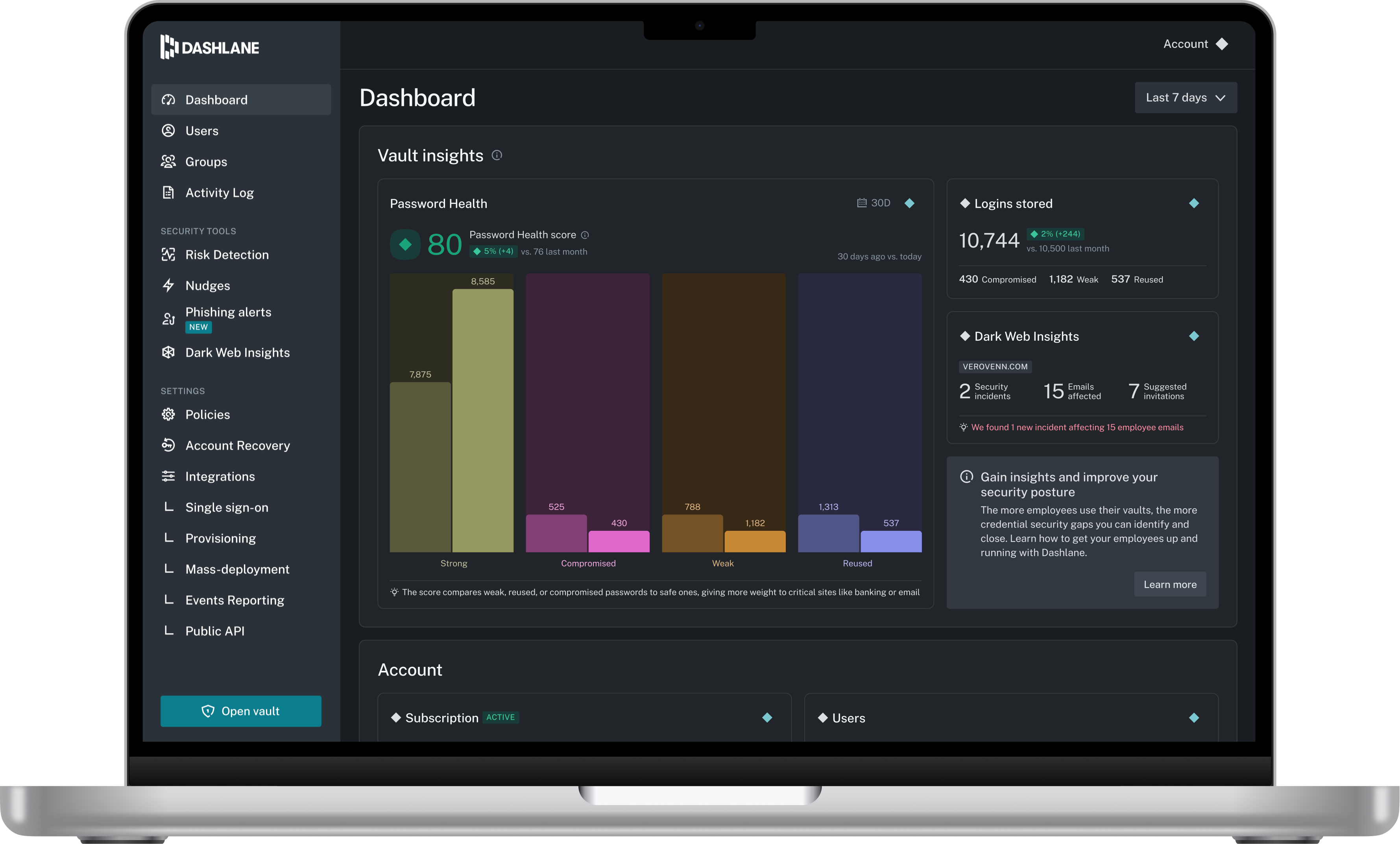
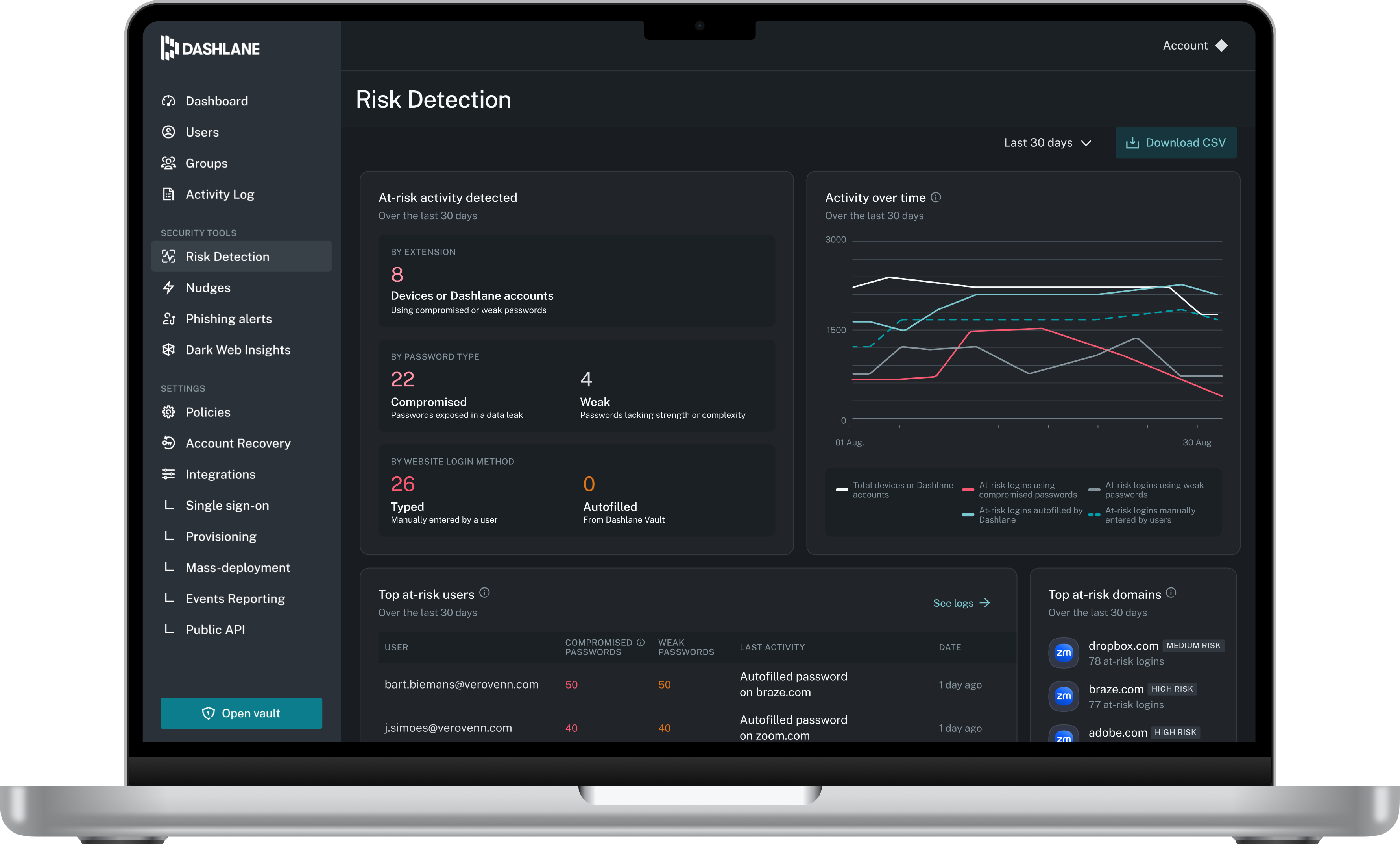
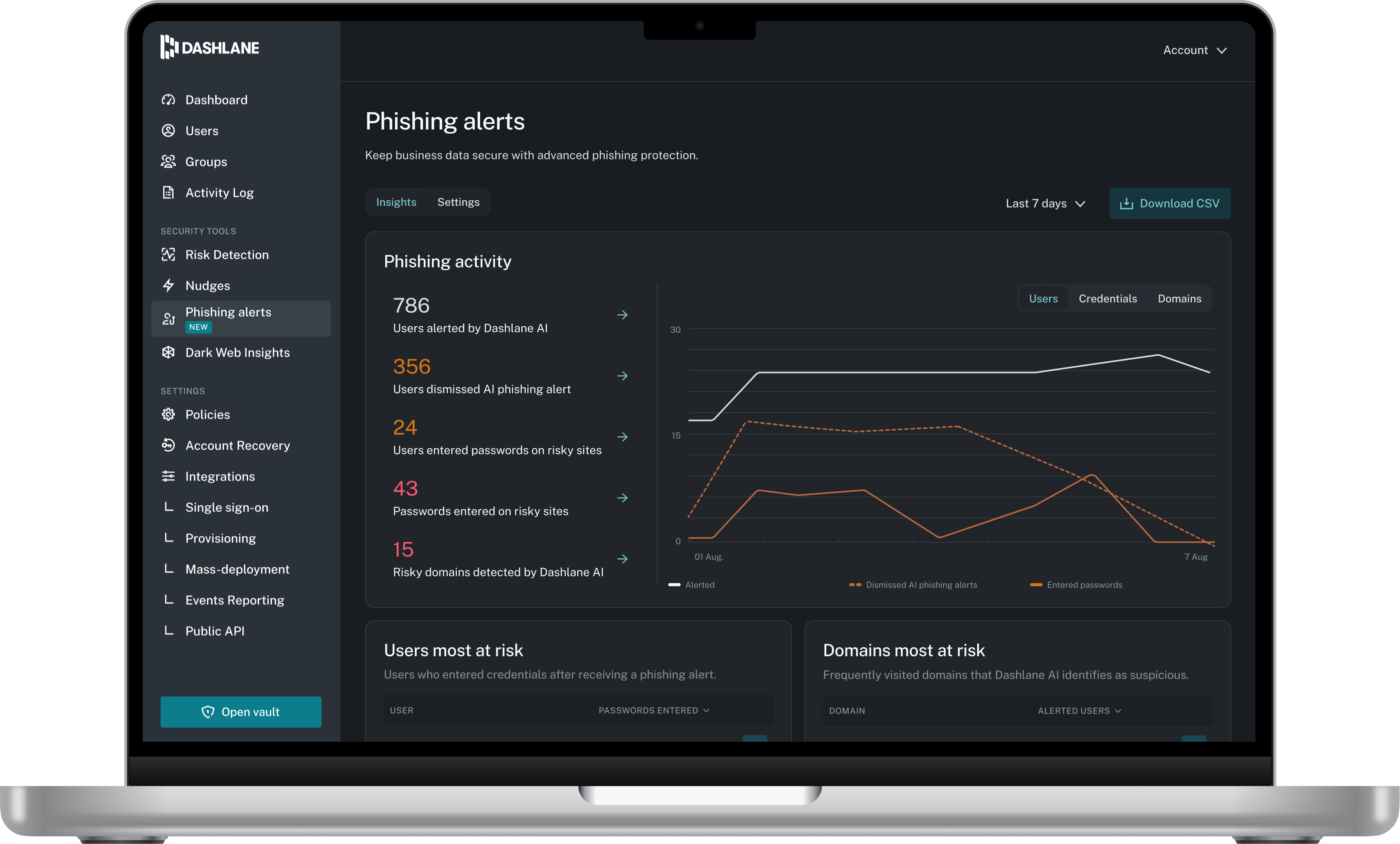
Dashlane is a credential manager that secures every credential, every user, and every employee device to proactively protect against breaches. Brands worldwide can use Dashlane to stay ahead of evolving threats.
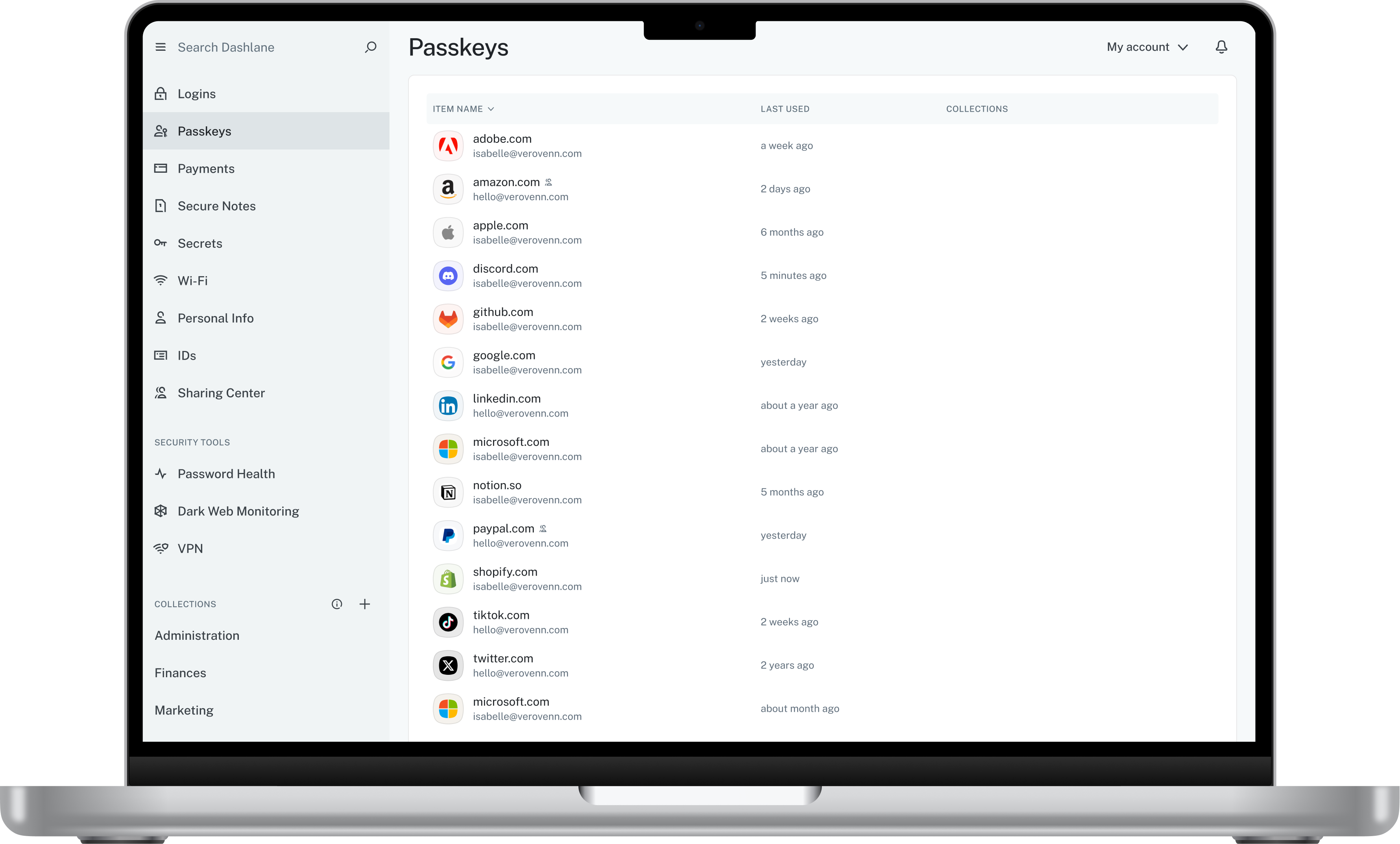
I think Dashlane is a great service for anyone who uses the internet. We need to create accounts on almost every website, and Dashlane helps generate secure passwords and store them safely, but easily accessible through its seamless browser extension. Any business or personal lifestyle can benefit from Dashlane when you go online
Amazon Cognito has a bit of a learning curve. You need to learn its concepts and terminology. The documentation does not describe some topics comprehensively.
Some Console screens would benefit from improved search and filtering options.
When another AWS product (e.g., SageMaker) configures Cognito on your behalf, it is not clear what you're getting. For example, the expiration of a temporary password was configured but never communicated.
The mobile app works fine for quick access, but autofill across different apps can be inconsistent. Sometimes it doesn’t recognize the login field, which slows people down when they’re on the go.
Occasionally the browser extension logs users out or doesn’t sync immediately with the desktop app, which causes frustration if someone just updated a password.
Amazon Cognito is easy to use and implement if you don't need to implement custom policies. But if your security team requires something outside the box, then implementation becomes complicated and you risk wasting time. There is no option for customizable regex for passwords, which is a major deficiency. The standard password policy, allow to choose the length of the password, if it should contains at least one number, one special character, one uppercase letter and one lowercase letter.
Dashlane is usable, but there are 2 key issues that annoy me. 1. The mobile app and the browser extension are not synced and i cannot find passwords in the app that are clearly in the extension. 2. The system doe snot make it easy to assign a password to a specific subdomain. I get hundreds of passwords that i have to go through any time i go to any subdomain on my main site because of the nature of my business. I need the option back to assign a password to only work with a specific subdomain (and all related paged on that subdomain) note: The search features have been annoying in the past. I just went to test them to verify my issues and found that notes inside of a password are finally searchable. This helps
Community support is excellent, many times even better and quicker then the offical AWS support. I really cannot recommend community support enough! Apart from that the service is relativily easy to use and does not have a huge learning curve. Examples are easy to follow and will help you start using the service.
We've had no issues with Dashlane. I can't speak to their customer service because I have not personally needed to contact them. I guess that speaks about their product if we've not had any issues to reach out about. Great for supporting data/information on multiple platforms that are shared among team members.
They are ideal tools to create a secure and unique login experience for our applications. Thanks to its API authorization, Amazon Cognito ensures connections to applications that are secure.It is easy to use and provides easy access to files and applications that you need to complete your goal.
Dashlane’s customer support is often rated higher, providing more responsive and helpful assistance. LastPass has a slightly steeper learning curve than Dashlane, but it offers more flexibility with user permissions, which can benefit teams. Dashlane includes unlimited passkey support and a clean breach history, while LastPass is more accommodating for smaller teams.