Android Studio is an official Android development integrated development environment (IDE) for mobile application development in the Android operating system developed by Google. Android Studio is based on Jetbrains'
N/A
NetBeans
Score7 out of 10
N/A
NetBeans is a free and open source platform and integrated development environment (IDE).
N/A
SAP Extension Suite (discontinued)
Score8.4 out of 10
N/A
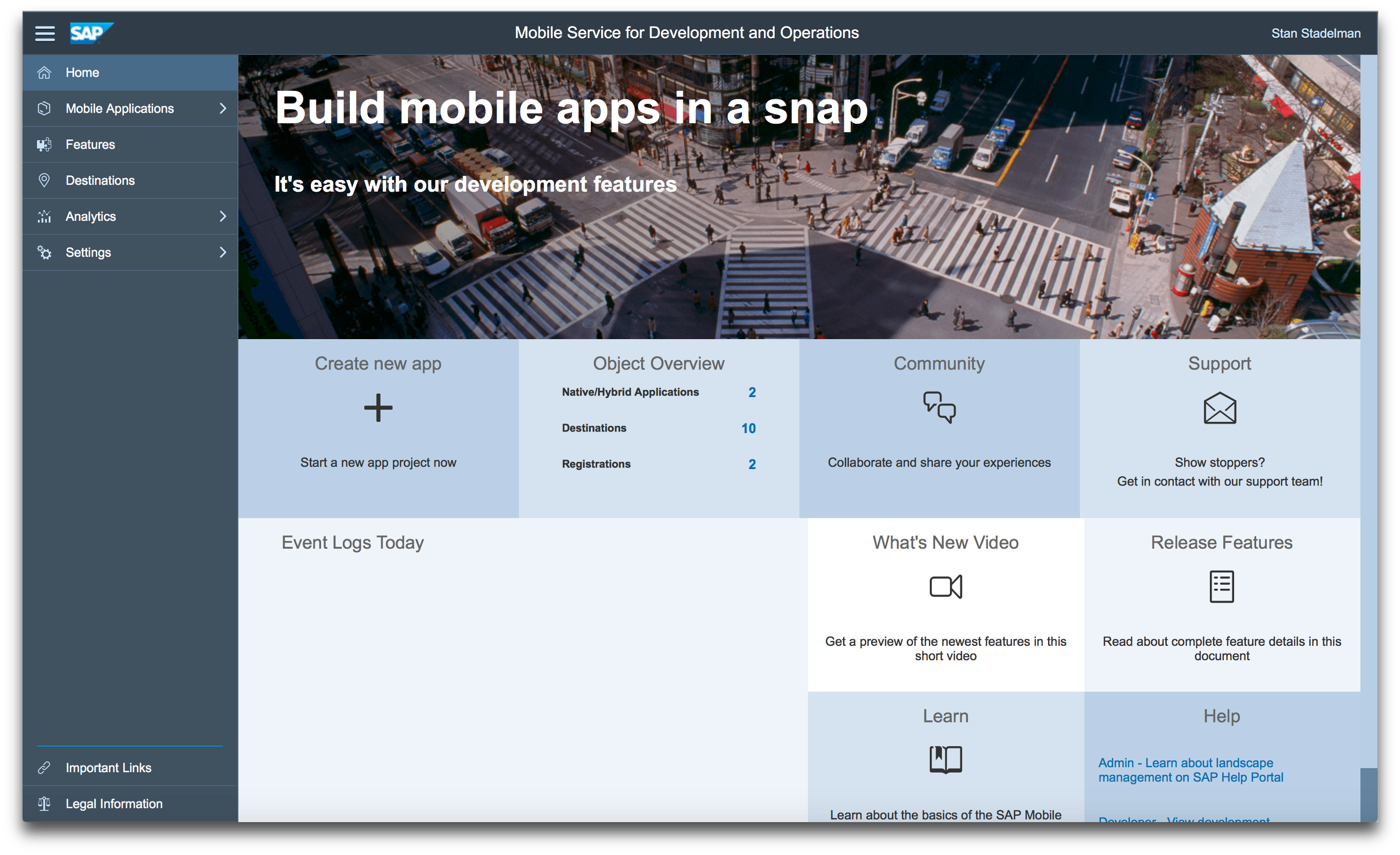
The SAP Extension Suite (formerly part of the SAP Cloud Platform) is a legacy solution that enabled businesses to rapidly build and enhance applications, processes and experiences, with the goal of driving agility and flexibility, while extending the value of applications. The product has obsolesced, and modern offerings including SAP Build or the
N/A
Pricing
Android Studio
NetBeans
SAP Extension Suite (discontinued)
Editions & Modules
No answers on this topic
No answers on this topic
No answers on this topic
Offerings
Pricing Offerings
Android Studio
NetBeans
SAP Extension Suite (discontinued)
Free Trial
No
No
Yes
Free/Freemium Version
No
No
No
Premium Consulting/Integration Services
No
No
Yes
Entry-level Setup Fee
No setup fee
No setup fee
No setup fee
Additional Details
—
—
—
More Pricing Information
Community Pulse
Android Studio
NetBeans
SAP Extension Suite (discontinued)
Considered Multiple Products
Google
Verified User
Chose Android Studio
I am primarily a Java developer so many of the IDEs I have used are specifically made for Java development. I have used IntelliJ IDEA, Eclipse, and NetBeans for Java development but Android Studio is far better for Android development specifically and it also has support for …
A de minimis incentive was given to thank the reviewer for their time. The incentive was not used to bias or drive a particular response, nor was the incentive contingent on a positive endorsement. More Info
Software Engineer Intern in Research & Development at UBC (Computer Software, 11-50 employees)
Chose NetBeans
NetBeans is open source and is freely available to use making it economical compared to Visual Studio IDE. It is fast compared to Visual Studio IDE. More Diversified Libraries are available with NetBeans to work on as compared to the Eclipse IDE. It can be used even by novices …
A de minimis incentive was given to thank the reviewer for their time. The incentive was not used to bias or drive a particular response, nor was the incentive contingent on a positive endorsement. More Info
Android Studio is a great mobile development IDE. I have found it is the best for both Android and Flutter development. It is created by JetBrains, so any developer used to their products, such as IntelliJ IDEA, will find themselves right at home with this IDE. It is very intuitive so it is a good choice for people needing to learn an IDE quickly.
A de minimis incentive was given to thank the reviewer for their time. The incentive was not used to bias or drive a particular response, nor was the incentive contingent on a positive endorsement. More Info
NetBeans is extremely user friendly and easy to start developing complex applications. Adding and configuring external libraries is much simpler than in Eclipse. It is highly cost effective and most of the latest framework based libraries required are automatically downloaded to the projects. The overall tool is also light weight and consumes less memory as compared to other competitor tools.
A de minimis incentive was given to thank the reviewer for their time. The incentive was not used to bias or drive a particular response, nor was the incentive contingent on a positive endorsement. More Info
The adoption of SAP Extension Suite is growing significantly and it has become a strategic platform for our company. SAP Extension Suite will most likely meet the requirements of most companies to get beyond small workgroup apps and tackle more strategic requirements. The most important thing that SAP Extension delivers is a single UI for development effort for web and mobile deployment.
A de minimis incentive was given to thank the reviewer for their time. The incentive was not used to bias or drive a particular response, nor was the incentive contingent on a positive endorsement. TR verified that a representative sample of customers was invited. More Info
A de minimis incentive was given to thank the reviewer for their time. The incentive was not used to bias or drive a particular response, nor was the incentive contingent on a positive endorsement. More Info
A de minimis incentive was given to thank the reviewer for their time. The incentive was not used to bias or drive a particular response, nor was the incentive contingent on a positive endorsement. TR verified that a representative sample of customers was invited. More Info
Android Studio needs a very high amount of RAM and a high-end processor to run smoothly, which can't be affordable for everyone.
Updates in Gradle files can sometimes come up with a hectic improvement in whole code, which can lead us to improve some code and consume precious time.
Multitasking is very difficult in Android Studio due to its heavy consumption of resources.
A de minimis incentive was given to thank the reviewer for their time. The incentive was not used to bias or drive a particular response, nor was the incentive contingent on a positive endorsement. More Info
NetBeans [should] work smoothly with systems having less RAM. Systems with less RAM face trouble with NetBeans.
File open history also requires improvement. Once NetBeans is restarted, all files are closed automatically and there is no shortcut to open last opened files.
A de minimis incentive was given to thank the reviewer for their time. The incentive was not used to bias or drive a particular response, nor was the incentive contingent on a positive endorsement. More Info
A de minimis incentive was given to thank the reviewer for their time. The incentive was not used to bias or drive a particular response, nor was the incentive contingent on a positive endorsement. TR verified that a representative sample of customers was invited. More Info
Android Studio is very useful for developers to write the code of Android apps. It provides auto implementation, suggestions, and removes boilerplate codes, which helps developers write clear and optimized code. Number of third party and Jetbrains plugins available to improve the speed of development and help the developer.
A de minimis incentive was given to thank the reviewer for their time. The incentive was not used to bias or drive a particular response, nor was the incentive contingent on a positive endorsement. More Info
Netbeans enhances my coding work, shows me where I have errors and helps find variable instances. I would be lost without find/replace in projects functionality as I use projects as templates for new projects. Occasionally the code hints aggravate me, but I understand that it is actually making me a better coder, working to get the 'green light' of a clean file with no errors or clumsy code.
A de minimis incentive was given to thank the reviewer for their time. The incentive was not used to bias or drive a particular response, nor was the incentive contingent on a positive endorsement. More Info
Overall support for Android Studio is quite good. As the project is maintained by Google itself, frequent updates are usually made to Android Studio to keep the IDE update and bug-free. Many community forums are also available to help developers across the world if they face any issue.
A de minimis incentive was given to thank the reviewer for their time. The incentive was not used to bias or drive a particular response, nor was the incentive contingent on a positive endorsement. More Info
NetBeans has a very strong user community. We can find solutions here for almost all the problems we face. In addition, we can forward NetBeans Support teams the problems we cannot solve. We can get quick feedback from the support teams, but I generally try to solve my problems by following the forums.
A de minimis incentive was given to thank the reviewer for their time. The incentive was not used to bias or drive a particular response, nor was the incentive contingent on a positive endorsement. More Info
Android Studio is the best possible offering to make android based apps. It's a product by Google and the official integrated development environment for android app development. That's why it is able to offer the easiest to learn and simplest coding environment to developers. But it needs higher performance and is at times slower as compared to Flutter, etc. So that's the only drawback, but overall it's better than most tools for app development.
A de minimis incentive was given to thank the reviewer for their time. The incentive was not used to bias or drive a particular response, nor was the incentive contingent on a positive endorsement. More Info
It works very smoothly as compared to other tools . The problem of restarting and reimporting the projects is not in the netbeans IDE . The front end development features are good . Netbeans connector is one of the best thing which enables us to deeply integrate netbeans IDE with google chrome browser
A de minimis incentive was given to thank the reviewer for their time. The incentive was not used to bias or drive a particular response, nor was the incentive contingent on a positive endorsement. More Info
We have been able to work in a much more agile way with SAP Extension Suite, and there is a lot of excitement that developing with this platform is significantly faster. SAP Extension Suite is the perfect fit to build great-looking applications that work on any form factor, be it [a] smartphone, laptop, or tablet, and within budget.
A de minimis incentive was given to thank the reviewer for their time. The incentive was not used to bias or drive a particular response, nor was the incentive contingent on a positive endorsement. TR verified that a representative sample of customers was invited. More Info
Positive Impact: No license fee, saves a lot of money upfront.
Positive Impact: Faster project delivery, because errors are cached quickly while typing code allowing to fix the code at the same time, and this eliminates the need of fixing bugs which saves time. Saves 20% of my time.
Negative Impact: Not works well on low end laptops with RAM less than 16GB.
A de minimis incentive was given to thank the reviewer for their time. The incentive was not used to bias or drive a particular response, nor was the incentive contingent on a positive endorsement. More Info
By working on Netbeans I just learned one more tool and can teach others about it. One should learn every tool so that it might help someday if another editor is not available and you have to use different software for your work.
Compiling code became easy as it is not a feature of normal text editors. Only IDE can do this.
A de minimis incentive was given to thank the reviewer for their time. The incentive was not used to bias or drive a particular response, nor was the incentive contingent on a positive endorsement. More Info
A de minimis incentive was given to thank the reviewer for their time. The incentive was not used to bias or drive a particular response, nor was the incentive contingent on a positive endorsement. More Info