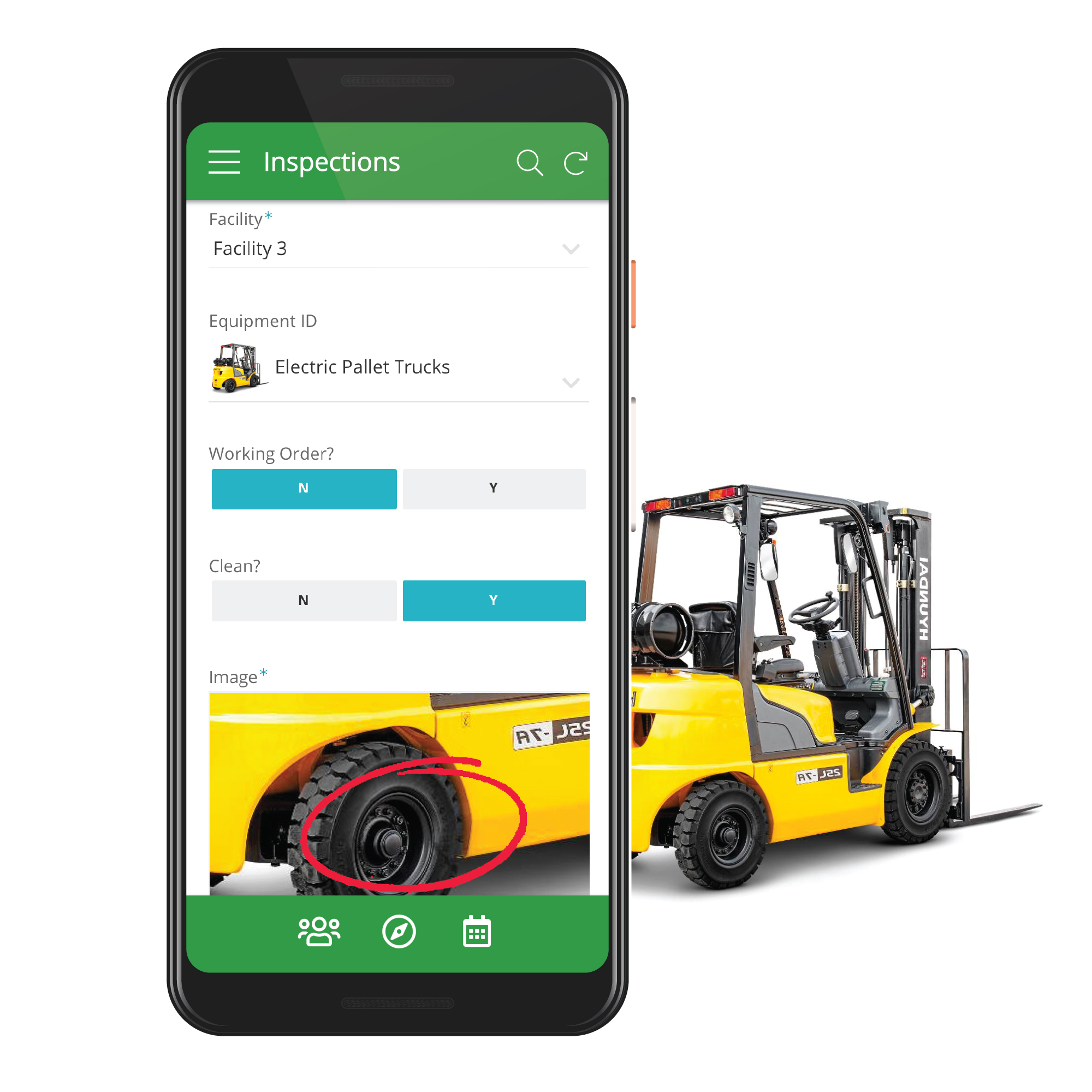
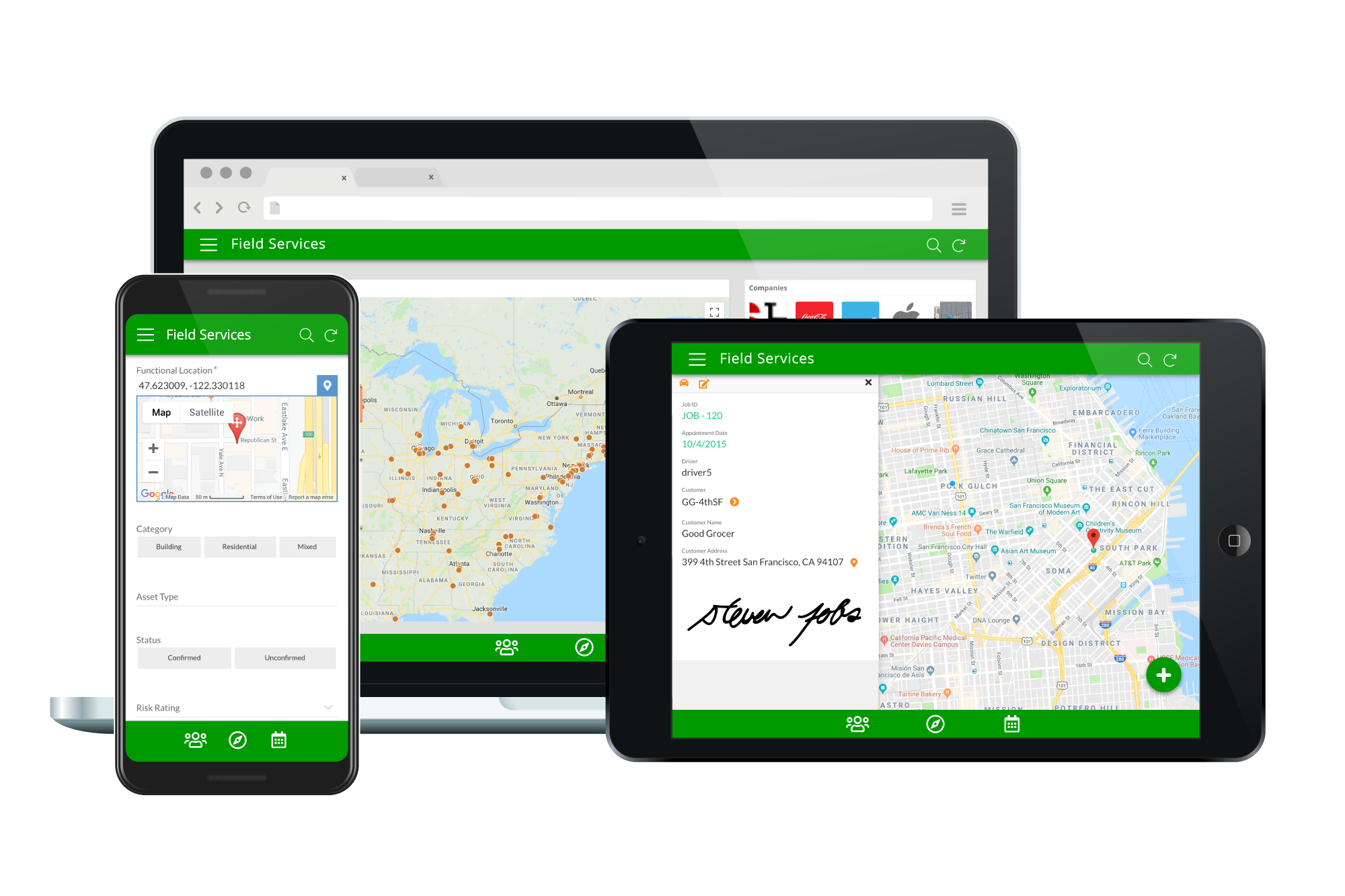
Acquired by Google in Spring 2020, AppSheet is an intelligent, no-code app platform for everyone. Users can create apps to transform the workplace. Common use cases include field service, transportation, customer surveys, incident reports, field data capture, compliance reports, delivery tracking, and property surveys. Used by the Fortune 500 & Industry Leaders Customers include Clearlink, Enterprise Holdings, ESPN, Pepsi, the University of Michigan, and the State of…
$5
per user/per month
Stackby
Score 8.8 out of 10
N/A
Stackby is designed to bring together the simplicity of spreadsheets, the functionality of databases and integrations with best business APIs to let anyone build their own tools, the way they want. No coding needed. Users can build a database from scratch, import data from pre-existing sources like spreadsheets or Google Sheets, or choose from over 100 pre-built templates across multiple categories. Stackby offers over 25 unique column types like text,…
$5
per month per user
Pricing
AppSheet
Stackby
Editions & Modules
Premium
$5.00
per user/per month
Pro
$10.00
per user/per month
Business
Contact sales team
Enterprise
Contact sales team
Personal
$6
per month per user
Economy
$10
per month per user
Business
$20
per month per user
Business Plus
$35
per month per user
Enterprise
Custom
Offerings
Pricing Offerings
AppSheet
Stackby
Free Trial
Yes
Yes
Free/Freemium Version
Yes
Yes
Premium Consulting/Integration Services
Yes
No
Entry-level Setup Fee
No setup fee
No setup fee
Additional Details
Personal apps and prototype are always free to build. Don't pay until you're ready to deploy.
What can I do for free?
Use the complete set of AppSheet features for free while building one or many app prototypes (for as long as you like). Invite up to 10 users for free to use your apps & share feedback.
How do Business Subscription pricing work?
Business Subscriptions enable a suite of performance & management features for organizations with cross-departmental app creators, and pricing is based on each unique requirements. Connect with the AppSheet team at solutions.appsheet.com/contact to learn more.
20% discount for annual pricing.
More Pricing Information
Community Pulse
AppSheet
Stackby
Features
AppSheet
Stackby
Low-Code Development
Comparison of Low-Code Development features of Product A and Product B
If you need to manage special assets with unique characteristics and keep data in spreadsheets, Appsheet is ideal for replacing these sheets with a system. Once you start using it, you find yourself trying to move everything into Appsheet. It is perfect for generating internal software that would otherwise never be developed due to programming costs.
Based on my experience, I can provide specific scenarios where Stackby is well suited and others where it may be less appropriate: Project Management: Stackby is an excellent choice for project management scenarios. Its ability to create custom databases, track tasks, assign responsibilities, and collaborate in real-time makes it highly effective for managing and monitoring project progress. CRM and Sales: Stackby is well suited for managing customer relationships and sales processes. Its customizable database structure allows for organizing customer information, tracking leads, managing deals, and generating reports. The ability to integrate with other tools further enhances its usefulness in CRM and sales workflows. Content Planning: Stackby is a great fit for content planning scenarios. Users can create databases to manage editorial calendars, track content ideas, assign tasks to team members, and monitor content performance. Collaboration features facilitate seamless content collaboration and ensure timely publishing.
Calculations - I have several apps that do some pretty complicated calculations, and decision making to build things like Shopping Lists for a Kanban assembly team, where the app will help a stocker determine whats low in a kanban assembly line stock box.
Document generation and record keeping - I have an app that users digitally sign and receive PDF contracts, and the system automatically records all records from the transaction. Everything is held in files on YOUR OWN DRIVE (Google Drive) so when you're done with the project or AppSheet you DONT loose your data.
Client/Customer Management - I follow the old school "Swimming with Sharks" model for client retention and customer engagement, and have built several small customer tracking tools for local businesses. This tool is limited ONLY by your imagine and desire to learn.
Once the tables / UX Views get way too many in number, it can become a little daunting to manage. This part of the UX may need something really smarter.
Ability to Undo.
Could provide more UI Look and Feel options. BTW, the new Graphs look great, but have some bugs, while the new INPUT() feature is a great addition too.
Implement the same views available on desktop into the mobile app
Internal automations (like Airtable)
Ability to implement and display info as a dashboard (like Airtable)
Polish up the formatting of formulas, inputting them causes user frustration due to the formula input cursor jumping around
Better intelligence and ease of inputting data in bulk i.e have the fields automatically identify what data is being input and format appropriately (like Airtable does)
It's just great. The usability is the best thing about Appsheet. You must choose which things will really be used later. You have to be careful of not generating something too big and then it feels like something that need to be learned. This is something that resolve problems, but you had to be able to think before doing. It will not solve problems itself. You need to find the problem, think a solution, and then use appsheet to make this solution a reality
Stackby is overall pretty easy to use, especially if you're used to something like Airtable or SmartSuite. Some of the pages seem like near exact clones (though they put their own creative spin on things). I'd prefer a slighty fresher interface (like SmartSuite), but I'm willing to sacrifice that for the better price and great customer service.
AppSsheet has a support group and they show videos to help app builders. Though I have truck drivers' hours and can't join the webinars. Support groups with better assists me on a Saturday evening or a Sunday that I have time off. It's hard to watch videos driving down the highway.
The ease that AppSheet provides to the developer is limitless. Before starting with AppSheet I used other software, but they didn't give me the tools at my fingertips. When I learned about AppSheet and everything it could do, I understood that it was what I was looking for, the ease with which everything is related within the app with a few clicks is impressive.
I have also tried Ora.Pm. Infinity has better graphical interface, but nowhere near as many features and the UI isn't as effective (i.e, moving around with keys). Grist has a much more technical interface and it comes from being more of a database/interactive spreadsheet vs Stackby. Grist has much more functionality in terms of formulas, but is much harder to learn to use and less other functionalities. Ora.PM is more of a test at a task management app, and doesn't compare - Stackby is much better.
A good impact in general at the beginning since the free version allows great development so the investment in the implementation is of knowledge and time.
As a consultant I have expanded my services through this platform including new low code application building services.