Arctera Backup Exec is a backup and disaster recovery solution. It works in virtual, physical, and multi-cloud environments and integrates with several third-party software releases and applications.
N/A
HPE Zerto Software
Score 9.4 out of 10
Enterprise companies (1,001+ employees)
HPE Zerto Software aims to enable customers to run an always-on business by simplifying the protection, recovery, and mobility of on-premises and cloud applications.
Sorry but Veeam stacks up against Backup Exec. Backup Exec has a million of options, Veeam is clean and more easy to configure and use. Right now I can't recommend Backup Exec, but I hope in the next years I can come back and say something positive.
Backup Exec works well generally in most environments or situations. The licensing can potentially be a nightmare, but manageable if you have a decent reseller. Backing up and restoring from physical tapes which is not all that common is not as reliable as when backing up and restoring from datastores that reside on hard drives or digital media. It does a good job with large or small backup jobs. Backing up and managing SQL backups requires additional licenses and be a bit clunky. If you are very careful (which you should be anyway) and document as you build these backups you will get better at managing them. Regarding a virtual environment, I have limited experience in that arena, but have done it. Backup Exec can backup VMware environments, but honestly we moved to Unitrends to backup our VM's and are much happier with the backup process. However, restoring a VM in Unitrends can be tedious compared to Backup Exec.
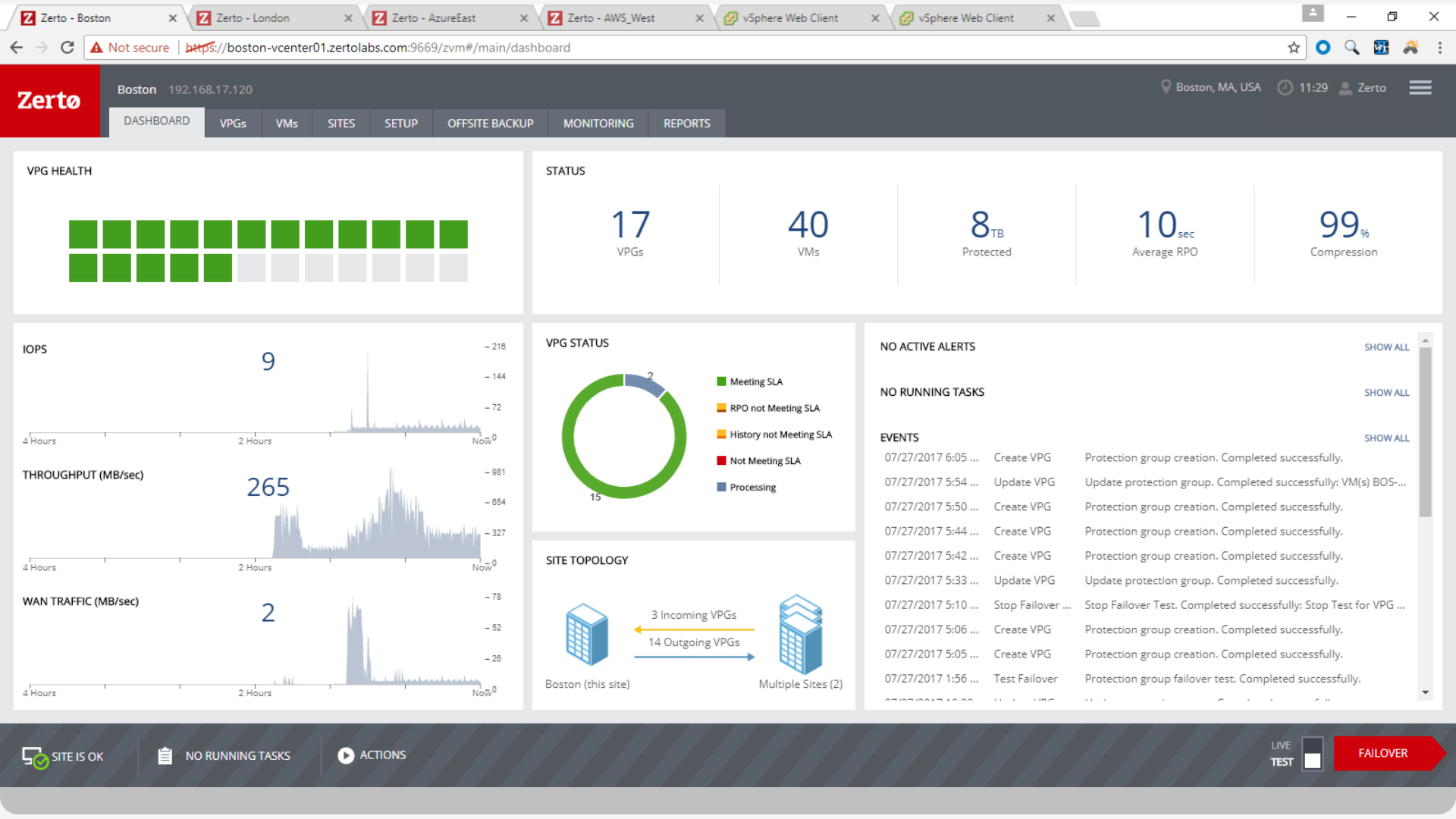
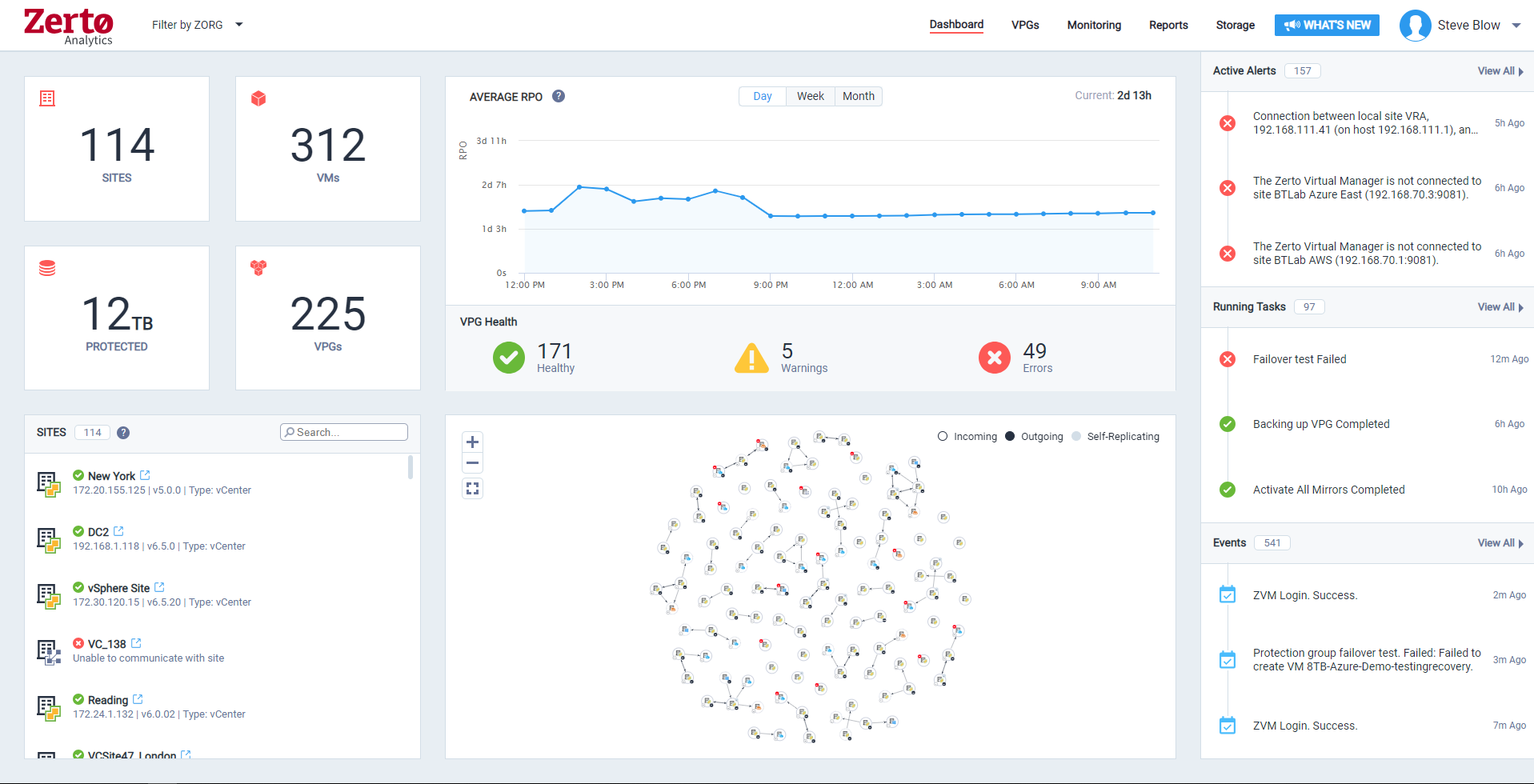
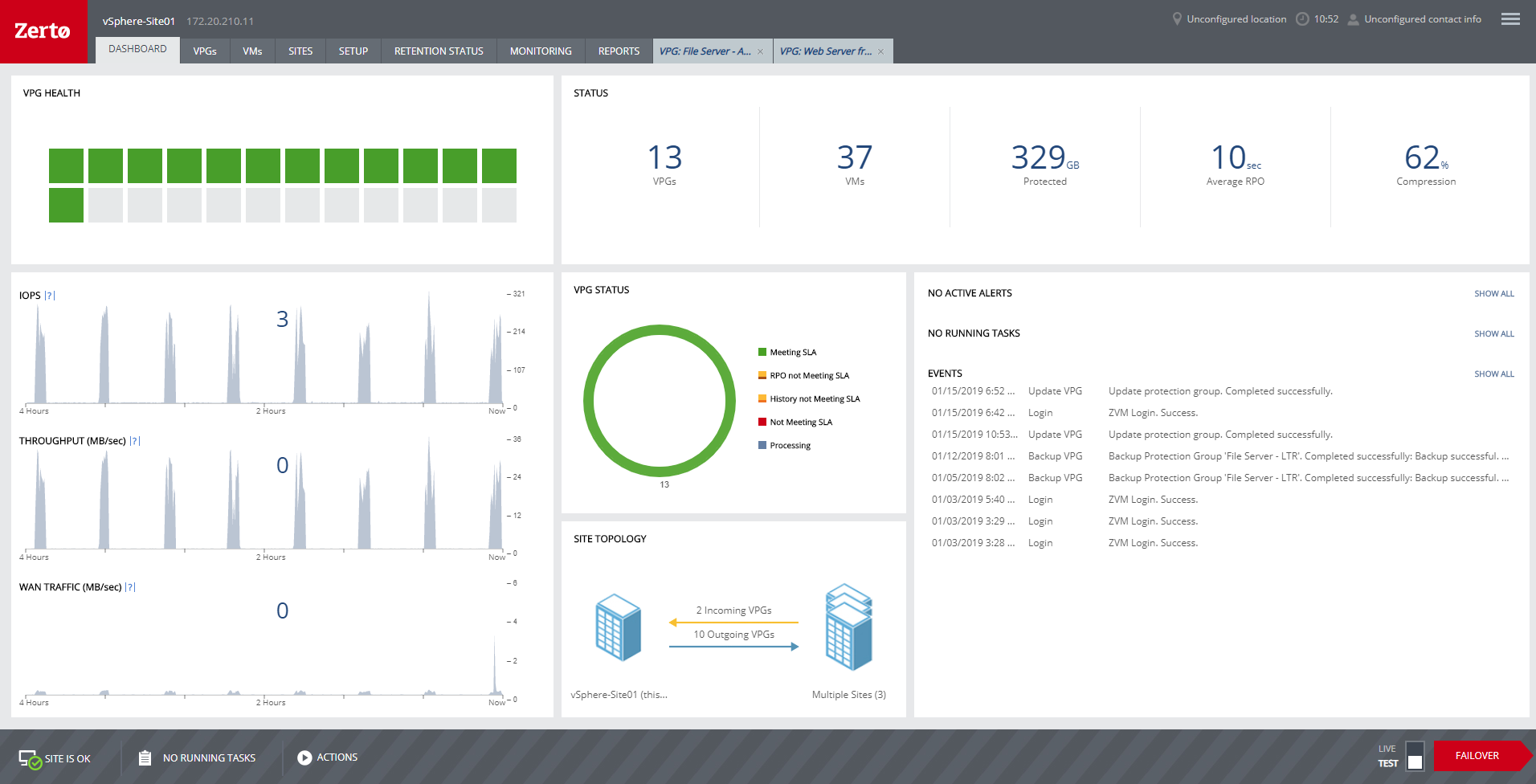
Zerto is well suited for disaster recovery and virtual machine replication between multiple data centers. DR testing for audit or regulations is much easier with Zerto, great reporting, dashboard etc. It is not well suited for physical server replication for disaster recovery or as a primary backup solution.
Manage agent based backups - It is easy to schedule and monitor backups. Verifying backups is done for all jobs. Backup performance is excellent.
Provide a wide ranging contingent of backup options - Despite providing a dizzying array of backup options, it is easy to schedule individual or recurring jobs.
Integrates well with our Active Directory - Restoring even individual Active Directory objects is possible.
Anyone with a large disk (VMDK) knows the issues of VMware snapshots. Most backup software is a "point in time backup" that uses snapshots. While the backup can be run multiple times per day the stress of the snapshot on the host and storage is eliminated by the continuous protection of Zerto log replication.
A client had a the disks on a VM go missing for some reason. We had them "flip the switch" for a real fail over and press the fail over button. The VM on our DR site started to come alive as the VM at the customer site was brought down. When the DR VM was fully up, automatic reverse replication started. The DR machine was available in a few minutes (to take into account different host hardware) for access. One the vm at both sites were in sync, we had the customer again repeat the fail over process and the DR site VM was turned off and the Production site VM was brought back on line. This was a 200 GB VM and the whole process was finished in about 3 hours.
Zerto also allows for "Test" fail overs that can be configured on many different functions, such as host, datastore, network and IP usage. Configuring the IPs is crucial to avoid inadvertent site cross contamination of the same VM.
Zerto can also retrieve files from any VM disk on the DR site without starting a VM. Very handy for retrieving files or directories.
Since Zerto is running continuous log replication, changes on the production VM are nearly instantaneously copied to the DR site. As with any data process, having sufficient bandwidth for "churn" peaks minimizes the delay in updating the DR site.
Could provide better license management from an inventory perspective. How many licenses do I have?.. etc.
When Backup Exec backs up itself it should not select iSCSI backup targets by default. The result is recursive data backup ending in the loss of storage capacity.
This software is a mess in my brutally honest opinion. I've spent more time babysitting this software while backing up 20 servers than I did with Veeam backing up 600+. I've had multiple jobs run fine for weeks at a time that just randomly fail out of the blue for seemingly no reason whatsoever. There's no intuitive way to chain jobs, so automation becomes somewhat more problematic if certain jobs depend on other jobs. The forever incremental feature feels tacked on since the merge operation merges all your incremental jobs into the most recent backup and doesn't have the option set a limit on how long to keep your point in time restores.
We really like the easy setup of this replication solution, as well as the ease of management. Not to mention, our internal IT Economist determined that the Zerto solution would provide the best ROI out of the competing solutions we analyzed. So far, his calculations have been spot on, and we have saved substantially
It can do a lot of things on paper and sounds terrific, but in practice it doesn't do any of them well. It can easily be sold to non-technical minds and C-levels, but of all the backup solutions I've used in the last 15 years of my career, Backup Exec is easily the least fault tolerant. Unless this software is a sunk cost and you're on a shoestring budget, I recommend almost anything else. Jobs fail often with obscure error codes and the KB articles in the Veritas support portal are a mess. Within 30 days of a fresh deployment I've logged more tickets with their support than I did in 3 years with Veeam.
Zerto is very easy to implement and support. Uses are broad, only issues are once something doesn't sync it is difficult to get assistance until your reach tier 2 or tier 3 support. Basic file and folder recovery is great. Live and test fail overs are also easy to implement without issue.
In the few instances of having to contact support, our overall outcome was always good. They would have received a better score if the wait time was less, but I attribute this to the timing of support calls - it was during the previous owner's time. We have not had to open a support ticket since Veritas Backup Exec took the product back over.
Overall support is very good. We sometimes get pushback when asking Level 1 support to escalate to Level 2. This causes undue frustrations when you need a more knowledgeable support person to get involved. We've had to escalate to account reps a few times for this scenario. Zerto is very responsive and normally handles our requests very quickly.
If your company is looking at changing solutions or currently does not have any, Veritas Backup Exec is the way to go. Do yourself a favor and try the 60 day trial, you won't be disappointed! Very simple to use and has a great GUI, much better than what the competition has to offer.
We started out using Backup Exec which was in service until we virtualized our environment where it didn't perform as well at the time. Then we switched to Veeam which worked well, but then as we started needing to do migrations and off-site DR, we found ourselves relying on Zerto more often.
For my organization, the pricing model was an upfront investment for the Zerto licenses. My organization prefers to pay upfront and not deal with month-to-month or year-to-year pricing models that most companies are moving to. But for some, the investment may be more than they can afford, and would prefer the year-to-year pricing model.
I mean, it was 6 years ago, but we were up and going with all applications synchronizing in short order. The longest tasks was getting the 30 TB of application data synchronized between the datacenters.
Backups by their very nature are difficult to quantify when it comes to ROI. Any monies spent should be seen more as insurance . If you never have to claim on it then that is the best outcome. Backup Exec gives you comfort that you can meet any downtime recovery targets set by your business and this is how to benchmark your solution.
Conduct regular DR tests and your this will be your ROI.
Zerto is like having the best possible insurance ... it just works, and often provides the backups taken overnight that are key in recovering data/work between overnight backups.
Zerto easily enabled the move of primary datacenters by allowing easy failover to a secondary site, and failback to the primary site.