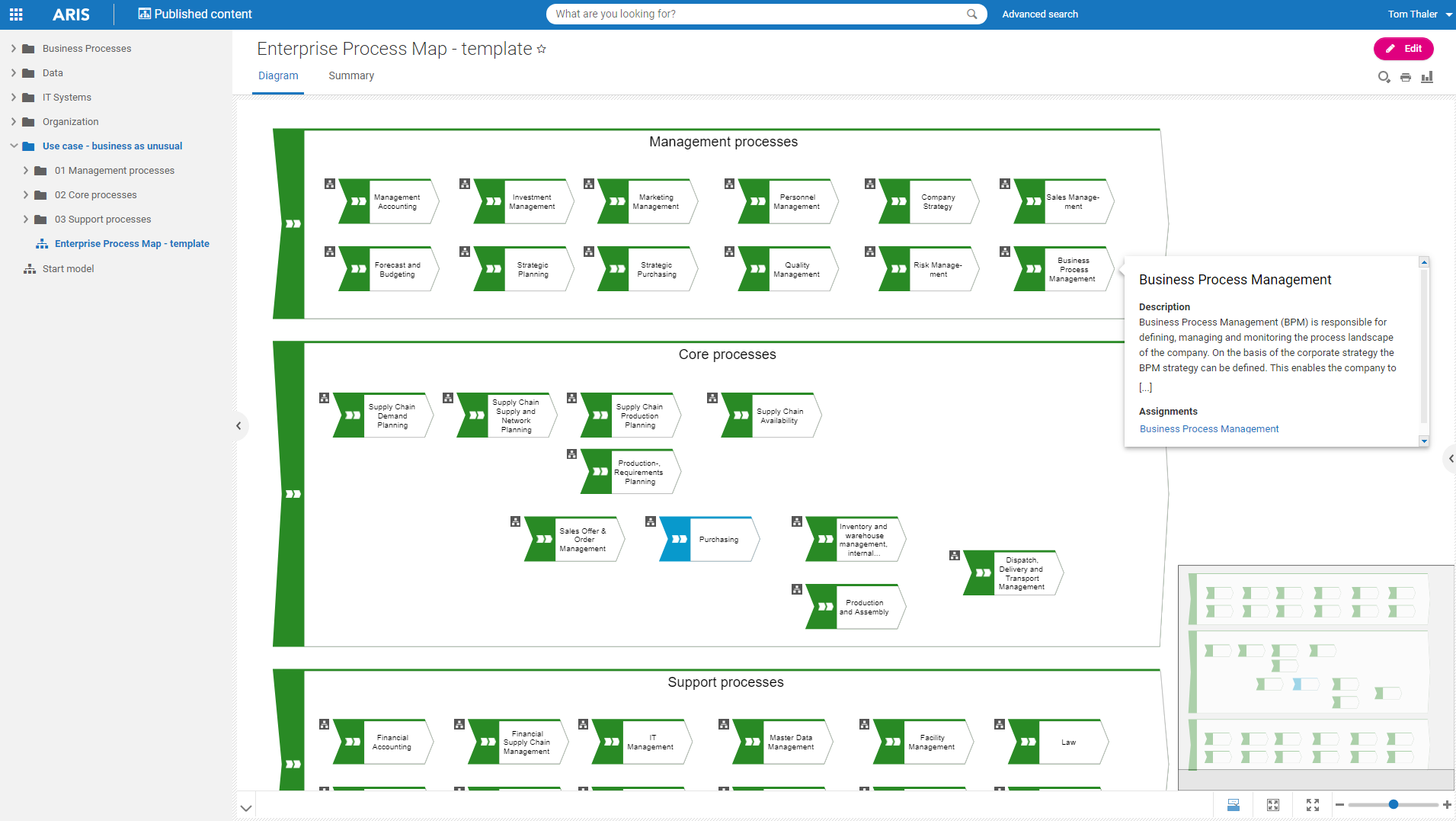
Software AG's Business Process Analysis Platform, ARIS, uses robust architecture and process management / analysis capability to drive integrations with the existing business processes along with information technology and SAP systems.
$100
designer
draw.io
Score 7.7 out of 10
N/A
draw.io is an online diagramming tool with integrations with Jira, Google, and Confluence available free online or at cost depending on integration chosen.
$5
per month
Pricing
ARIS
draw.io
Editions & Modules
ARIS Elements
$100
designer
ARIS Advanced
$200
designer
ARIS Enterprise
contact us
ARIS Enterprise
contact us
Up to 10 Users
$5
per month
Up to 20 Users
$11
per month
Up to 50 Users
$27.50
per month
Up to 75 Users
$41.25
per month
Up to 100 Users
$55
per month
Up to 200 Users
$95
per month
Up to 500 Users
$152.50
per month
Up to 750 Users
$190
per month
Up to 1,000 Users
$227.50
per month
Up to 2,000 Users
$377.50
per month
Up to 5,000 Users
$827.50
per month
Up to 10,000
1,577.50
per month
Offerings
Pricing Offerings
ARIS
draw.io
Free Trial
Yes
No
Free/Freemium Version
Yes
No
Premium Consulting/Integration Services
Yes
No
Entry-level Setup Fee
No setup fee
No setup fee
Additional Details
—
—
More Pricing Information
Community Pulse
ARIS
draw.io
Considered Both Products
ARIS
No answer on this topic
draw.io
Verified User
Consultant
Chose draw.io
Draw.io surpasses its competitors with its ease of use, the use of external libraries, export functions, layer management, and the possibility of using an online or desktop version.
Well suited for enterprise architecture modeling where the intent to document elements beyond processes as well, such as risks and controls, KPIs, systems, org charts, etc. It also has the excellent capability of creating custom reports, hence if looking for various views right from summary to detailed, this is a great tool. It is less appropriate for implementing the processes as it is not very strong in BPMN.
draw.io can be more suitable for technical documentation for architectures, flow diagrams/charts, and conceptual images of an application infrastructure. However, this tool is not made for business intelligence work nor for dashboarding to monitor the technical components. From the administrative standpoint, this is not well suited for agile ceremony structures like retrospective boards or planning or even quarterly planning boards. The strength of draw.io lies strongly in being a lightweight diagramming tool.
Draw.io offers a lot of shapes and customizability of how the diagrams are laid out. We've been able to create a lot of different things with it, and have barely scratched the surface of the sorts of things that we could do.
Draw.io is fairly intuitive in the way that you draw shapes and connect shapes together, I was able to figure it out without a tutorial.
Draw.io is fast and performant for me compared with some of the alternatives.
I am a BPM and Enterprise Architect Consultant and hence have been using different BPM and EA tools for consulting practice. Until now I have used Opentext Provision EA,Sparx EA, MS Visio and IBM Blueworks. All of the tools used are good and have their own unique features and capabilities. ARIS BPA is widely used by my current organization for different projects.
The UI is intuitive. It allows a new user to start diagramming almost instantly. Manipulating elements, linking them together, etc. are all easy to do. Draw.io nevertheless a broad variety of diagram templates to help get started and also of shapes to use in diagrams. Some situations can make it a bit tricky to use, such as when having multiple shapes on top of each other (e.g. shapes placed within swimlanes) but that's a minor issue.
It has good, even complex functionality that is provided by its library and ability to create relations between items, yet it is not hard to use. Anyone can use it in a short time. It provides reporting abilities and good documentation with the availability of exporting options. The only drawback I have seen was user management/login issues.
The support for draw.io is pretty decent, considering it is a free website. I had a question one time when I was trying to do something, so I sent an email to their support email and got a response fairly quickly with an answer to my question. They also have some excellent support tools on their support website for helping you get more familiar with their program, and I found that very helpful.
The Service area, they have been very useful. ARIS suite is covering number of applications. ARIS engine is very powerful and robust. The tool can be configured in many ways which can be beneficial but can be a curse at the same time. As a user, you need to apply this flexibility with care.
draw.io is open-source and free for many uses, which means minimal upfront cost and good value.It works in the browser, also has a desktop version (so you can use offline) which helps teams that may not always be online or want local backups. Useful when you want a diagram tool that “just works” without huge ecosystem lock-in.For organisations that value control, less vendor-dependency, this is a plus.