
Chartio (discontinued) vs. Geckoboard
Chartio (discontinued) vs. Geckoboard
| Product | Rating | Most Used By | Product Summary | Starting Price |
|---|---|---|---|---|
 Chartio (discontinued) | N/A | Chartio is a visualization tool designed to enable anyone to explore, transform and visualize data on the fly through a drag-and-drop interface. Chartio was acquired by Atlassian in February 2021 so that it's capabilities could be integrated into the Atlassian product portfolio's capabilities. Chartio is no longer available to new customers, standalone. Existing customers must migrate to alternatives by March 2022, when the service will be retired. | $40 per user/per month | |
 Geckoboard | Mid-Size Companies (51-1,000 employees) | Geckoboard enables users to create real time dashboards using data from over 80 cloud services. It integrates with other products such as: AWeber, Basecamp, Campaign Monitor and HubSpot. | $35 per month |
| Chartio (discontinued) | Geckoboard | |||||||||||||||
|---|---|---|---|---|---|---|---|---|---|---|---|---|---|---|---|---|
| Editions & Modules |
|
| ||||||||||||||
| Offerings |
| |||||||||||||||
| Entry-level Setup Fee | No setup fee | No setup fee | ||||||||||||||
| Additional Details | — | — | ||||||||||||||
| More Pricing Information | ||||||||||||||||
| Chartio (discontinued) | Geckoboard |
|---|
| Chartio (discontinued) | Geckoboard | |||||||||||||||||||||
|---|---|---|---|---|---|---|---|---|---|---|---|---|---|---|---|---|---|---|---|---|---|---|
| BI Standard Reporting |
| |||||||||||||||||||||
| Ad-hoc Reporting |
| |||||||||||||||||||||
| Report Output and Scheduling |
| |||||||||||||||||||||
| Data Discovery and Visualization |
| |||||||||||||||||||||
| Access Control and Security |
| |||||||||||||||||||||
| Mobile Capabilities |
| |||||||||||||||||||||
| Application Program Interfaces (APIs) / Embedding |
|
| Chartio (discontinued) | Geckoboard | |
|---|---|---|
| Small Businesses |  Supermetrics Score 9.7 out of 10 |  Yellowfin Score 8.6 out of 10 |
| Medium-sized Companies | Supermetrics Score 9.7 out of 10 |  Reveal Score 10.0 out of 10 |
| Enterprises |  IBM Analytics Engine Score 7.1 out of 10 |  Kyvos Semantic Layer Score 9.5 out of 10 |
| All Alternatives | View all alternatives | View all alternatives |
| Chartio (discontinued) | Geckoboard | |
|---|---|---|
| Likelihood to Recommend | 8.0 (30 ratings) | 9.0 (6 ratings) |
| Likelihood to Renew | 8.0 (24 ratings) | 8.0 (1 ratings) |
| Usability | 7.6 (6 ratings) | 9.0 (1 ratings) |
| Availability | 8.6 (2 ratings) | - (0 ratings) |
| Performance | 7.3 (1 ratings) | - (0 ratings) |
| Support Rating | - (0 ratings) | 8.0 (1 ratings) |
| Online Training | 8.2 (1 ratings) | - (0 ratings) |
| Implementation Rating | 7.3 (1 ratings) | - (0 ratings) |
| Product Scalability | 6.8 (2 ratings) | - (0 ratings) |
| Chartio (discontinued) | Geckoboard | |
|---|---|---|
| Likelihood to Recommend |  Discontinued Products
 Kyle Epps Sr. Manager, Business Operations and Technology |  Geckoboard
|
| Pros | Discontinued Products
| Geckoboard
|
| Cons | Discontinued Products
| Geckoboard
 Brett Raven Chief Technology Officer |
| Likelihood to Renew | Discontinued Products
 Devin Knight User Researcher | Geckoboard
 Jordan Zwick Business Analyst (Business Development/Market Valuation) |
| Usability | Discontinued Products
| Geckoboard
|
| Support Rating | Discontinued Products No answers on this topic | Geckoboard
|
| Online Training | Discontinued Products
| Geckoboard No answers on this topic |
| Alternatives Considered | Discontinued Products
| Geckoboard
 Taylor Hansen Support Team Manager |
| Scalability | Discontinued Products
 Asa Pogrelis Director of Sales and Marketing | Geckoboard No answers on this topic |
| Return on Investment | Discontinued Products No answers on this topic | Geckoboard
|
| ScreenShots | Chartio (discontinued) Screenshots 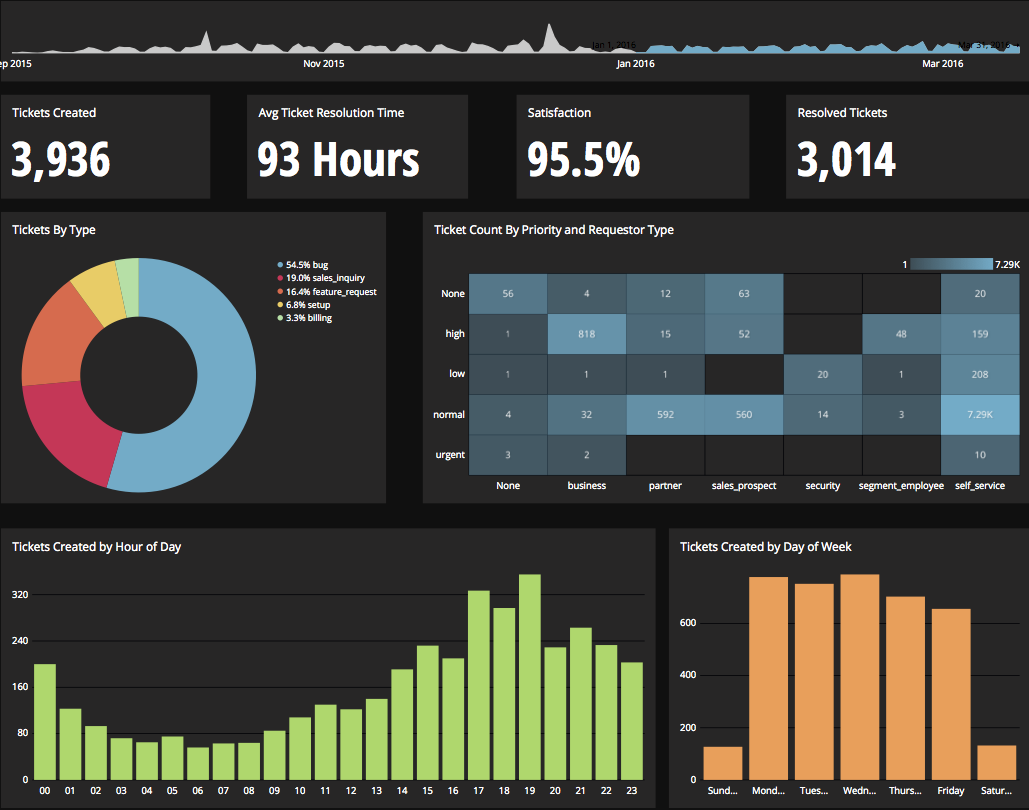     | Geckoboard Screenshots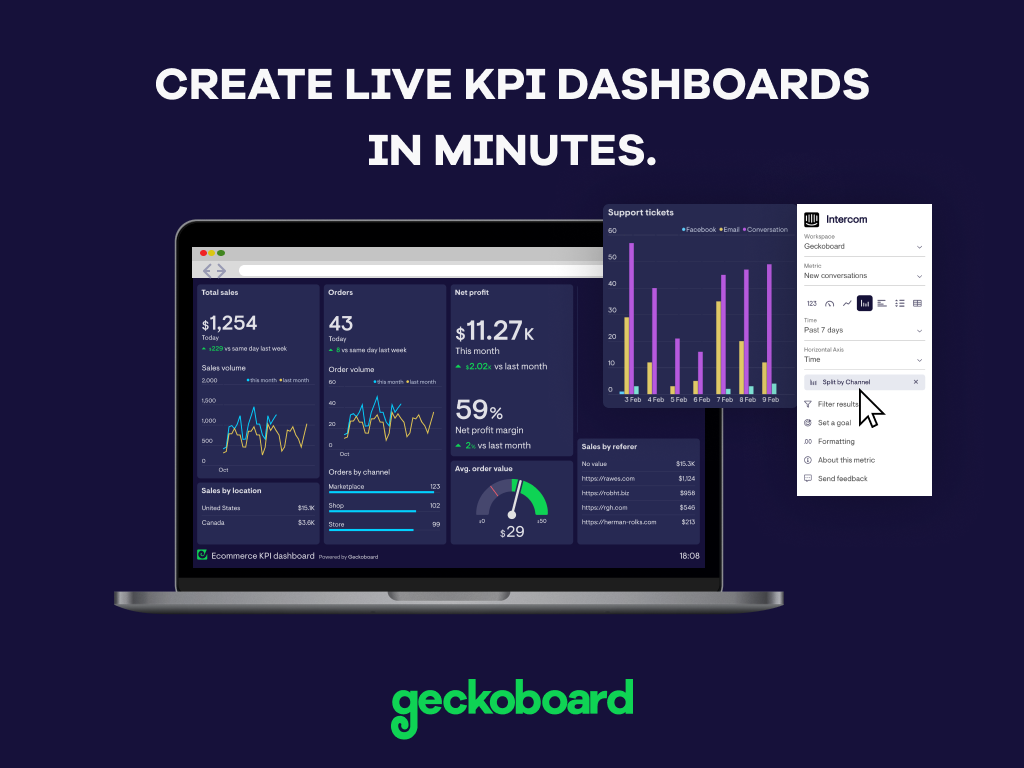     |