The AEC Collection provides a set of BIM and CAD tools supported by a cloud-based common data environment that facilitates project delivery from early-stage design through to construction. The bundle includes popular Autodesk tools such as Revit, AutoCAD, FormIT, and Navisworks Manage, with access to 12 integrated CAD and BIM tools.
$435
per month
NetDocuments
Score 3.3 out of 10
N/A
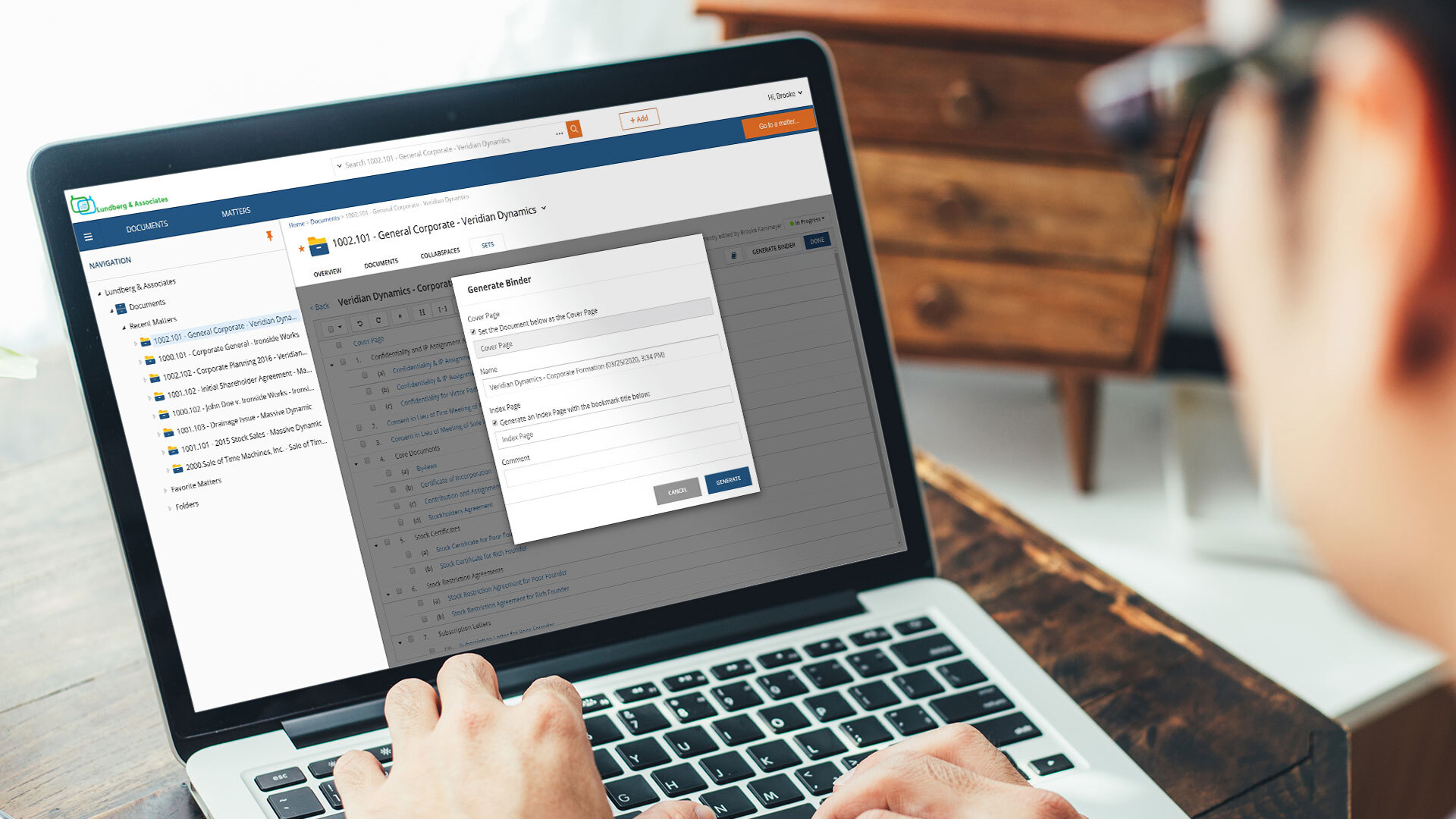
NetDocuments is a document management solution from the company of the same name in Lehi, Utah.
N/A
Pricing
Autodesk AEC Collection
NetDocuments
Editions & Modules
AEC Collection - Monthly Subscription
$435
per month per user
AEC Collection - Yearly Subscription
$3,465
per year per user
AEC Collection - 3-Year Subscription
$10,395
3 years per user
No answers on this topic
Offerings
Pricing Offerings
Autodesk AEC Collection
NetDocuments
Free Trial
Yes
No
Free/Freemium Version
No
No
Premium Consulting/Integration Services
No
No
Entry-level Setup Fee
No setup fee
No setup fee
Additional Details
—
—
More Pricing Information
Community Pulse
Autodesk AEC Collection
NetDocuments
Features
Autodesk AEC Collection
NetDocuments
Computer-Aided Design Software
Comparison of Computer-Aided Design Software features of Product A and Product B
If you are a commercial contractor or subcontractor, Autodesk AEC Collection, along with other Autodesk software is a must. There is no other way to design estimate and plan large construction. For residential construction, It may not be as necessary but it could still be useful if your primary construction projects are new builds rather than renovations.
It is ideal where security is your number one concern or where there is a need to share securely across different physical locations. Speed is less than ideal in certain usage scenarios. It is limited by the speed of the internet and it can be difficult to pull large quantities of documents when researching or answering discovery requests, although, that being said, it can be addressed by maintaining your own secure server to contain a mirror of your online documents. But then the security for a mirror falls back on the organization.
Delay. At times, there is a delay between saving a document into Netdocuments and actually seeing them in the appropriate workspace. Such a delay is caused by the system indexing the newly added file.
Netdocuments' servers slow down at times causing users to receive error messages. This can be quickly remedied, but can become a nuisance.
I gave a rating of 10 because, thus far, Autodesk AEC Collection Seems to be on the leading edge for what is required for the construction planning, implementation, and continued of real-world assets. Autodesk has been a great benefit for our organization and has allowed us to continue to improve not only ourselves but the people we work with. We have been using Autodesk AEC Collection for a number of years and hope to continue for a long time coming.
The software has a significant learning curve. You also must know and understand construction standards and codes. Each member of our BIM team has spent 10+ years in construction and has had years of software training. The software also requires powerful computers to render the models. Without a BIM focused gpu and processor, the software will seem less usable when in reality, the computer is not capable of running the software properly
The product is simple to learn and adheres to well-known web user protocols. The NetDocuments team spends a lot of time talking to customers regarding how to improve their interface, and are pretty quick about implementing good ideas. The system is reliable and repeatable, and similar functions are laid out consistently and in formats that users are used to.
NetDocuments is a performant web app. It is reliable and provides all the functionality of a sophisticated document management system. It also can serve, through its APIs, as a base system for other applications, which enhances its value. Other vendors find the company easy to work with, and it consistently seems to be the first to offer new features and technologies to its customers.
I've never had to contact support, but I won't give it a ten. We've had a few hiccups along the way, but nothing that couldn't be fixed within 24 hours.
Other products that have been used include Civil Designer and Model Maker for civil services. Other products for structural designs include aq product called "SEDA" These products are not included in the listings.
NetDocuments has really saved us from hiring more people. The document management system is a core technology to any law firm. Our last DMS was an in-house system. It easily required the attention of half a FTE and offered a fraction of the functionality.
NetDocuments has also been relatively easy for our employees to use. We have a high adoption rate and it allows for our employees (and third parties) to collaborate pretty well.
NetDocuments offers any number of certifications -- e.g. ISO 27001, business associate agreements for HIPAA -- certifications that are required by some clients, that we could not possibly attain with an in-house system.