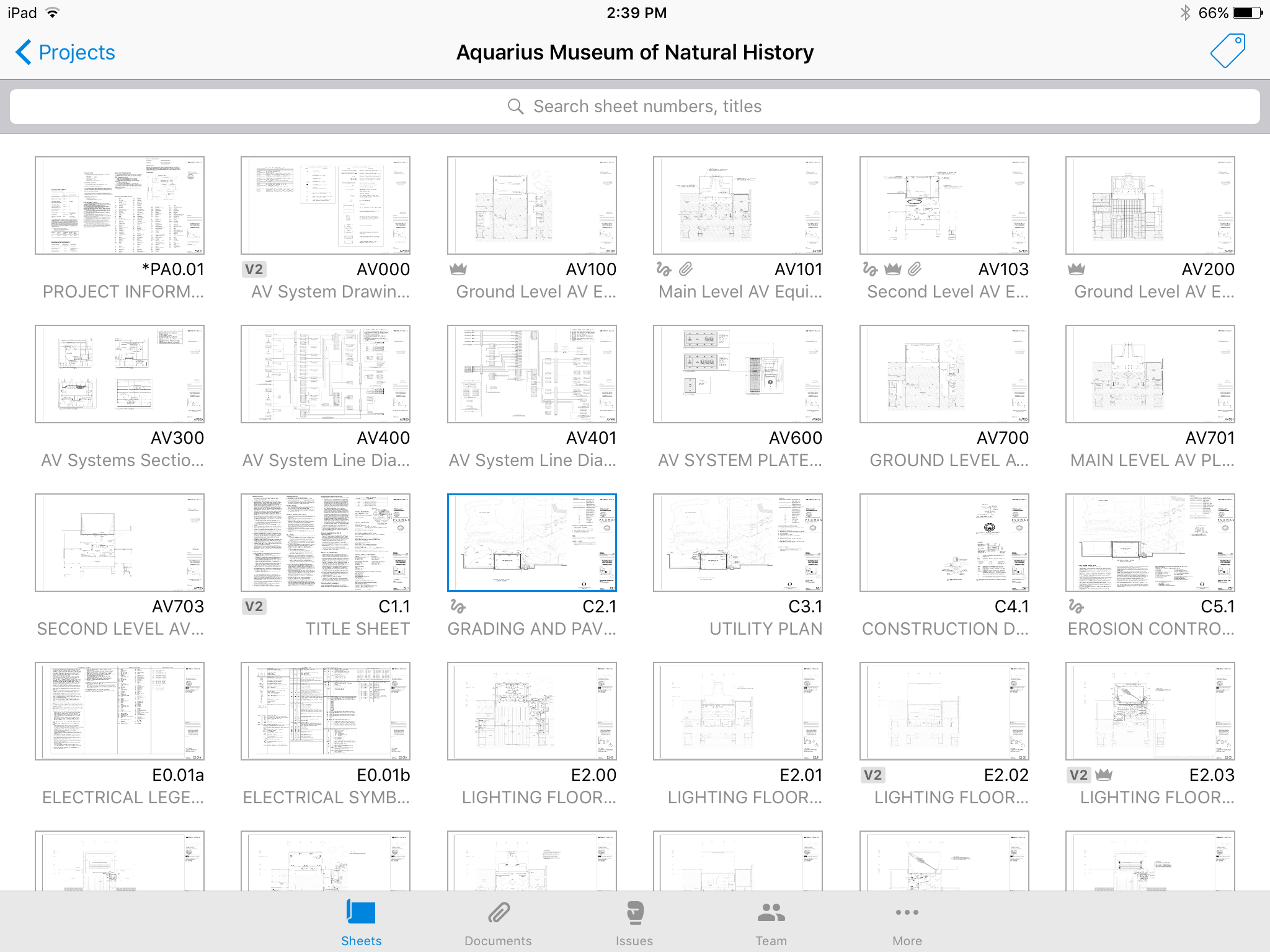
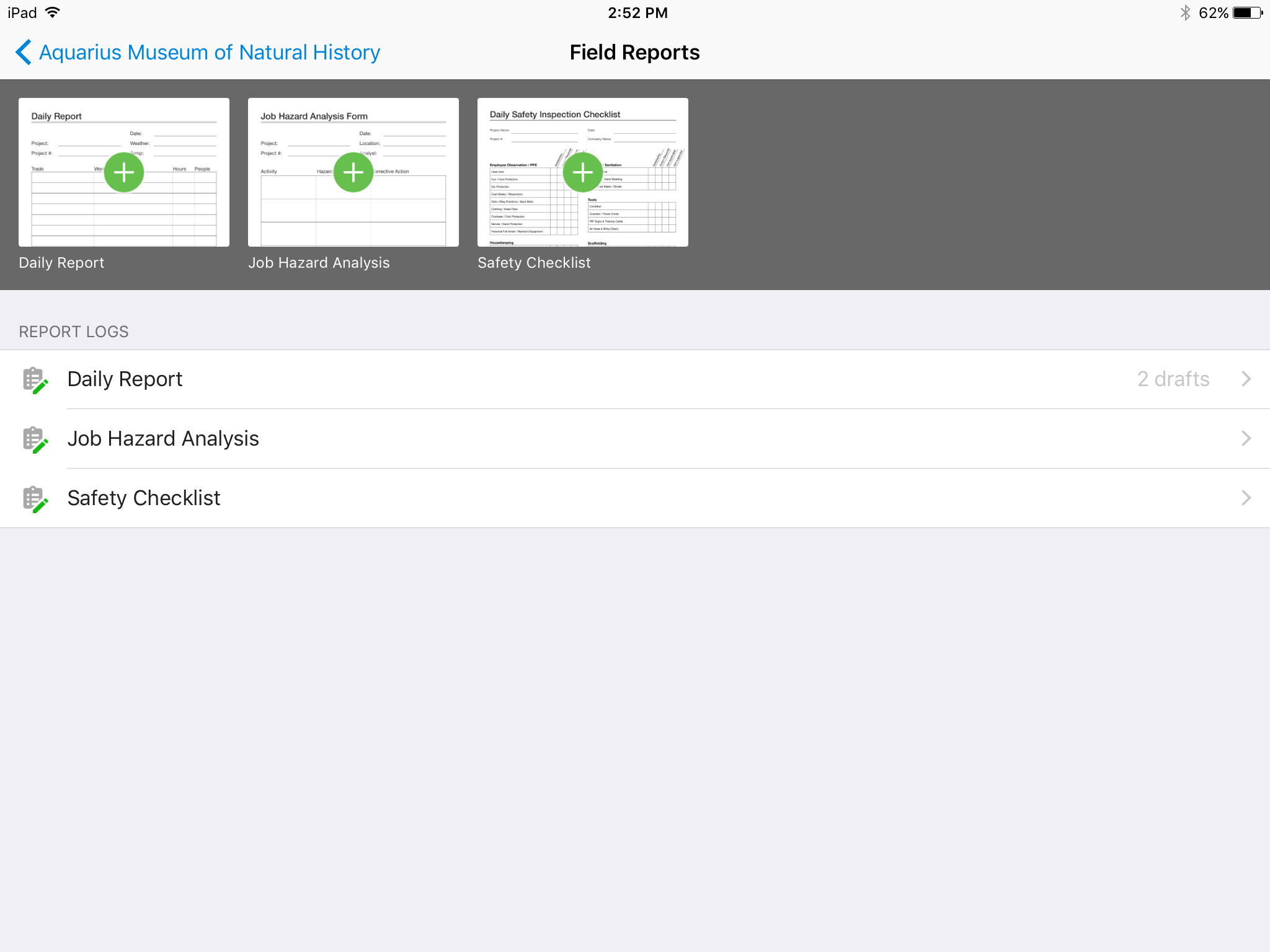
Autodesk Forma Build, previously known as Autodesk Build and originally based on PlanGrid, is a Construction Management and Job Site Management application within the Autodesk Forma suite. It provides contractors, owners, and subcontractors with a unified platform for project collaboration and information management across the construction and operations lifecycle.
$100
per month
e-Builder
Score7.3 out of 10
N/A
e-Builder is a cloud-based construction program management solution that manages capital program cost, schedule, and documents. It allows owners to measure and manage the capital project delivery process from planning, design, procurement, construction and operations.
Well Suited: Autodesk Construction Cloud is cost effective, user friendly, and robust. They aren't nickel and diming you for use of each module. Once users are on-board with the system it creates an ecosystem that all users "go to first" for an answer. Less Appropriate: As a Developer, there are some hiccups as it is designed more for the GC (general contractor). A template option that is Developer forward would an improvement.
A de minimis incentive was given to thank the reviewer for their time. The incentive was not used to bias or drive a particular response, nor was the incentive contingent on a positive endorsement. More Info
Well suited for the owner's side of managing multiple projects as it allows for all aspects of a project from development to closeout to be managed on one platform. Not as appropriate for a general contractor as there is better software out there. e-Builder's app is not as effective as others.
A de minimis incentive was given to thank the reviewer for their time. The incentive was not used to bias or drive a particular response, nor was the incentive contingent on a positive endorsement. More Info
The user interface is extremely easy to use for both the advanced and not-so-advanced computer users. This is huge in an industry that has a high diversity of computer skills among end-users of technology.
Rendering speed of documents is extremely quick on every device/platform.
The application can be used on every platform from Windows/iOS/Andriod (mobile or desktop) as well as the web, without diluting platform features.
The ability to import 3D models and maintain accompanying metadata is extremely beneficial.
A de minimis incentive was given to thank the reviewer for their time. The incentive was not used to bias or drive a particular response, nor was the incentive contingent on a positive endorsement. More Info
Provide a document structure that is easy to navigate. All documents, even within a process, are stored in the document structure and easily accessed by those with the correct permissions.
Scheduling, especially with the new module is easy. It is helpful with a large organization where many hands touch projects to be able to forecast workloads (we have an in house engineering team who reviews all projects during their design phase)
Allows for easy interface with contractors and makes the submittal process more straightforward.
A de minimis incentive was given to thank the reviewer for their time. The incentive was not used to bias or drive a particular response, nor was the incentive contingent on a positive endorsement. More Info
Plangrid is in the process of adding enhanced construction documentation such as better Submittal, RFI, and Field Reporting modules, but the ones in place right now will not be up to par for some people used to more full-featured applications such as Sage or Procore.
Like other SaaS Construction applications, Plangrid is very expensive. Too expensive in my opinion. They should find ways to offer more tiers of cost so smaller companies can use the application is a limited manner and not have to pay the same cost as the larger companies which may get more use out of advanced features.
On the same theme of cost, many of Plangrids collaboration features require all collaborators to have a license. Try telling all 30 subs on your project that they have to run out and pay an extra $50-$100/MO per employee to collaborate with you. Does not always go over well.
Plangrids Field Report, Submittal and RFI modules are still a bit of a work in progress.
A de minimis incentive was given to thank the reviewer for their time. The incentive was not used to bias or drive a particular response, nor was the incentive contingent on a positive endorsement. More Info
The restrictions in formatting, and sorting of information rendered, in a way, affects the reporting output.
At certain times of day, e-Builder traffic causes the loading of filtered searches to take a while. This is probably common regardless of the site or software used.
More complicated reporting has some limitation, though the program is highly efficient in assisting with simple format reports.
A de minimis incentive was given to thank the reviewer for their time. The incentive was not used to bias or drive a particular response, nor was the incentive contingent on a positive endorsement. More Info
We are at the point where we have shown our teams what is possible with this software. We cannot take it away and go back to the way we used to do things. I think that they would push back on us to give them access to something electronic. It is a good program that we will continue to use
A de minimis incentive was given to thank the reviewer for their time. The incentive was not used to bias or drive a particular response, nor was the incentive contingent on a positive endorsement. More Info
A de minimis incentive was given to thank the reviewer for their time. The incentive was not used to bias or drive a particular response, nor was the incentive contingent on a positive endorsement. More Info
Because it is very user friendly and it also adapts the software to the device... For example , iPads are more Superintendent friendly and the desktop version is more useful for PM and Project Engineers. I also like that theres versions of the software that are on our desktop or ipad, so when we have a network failure we are still able to do the majority of our work
A de minimis incentive was given to thank the reviewer for their time. The incentive was not used to bias or drive a particular response, nor was the incentive contingent on a positive endorsement. More Info
Simple, because have a used it for the past two years, so i'm very familiar with the particular aspects of its program that I need to accomplish my tasks.
A de minimis incentive was given to thank the reviewer for their time. The incentive was not used to bias or drive a particular response, nor was the incentive contingent on a positive endorsement. More Info
I haven't used PlanGrid support much, because I'm getting used to it. But the few times I have, they seem very good. A rep has reached out to me for help, scheduling a demo, etc. Once I get my team on board to buy the software we will use the video and web demos more often and I'd imagine they could be quite useful.
A de minimis incentive was given to thank the reviewer for their time. The incentive was not used to bias or drive a particular response, nor was the incentive contingent on a positive endorsement. More Info
Again, because our technical support is great. He doesn't always answer the phone but he definitely responds to emails fairly quickly. In addition, I like that he actually resolves an issue and I have yet to encounter the same issue twice. Actually, I haven't encountered many issues at all in the two years I have used the software.
A de minimis incentive was given to thank the reviewer for their time. The incentive was not used to bias or drive a particular response, nor was the incentive contingent on a positive endorsement. More Info
1. Set up the time to get training on the sytem before you go all in.
2. Listen, ask questions and actually practice using the tools and features while in class. It helps tremendously with becoming comfortable and remembering how things work.
3. Don't be afraid to mess up. They are helpful and will help resolve your issue in a timely manner
A de minimis incentive was given to thank the reviewer for their time. The incentive was not used to bias or drive a particular response, nor was the incentive contingent on a positive endorsement. More Info
Plangrid, while not serving the external document distribution function, is unrivaled for internal document distribution and sharing in the construction industry. The speed at which documents are navigatable, the ability to download your projects for viewing without an internet connection, and the document mark-up and photo tools place it head and shoulders above the competition.
A de minimis incentive was given to thank the reviewer for their time. The incentive was not used to bias or drive a particular response, nor was the incentive contingent on a positive endorsement. More Info
We have not compared other plans since the boss prefers this program from personal experience. But from using this program for 2 years I can see why we don't need to compare. Why fix something that isn't broken? It gets the job done, yes we might run into some issues but I feel like with all companies that can happen
A de minimis incentive was given to thank the reviewer for their time. The incentive was not used to bias or drive a particular response, nor was the incentive contingent on a positive endorsement. More Info
It helped us "wow" a joint commission survey in 2016 and have a successful survey because he loved how we could access plans on an iPad, check suite sizes, and didn't have to carry around huge, heavy sets of life safety plans.
A de minimis incentive was given to thank the reviewer for their time. The incentive was not used to bias or drive a particular response, nor was the incentive contingent on a positive endorsement. More Info
A de minimis incentive was given to thank the reviewer for their time. The incentive was not used to bias or drive a particular response, nor was the incentive contingent on a positive endorsement. More Info