Auvik Network Management is a vendor-agnostic cloud-based network monitoring and management solution providing automated network discovery. Auvik requires no service hardware or disruptive maintenance cycles and provides onboarding and training for new and existing users. Auvik delivers visibility and automation to reduce friction for IT teams and allow them to give end users the freedom to work wherever and however they…
N/A
Cisco IOS Security
Score 9.3 out of 10
N/A
IOS Security from Cisco is network security technology.
N/A
Nmap
Score 8.7 out of 10
N/A
Nmap is a free, open source network discovery, mapper, and security auditing software. Its core features include port scanning identifying unknown devices, testing for security vulnerabilities, and identifying network issues.
$49,980
one-time fee
Pricing
Auvik
Cisco IOS Security
Nmap
Editions & Modules
No answers on this topic
No answers on this topic
Nmap OEM Small/Startup Company Redistribution License - Quarterly Term Maintenance Fee
$7,980
Every Three Months per license
Nmap OEM Mid-Sized Company Redistribution License - Quarterly Term Maintenance Fee
$11,980
Every Three Months per license
Nmap OEM Enterprise Redistribution License - Quarterly Term Maintenance Fee
$13,980
Every Three Months per license
Nmap OEM Small/Startup Company Redistribution License - Annual Maintenance Fee
$14,980
per year per license
Nmap OEM Mid-Sized Company Redistribution License - Annual Maintenance Fee
Pricing is calculated per number of switches, routers, firewalls, and controllers. Everything else is monitored for free.
—
All perpetual licenses include a six-month trial period during which you can cancel for any reason and receive a full refund of all money paid (including maintenance). The term license is only a 3-month commitment and cal also be terminated with full refund during the first 30 days of the initial quarter.
More Pricing Information
Community Pulse
Auvik
Cisco IOS Security
Nmap
Features
Auvik
Cisco IOS Security
Nmap
Network Performance Monitoring
Comparison of Network Performance Monitoring features of Product A and Product B
Auvik is well suited for managed service customers and small-scale SMB customers who do not have enough technical resource to manage and monitor their network. Also for customer who has distributed networks spreaded across worldwide or nation wide, Auvik is well suited since it does not need any on-premise setup at each site except for a collector. For customer who has already adopted and used cloud network and hosting services, Auvik is better as Auvik is also fully cloud based offering
We used to access list remote login to the switches for only network admin from specific vlan. And allow some vendor server to connect for snmp messages. This has allowed us to monitor with external vendor while keeping security tight and audit for users. In other hand we had to use external solution for NAC
If you're a sysadmin, or anyone who's had to deploy network services, you've almost certainly had to use Nmap at some point or other. Need to see what devices are on your LAN? Nmap can tell you that. Want to check which ports your web server has open to the internet? Nmap is your friend.
Nmap is a powerful command-line tool and has many options that require some reading of documentation to get the best out of (although generally straightforward). If the thought of working at the command-line scares you (presumably not if you're reading this review), then you may want a much simpler tool, or at least check out Zenmap GUI.
Auvik is the big pic tool of choice for network diagramming, helps layout of our network infrastructure, and we'll know immediately the status of the devices that are successfully communicating, and those that may have, for example, credentials issues.
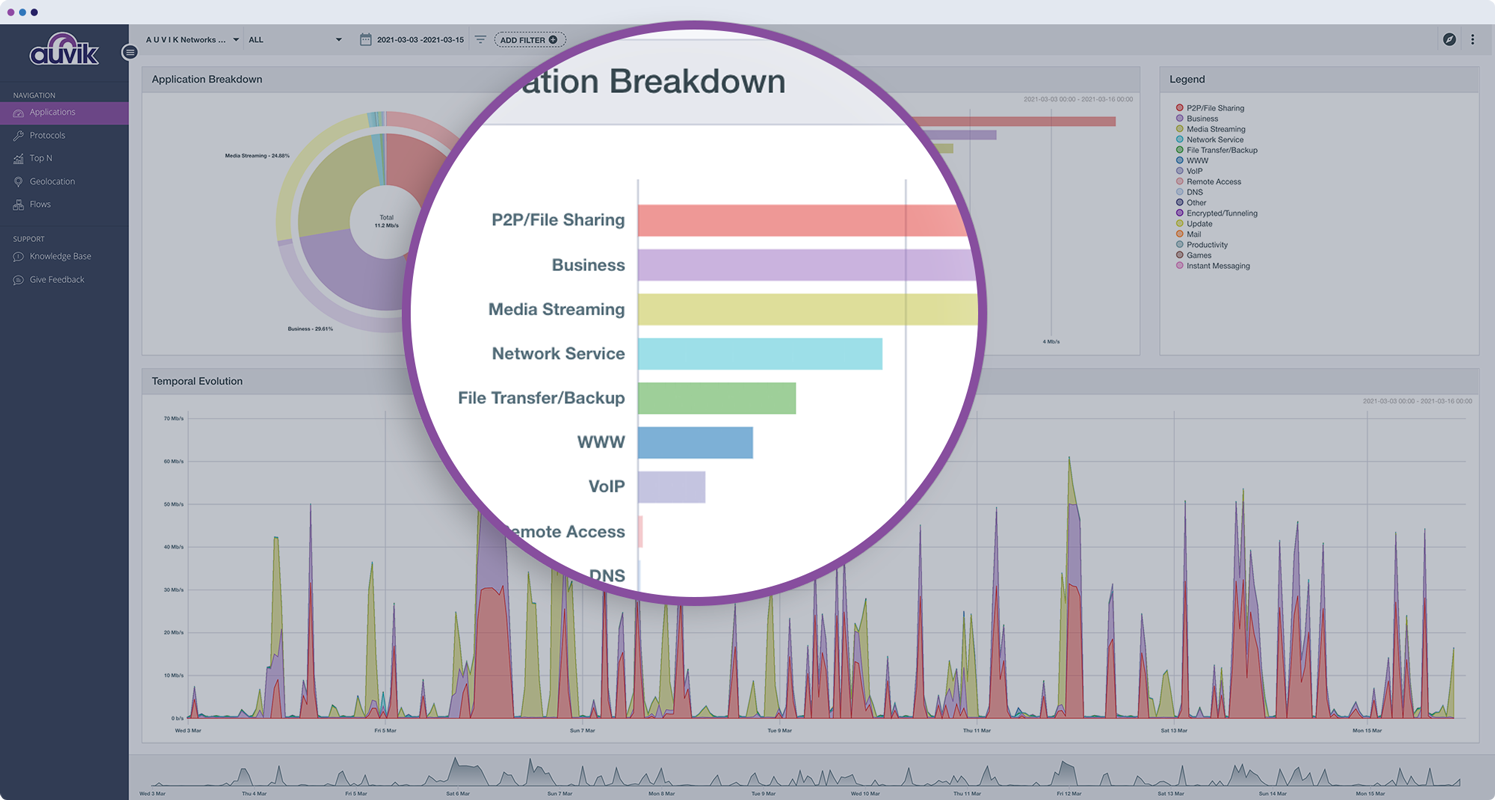
Auvik's "Traffic Insights" are key accelerators for intuitively isolating and resolving traffic-related issues quickly and easily, and the historical information makes it simpler to deduce what aspects may need replacement, capacity improvement, or possibly even re-architecture.
Auvik integration tools are excellent solution enhancers - that are of particular interest to our company, as we make use of MS Teams and Connectwise products; we would like to see some features to integrate to ServiceNow as well.
NMap provides a very fast and a very thorough network "sweep" that allows you to quickly map out exactly what's on your network.
NMap is highly configurable. The "canned" choices are very good in most instances, but using various switches and options, you can create a very specific scan and get exactly the results you're looking for.
NMap is easy to use. Even a new administrator will be able to use the graphical version (Zenmap) with efficiency right away.
Cisco could provide an initial set up script for those are not used to the CLI (Command Line Interface). With that initial script, people could easily deploy the security features instead of having to learn how to use the commands.
The web interface that Cisco provides with the routers, although it’s useful to set up the security features, it could also have some sort of tutorials to help people understand the main concepts of iOS security.
You have to license iOS security separately from the main OS. For that reason, sometimes it tends to be a little expensive if you have a small business.
The GUI version on Nmap could use some improvement with the options that are available to do scans. For example, they could make it easier to select options for the different types of scanning for people who are beginners
There are no abilities to schedule a scan in the Nmap tool.
An intensive scan sometimes takes too much time to complete.
The program can be a bit unwieldy at times, however the majority of information is displayed in a readable and friendly way. The maps and popup information box from the bottom can be harder to use on a smaller screen but on a 1080p+ display tends to work fine.
Cisco IOS Security usibility require a network administrator or an engineer with CCNA knowledge to know how to handle and configure Cisco IOS Security. The Cisco IOS Security usability once you know your way is smooth and very helpful. Even for new commands you can just type question mark and the new commands will pop on the screen.
Nmap uses are very practical and I don't think there is a better tools for what Nmap does. It is open-sources that therefore there is no cost to use it. It offers a number of benefits, including but not limited to network mapping, port scanning and more. It is very reliable as a network scanning tool.
Cisco has the best Support team that gives us 24/7 support as we need. Cisco has huge detailed documentation for design, implementation, and troubleshooting all areas of the IOS security. There are many communities discussing all Cisco devices and solutions for studying groups and for customers to share their stories, technical problem and solutions.
There is a very large support community and a robust selection of add-ons and scripts. Once you get the use down this is one of the most powerful tools and you can find anything you are looking for as far as examples on the web. While not having official support its not lacking by any means.
Auvik can stand up against any of the big network management and monitoring solutions on the market. I've implemented and used SolarWinds at many organizations for over 15 years. The paradigm that SolarWinds, PRTG, Prime, etc., work under is completely different than Auvik. It's apparent that Auvik was aiming to solve a different problem and built that solution from the ground up. For any organization responsible for multiple other organizations' infrastructure, Auvik is invaluable in comparison to the other products listed.
IOS Security is a bonus feature when you purchase Cisco devices. It is great to have a vendor provide equipment to go above and beyond the minimal needs for business operation. Having security at the downstream edge of our organization provides a sense of ease from potential attacks.
Alternatives to Nmap (other IP scanners) are often much more limited in what they can do; They often only allow you to scan a specific subset of ports or a limited number of IP addresses in one command. Nmap is unrestricted in that regard. What makes Nmap stand out above the rest, is the complete network analysis package you get with it. It allows IP scanner, network deep-dives, hardware analysis, vulnerability analysis, encryption detailing, and so much more, in one free application
Auvik has worked on sites with 15+ offices connected with VPN's and we have not encountered any issues with the monitoring. On larger sites the map can be a bit cumbersome to read however it can be cleaned up easily with device filters.
the ROI for Auvik comes from the time it saves in updating documentation and onboarding, new clients. We no longer have to spend a day investigating a network and documenting it, this is life and up to date so you always have true information for reporting and troubleshooting.