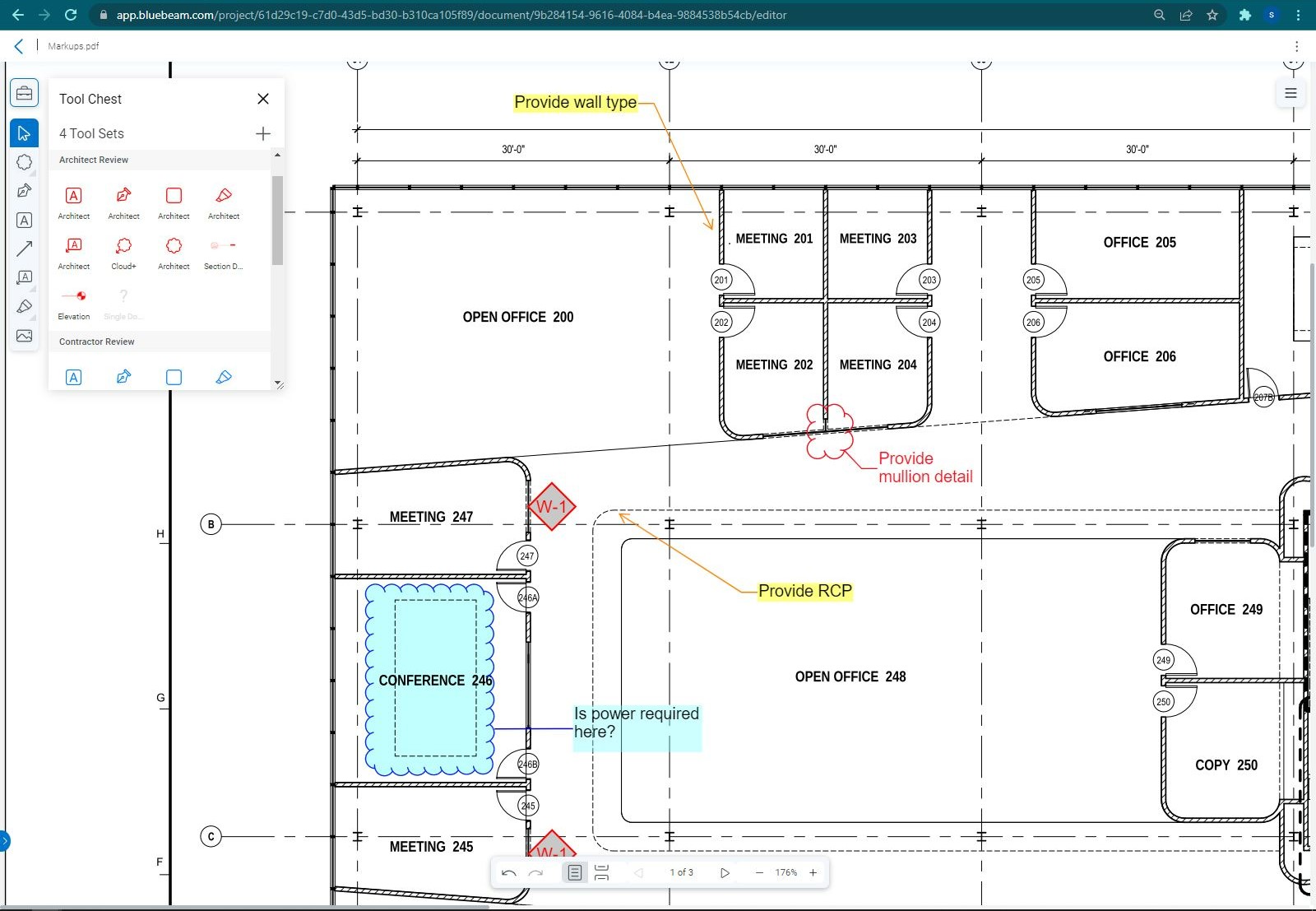
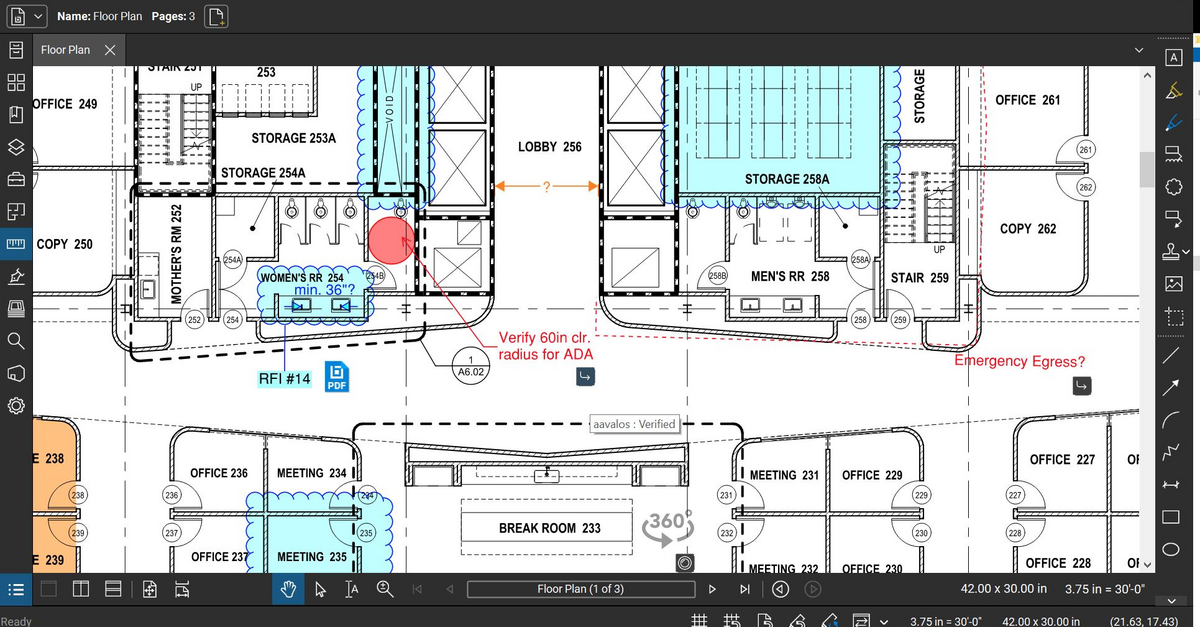
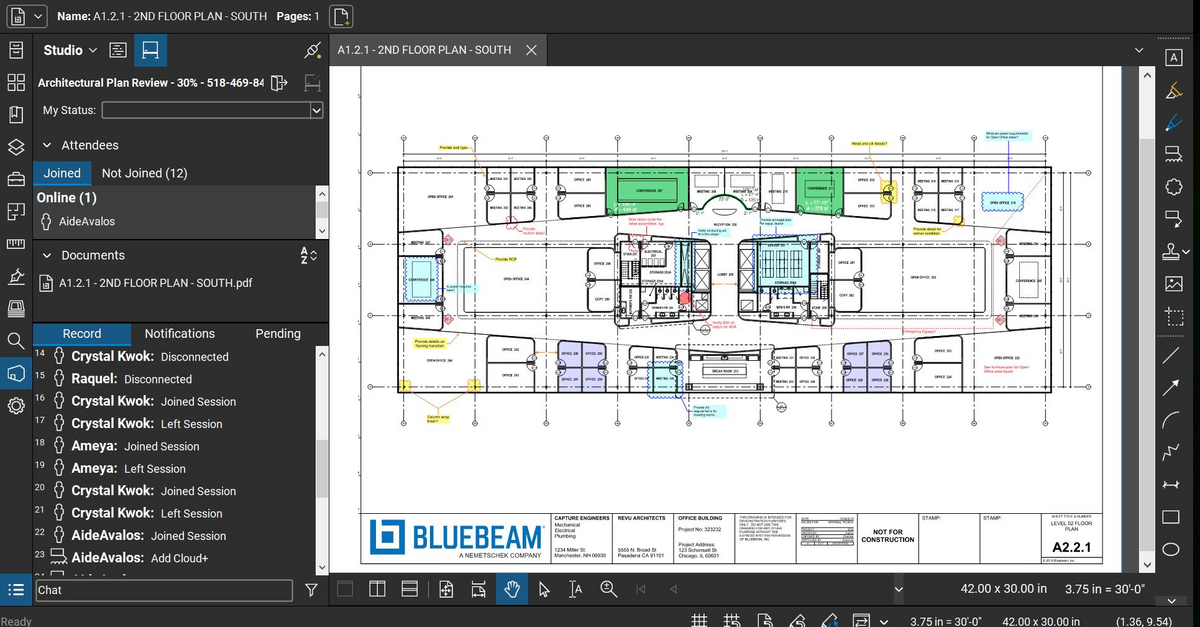
Bluebeam Revu is a PDF management, control, and editing tool. It enables collaboration and markup within shared documents across projects’ life cycles and has takeoff and bid creation capabilities.
$349
per seat
Stackby
Score 8.9 out of 10
N/A
Stackby is designed to bring together the simplicity of spreadsheets, the functionality of databases and integrations with best business APIs to let anyone build their own tools, the way they want. No coding needed. Users can build a database from scratch, import data from pre-existing sources like spreadsheets or Google Sheets, or choose from over 100 pre-built templates across multiple categories. Stackby offers over 25 unique column types like text,…
$6
per month per user
Pricing
Bluebeam
Stackby
Editions & Modules
Revu Standard
$349
per seat
Revu CAD
$449
per seat
Revu eXtreme
$599
per seat
Personal
$6
per month per user
Economy
$10
per month per user
Business
$20
per month per user
Business Plus
$35
per month per user
Enterprise
Custom
Offerings
Pricing Offerings
Bluebeam
Stackby
Free Trial
Yes
Yes
Free/Freemium Version
No
Yes
Premium Consulting/Integration Services
No
No
Entry-level Setup Fee
No setup fee
No setup fee
Additional Details
—
20% discount for annual pricing.
More Pricing Information
Community Pulse
Bluebeam
Stackby
Considered Both Products
Bluebeam
Verified User
Anonymous
Chose Bluebeam
I believe Bluebeam is actually easier to learn and use versus Adobe Acrobat. With it’s how to videos and great customer support, there’s basically not a problem that cannot be figured out. As far as PDF modification, I believe Bluebeam’s tools and screen configuration is very …
Bluebeam is targeted towards construction professional and offers features and built-in markups that I use everyday. Acrobat is a generic program that requires more training and set-up for use specific to construction and design. Bluebeam was more cost-effective than Acrobat, …
I haven’t spent enough time with Revit to give a full comparison. But three architects I’ve worked with have all said they enjoy both programs and Bluebeam was highly recommended for my needs in the company.
Years ago I used Adobe which was not well suited for CAD drawings. I soon found Bluebeam which at the time was a wonderful game changer. Sadly, my recent experience has caused me to begin searching elsewhere for new software.
Bluebeam is a more advanced PDF editor and better suited for the engineering and construction industry. It has far more tools and better capabilities for collaborative viewing, marking up, and sharing of documents.
Much better. The features are greater, the layout is better and you can just do so much more. The features alone and what you can do with it makes it worth it. Also, it allows for you to edit and create in a much more user friendly way. All of our engineers love using it …
Bluebeam Revu has essentially replaced Adobe Acrobat as our default PDF viewer and editor, because its robust suite of architecturally-focused tools allow for better review of documents and creation of simple graphic diagrams. The scale and measurement tools are especially …
PDF file sharing is really easy and simple, so users can markup and others can view them in real-time. Also, editing PDF files to crop, batch, remove, or replace pages is really efficient compared to Adobe Acrobat DC. Plus, the licensing fee is pretty small compared to Adobe …
Bluebeam Revu is a no-brainer in the AEC space. Stop wasting money on owning adobe and Revu. Revu can replace all of your Adobe usage. With a good change management process, Revu can meet the needs of your entire organization. The Bluebeam team will be with you every step …
Revu was much easier to use, more cost-effective, and is more generally used in the construction and design industry than Adobe. We found Adobe to be more of a resource hog, as well as being bloated with offers for other Adobe applications, which many times would slow down a …
Bluebeam is a good in-between of Adobe and Photoshop. If you're not looking to do photo editing, but need more capabilities than just line work, Bluebeam is perfect.
I select Bluebeam Revu when I have to as directed by the client or the owner. Otherwise, when the user does not need such a specific or robust piece of software, I usually go to one of the less expensive competitor's PDF editors. They suite our needs just fine and cost half …
Bluebeam definitely blows Adobe out of the water in the basic to the basic comparison. You will have to do more research on how exactly to use all the tools if you have never used the program before such as myself.
Bluebeam Revu has a much more sophisticated interface that allows you to mark up documents in many different ways. It can store tools for standard markup use. It provides digital signatures which can be very useful for many document types. By creating a Revu studio, multiple …
We've used these other products in conjunction with Bluebeam mainly because Bluebeam lacks RFI/COR/PO/Mark-up/revision tracking, and doesn't handle punch lists or tasks.
The newer Adobe interfaces are poor. Adobe does not do as well with drawing markup or takeoff tools. Adobe does seem to render some drawing files more quickly though. Adobe text document markup feels a bit more polished. Bluebeam was selected for better tools specific to …
This is by FAR the most powerful product that I have used. I have not turned back to Adobe for modifying documents since we purchased Bluebeam. I am not sure of the cost of the program, but sure it is worth it to the company. As to doing take-offs, this is a great tool as well …
Procore is excellent for tracking documents and links. Bluebeam is superior at editing, scaling, and marking up documents. You can track projects of any size at a very low price point with Bluebeam.
There is no comparison. The editing tools, batch tools drafting tools, personal environment profiles, settings, printing, calibrating, direct connecting apps that links Bluebeam to AutoCad and Revit. This is an extremely powerful program that is amazingly helpful and I probably …
Airtable is the "gold standard" when it comes to relational databases. SmartSuite is the "gold standard" when it comes to how nice a relational database can look. Stackby takes a cue from Airtable in how it delivers and interacts with data, and it offers a better cost …
As an Airtable user, I was glad to see an available alternative. Stackby has ticked the boxes and exceeded my expectations. They also continue to grow and improve the service, making it even more appealing and valuable. Support has also been responsive and consistent. I would …
The use case and feature set against airtable is equivalent if not better and the offer of LTD access as well as specific add-ons make Stackby the better choice every time.
We have been using Airtable so often but once your team grows it costs a lot of money, to be honest. Stackby could be a great fit for our team but of course, Airtable is a more mature tool. I'm really hoping that Stackby reaches the level of Airtable at some point one day. For …
This is a legitimate competitor to Airtable! They are well on their way to meeting the feature set offered by this much bigger and older company. Stackby has done some amazing things with this platform, and I hope they continue their great work to keep improving and already …
I am a paying user of both Stackby and Airtable. I use both both as there are some shortcomings of both.
Airtable is more developed and useful on both desktop and mobile, whereas Stackby is not. Airtable has useful internal automations, dashboards and a huge online community, …
We chose Stackby over Airtable primarily because Airtable does not currently have the option to pre-fill default data in a cell. This feature alone is a huge time saver and allows us to skip cells that contain necessary, but redundant data.
As stated before, the mobile application is a great companion to the desktop version. Either one works great in viewing, editing and saving documents. While the measurement tool is handy to have, we have found the precision to be lacking when measuring scaled drawings (construction design drawings). While it is a good rough place to start for measurements, we wouldn't recommend relying on the precision of the measurements taken on something with a very large scale.
Based on my experience, I can provide specific scenarios where Stackby is well suited and others where it may be less appropriate: Project Management: Stackby is an excellent choice for project management scenarios. Its ability to create custom databases, track tasks, assign responsibilities, and collaborate in real-time makes it highly effective for managing and monitoring project progress. CRM and Sales: Stackby is well suited for managing customer relationships and sales processes. Its customizable database structure allows for organizing customer information, tracking leads, managing deals, and generating reports. The ability to integrate with other tools further enhances its usefulness in CRM and sales workflows. Content Planning: Stackby is a great fit for content planning scenarios. Users can create databases to manage editorial calendars, track content ideas, assign tasks to team members, and monitor content performance. Collaboration features facilitate seamless content collaboration and ensure timely publishing.
If you have several tabs open and you try to drag one out for a side by side view then you do not have all the modification options and you have to combine them back together.
There is a lag time when hitting the print option.
There is also a lag time when opening files, sometimes I think the window is frozen.
I wish the basic version also had basic file editing, as in editing a document as Adobe does.
Implement the same views available on desktop into the mobile app
Internal automations (like Airtable)
Ability to implement and display info as a dashboard (like Airtable)
Polish up the formatting of formulas, inputting them causes user frustration due to the formula input cursor jumping around
Better intelligence and ease of inputting data in bulk i.e have the fields automatically identify what data is being input and format appropriately (like Airtable does)
Bluebeam is a powerful PDF viewer and mark-up tool. We are more familiar with it than Adobe Acrobat Pro or other viewers, and it has more features geared towards construction document managers than Acrobat Pro does.
I'm constantly finding that Bluebeam Revu does more than I knew it could. And when I find something that it can't do, I've found that Bluebeam truly listens to its user base and will work to incorporate any good suggestion when feasible.
Stackby is overall pretty easy to use, especially if you're used to something like Airtable or SmartSuite. Some of the pages seem like near exact clones (though they put their own creative spin on things). I'd prefer a slighty fresher interface (like SmartSuite), but I'm willing to sacrifice that for the better price and great customer service.
Its hard for me to give a rating on this one as we rarely have to use the support feature for Bluebeam. However, when we have used it, they have been ultra supportive in helping us get exactly what we needed. I know another engineer was trying to figure out a feature and the rep gave a detailed tutorial on how to complete the task
Bluebeam is a diverse program with many functions and tools, whereas competitive programs only specialize in one or few tasks. Although there are many tools within the program, users can still quickly learn how to use the program to best fit their needs. There is always a help tab for any assistance needed.
I have also tried Ora.Pm. Infinity has better graphical interface, but nowhere near as many features and the UI isn't as effective (i.e, moving around with keys). Grist has a much more technical interface and it comes from being more of a database/interactive spreadsheet vs Stackby. Grist has much more functionality in terms of formulas, but is much harder to learn to use and less other functionalities. Ora.PM is more of a test at a task management app, and doesn't compare - Stackby is much better.
A major positive aspect is being able to take your computer home without taking the entire set of paper drawings. They have made it so easy to navigate a set of drawings that I can work at home using only the digital drawings.
Collaboration with owners and architects has been a great feature. Setting up a Bluebeam studio and having everyone get in and mark things up, then having the architect be able to go in and see what markups have been added, has made the constructability review process much much better.
Even when not working on drawings, Bluebeam is a very good tool for working with standard PDF documents. The markup tools are very easy to use.
The negative aspect is the takeoff function because some people would like estimators to use the Bluebeam takeoff because it would make their job easier down the road; however, the actual act of doing a full scale takeoff in Bluebeam would require much more time.