
BotStar vs. Zendesk Suite
BotStar vs. Zendesk Suite
| Product | Rating | Most Used By | Product Summary | Starting Price |
|---|---|---|---|---|
 BotStar | N/A | BotStar is a messaging solution from the company of the same name in Da Nang, designed to make it easy for businesses to streamline all customer conversations. With Live Chat, Chatbot Engine, Multi-platform Integrations, BotStar aims to drive business communications, from Sale & Marketing to Customer Service. | $15 per month | |
 Zendesk Suite | N/A | Zendesk is a customer support solution with built-in ticketing, conversational messaging, and live chat, designed to help businesses of all sizes and industries deliver personalized service at scale. Zendesk's AI agents are trained in CX to help Service teams resolve customer issues faster and more accurately while still providing a human-centered experience. Zendesk ultimately aims to help businesses improve time to value, reduce effort per ticket, and keep costs low. | $69 per month per agent |
| BotStar | Zendesk Suite | |||||||||||||||
|---|---|---|---|---|---|---|---|---|---|---|---|---|---|---|---|---|
| Editions & Modules |
|
| ||||||||||||||
| Offerings |
| |||||||||||||||
| Entry-level Setup Fee | Optional | Optional | ||||||||||||||
| Additional Details | — | 20% discount available with annual pricing. | ||||||||||||||
| More Pricing Information | ||||||||||||||||
| BotStar | Zendesk Suite |
|---|
| BotStar | Zendesk Suite | |||||||||||||||||||||
|---|---|---|---|---|---|---|---|---|---|---|---|---|---|---|---|---|---|---|---|---|---|---|
| Incident and problem management |
| |||||||||||||||||||||
| Self Help Community |
| |||||||||||||||||||||
| Multi-Channel Help |
|
| BotStar | Zendesk Suite | |
|---|---|---|
| Small Businesses |  Front Score 9.1 out of 10 |  Agiloft Service Desk (discontinued) Score 9.0 out of 10 |
| Medium-sized Companies |  Genesys DX (discontinued) Score 10.0 out of 10 | Agiloft Service Desk (discontinued) Score 9.0 out of 10 |
| Enterprises | Genesys DX (discontinued) Score 10.0 out of 10 |  SysAid Score 8.9 out of 10 |
| All Alternatives | View all alternatives | View all alternatives |
| BotStar | Zendesk Suite | |
|---|---|---|
| Likelihood to Recommend | 9.0 (1 ratings) | 9.2 (208 ratings) |
| Likelihood to Renew | - (0 ratings) | 10.0 (43 ratings) |
| Usability | - (0 ratings) | 8.8 (82 ratings) |
| Availability | - (0 ratings) | 9.1 (14 ratings) |
| Performance | - (0 ratings) | 9.1 (11 ratings) |
| Support Rating | - (0 ratings) | 5.6 (31 ratings) |
| In-Person Training | - (0 ratings) | 10.0 (1 ratings) |
| Online Training | - (0 ratings) | 6.4 (10 ratings) |
| Implementation Rating | - (0 ratings) | 9.1 (19 ratings) |
| Configurability | - (0 ratings) | 9.1 (4 ratings) |
| Contract Terms and Pricing Model | - (0 ratings) | 9.1 (1 ratings) |
| Ease of integration | - (0 ratings) | 9.1 (1 ratings) |
| Product Scalability | - (0 ratings) | 9.1 (1 ratings) |
| Professional Services | - (0 ratings) | 9.1 (1 ratings) |
| Vendor post-sale | - (0 ratings) | 9.1 (1 ratings) |
| Vendor pre-sale | - (0 ratings) | 9.1 (1 ratings) |
| BotStar | Zendesk Suite | |
|---|---|---|
| Likelihood to Recommend | BotStar
 Erica Lopez Business Development Manager |  Zendesk
|
| Pros | BotStar
Erica Lopez Business Development Manager | Zendesk
|
| Cons | BotStar
Erica Lopez Business Development Manager | Zendesk
 Sarah Ager Sr. Product Marketing Manager |
| Likelihood to Renew | BotStar No answers on this topic | Zendesk
|
| Usability | BotStar No answers on this topic | Zendesk
|
| Reliability and Availability | BotStar No answers on this topic | Zendesk
 Chase Sheaffer Co-Founder / Devleoper of Out of Milk |
| Performance | BotStar No answers on this topic | Zendesk
|
| Support Rating | BotStar No answers on this topic | Zendesk
|
| Online Training | BotStar No answers on this topic | Zendesk
Chase Sheaffer Co-Founder / Devleoper of Out of Milk |
| Implementation Rating | BotStar No answers on this topic | Zendesk
|
| Alternatives Considered | BotStar
Erica Lopez Business Development Manager | Zendesk
|
| Scalability | BotStar No answers on this topic | Zendesk
|
| Return on Investment | BotStar
Erica Lopez Business Development Manager | Zendesk
|
| ScreenShots | BotStar Screenshots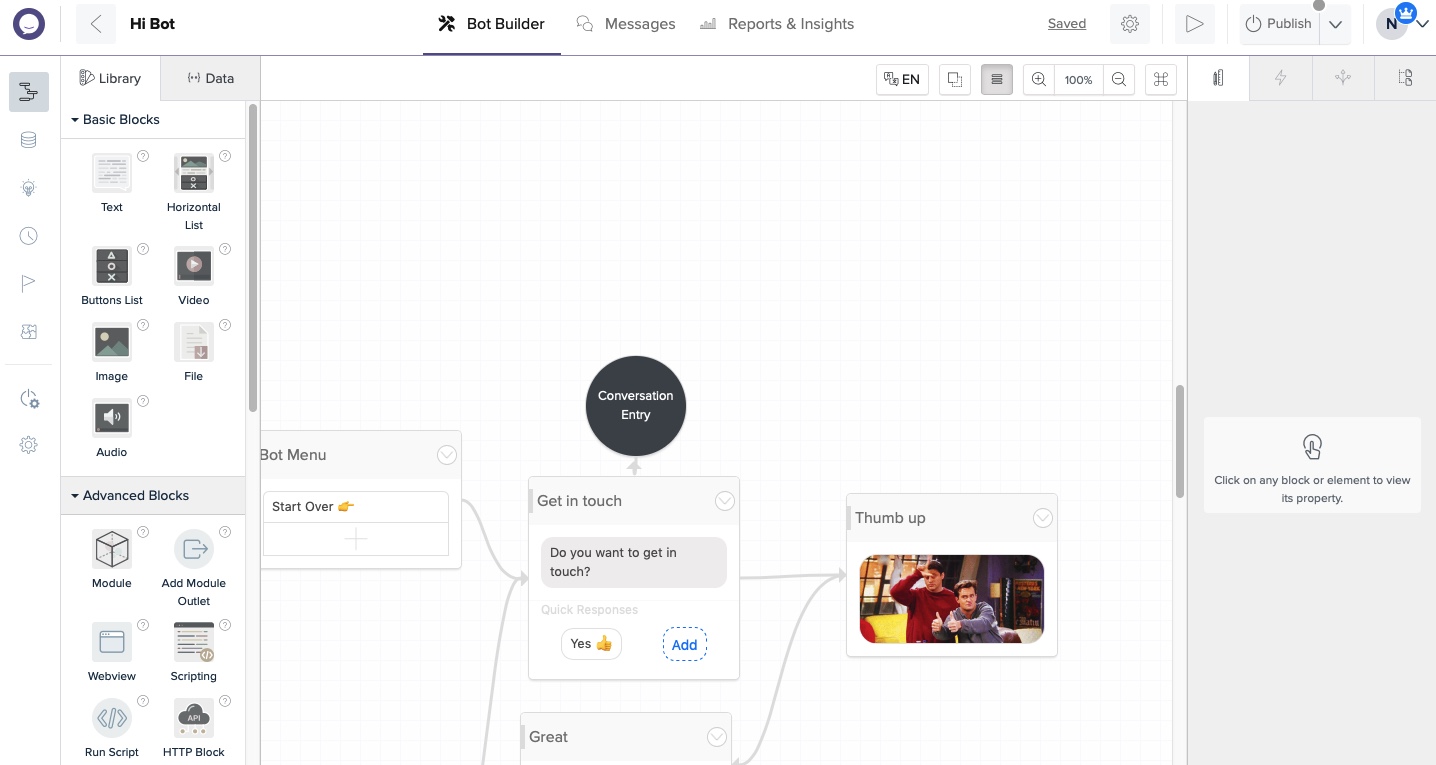 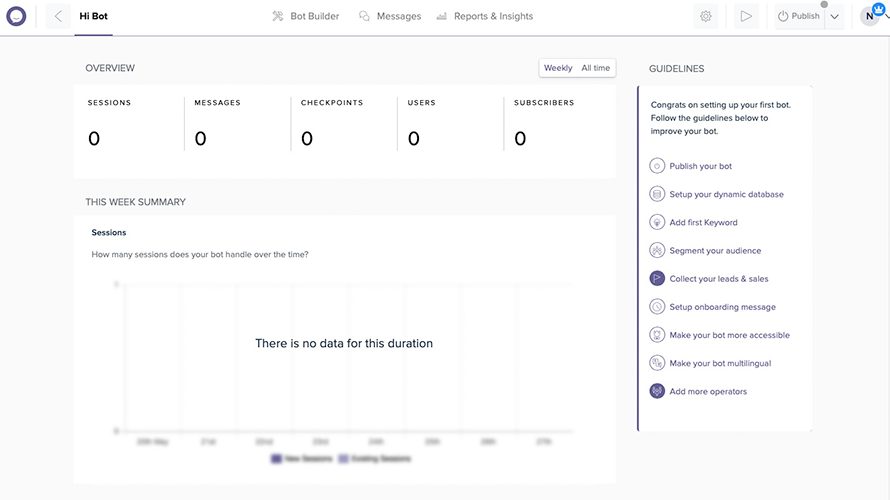  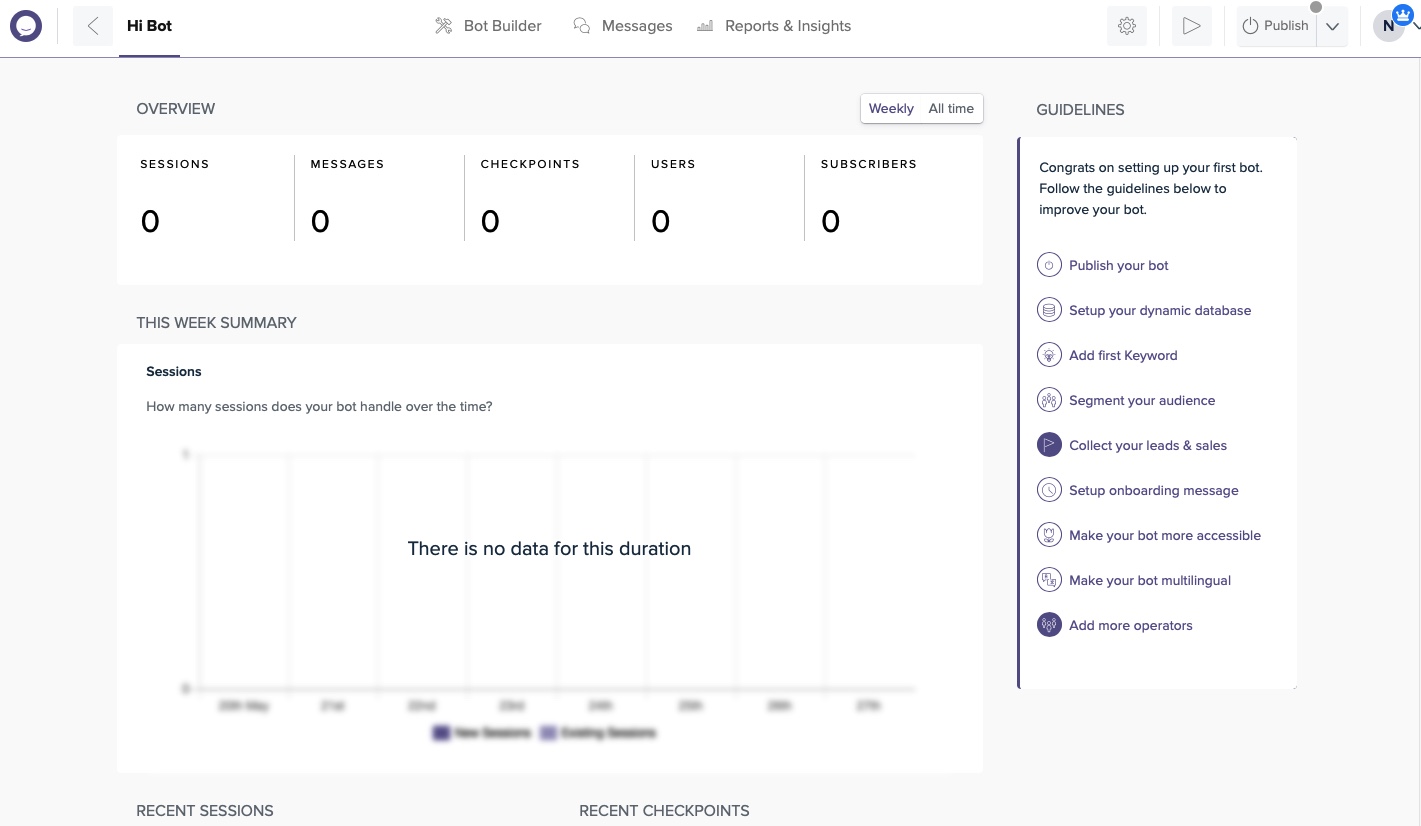   | Zendesk Suite Screenshots      |