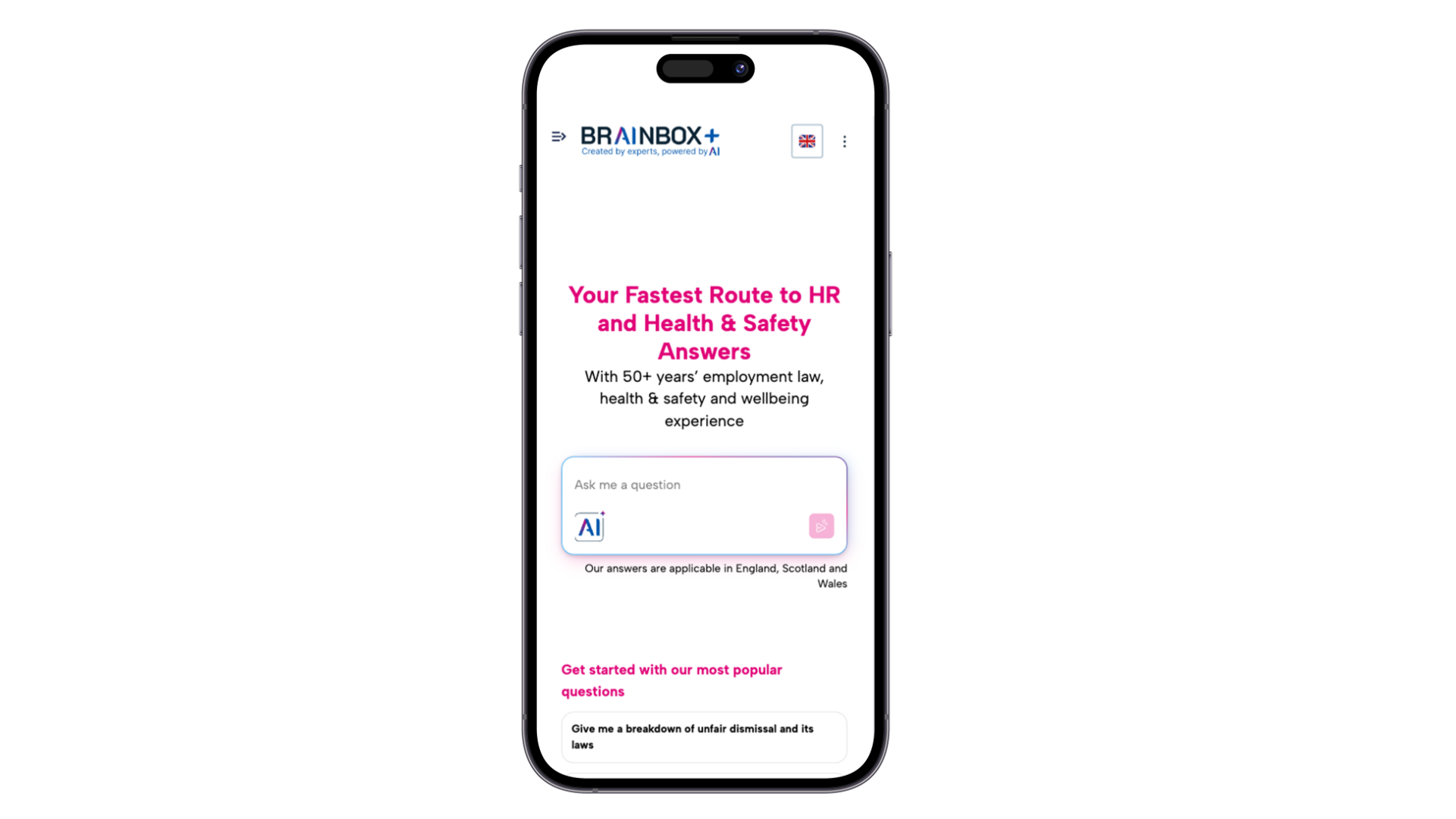
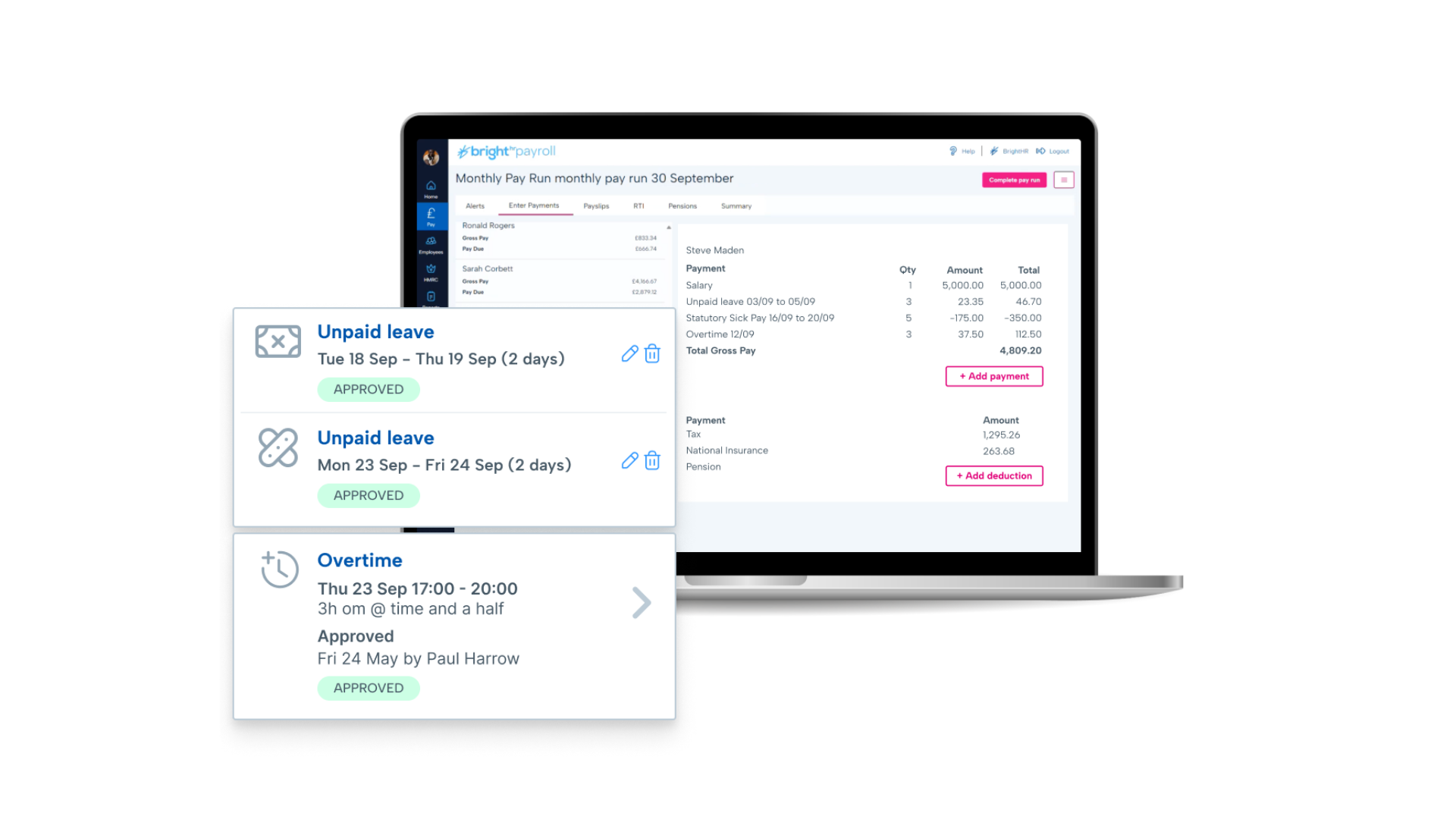
British company BrightHR offers a human resources platform which helps replace paper documents with edocuments and contains features for managing employee scheduling and ROTA, sick leave and tardiness, vacation and holiday shift planning, as well as providing employment law legal advice.
N/A
Clockify
Score 8.6 out of 10
Small Businesses (1-50 employees)
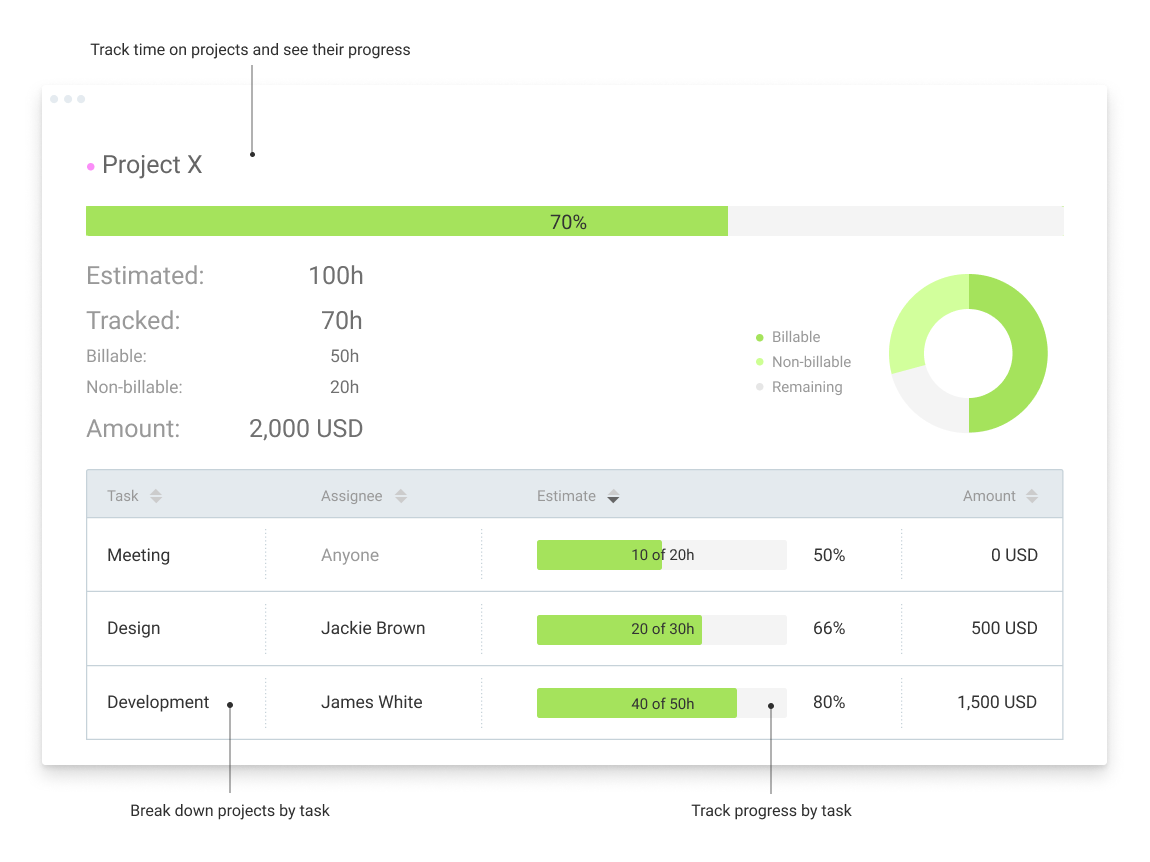
Clockify, from COING in Palo Alto, is a time tracker and employee timesheet software for teams of all sizes. Clockify lets users track how much time is spent working on tasks, as well as keep track of employee timesheets and billable hours, project completion, reports, and schedules.
$0
forever, unlimited everything
Pricing
BrightHR
Clockify
Editions & Modules
No answers on this topic
Clockify Free
$0
forever, unlimited everything
Clockify Plus
$9.99
per month, per workspace
Clockify Enterprise
$9.99
per month, per user, per workspace
Clockify Premium
$29.99
per month, per workspace
Clockify Server
Starts at 450
Offerings
Pricing Offerings
BrightHR
Clockify
Free Trial
No
Yes
Free/Freemium Version
Yes
Yes
Premium Consulting/Integration Services
Yes
Yes
Entry-level Setup Fee
No setup fee
Optional
Additional Details
Prices start at £4.50 (per employee/per month)
Unlimited usage and number of users for free. Paid plans are solely for access to additional features. Self-hosting software on own servers available.
More Pricing Information
Community Pulse
BrightHR
Clockify
Features
BrightHR
Clockify
Human Resource Management
Comparison of Human Resource Management features of Product A and Product B
BrightHR
7.2
41 Ratings
13% below category average
Clockify
-
Ratings
Employment history
7.335 Ratings
00 Ratings
Job profiles and administration
7.533 Ratings
00 Ratings
Workflow for transfers, promotions, pay raises, etc.
7.419 Ratings
00 Ratings
Organization and location management
6.431 Ratings
00 Ratings
Compliance data (COBRA, OSHA, etc.)
7.318 Ratings
00 Ratings
Payroll Management
Comparison of Payroll Management features of Product A and Product B
BrightHR
7.4
16 Ratings
10% below category average
Clockify
-
Ratings
Pay calculation
7.214 Ratings
00 Ratings
Support for external payroll vendors
7.08 Ratings
00 Ratings
Salary revision and increment management
8.19 Ratings
00 Ratings
Reimbursement management
7.39 Ratings
00 Ratings
Leave and Attendance Management
Comparison of Leave and Attendance Management features of Product A and Product B
BrightHR
7.3
53 Ratings
12% below category average
Clockify
-
Ratings
Approval workflow
6.551 Ratings
00 Ratings
Balance details
7.845 Ratings
00 Ratings
Annual carry-forward and encashment
7.526 Ratings
00 Ratings
Employee Self Service
Comparison of Employee Self Service features of Product A and Product B
BrightHR
8.3
52 Ratings
1% above category average
Clockify
-
Ratings
View and generate pay and benefit information
7.517 Ratings
00 Ratings
Update personal information
8.550 Ratings
00 Ratings
View company policy documentation
9.048 Ratings
00 Ratings
HR Reporting
Comparison of HR Reporting features of Product A and Product B
BrightHR
7.4
25 Ratings
3% below category average
Clockify
-
Ratings
Pre-built reports
7.425 Ratings
00 Ratings
Onboarding
Comparison of Onboarding features of Product A and Product B
BrightHR
7.3
16 Ratings
10% below category average
Clockify
-
Ratings
New hire portal
7.014 Ratings
00 Ratings
Manager tracking tools
7.713 Ratings
00 Ratings
Performance Management
Comparison of Performance Management features of Product A and Product B
BrightHR
7.7
19 Ratings
4% below category average
Clockify
-
Ratings
Review reminders
7.919 Ratings
00 Ratings
Multiple review frequency
7.516 Ratings
00 Ratings
Recruiting / ATS
Comparison of Recruiting / ATS features of Product A and Product B
I feel Bright HR is well suited to most small/medium sized businesses where they have a 'straight' forward resource set up. For larger businesses or for complex businesses similar to ourselves, where we operate 24 hours per day, rotational shift patterns, ambulatory staff, locums etc...we have to 'fudge' the way we use the information sometimes to make it work for us.
Clockify is an easy 10 over 10 recommendation for me. I would recommend this anyone especially if they're required to track their time and productivity while on the job. Office workers, tellers, bankers - any desk jobs really can very well use the awesome features of Clockify to the fullest extent. It is easy to use, very simple to set up, and doesn't require that much resource from your computer for up-keep
Clockify records exact times on a per project basis when you click Start/Stop.
User interface is very easy. It is easy to add a project on the fly, change the times I just recorded if I forgot to click Stop for example. The interface is intuitive and gives me the flexibility I need.
Reporting gives me everything I need from times, hours per project, billable or not, per client and any tags I've created. This provides enough flexibility for many different use cases.
Notifications for requests should be optional based on individual employees. For example an admin won’t necessarily want every staff members leave requests by email and push notification. The settings only currently allow for notifications for everyone or no one. Being assigned as a manager may not allow data viewing required of wider staff.
Toil should automatically be accrued into a balance if the employees clocked in time amounts to more than the target hours. It shouldn’t have to be calculated and requested.
When reviewing hours worked for the week, the history calculation should take into account approved leave and sickness etc. I have a staff members target of 37 hours, but if their hours show 29 hours worked then I have to work out why they worked less. It should account for this if the absence is approved.
In general, manuals or how to use instructional videos are always welcome - just covering the very basic are very good to get everyone up and running.
Maybe work on your scalability - the main reason why we switched to a different provider is because the company was ramping up and the competitors have more features that come with not just time and productivity tracking.
I always like the classic blue and white pallets on the app but sometimes I just wish there's more option to customize how it looks just to give it a little more flavor.
It's not entirely my decision - we are members of a 'community' of veterinary practices who have signed up to the contract with pensinusla and have bright hr as part of that contract however, I am usually involved in the tender process as I am one of the biggest users of both bright hr and the services from peninsula
I'm using the free version at the moment and loving it. What a great product, easy, responsive and has better up time than Yahoo Mail. :) What isn't there to like?
Onboarding took too long due to our unique working ways however the support team tried their hardest to make it work (still ongoing) In particular Leyla S. who has been our point of contact, she has ensured our issues are addressed and always follows up.
Very affordable, accessible and simple. For this very reason I would say, it culminates to Clockify being very beginner and start-up friendly. It is its strongest suit after all, and this is the main reason why I would recommend this to anyone. I am very thankful for me ex colleague who recommended this to me, we're no longer working together but I still hear that he's still using Clockify to this very day on his own business
I have never had an issue logging in or it not being available. I use Clockify every work day during the week, frequently starting/stopping projects. I've had past experience with other systems that suddenly aren't usable for an hour and that is something I have never experienced with Clockify. They are doing something right on their backend. Nice job, Clockify folks
I already mentioned how it feels light across the wire. Pages load fast in the web browser. I have not tried the browser plug-in nor the mobile app. I give it a 9 instead of 10 as the desktop app seemed to hesitate when I clicked the start/stop of a project/task
The team are proactive, having an advocacy team is just amazing and a great way to really understand their product roadmap and have input into useful features or feedback
I dealt very little with customer support because Clockify is so easy to use. That being said, the few times I did, I got fast responses and any issues that I did have were solved in a very fast manner.
it was fairly easy to do but timely as i had to enter everything from scratch - i didn't at the time realise how important it was to set up the variable or fixed working pattern correctly given future changes as this is very tricky once it has been set up and i wished i had been aware that sometimes you can't make future changes without deleting the whole profile and starting again
I chose BrightHR as it offered a one-stop platform for HR management for which we have dedicated UK and ROI HR specialists who not only give HR advice but also write policies and handbooks, etc. They are a one-stop-shop, which was very important as when I signed the contract I did not have an HR person in my team and they were essentially my back office. Also, by signing up, I got access to Bright Safe too; which is great as again it's a one-stop-shop for Health and Safety in the workplace. So I can roll out toolbox talks, training, and accident management.
Harvest is very similar to Clockify. The only difference is that Harvest also has an invoicing and billing system built into it. So if you're billing your clients based off of time directly, Harvest may be a better option as far as that goes. Of course, Harvest only has minimum billing increments of 6 or 10 minutes, there is no 10-minute option so that's something where Clockify has them beat. They are both very easy to use.
Because it feels light on the wire and runs so smoothly with great up-time. I have to assume that the same is true as it scales. I'm a single user so maybe I don't see if there are any scalability issues. With the way it seems architected to run so quickly across many platforms (desktop, mobile, web, browser plug-in), I have to think that it is using recent technology that provides scalability options
The free plan really did everything we needed for the 6 months or so we used it. Without Clockify, we would have had to pay roughly $40+/month for a software tool.
When we upgraded to the paid version, it was still only $10/month and helped us be able to have minimum billing increments which is a huge monetary increase.