
Calamari vs. Workday Workforce Management
| Product | Rating | Most Used By | Product Summary | Starting Price |
|---|---|---|---|---|
 Calamari | Score9 out of 10 | Mid-Size Companies (51-1,000 employees) | Calamari is a workforce management software system offered by Chrobrus. | $10 per month |
 Workday Workforce Management | Score8.1 out of 10 | N/A | Workday Workforce Management is a workforce operations software that integrates HR, time, and scheduling data, to eliminate disjointed processes that halt day-to-day operations. Consistent with a worker-first approach, Workday provides mobile-first access to personalized pay, time, and schedules, giving workers frictionless on-the-go access. This helps overcome difficulties in retaining workers and keeps them engaged in a competitive labor… | N/A |
| Calamari | Workday Workforce Management | |||||||||||||||
|---|---|---|---|---|---|---|---|---|---|---|---|---|---|---|---|---|
| Editions & Modules |
| No answers on this topic | ||||||||||||||
| Offerings |
| |||||||||||||||
| Entry-level Setup Fee | No setup fee | No setup fee | ||||||||||||||
| Additional Details | — | — | ||||||||||||||
| More Pricing Information | ||||||||||||||||
| Calamari | Workday Workforce Management | |
|---|---|---|
| Considered Both Products | No answer on this topic | No answer on this topic |
| Key User Insights | ||
| Would buy again | ||
No answers on this topic | 86% Would buy again 12 Answers | |
| Delivers good value for the price | ||
No answers on this topic | 100% Delivers good value for the price 10 Answers | |
| Happy with the feature set | ||
No answers on this topic | 100% Happy with the feature set 14 Answers | |
| Lived up to sales and marketing promises | ||
No answers on this topic | 100% Lived up to sales and marketing promises 5 Answers | |
| Implementation went as expected | ||
No answers on this topic | 83% Implementation went as expected 5 Answers | |
| Calamari | Workday Workforce Management | |||||||||||||||||||||||||
|---|---|---|---|---|---|---|---|---|---|---|---|---|---|---|---|---|---|---|---|---|---|---|---|---|---|---|
| Payroll Management |
| |||||||||||||||||||||||||
| Calamari | Workday Workforce Management | |
|---|---|---|
| Small Businesses |  Deputy Score8.6 out of 10 |  Patriot Payroll Score8.6 out of 10 |
| Medium-sized Companies |  Harri Score6 out of 10 |  APS Score5.7 out of 10 |
| Enterprises |  Enterprise eTIME, by ADP (discontinued) Score10 out of 10 |  ADP Streamline Payroll Score6.1 out of 10 |
| All Alternatives | View all alternatives | View all alternatives |
| Calamari | Workday Workforce Management | |
|---|---|---|
| Likelihood to Recommend | 9.1 | 8.4 |
| Usability | - | 7.7 |
| Support Rating | 10.0 | - |
| Calamari | Workday Workforce Management | |
|---|---|---|
| Likelihood to Recommend |
|
|
| Pros |
|
|
| Cons |
|
|
| Usability | No answers on this topic |
|
| Support Rating |
| No answers on this topic |
| Alternatives Considered |
|
|
| Return on Investment |
|
|
| ScreenShots | Calamari Screenshots      | Workday Workforce Management Screenshots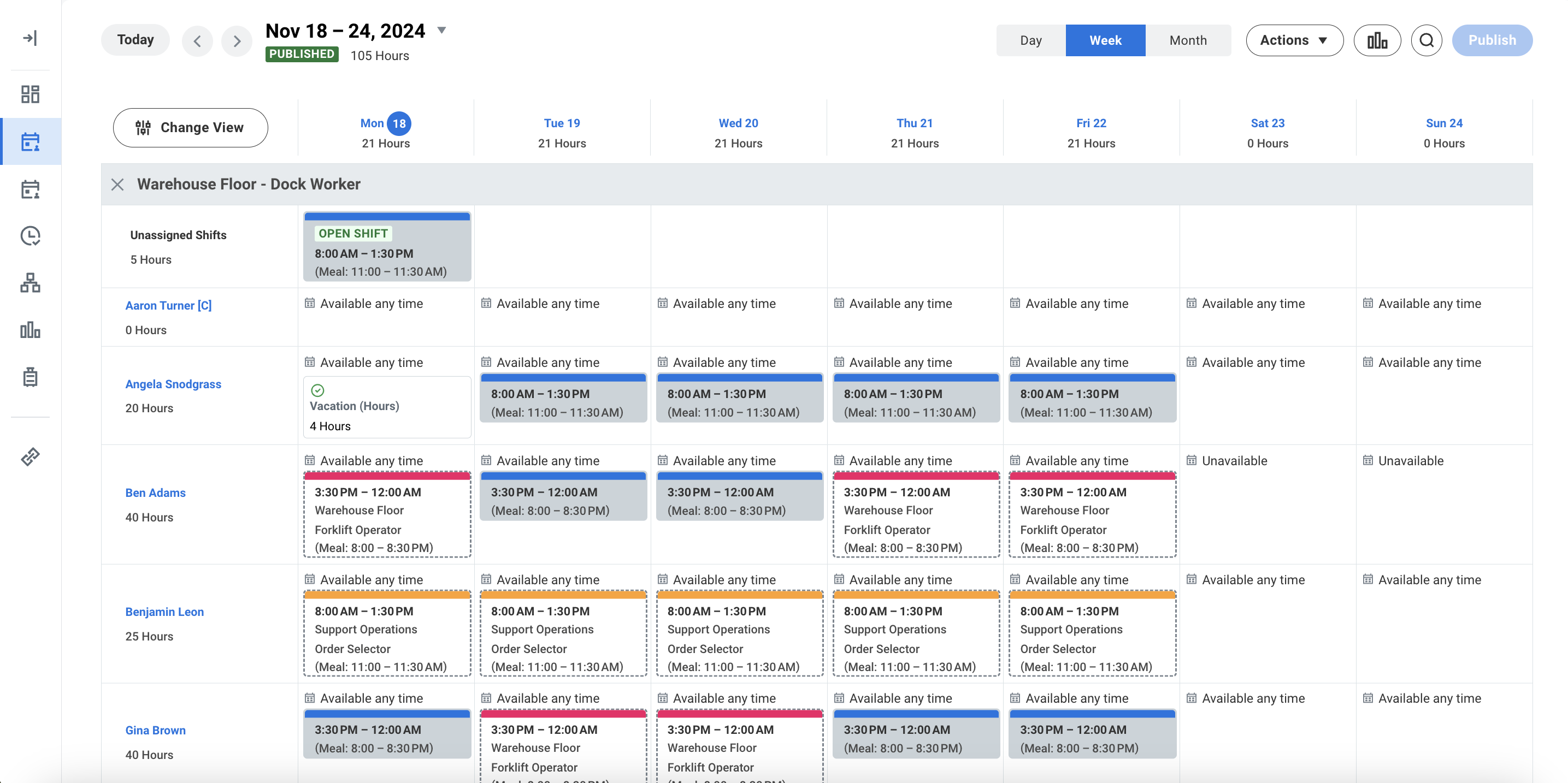 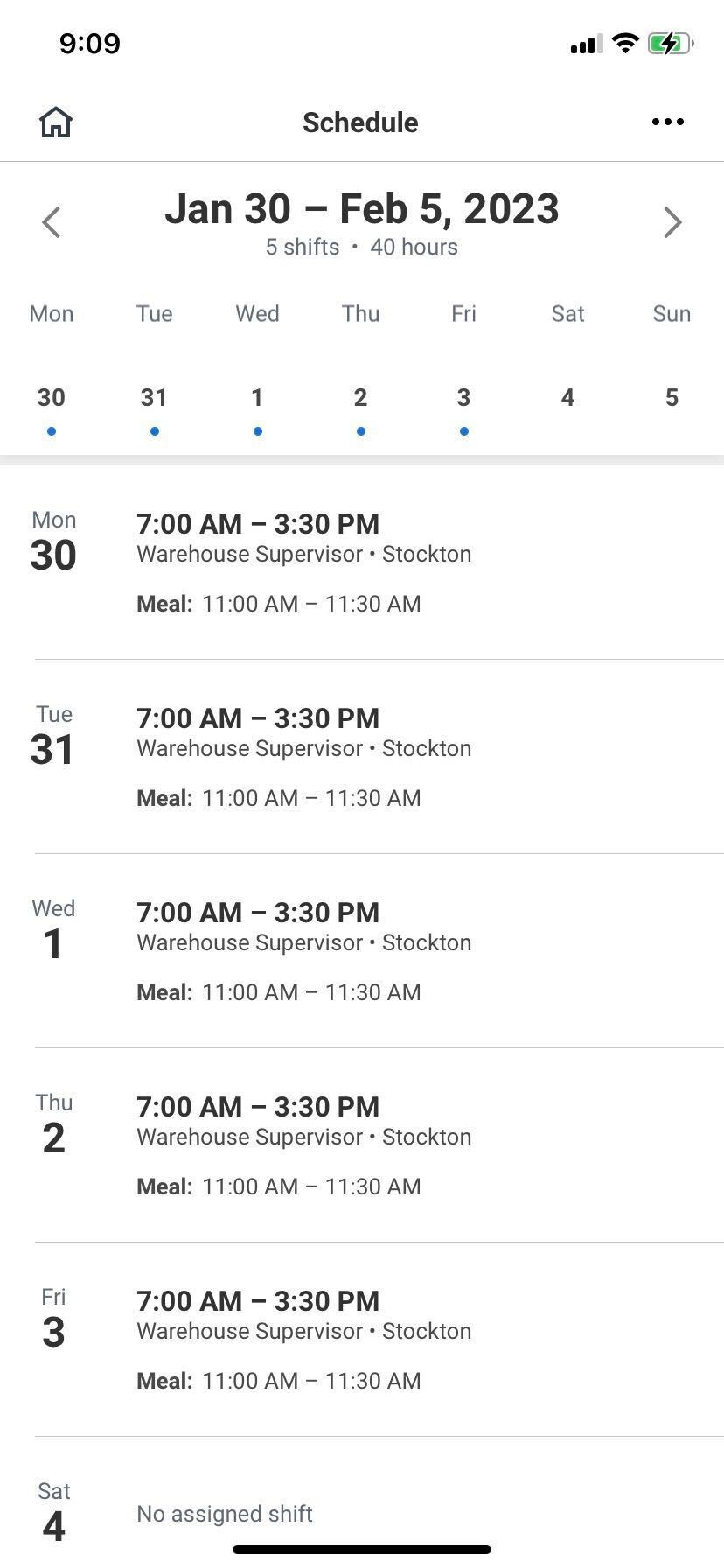 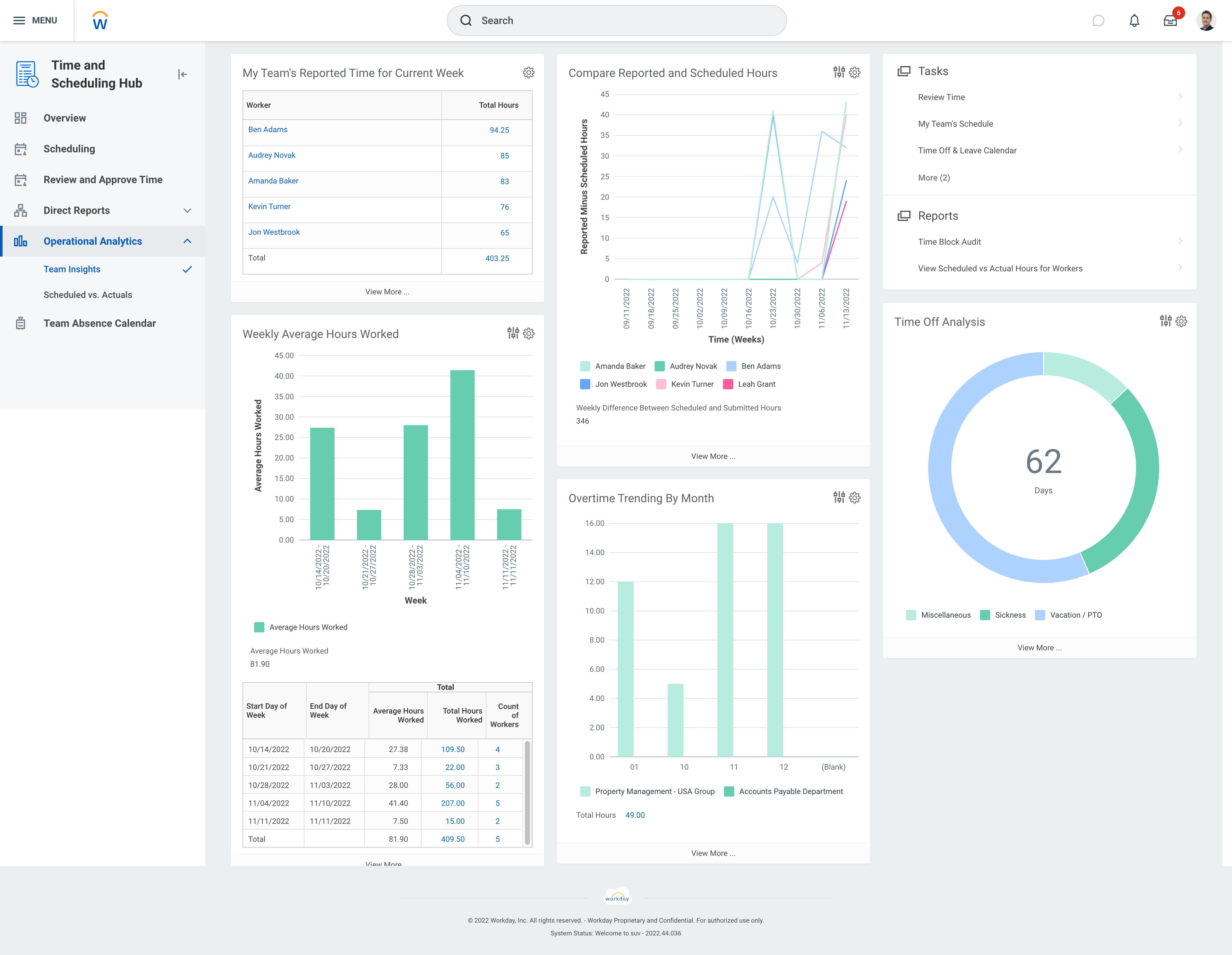 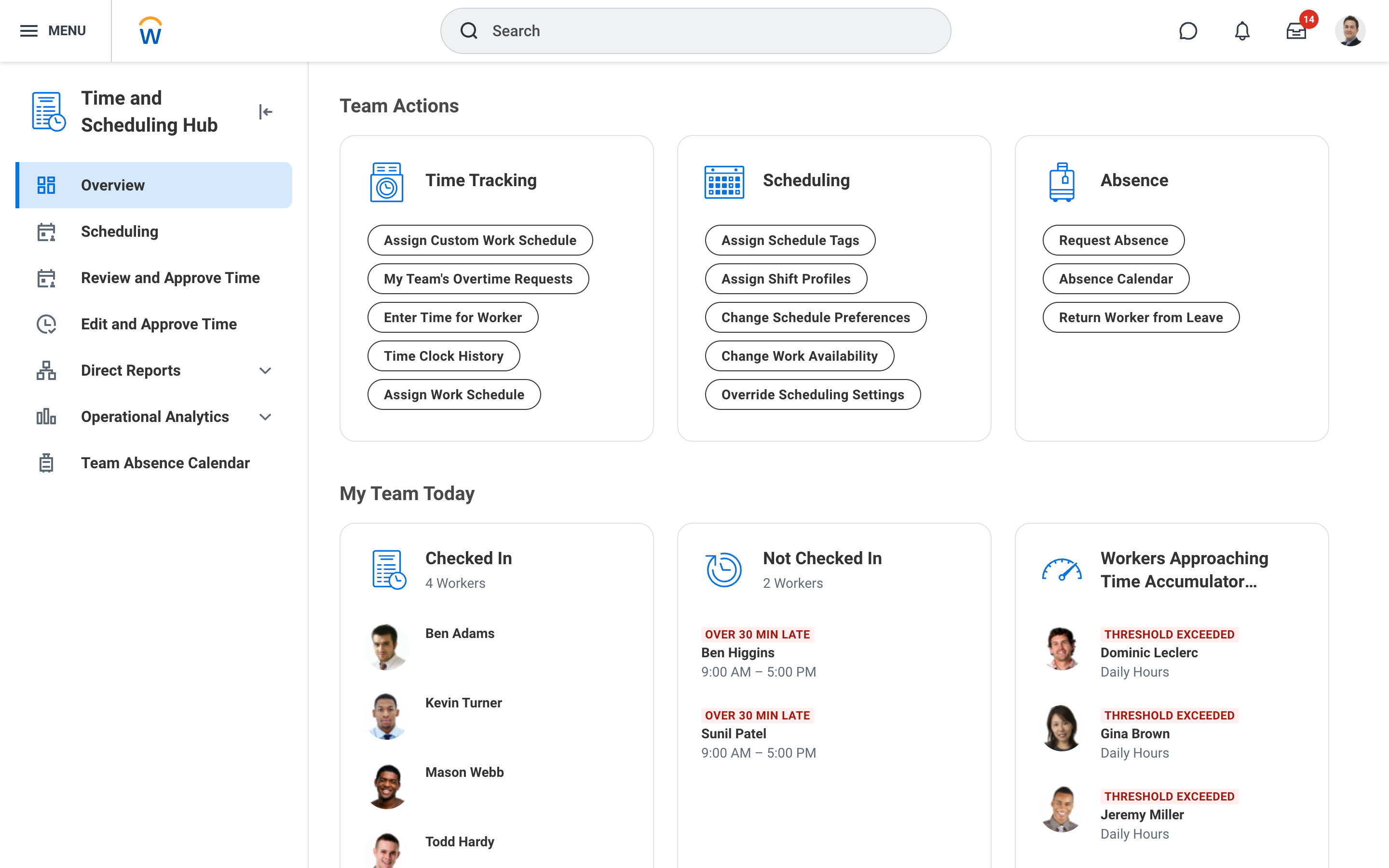 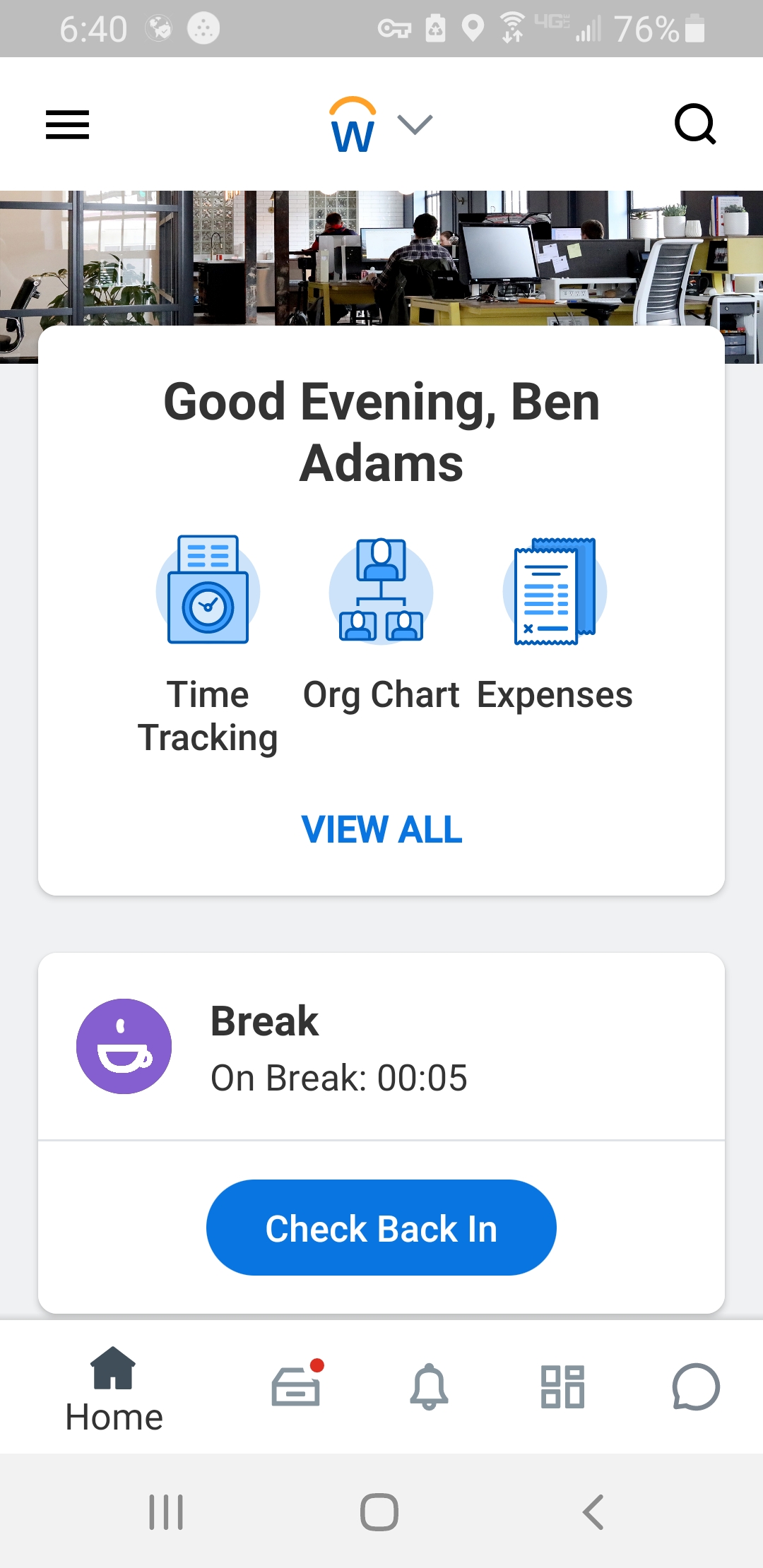 |

