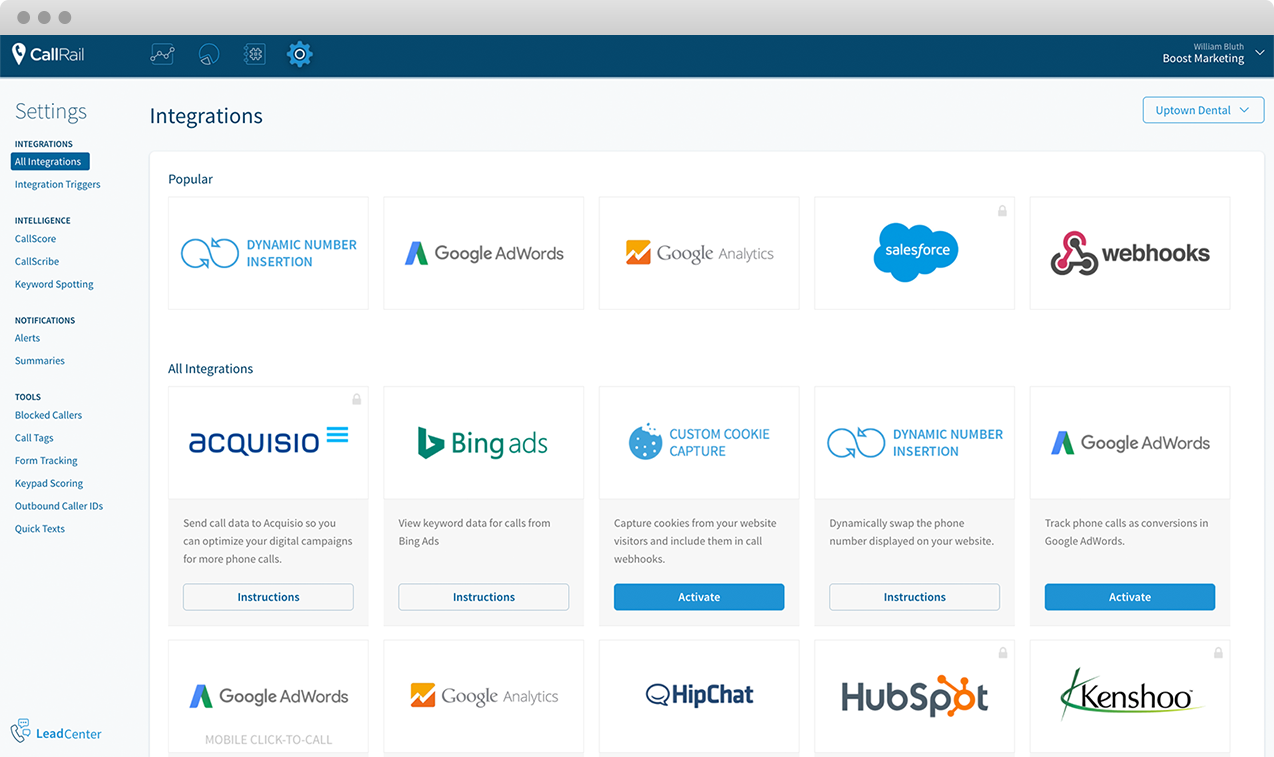
CallRail offers phone call tracking, recording and analytics.
$50
per month
Google Cloud Speech-to-Text
Score6 out of 10
N/A
Speech-to-Text on Google Cloud is a tool used to convert speech into text using an API powered by Google’s AI technologies. The vendor states users can transcribe content in real time or from stored files; deliver a better user experience in products through voice commands; and, gain insights from customer interactions to improve service.
$0.02
per min
Pricing
CallRail
Google Cloud Speech-to-Text
Editions & Modules
Call Tracking
$50
per month
Call Tracking + Conversation Intelligence®
$100
per month
Call Tracking + Form Tracking
$100
per month
Call Tracking Complete
$150
per month
Speech-to-Text V2 API
$0.016
per min
Speech-to-Text V1 API
$0.024
per min
Offerings
Pricing Offerings
CallRail
Google Cloud Speech-to-Text
Free Trial
Yes
Yes
Free/Freemium Version
No
Yes
Premium Consulting/Integration Services
No
No
Entry-level Setup Fee
No setup fee
No setup fee
Additional Details
—
Speech-to-Text V1 API
V1 offers data residency for multi region only. Models include short, long, phone call, and video. V1 does not include audit logging. New customers get $300 in free credits and 60 minutes for transcribing and analyzing audio free per month, not charged against your credits.
Speech-to-Text V2 API
V2 offers data residency for multi and single region. Models include short, long, telephony, video, and Chirp. V2 does include audit logging and support for customer managed encryption keys.
This is great software for differentiating where phone traffic is coming from. Whether it's paid/organic search, you can see exactly where the calls are coming in from. I'd love to see them add text/SMS features in the future, but it does what it claims. I'd also like to see more CRM integrations, but not sure that other users share the same sentiment
A de minimis incentive was given to thank the reviewer for their time. The incentive was not used to bias or drive a particular response, nor was the incentive contingent on a positive endorsement. More Info
Real-time meeting notes for the smaller group audience. Strong language coverage of over 125+ languages. Handles mobile phone recordings and environmental noise effectively. Fast transcription turnaround also supports phrases, which improves industry-specific terminology. Generating QA/compliance audit logs. Also builds the sentences with accurate punctuation and sentence boundaries. It has vast global support centers whose primary focus in resolving customer issues and help multinational engineering in building great products
A de minimis incentive was given to thank the reviewer for their time. The incentive was not used to bias or drive a particular response, nor was the incentive contingent on a positive endorsement. More Info
Tracking phone calls first & foremost! Being able to have a running tally of the phone calls made and listening to the recorded calls throughout the month and providing that information back to our clients is vital!
Their UI is exceptionally easy to use & navigate. This is important when we have many clients running at the same time and we are able to always determine what report is for which client.
The ease of setting up a brand new client & their tracking phone number is fantastic! Saves a lot of time when it walks you through everything you need to know & do step by step.
A de minimis incentive was given to thank the reviewer for their time. The incentive was not used to bias or drive a particular response, nor was the incentive contingent on a positive endorsement. More Info
A de minimis incentive was given to thank the reviewer for their time. The incentive was not used to bias or drive a particular response, nor was the incentive contingent on a positive endorsement. More Info
The integration with Hubspot is not as seemless as I would have liked. We had an issue where a person who was already in Hubspot called in, and their contact information was not matched to the caller ID correctly which created some duplicate entries. A little bit of a bummer, but from what I understand they may have fixed this. We had to stop using them for a little while because our outsourced sales team was more confused by adding CallRail, so we'll be re-implementing this once our new sales team is fully trained. Hopefully the record miss-match issue gets fixed.
A de minimis incentive was given to thank the reviewer for their time. The incentive was not used to bias or drive a particular response, nor was the incentive contingent on a positive endorsement. More Info
Integration outside of the google eco system is challenging here.
Google Cloud Speech-to-Text works only with active internet connection if the internet bandwidth is low it effect the transcription process and can lead to data inaccuracy.
In terms of the pricing also this is at higher range which all the companies cannot afford like small scale organisation if they would like to use the tool they would look over the price to make the decision. Reducing the price can increase the product usage more
A de minimis incentive was given to thank the reviewer for their time. The incentive was not used to bias or drive a particular response, nor was the incentive contingent on a positive endorsement. More Info
The platform is easy to use and we really don't have any complaints with using it so far. The information is invaluable for clients that rely on phone calls to drive more business. Not much negative to say about it at this point. We're actually really happy with it so far and the cost is manageable.
A de minimis incentive was given to thank the reviewer for their time. The incentive was not used to bias or drive a particular response, nor was the incentive contingent on a positive endorsement. More Info
The reasoning behind my 10 is that the UI is very intuitive; I didn't require any formal training to use it. Google's speech-to-text is not just a conversion tool; it helps automate mundane tasks, saves time, and has an almost human-like understanding.
A de minimis incentive was given to thank the reviewer for their time. The incentive was not used to bias or drive a particular response, nor was the incentive contingent on a positive endorsement. More Info
CallRail support normally gets back to us pretty quickly when we submit a ticket and they have a good knowledge base for common questions. I've heard mixed reviews from other local marketing agencies that use this tool, but overall in my experience, support has been knowledgeable and quick working through our problems.
A de minimis incentive was given to thank the reviewer for their time. The incentive was not used to bias or drive a particular response, nor was the incentive contingent on a positive endorsement. More Info
Callrail has a very seamless and easy to use Dynamic Number Swap function. In other call tracking that we looked into the integration was either not as easy to use or required much more work to implement. Setting up CallRail has been so easy even our entry-level employees need very little training to master the platform.
A de minimis incentive was given to thank the reviewer for their time. The incentive was not used to bias or drive a particular response, nor was the incentive contingent on a positive endorsement. More Info
Google Cloud Speech-to-Text outperformed its competitors significantly in terms of accuracy, surpassing any other product available. Additionally, its support for multiple languages was unrivaled in the market. Moreover, for clients with robust bandwidth, Google Cloud Speech-to-Text offered real-time transcription capabilities, enabling users to transcribe live audio streams with minimal delay.
A de minimis incentive was given to thank the reviewer for their time. The incentive was not used to bias or drive a particular response, nor was the incentive contingent on a positive endorsement. More Info
It is useful to monitor our calls weekly. We can give our employees feedback on the quality of the calls which helps our overall sales and conversions.
By knowing which campaigns perform best, we can shift our budget to target those campaigns specifically which saves us revenue and increases sales.
A de minimis incentive was given to thank the reviewer for their time. The incentive was not used to bias or drive a particular response, nor was the incentive contingent on a positive endorsement. More Info
A de minimis incentive was given to thank the reviewer for their time. The incentive was not used to bias or drive a particular response, nor was the incentive contingent on a positive endorsement. More Info