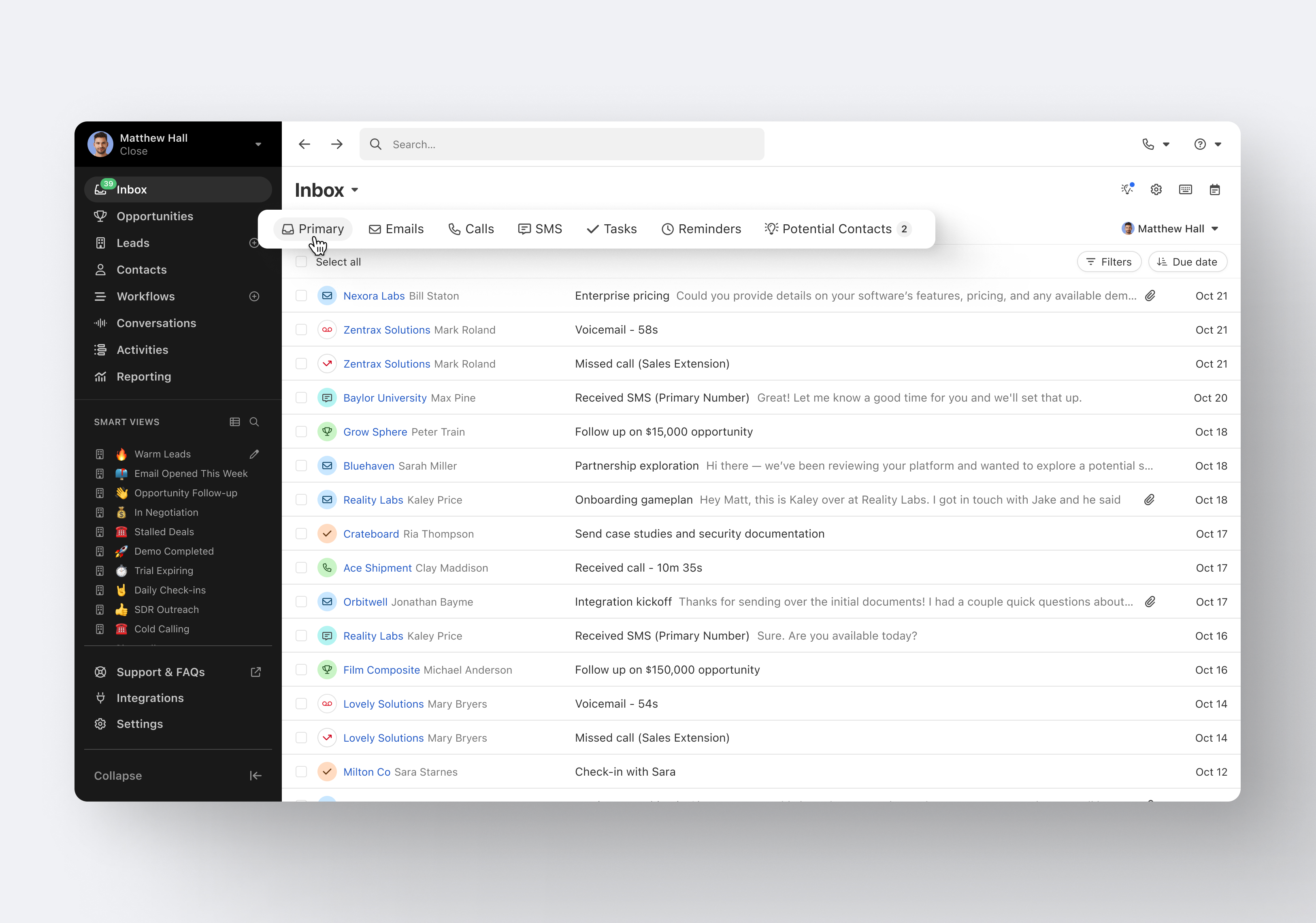
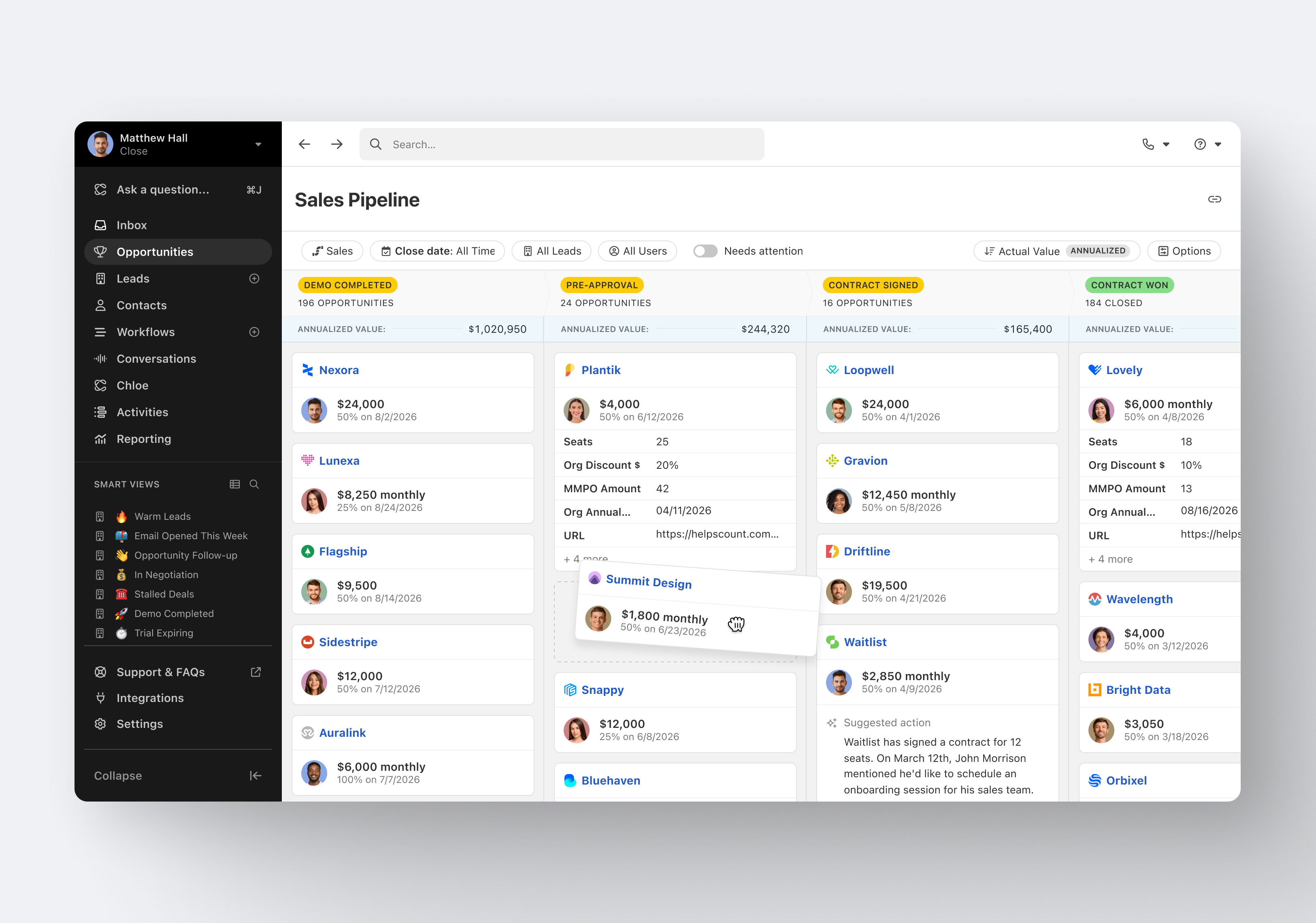
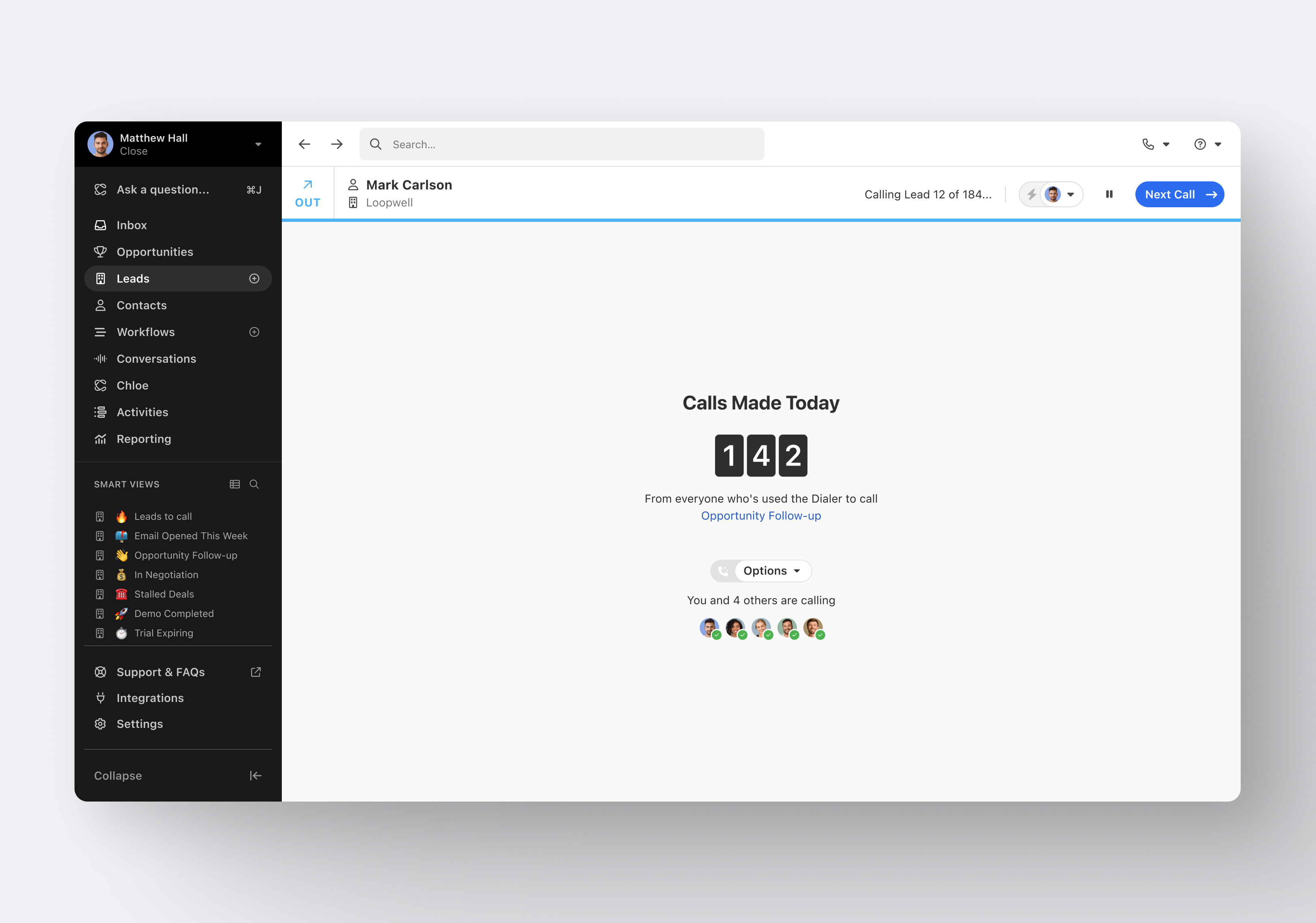
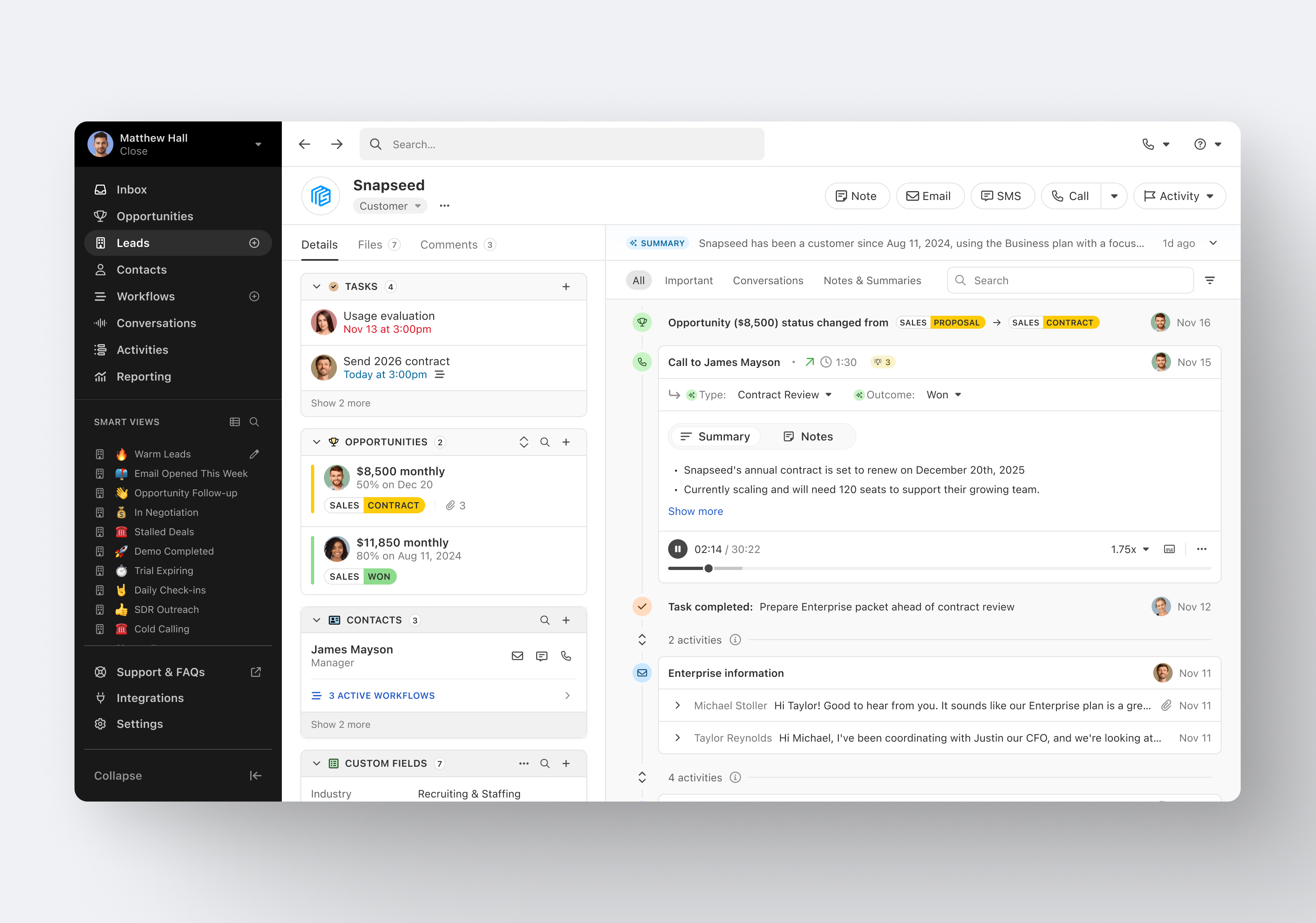
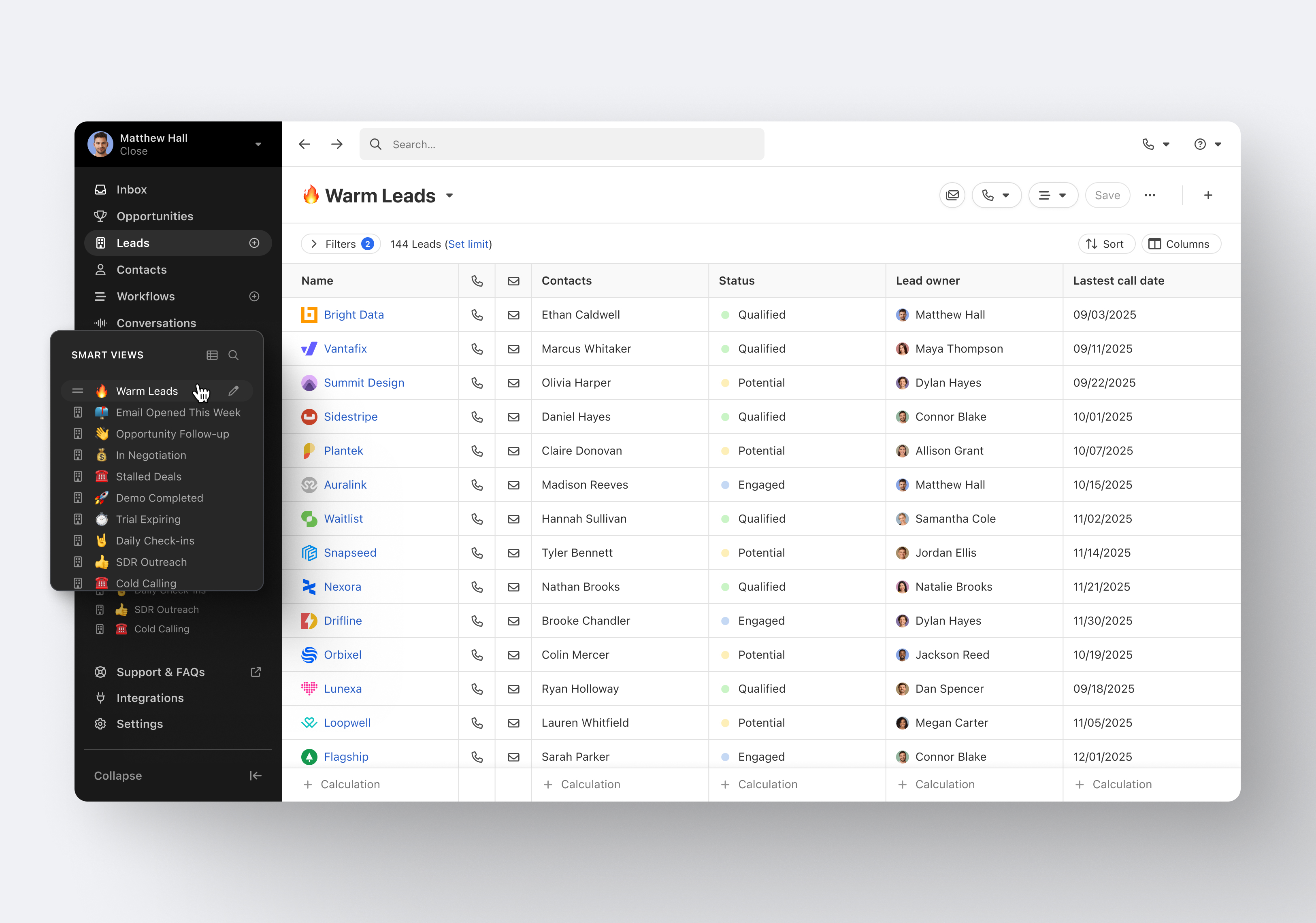
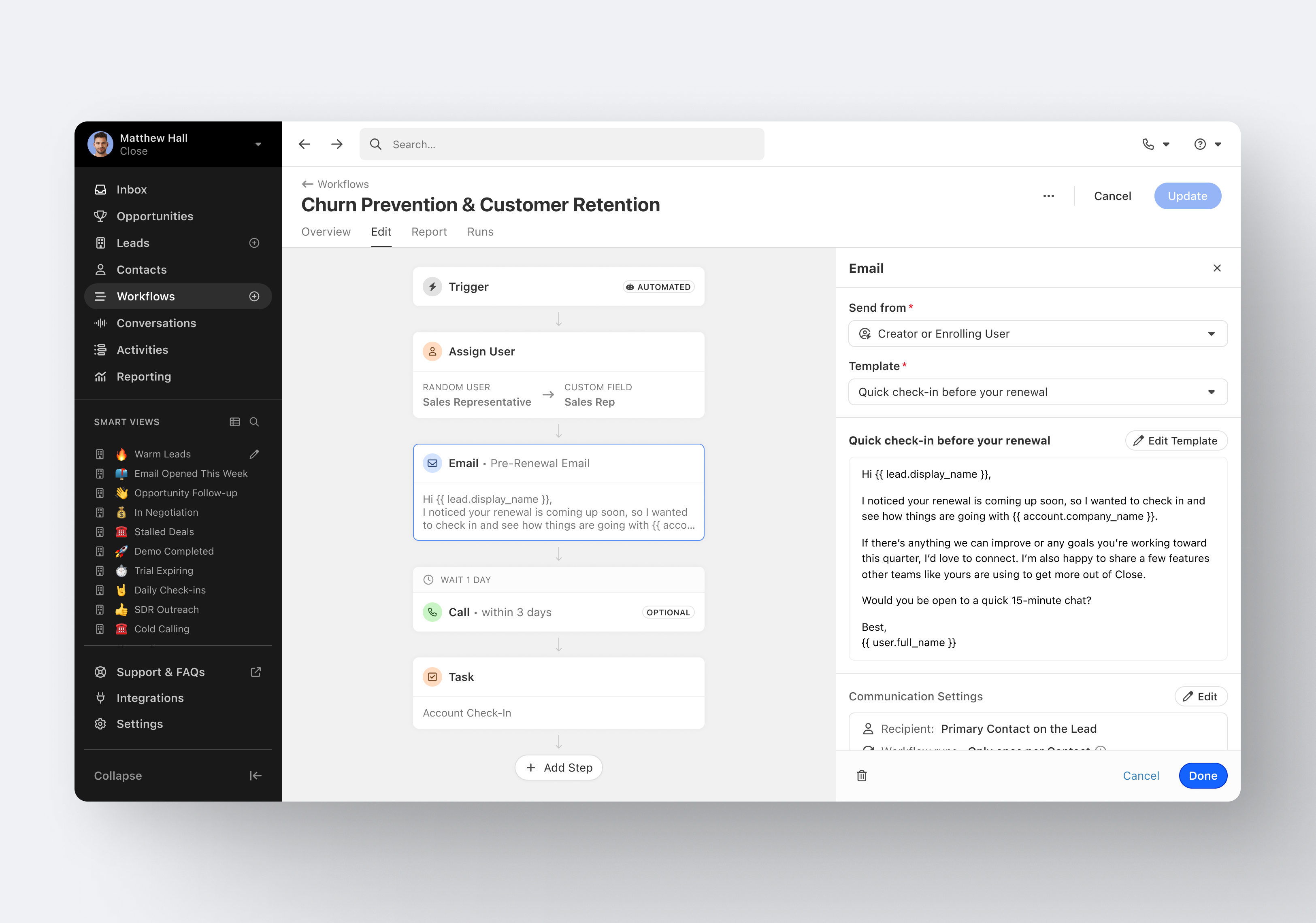
Close.io is a customer relationship management (CRM) software with call management and sales workflow automation capabilities.
$19
per month includes 1 user
Jobber
Score8.6 out of 10
N/A
Jobber is field service management software from the company of the same name in Edmonton, Alberta.
$39
per month 1 user
Pricing
Close CRM
Jobber
Editions & Modules
Solo
$9
per month (paid annually) per user
Essentials
$35
per month (paid annually) per user
Growth
$99
per month (paid annually) per user
Scale
$139
per month (paid annually) per user
Core
$39
per month 1 user
Connect (individual)
$119
per month 1 user
Connect
$169
per month up to 5 users
Grow (individual)
$199
per month 1 user
Grow
$349
per month up to 10 users
Plus
$599
per month Up to 15 users
Offerings
Pricing Offerings
Close CRM
Jobber
Free Trial
Yes
Yes
Free/Freemium Version
No
No
Premium Consulting/Integration Services
Yes
No
Entry-level Setup Fee
Optional
No setup fee
Additional Details
The pricing listed here reflects up to a 35% discount for paying annually. Monthly billing is available at of $19 per user for the Solo plan (only 1 user allowed), $49 per user for the Essentials plan, $109 per user for the Growth plan, and $149 per user for the Scale plan.
Excellent software to increase sales and follow up with existing and new customers. Email and SMS handling are really easy for the sales team, managing leads is really great, and Close merges duplicate leads to help our Data Leads avoid repetitive and unnecessary calls. As mentioned in some comments before, must improve in reports, Close is not appropriate to handle or track agents' hours making it necessary to implement additional software to cover this area.
A de minimis incentive was given to thank the reviewer for their time. The incentive was not used to bias or drive a particular response, nor was the incentive contingent on a positive endorsement. More Info
The cost of Jobber is not suitable for a startup - even our company size is hard pressed to squeeze in other areas of business to afford the cost. Zenmaid or other maid-forward services may be better suited since Jobber seems to focus it's offerings on one-off as opposed to recurring services like ours. For business who do in-person estimates like ours, the streamlined estimate feature which causes increased conversion rates makes it worth the cost - as we anecdotally gain more business this way. However, if we switch to an online booking / instant booking model as opposed to in-person estimates, we may not require this feature. Zenmaid has a "gamified" residential booking page that was extremely high converting for us - we received sometimes 30+ inquiries per day due to the ease of use - MANY more completed inquiries than we receive now - but they didn't have a quoting and deposit collection tool - so here we are. If we used their instant booking feature we would have stayed due to the scheduling tool, gap finder, prevention of double booking employees, and cleaning service focus, as well as significantly reduced pricing.
Email sequences. Create and send a sequence of emails until the sequence finishes or the contact replies to your email. You can also pause the sequence manually.
Email sync. Syncs in real time with your email account, which is huge.
Zapier integration. We've automated a lot of our pipeline management through the Zapier integration. This saves us soooo much time.
A de minimis incentive was given to thank the reviewer for their time. The incentive was not used to bias or drive a particular response, nor was the incentive contingent on a positive endorsement. More Info
A de minimis incentive was given to thank the reviewer for their time. The incentive was not used to bias or drive a particular response, nor was the incentive contingent on a positive endorsement. More Info
A de minimis incentive was given to thank the reviewer for their time. The incentive was not used to bias or drive a particular response, nor was the incentive contingent on a positive endorsement. More Info
For us, sometimes doesn't save the data, just gone, especially terrible if you have a data interruption since it has zero offline capability.
I think the price is way high now, made the mistake of 'upgrading' and cannot go back.
In my experience, way too easy to create a duplicate entry of anything, then near impossible to clean up, unless you notice it immediately.
I found no merge functionality. Same client has two entries? Too bad.
In my experience, does not work with Xero accounting software, took a long time to figure that out especially since they advertise it and that was why we chose both of them, for the supposed integration. For us, Quickbooks was also a pain.
In my experience, the app is unusable, must use the web version on a mobile device.
In my experience, the integrated payment processing cannot accept debit in Canada, only credit cards.
It's my favorite CRM to recommend to sales organizations. Robust Telephony options including a Power Dialer, SMS, and Voice Drop, are completely integrated into the CRM. The kicker is you can have "Unlimited" contacts where many platforms charge based on the number of users. This can make a huge difference in monthly billing.
A de minimis incentive was given to thank the reviewer for their time. The incentive was not used to bias or drive a particular response, nor was the incentive contingent on a positive endorsement. More Info
Jobber is an easy-to-use and friendly software designed for efficiency. Its interface is well-organized, ensuring that each section is intuitive and accessible. Users can navigate smoothly through tasks, making project management simpler. Overall, Jobber enhances productivity and streamlines operations, making it a valuable tool for various projects.
I haven't really had the need to use their support, but the only time I had an issue with the platform, the Close team was very attentive and responded in a short span of time. Also they take minimal time to solve issues. The only con here is there is no way to reach out to them apart from email.
A de minimis incentive was given to thank the reviewer for their time. The incentive was not used to bias or drive a particular response, nor was the incentive contingent on a positive endorsement. More Info
There is hardly an app that covers it all while staying simple and wrapping up the process. From the filing of the request, everything goes smoothly following a natural progression. Reports are insightful, give you an instant overview and easy to understand. In addition, you can easily track any information from those on clients to expense tracking.
A de minimis incentive was given to thank the reviewer for their time. The incentive was not used to bias or drive a particular response, nor was the incentive contingent on a positive endorsement. More Info
Pipedrive was great for us for a long time. We used it for over 4 years. Our product and process was simple. When things got more complex, we needed something that could handle our growing needs and Pipedrive kept falling short. We built our own custom solution in Airtable and though it worked, we spend a lot of time managing it. Close was able to solve all our issues and save us hours per week in admin work.
A de minimis incentive was given to thank the reviewer for their time. The incentive was not used to bias or drive a particular response, nor was the incentive contingent on a positive endorsement. More Info
Square only allows for scheduling to one person. And my team couldn’t see their schedules. As a cleaning company, I need to let cleaners know what their pay is without them seeing what I’m charging. That’s game changer about Kobber.
A de minimis incentive was given to thank the reviewer for their time. The incentive was not used to bias or drive a particular response, nor was the incentive contingent on a positive endorsement. More Info