
ConnectWise RMM vs. ManageEngine Mobile Device Manager Plus
| Product | Rating | Most Used By | Product Summary | Starting Price |
|---|---|---|---|---|
 ConnectWise RMM | Score8.1 out of 10 | N/A | ConnectWise RMM is built upon the Asio platform and combines out-of-the-box automation coupled with robust automation that IT solution providers can use to deliver customized services to their customers. ConnectWise RMM aggregates both software and human elements, covers the spectrum of do-it-yourself (DIY) and do-it-for-you (DFY) delivery options, and integrates an intelligent automation engine. It’s a solution that reinvents how IT solution providers adopt, interact with and manage their… | N/A |
 ManageEngine Mobile Device Manager Plus | Score9.5 out of 10 | N/A | The ManageEngine Mobile Device Manager Plus application is an enterprise mobile device management (MDM) solution. | $64 per month (50 devices) |
| ConnectWise RMM | ManageEngine Mobile Device Manager Plus | |||||||||||||||
|---|---|---|---|---|---|---|---|---|---|---|---|---|---|---|---|---|
| Editions & Modules | No answers on this topic |
| ||||||||||||||
| Offerings |
| |||||||||||||||
| Entry-level Setup Fee | No setup fee | No setup fee | ||||||||||||||
| Additional Details | — | Pricing for higher volumes available online at ManageEngine's official pricing page. | ||||||||||||||
| More Pricing Information | ||||||||||||||||
| ConnectWise RMM | ManageEngine Mobile Device Manager Plus | |
|---|---|---|
| Considered Both Products | No answer on this topic | No answer on this topic |
| Key User Insights | ||
| Would buy again | ||
100% Would buy again 5 Answers | 100% Would buy again 8 Answers | |
| Delivers good value for the price | ||
100% Delivers good value for the price 5 Answers | 100% Delivers good value for the price 8 Answers | |
| Happy with the feature set | ||
100% Happy with the feature set 5 Answers | 100% Happy with the feature set 8 Answers | |
| Lived up to sales and marketing promises | ||
No answers on this topic | 100% Lived up to sales and marketing promises 7 Answers | |
| Implementation went as expected | ||
No answers on this topic | 100% Implementation went as expected 7 Answers | |
| ConnectWise RMM | ManageEngine Mobile Device Manager Plus | |||||||||||||||||||
|---|---|---|---|---|---|---|---|---|---|---|---|---|---|---|---|---|---|---|---|---|
| Application Performance Management |
| |||||||||||||||||||
| Monitoring Tasks |
| |||||||||||||||||||
| Management Tasks |
| |||||||||||||||||||
| Remote Access |
| |||||||||||||||||||
| ConnectWise RMM | ManageEngine Mobile Device Manager Plus | |
|---|---|---|
| Small Businesses |  Panda Systems Management Score7.2 out of 10 |  Apple Business Essentials Score8.2 out of 10 |
| Medium-sized Companies |  N-able N-sight RMM Score7.4 out of 10 |  Cisco Meraki SM Score9.6 out of 10 |
| Enterprises | No answers on this topic |  Jamf Pro Score8.7 out of 10 |
| All Alternatives | View all alternatives | View all alternatives |
| ConnectWise RMM | ManageEngine Mobile Device Manager Plus | |
|---|---|---|
| Likelihood to Recommend | 9.0 | 9.6 |
| Likelihood to Renew | - | 8.0 |
| Usability | 8.0 | 8.2 |
| ConnectWise RMM | ManageEngine Mobile Device Manager Plus | |
|---|---|---|
| Likelihood to Recommend |
|
|
| Pros |
|
|
| Cons |
|
|
| Likelihood to Renew | No answers on this topic |
|
| Usability |
|
|
| Alternatives Considered |
|
|
| Return on Investment |
|
|
| ScreenShots | ManageEngine Mobile Device Manager Plus Screenshots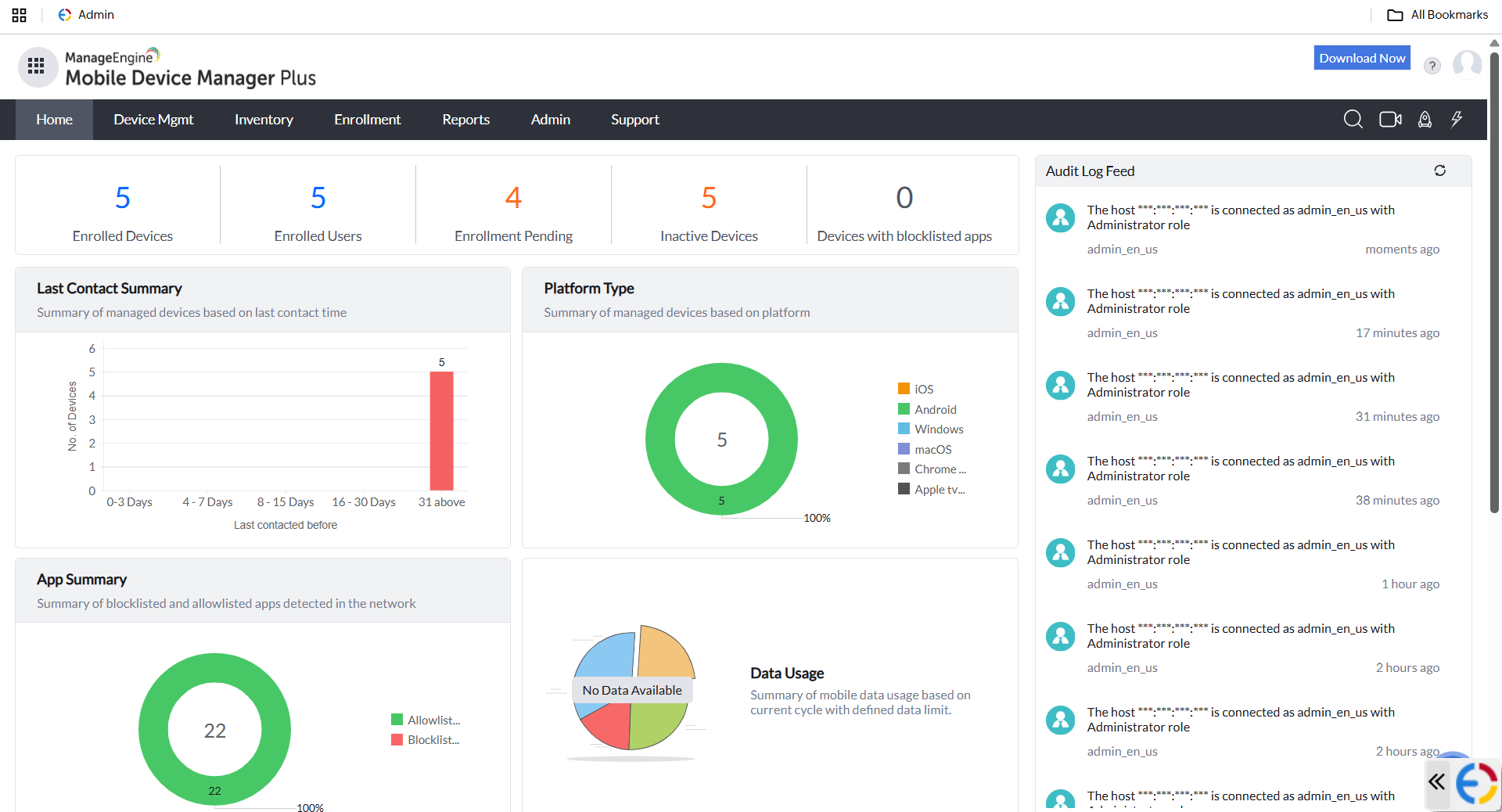 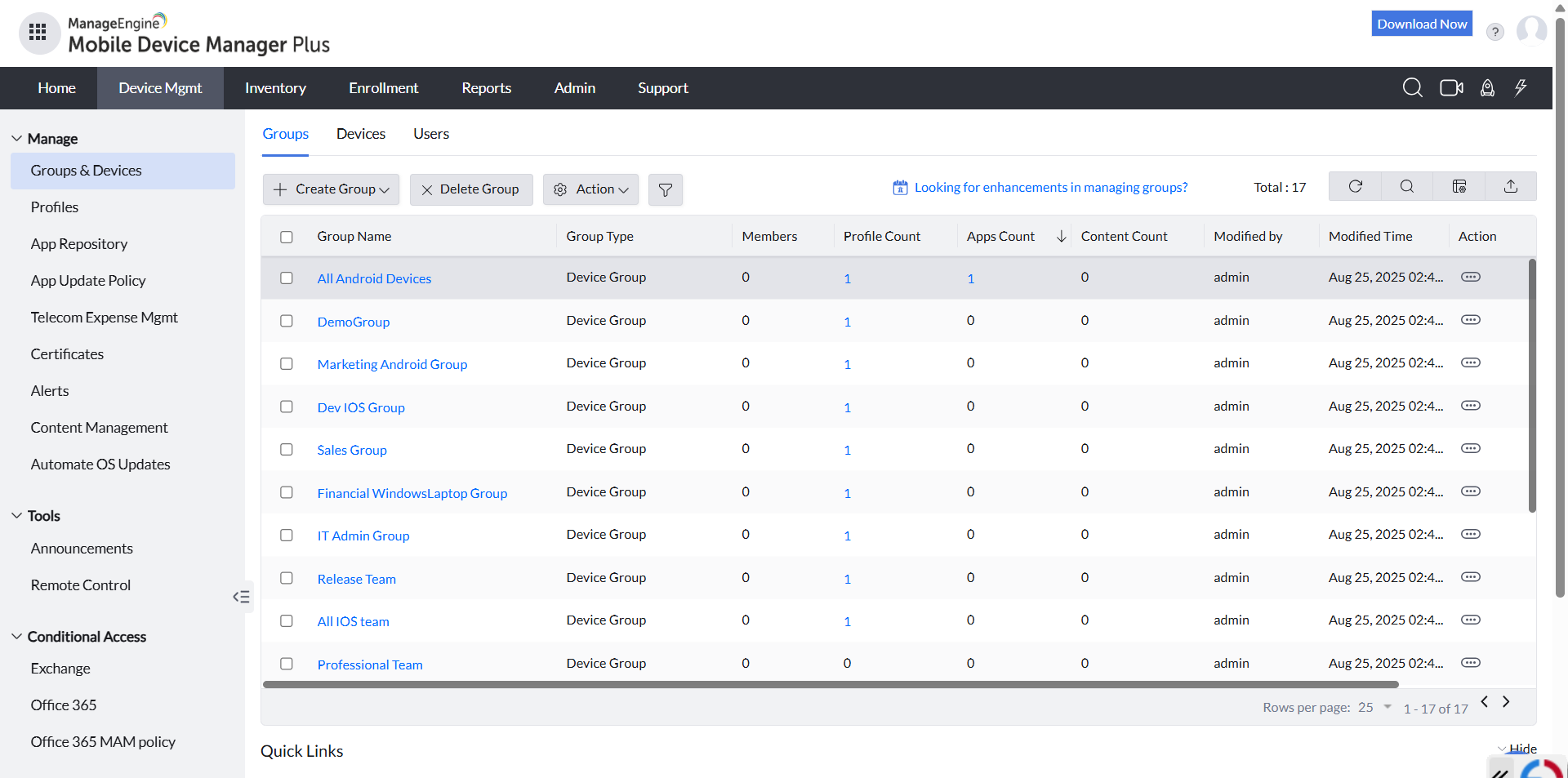 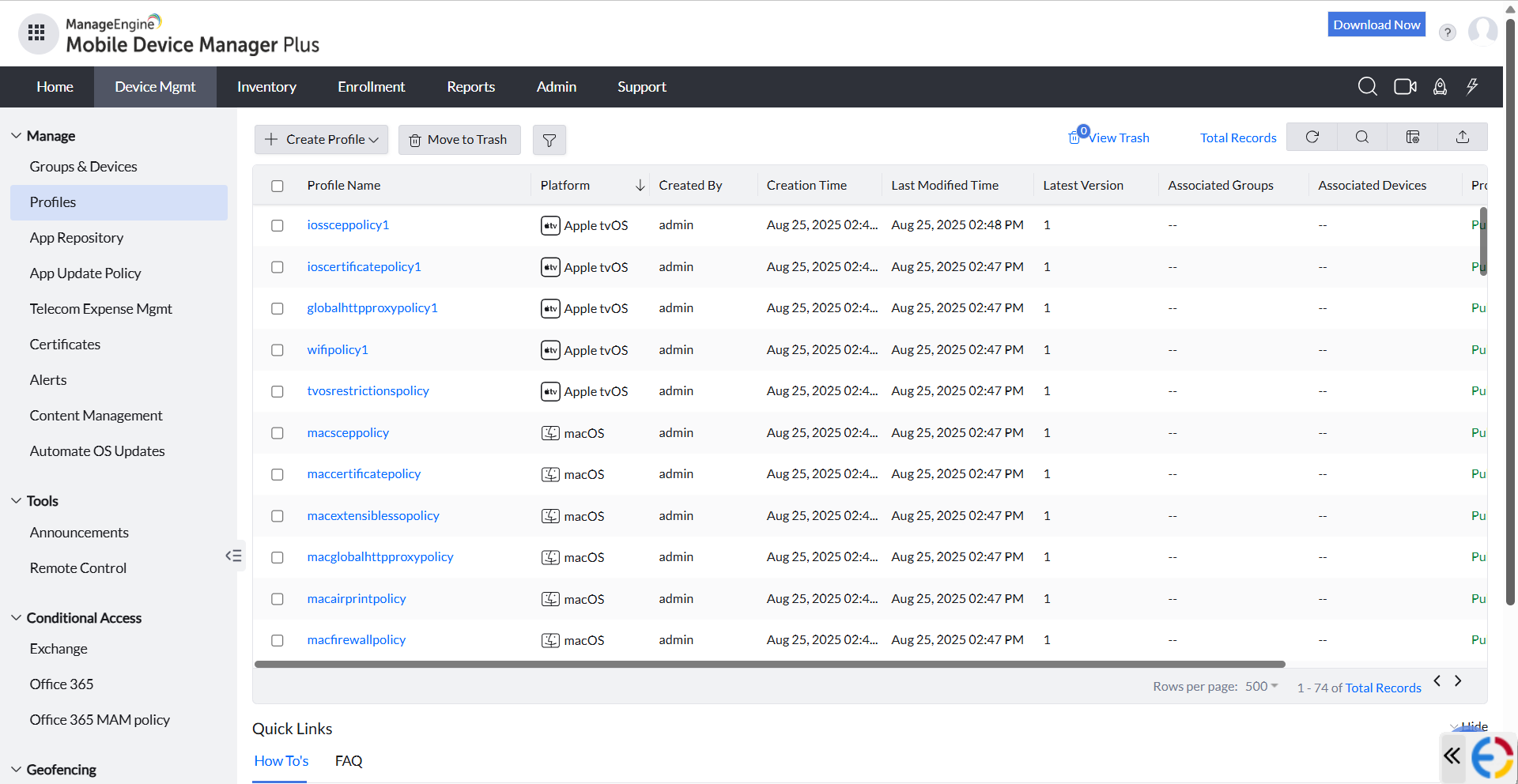  |



