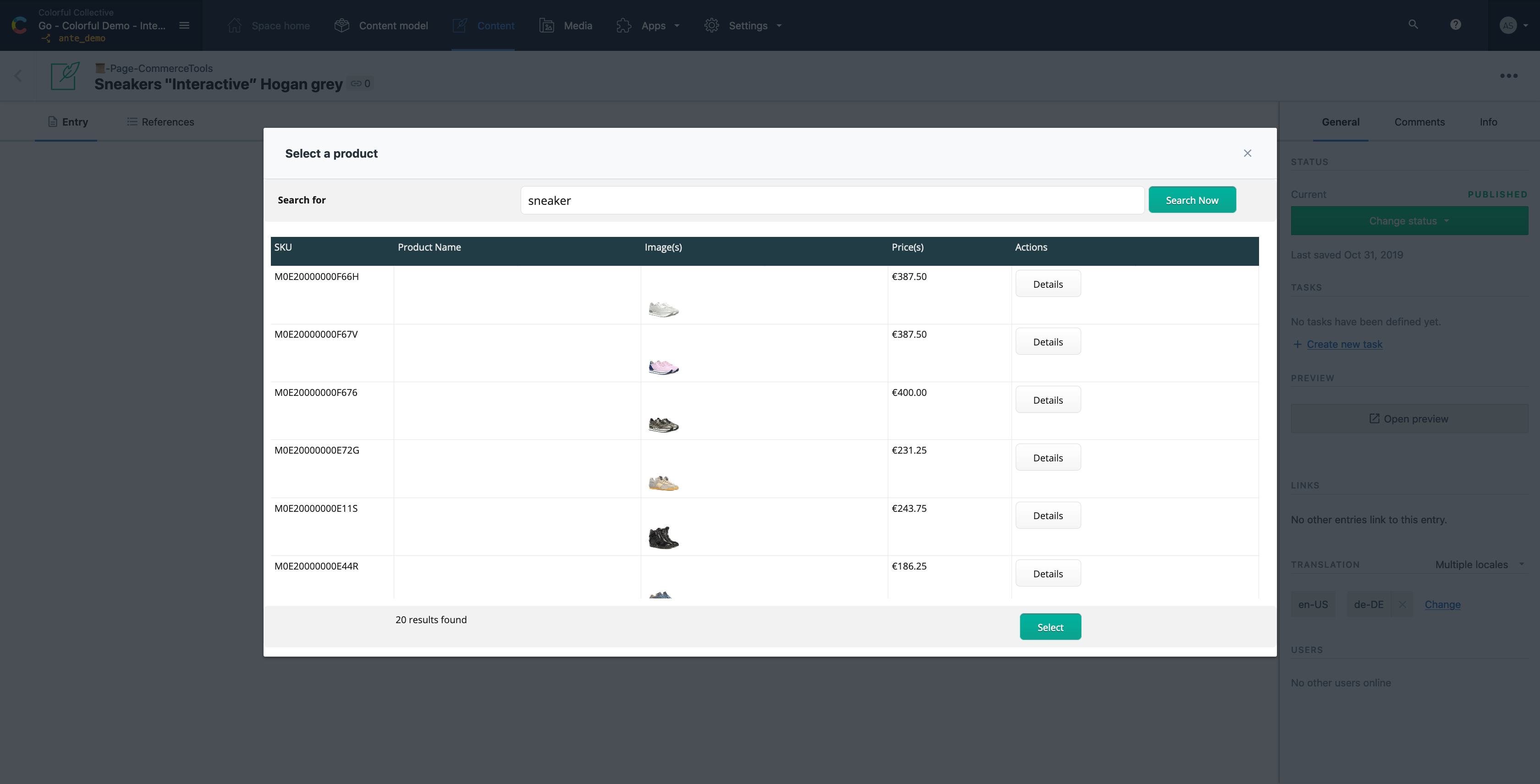
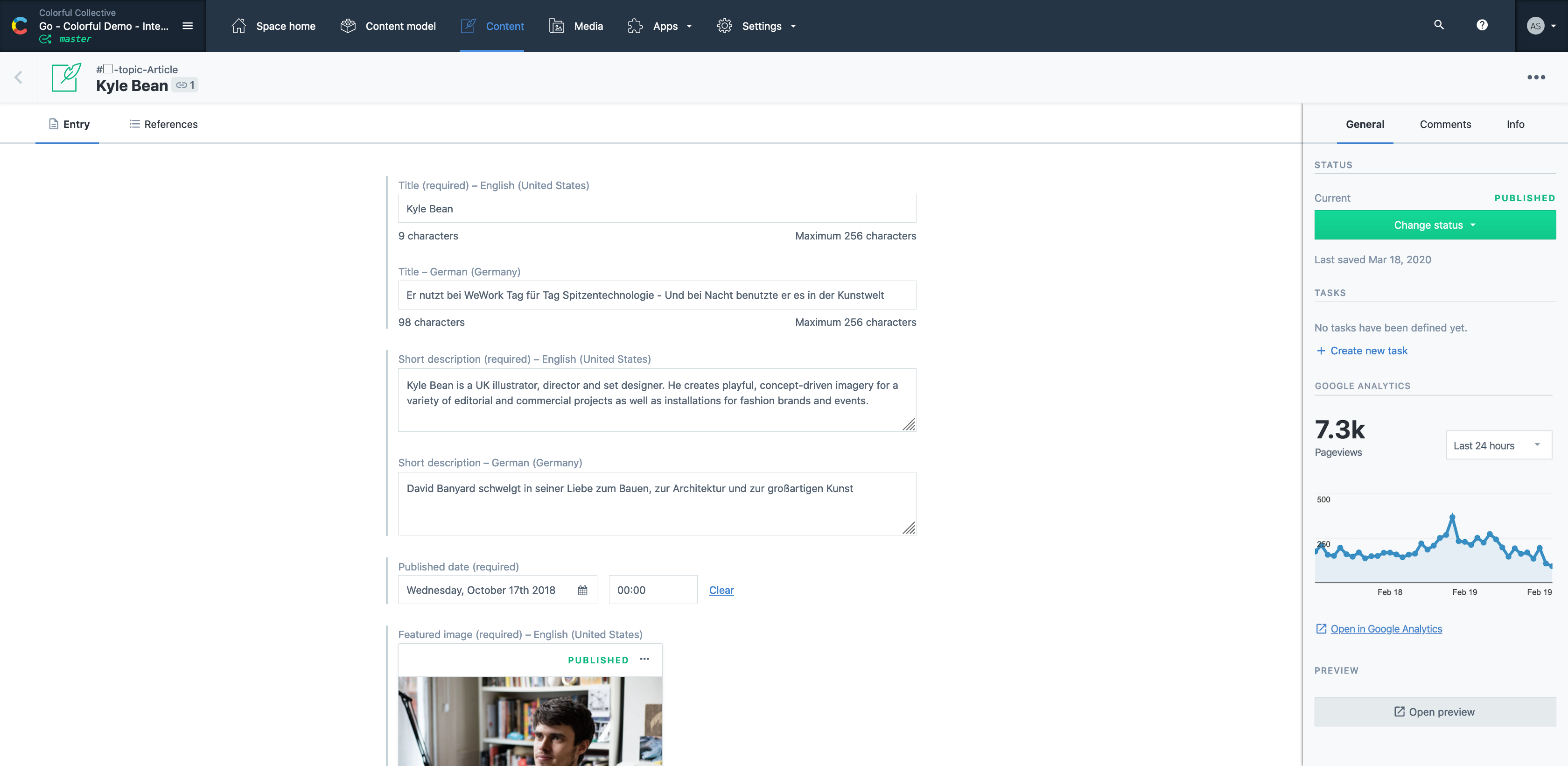
Contentful is a cloud based CMS solution that provides the ability to manage content across multiple platforms.The editing interface allows for managing content interactively and provides developers the ability to deliver the content with the programming language and template framework of their choice.
$0
Squarespace
Score8.4 out of 10
N/A
Squarespace is a CMS platform that allows users to create a DIY blog, eCommerce store, and/or portfolio (visual art or music). Some Squarespace website and shop templates are industry or use case-specific, such as menu builders for restaurant sites.
Digital Strategist at Sherpa Design Co. (Design, 1-10 employees)
Chose Contentful
For custom solutions, Contentful blows every other CMS I've used out of the water. Unlike WordPress, there's no clutter to wade through, and you can simply build the infrastructure you need. It's more secure by far, and works seamlessly with modern frontend technologies, like …
A de minimis incentive was given to thank the reviewer for their time. The incentive was not used to bias or drive a particular response, nor was the incentive contingent on a positive endorsement. More Info
A de minimis incentive was given to thank the reviewer for their time. The incentive was not used to bias or drive a particular response, nor was the incentive contingent on a positive endorsement. More Info
Verified User
Chose Contentful
Contentful was the most user-friendly platform that everyone in our company could understand. It doesn't have the integrations that WordPress does, but it was easier for everyone in our organization to use. We've also seen good ranking and traffic from the pages created in …
A de minimis incentive was given to thank the reviewer for their time. The incentive was not used to bias or drive a particular response, nor was the incentive contingent on a positive endorsement. More Info
Digital Strategist at Sherpa Design Co. (Design, 1-10 employees)
Chose Squarespace
Squarespace doesn't offer as much flexibility as WordPress or Contentful (paired with something like GatsbyJS), but that's perfectly fine for 95% of small businesses. They don't need all the bells and whistles of WordPress and they certainly don't need a fully custom website …
A de minimis incentive was given to thank the reviewer for their time. The incentive was not used to bias or drive a particular response, nor was the incentive contingent on a positive endorsement. More Info
It's a great all rounder for content projects. It's easy in the basics and powerful in the complex, data heavy scenarios. Extending the platform is straightforward and the SDK gives you everything you need. If you have many many varying content types , it gets expensive and perhaps not the best choice .
A de minimis incentive was given to thank the reviewer for their time. The incentive was not used to bias or drive a particular response, nor was the incentive contingent on a positive endorsement. More Info
Squarespace is one of the best solutions out there for building a website or web experience that looks good, has great functionality and is cost-effective, even for smaller businesses. Although most people in marketing will find most of the elements intuitive, if the creator is struggling with any of the functionality, there are many, many support options and other users who can offer assistance.
A de minimis incentive was given to thank the reviewer for their time. The incentive was not used to bias or drive a particular response, nor was the incentive contingent on a positive endorsement. More Info
A de minimis incentive was given to thank the reviewer for their time. The incentive was not used to bias or drive a particular response, nor was the incentive contingent on a positive endorsement. More Info
Stupid simple to use. I know very creative people who cannot code and this is probably the easiest ever platform for them!
Pretty website templates and great functionality with showing off portfolios.
They've already figured out what are the problems that non-coding people have when creating websites and they've figured out a simple solution for all of it.
A de minimis incentive was given to thank the reviewer for their time. The incentive was not used to bias or drive a particular response, nor was the incentive contingent on a positive endorsement. More Info
Contentful uses "references" to allow you to build very modular content. If I have a "slider" content type, I can create a "slide" content type which references a "button" content type, and so forth. This works well, but I occasionally wish there was a better solution for one-off content, like a settings page. Currently, this is done for creating an entire content type called "settings" with a single entry. Not a big deal, but not ideal, either.
There are a few quirks with GatsbyJS integration, etc, but these issues are being fixed and improved upon very quickly.
A minor gripe, but Contentful does not have a way to organize fields within an entry. Entries with many fields are somewhat tiresome to scroll through.
A de minimis incentive was given to thank the reviewer for their time. The incentive was not used to bias or drive a particular response, nor was the incentive contingent on a positive endorsement. More Info
A de minimis incentive was given to thank the reviewer for their time. The incentive was not used to bias or drive a particular response, nor was the incentive contingent on a positive endorsement. More Info
A de minimis incentive was given to thank the reviewer for their time. The incentive was not used to bias or drive a particular response, nor was the incentive contingent on a positive endorsement. More Info
It is a very easy to use and configure application. I find that it is on the user to manage the content after the models have been created, yet I still do not encounter issues finding or creating new components for our site. It is easy to set up and easy to navigate.
A de minimis incentive was given to thank the reviewer for their time. The incentive was not used to bias or drive a particular response, nor was the incentive contingent on a positive endorsement. More Info
It's simple to use for someone who is really good with computers as well as those who are not. I've been using my personal squarespace for years and have also helped clients build a starting page which they are later able to manage theirselves.
A de minimis incentive was given to thank the reviewer for their time. The incentive was not used to bias or drive a particular response, nor was the incentive contingent on a positive endorsement. More Info
Help is available directly from the back end and uses full sentence searching to find answers to questions others may have asked before. With a ton of articles and support questions documents, it is very likely that your question has been answered. If not each page has the ability to open a direct email to support. Each case has a number and can be followed. Responses are often quick and have links and directions clearly stated
A de minimis incentive was given to thank the reviewer for their time. The incentive was not used to bias or drive a particular response, nor was the incentive contingent on a positive endorsement. More Info
Easy to use and much more organized as a single platform versus multi. The layout is clean and easy to read and we don’t have to worry about certain users safe guarding data or content then losing it when they leave the company. It’s a one stop shop for imagery
A de minimis incentive was given to thank the reviewer for their time. The incentive was not used to bias or drive a particular response, nor was the incentive contingent on a positive endorsement. More Info
Squarespace was quicker to set up and more accessible to manipulate the theme, pictures, and content. The page layouts are more versatile and fluid. With WordPress, more time-consuming efforts go into making a template work the way you want it to (because of the lack of the drag-and-drop grids that Squarespace has).
A de minimis incentive was given to thank the reviewer for their time. The incentive was not used to bias or drive a particular response, nor was the incentive contingent on a positive endorsement. More Info
Contentful has saved us valuable development time that was previously spent doing deploys for minor content updates.
Contentful has helped us maintain consistent documentation, reducing time needed to review for consistency.
Can't say we've really experienced any negative ROI impacts from using Contentful, but we've run into some limitations in adding too many content models and the next pricing tier is substantially more expensive.
A de minimis incentive was given to thank the reviewer for their time. The incentive was not used to bias or drive a particular response, nor was the incentive contingent on a positive endorsement. More Info
The cost is reasonably decent. My client says they spent about $20 a month or $240 a year. I asked her if she could add Google AdSense to her blog one day, and they believe they can. They said a custom site would cost them $3000-10,000 depending on who does it. And I agreed, but I found the website they created was on the lower end of that range.
A de minimis incentive was given to thank the reviewer for their time. The incentive was not used to bias or drive a particular response, nor was the incentive contingent on a positive endorsement. More Info