Contractor Foreman is an online construction management software for contractors and boasts users among contractors in more than 75 countries.
$588
per year
On-Screen Takeoff®
Score7.3 out of 10
N/A
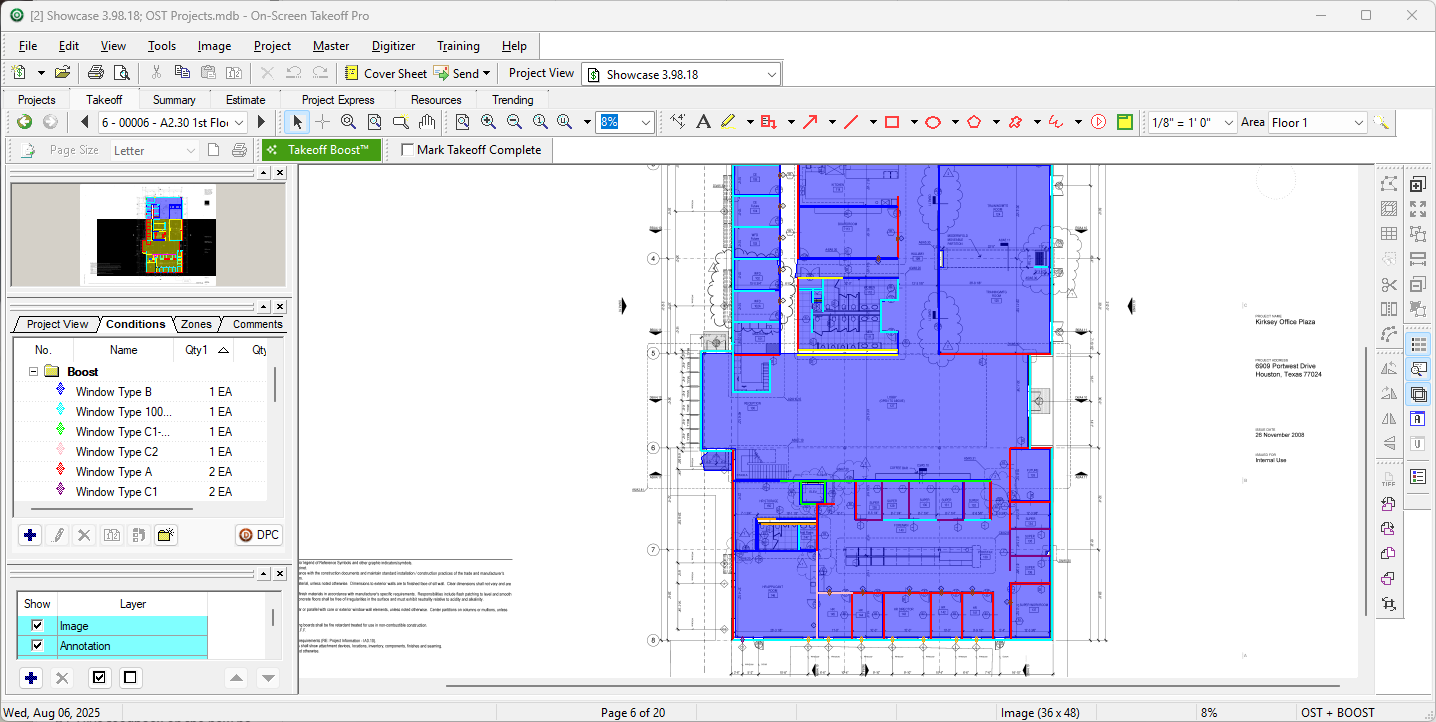
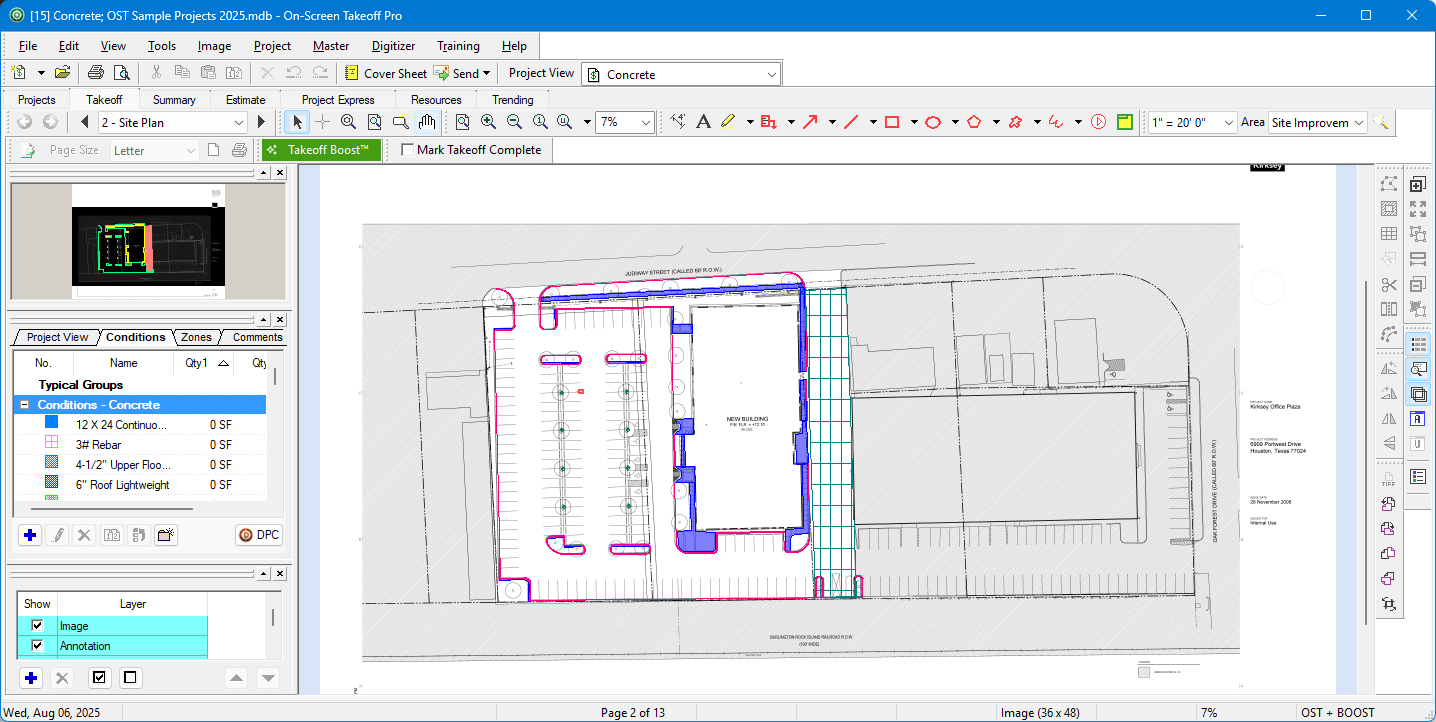
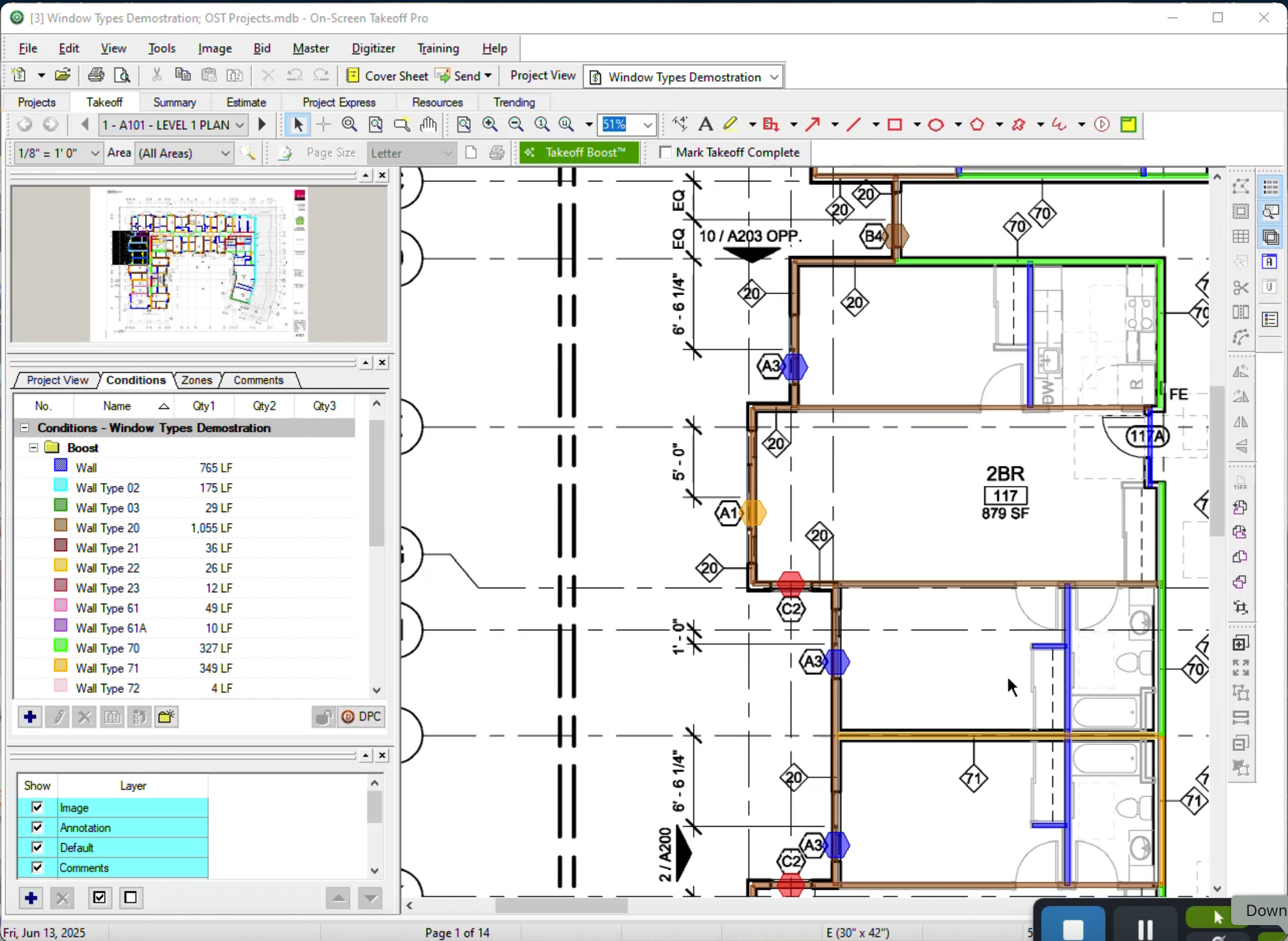
On-Screen Takeoff is a construction takeoff and estimating solution. It is intended to streamline takeoff, RFI, and bidding processes.
N/A
Pricing
Contractor Foreman
On-Screen Takeoff®
Editions & Modules
Basic
$588
per year
Standard
$948
per year
Plus
$1,497
per year
Pro
$1,990
per year
Unlimited
$2,988
per year
No answers on this topic
Offerings
Pricing Offerings
Contractor Foreman
On-Screen Takeoff®
Free Trial
Yes
Yes
Free/Freemium Version
No
No
Premium Consulting/Integration Services
No
No
Entry-level Setup Fee
No setup fee
No setup fee
Additional Details
Plans are based on features and licenses needed. Plus, Pro, and Unlimited plans include a 100-day money back guarantee.
On-Screen Takeoff® pricing varies based on licensing options and specific business needs. The annual subscription plans are designed to scale with project and team size.
Available Subscription Options:
•On-Screen Takeoff
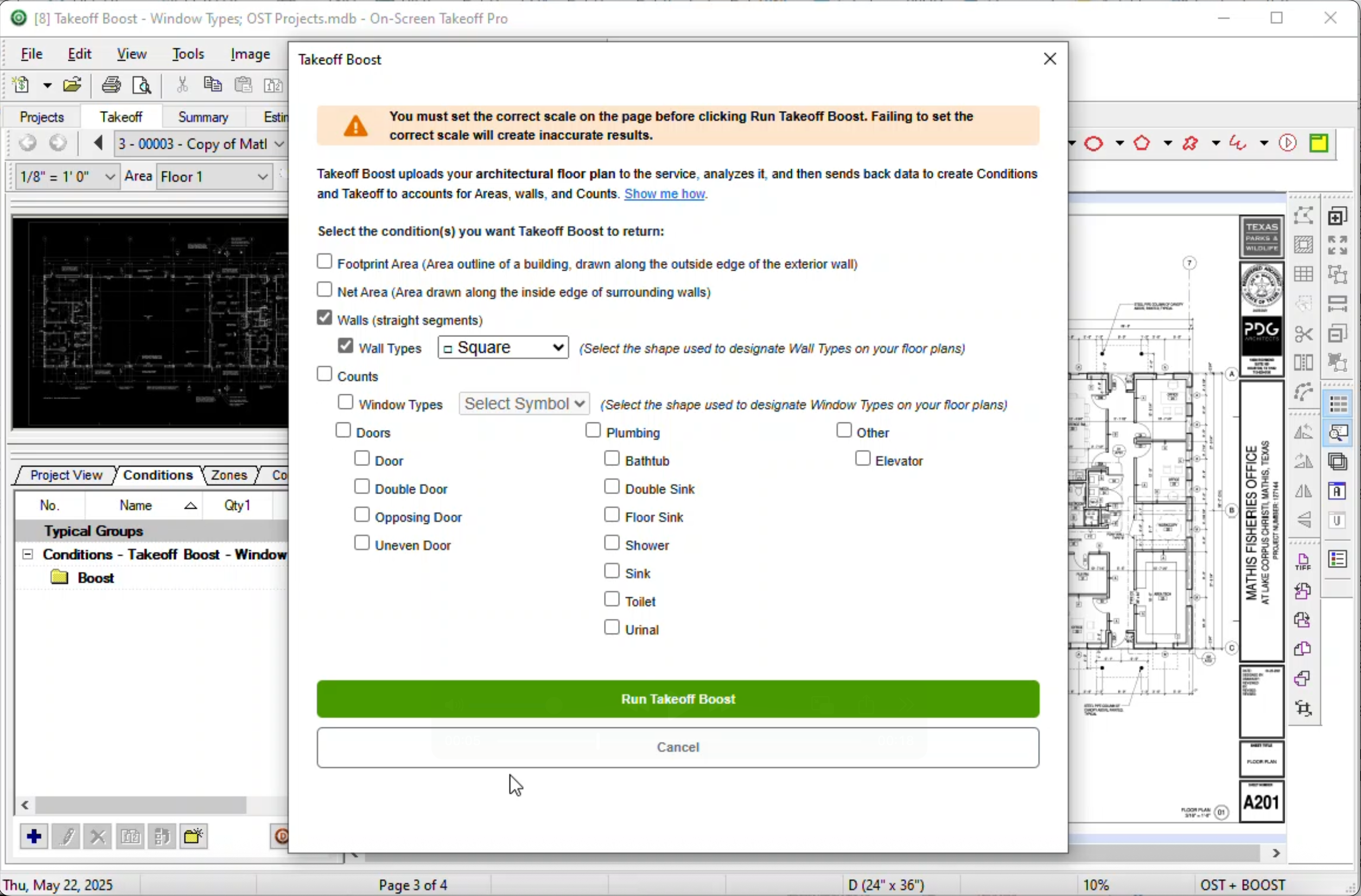
•On-Screen Takeoff with Takeoff Boost™
•On-Screen Takeoff and Quick Bid®
•On-Screen Takeoff with Takeoff Boost and Quick Bid
Each subscription is customized to match the subscriber's workflow requirements. A 14-day free trial is available.
As the name suggests, Contractor Foreman is GREAT for general contractors. However, being a consultant, I feel as though if upper management within the company I serve were more tech-savvy, they could accomplish much of the same tasks on other platforms that could give more advanced metrics. I also feel that the platform may feel outdated on purpose to ensure that those general contractors who aren't as tech savvy can understand the platform more.
A de minimis incentive was given to thank the reviewer for their time. The incentive was not used to bias or drive a particular response, nor was the incentive contingent on a positive endorsement. More Info
I think most of the reasoning was just provided on the previous pros and cons questions. On-Screen Takeoff (OST) is well suited for doing either quick takeoffs or getting into an elaborate, detailed takeoff. All though the viewing tools are quick and easy, I would still very much prefer using BlueBeam for looking through an overall set of drawings. With all of the hyperlink and bookmark functions of BlueBeam, OST doesn't compare and I rarely use OST unless I'm actually doing a takeoff.
A de minimis incentive was given to thank the reviewer for their time. The incentive was not used to bias or drive a particular response, nor was the incentive contingent on a positive endorsement. More Info
The biggest thing for me is that it is so easy to use, which allows it to be used widely throughout our organization without a lot of intense training.
Another great thing is that it does not matter how big or little the scope of the take off may be, it works just as well for a whole 12 story building take off as it does for a stretch of sidewalk.
A de minimis incentive was given to thank the reviewer for their time. The incentive was not used to bias or drive a particular response, nor was the incentive contingent on a positive endorsement. More Info
Timecards in rural areas are really difficult to handle. I know CF just released an offline timecard beta, which is a step in the right direction, but it would be nice to have offline data in the app and to have all timecards be offline until clockout, when they try to sync back to the server. The current beta doesn't work for us because it creates multiple timecards when the guys are in and out of signal.
A de minimis incentive was given to thank the reviewer for their time. The incentive was not used to bias or drive a particular response, nor was the incentive contingent on a positive endorsement. More Info
We have compiled so much information on CF it would be counterproductive to move to another software. We have also sold a lot of clients on the client portal feature. It is crucial for our communication between customers. The only reason we wouldn't renew the service is if somewhere offered the exact same service but at a lower cost
A de minimis incentive was given to thank the reviewer for their time. The incentive was not used to bias or drive a particular response, nor was the incentive contingent on a positive endorsement. More Info
It provides invaluable communication, organization, and flexibility to generate a project overview both visually and by the numbers. In addition to the overview it makes getting into the project details easy and quick, so our takeoff is accurate and correct every time
A de minimis incentive was given to thank the reviewer for their time. The incentive was not used to bias or drive a particular response, nor was the incentive contingent on a positive endorsement. More Info
Overall, Contractor Foreman is a great product, and I’m sure we’ve only scratched the surface of everything it has to offer. It can be a little quirky at times, occasionally displaying a 'Bad Gateway' message, but we haven’t experienced any timeout issues in the past few months. As we continue to use it, I’m confident we’ll uncover even more ways to streamline our workflow
A de minimis incentive was given to thank the reviewer for their time. The incentive was not used to bias or drive a particular response, nor was the incentive contingent on a positive endorsement. More Info
On Screen Takeoff is a valuable tool for what it does. Across the board it can keep track of the critical data and corresponding values without extra legwork. While powerful, it is prone to user error, and the problem can compound quickly if not realized up front. Overall a great project tool, but not without limitations
A de minimis incentive was given to thank the reviewer for their time. The incentive was not used to bias or drive a particular response, nor was the incentive contingent on a positive endorsement. More Info
A de minimis incentive was given to thank the reviewer for their time. The incentive was not used to bias or drive a particular response, nor was the incentive contingent on a positive endorsement. More Info
Many times we had issues that turned out to be errors and bugs. At first, we would be told forcefully that there were no bugs, then we would document them, and we would get an acknowledgement but no apology for essentially either gaslighting us or being ignorant of their system
A de minimis incentive was given to thank the reviewer for their time. The incentive was not used to bias or drive a particular response, nor was the incentive contingent on a positive endorsement. More Info
Absolutely top notch! They were always there to help and immediately. Very happy with the communication they provided and the knowledge they had of their product. I would venture to say that they are one of the best in terms of support in their space.
A de minimis incentive was given to thank the reviewer for their time. The incentive was not used to bias or drive a particular response, nor was the incentive contingent on a positive endorsement. More Info
I have had very few issues with the software which is probably the first sign that there is a good customer support team, since I am sure they are working and fixing problems for everyone when they get a report from somewhere. The few times I have had to reach out to support they have been knowledgeable and on top of helping me quickly get my issues resolved.
A de minimis incentive was given to thank the reviewer for their time. The incentive was not used to bias or drive a particular response, nor was the incentive contingent on a positive endorsement. More Info
A de minimis incentive was given to thank the reviewer for their time. The incentive was not used to bias or drive a particular response, nor was the incentive contingent on a positive endorsement. More Info
Implementation was as simple as setting up the program and creating databases. Everything else was already in use and this was a supplement to the final organization of the system
A de minimis incentive was given to thank the reviewer for their time. The incentive was not used to bias or drive a particular response, nor was the incentive contingent on a positive endorsement. More Info
Contractor Foreman’s pricing is much more cost-effective for small to mid-sized construction businesses, making it a better fit for my company’s budget. It offers an intuitive interface with pre-built construction templates, minimizing setup time and making it easier at least for my team to adopt and start using. The platform’s focus on project tracking, financial management, and nice integrations that makes it highly efficient for tracking project progress, staying on budget, and managing subcontractors/bills. These factors combined made it the ideal choice for meeting my company's specific needs efficiently and cost-effectively.
A de minimis incentive was given to thank the reviewer for their time. The incentive was not used to bias or drive a particular response, nor was the incentive contingent on a positive endorsement. More Info
Being able to train individuals in a single afternoon on the program and trusting them to get you something usable as soon as possible is quite invaluable. It is also something that I feel is unique to this program. It is just easier.
A de minimis incentive was given to thank the reviewer for their time. The incentive was not used to bias or drive a particular response, nor was the incentive contingent on a positive endorsement. More Info
A de minimis incentive was given to thank the reviewer for their time. The incentive was not used to bias or drive a particular response, nor was the incentive contingent on a positive endorsement. More Info
Prior to using Contractor Foreman we had to wait until the end to capture all change orders in one summary. Now, with the client portal, we can capture in real time and the client has visibility.
We have been trying to reduce administration time in tracking field expenses and with Contractor Foreman our field crew can uplaod reciepts and track expenses right from their mobile phones.
Punchlist - the punch list and To Do features are so robust we have drastically improved getting punchlists and small tasks completed in single trips without the wasted time and travel of multiple trips due to missed/forgotten items.
A de minimis incentive was given to thank the reviewer for their time. The incentive was not used to bias or drive a particular response, nor was the incentive contingent on a positive endorsement. More Info
The software has more than paid for itself because the company has been able to save lots of money when awarding to subs since it is easy to verify quantities to qualify their bids.
Less of a chance of under-ordering products since the visible audit trail improves accuracy. Also you spend less since you aren't ordering more than you should be.
A de minimis incentive was given to thank the reviewer for their time. The incentive was not used to bias or drive a particular response, nor was the incentive contingent on a positive endorsement. More Info