Copper is a customer relationship management (CRM) built as an integration into Google Apps.
$12
per month per user
Pobuca
Score 8.7 out of 10
Mid-Size Companies (51-1,000 employees)
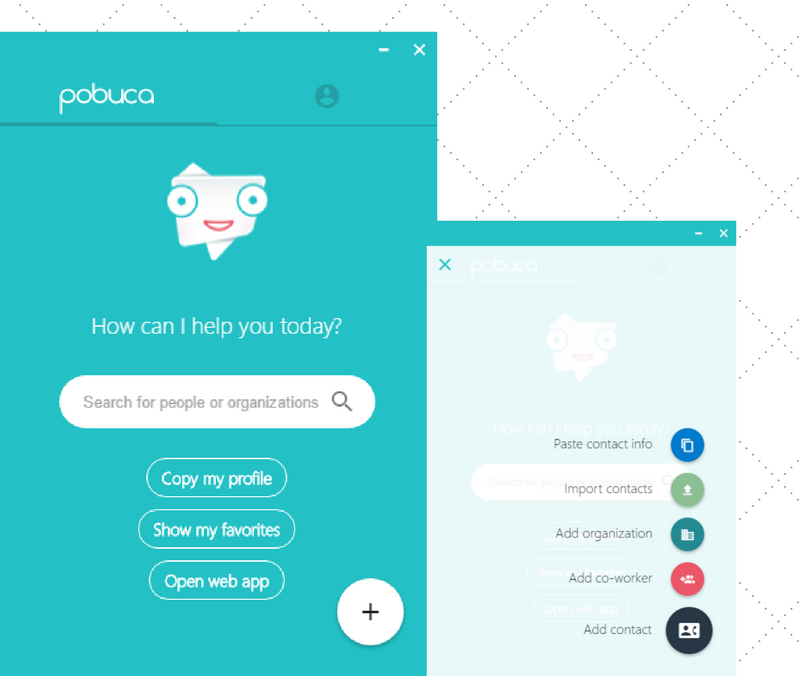
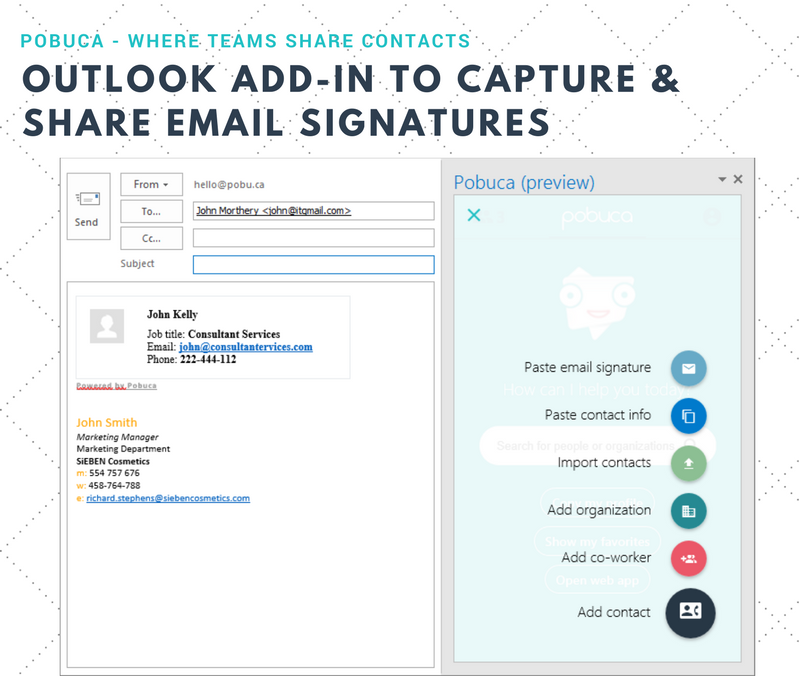
Pobuca Connect is a cloud app that turns multiple, overlapping and non-connected business contact lists into one unified company address book that’s easy to access from everywhere and ready to share with co-workers or business associates. It also includes the built-in Pobuca Bot, a virtual assistant to help keep business contacts up to date.
$0
Pricing
Copper
Pobuca
Editions & Modules
Starter - Paid Annually
$9.00
per month per user
Basic - Paid Annually
$23.00
per month per user
Professional - Paid Annually
$59.00
per month per user
Business - Paid Annually
$99.00
per month per user
Free
$0.00
Pro
$3.00
per user/per month
Enterprise
$5.00
per user/per month
Offerings
Pricing Offerings
Copper
Pobuca
Free Trial
Yes
Yes
Free/Freemium Version
No
Yes
Premium Consulting/Integration Services
No
Yes
Entry-level Setup Fee
No setup fee
No setup fee
Additional Details
Up to 15% discount for annual pricing.
—
More Pricing Information
Community Pulse
Copper
Pobuca
Features
Copper
Pobuca
Sales Force Automation
Comparison of Sales Force Automation features of Product A and Product B
Copper
4.7
39 Ratings
49% below category average
Pobuca
-
Ratings
Customer data management / contact management
8.039 Ratings
00 Ratings
Workflow management
5.837 Ratings
00 Ratings
Territory management
5.04 Ratings
00 Ratings
Opportunity management
8.036 Ratings
00 Ratings
Integration with email client (e.g., Outlook or Gmail)
4.539 Ratings
00 Ratings
Contract management
5.29 Ratings
00 Ratings
Quote & order management
2.07 Ratings
00 Ratings
Interaction tracking
2.935 Ratings
00 Ratings
Channel / partner relationship management
1.07 Ratings
00 Ratings
Customer Service & Support
Comparison of Customer Service & Support features of Product A and Product B
Copper
1.4
10 Ratings
138% below category average
Pobuca
-
Ratings
Case management
1.29 Ratings
00 Ratings
Call center management
1.55 Ratings
00 Ratings
Help desk management
1.67 Ratings
00 Ratings
Marketing Automation
Comparison of Marketing Automation features of Product A and Product B
Copper
6.2
29 Ratings
22% below category average
Pobuca
-
Ratings
Lead management
6.828 Ratings
00 Ratings
Email marketing
5.520 Ratings
00 Ratings
CRM Project Management
Comparison of CRM Project Management features of Product A and Product B
Copper
4.2
37 Ratings
58% below category average
Pobuca
-
Ratings
Task management
6.236 Ratings
00 Ratings
Billing and invoicing management
1.75 Ratings
00 Ratings
Reporting
4.732 Ratings
00 Ratings
CRM Reporting & Analytics
Comparison of CRM Reporting & Analytics features of Product A and Product B
Copper
4.6
36 Ratings
49% below category average
Pobuca
-
Ratings
Forecasting
3.124 Ratings
00 Ratings
Pipeline visualization
7.233 Ratings
00 Ratings
Customizable reports
3.430 Ratings
00 Ratings
Customization
Comparison of Customization features of Product A and Product B
Copper
4.6
37 Ratings
50% below category average
Pobuca
-
Ratings
Custom fields
6.736 Ratings
00 Ratings
Custom objects
3.412 Ratings
00 Ratings
Scripting environment
4.13 Ratings
00 Ratings
API for custom integration
4.221 Ratings
00 Ratings
Security
Comparison of Security features of Product A and Product B
Copper
7.1
30 Ratings
16% below category average
Pobuca
-
Ratings
Single sign-on capability
8.712 Ratings
00 Ratings
Role-based user permissions
5.429 Ratings
00 Ratings
Social CRM
Comparison of Social CRM features of Product A and Product B
Copper
2.0
12 Ratings
115% below category average
Pobuca
-
Ratings
Social data
2.012 Ratings
00 Ratings
Social engagement
2.07 Ratings
00 Ratings
Integrations with 3rd-party Software
Comparison of Integrations with 3rd-party Software features of Product A and Product B
Copper
2.1
22 Ratings
112% below category average
Pobuca
-
Ratings
Marketing automation
3.222 Ratings
00 Ratings
Compensation management
1.01 Ratings
00 Ratings
Platform
Comparison of Platform features of Product A and Product B
For small businesses and businesses that use Google Workspace, Copper is a great solution. It integrates well with Google, boosts features and capabilities of email, and provides an easy to use CRM system. It's also cost effective. For larger organizations, a more powerful tool is recommended that is more customizable. Might not work well outside of google either.
It is a great tool for everyone who has a lot of contacts to manage and is not good at keeping contacts. It has the capacity to hold a massive number of contacts and it arranges them so one can effortlessly find any of their contacts without wasting time.
Allows for contacts to be synced and organized directly from Gmail.
Gives a flexible style and customizable settings to match our company's specific needs.
Does a great job of helping us keep track of projects. We easily created a customized "Status" field with several status options that help us update the many phases of our project.
Window change: for mobile - when you tap on a card from a pipeline it takes you to the lead’s basic info. I wish it would immediately just open all activities so I can quick see notes
I usually use Copper on the go. When you open the Copper app, it immediately opens a collab window. I wish it had some sort of easy dashboard….plus a notes area. I open Copper on mobile to quickly search for someone’s name or to take quick notes from a sales meeting
Realistically, Copper (or any CRM for that matter) can't be everything to every company. It's difficult for any CRM to be well-suited to fit every industry and every business model. Thankfully, Copper's ability to customize things within the platform, as well as Copper's drive for customer success/satisfaction, has led us to be very satisfied with the platform. The only reason Copper isn't a 10/10 is due some of the inevitable shortcomings that any CRM would have because it isn't something that was bespoke for our company. This is no fault of Copper's but it should be mentioned.
There have been a few times when I contacted the "help desk" or "support team" and they just told me to watch a video or join a seminar to learn what I am looking to do. I would have expected someone to take a few minutes and literally walk me through the steps one by one until either I figured it out or accomplished the goal of my request.
When I switched from being an employee to employer, one of my first tasks was to find a CRM that was suitable for me. Moving from Pipedrive to Copper was an easy decision. I only needed a place to store my contacts, have a great calendar, and be able to email directly from the CRM. Copper has all of that. Pipedrive had some issues and I wanted to move away from them. Copper has been great.
BizConnect’s customer service was not good and was a bit slow in searching contacts. But Pobuca is the best choice in this regard--from customer service to the ease with which we can add contact into it is amazing. Its flexibility is another major factor in choosing Pobuca. Finding any contact through this software is very simple, but its scanning feature is a bit slow and takes time.