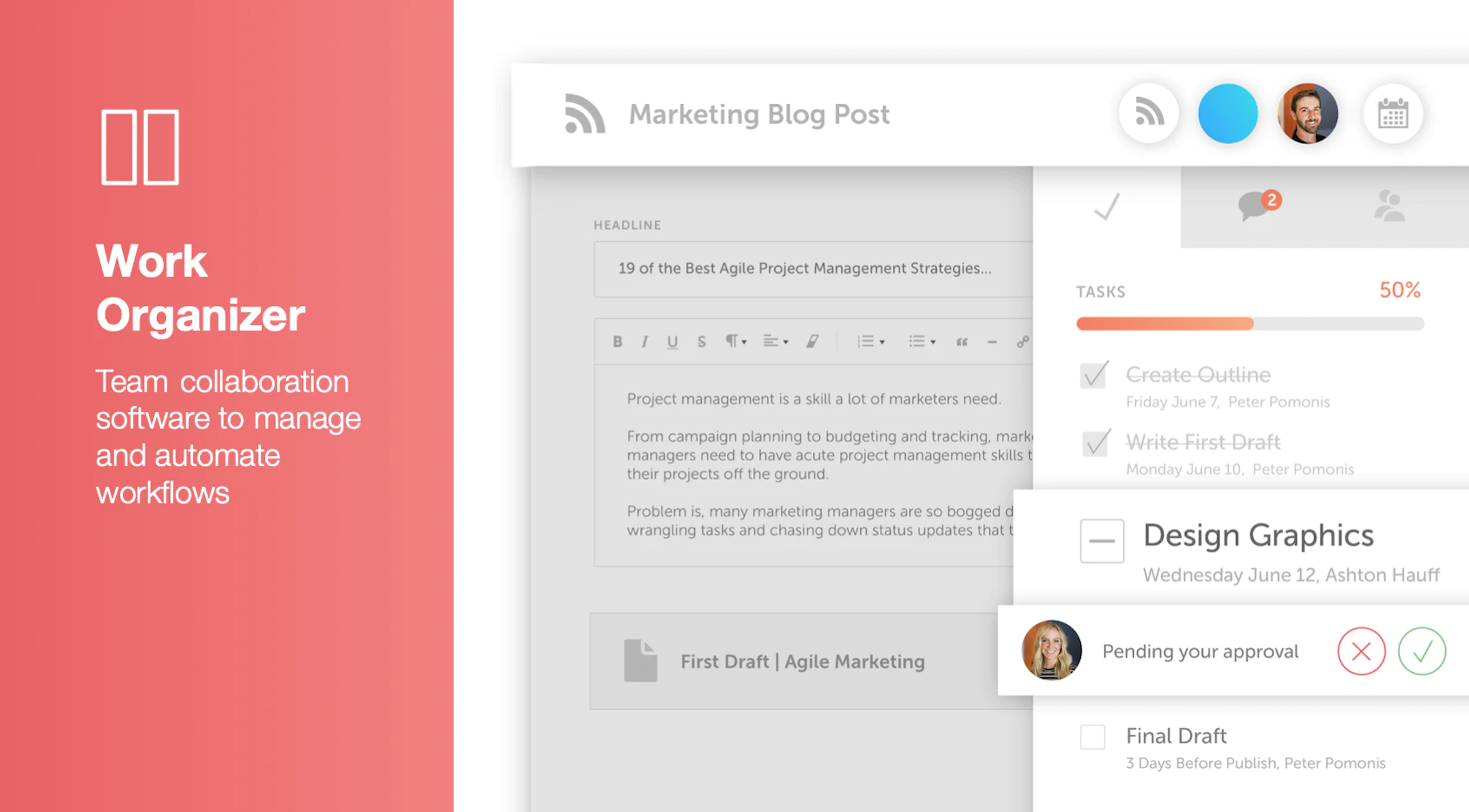
CoSchedule provides a content calendar, content optimization, and contentmarketing products, with users among 50,000 marketers worldwide, helping them organize their work, deliver projects on time, and prove marketing team value.
N/A
Xinet
Score7 out of 10
N/A
North Plains Systems in Toronto now offers and supports Xinet, a digital asset management platform with an emphasis on collaboration and sharing. The California company Xinet, the platform's original developer, was acquired by North Plains Systems in 2012.
N/A
Pricing
CoSchedule Marketing Suite
Xinet
Editions & Modules
No answers on this topic
No answers on this topic
Offerings
Pricing Offerings
CoSchedule Marketing Suite
Xinet
Free Trial
No
No
Free/Freemium Version
Yes
No
Premium Consulting/Integration Services
No
No
Entry-level Setup Fee
No setup fee
No setup fee
Additional Details
—
—
More Pricing Information
Features
CoSchedule Marketing Suite
Xinet
Content Creation
Comparison of Content Creation features of CoSchedule Marketing Suite and Xinet
Feature
CoSchedule Marketing Suite
7.3
1 Ratings
7% below category average
Xinet
-
Ratings
Ideation
5.01 Ratings
00 Ratings
Content collaboration
7.01 Ratings
00 Ratings
Content calendar
10.01 Ratings
00 Ratings
Content Publishing
Comparison of Content Publishing features of CoSchedule Marketing Suite and Xinet
Feature
CoSchedule Marketing Suite
10.0
1 Ratings
25% above category average
Xinet
-
Ratings
Content distribution
10.01 Ratings
00 Ratings
Content promotion
10.01 Ratings
00 Ratings
Content automation
10.01 Ratings
00 Ratings
Content Reporting & Analytics
Comparison of Content Reporting & Analytics features of CoSchedule Marketing Suite and Xinet
CoSchedule is great for businesses or agencies who need an overview of all their marketing efforts, and who want to establish collaboration between multiple departments. The calendar view is one of the best we've worked with and makes it easy to see exactly what's happening. There is some slight clunkiness when it comes to admin-related tasks, and a few things aren't easy to find, but there's great support.
A de minimis incentive was given to thank the reviewer for their time. The incentive was not used to bias or drive a particular response, nor was the incentive contingent on a positive endorsement. More Info
A de minimis incentive was given to thank the reviewer for their time. The incentive was not used to bias or drive a particular response, nor was the incentive contingent on a positive endorsement. More Info
A de minimis incentive was given to thank the reviewer for their time. The incentive was not used to bias or drive a particular response, nor was the incentive contingent on a positive endorsement. More Info
Tracking rights-managed assets. Xinet provides advanced features such as watermarking and expiration notifications.
Integration with Adobe. Xinet can be configured to access assets from right within the apps.
Desktop integration. Xinet can be accessed by the browser but also as a mountable server volume on the desktop. Unlike Box, Dropbox, etc., the mounted volume does not require consumption of hard drive space.
A de minimis incentive was given to thank the reviewer for their time. The incentive was not used to bias or drive a particular response, nor was the incentive contingent on a positive endorsement. More Info
The platform seems sluggish as of late, likely as a result of the robust amount of data we are entering and the number of filters we're creating.
Social media scheduling exists, but we do run into publishing errors more often then we'd like.
Task templates when updated are not retroactive, so when you create projects for an entire year and then change a template, you need to go back and change them manually.
A de minimis incentive was given to thank the reviewer for their time. The incentive was not used to bias or drive a particular response, nor was the incentive contingent on a positive endorsement. More Info
For my position, I didn't learn enough of Xinet to truly utilize the whole program, only one or two people in my department understood it inside and out.
During my time at the agency, we were unable to get the annotations to work on assets. And that would have been helpful to have to streamline our process of asset quality control.
A de minimis incentive was given to thank the reviewer for their time. The incentive was not used to bias or drive a particular response, nor was the incentive contingent on a positive endorsement. More Info
The interface is very intuitive, from setting up social profiles, to posting, to tags, to optimizing for best day/time to post. It's super easy to scan the aggregate analytics. The calendar is very easy to grok at a glance, and the more advanced functionality is intuitive to set up.
A de minimis incentive was given to thank the reviewer for their time. The incentive was not used to bias or drive a particular response, nor was the incentive contingent on a positive endorsement. More Info
Xinet is intuitive to use. It is perhaps the only DAM that features a traditional mounted volume, so anyone working in an environment with local servers will love it. Search is accurate and faceted searches allow users to narrow search results. Setup requires a lot of training if you want to leverage all of its complex workflow capabilities.
A de minimis incentive was given to thank the reviewer for their time. The incentive was not used to bias or drive a particular response, nor was the incentive contingent on a positive endorsement. More Info
I didn't have to use their official support, but I can say that they put out a lot of content online to help users. Their YouTube page has quite an array of tutorial videos explaining how things work and how to get the most out of their tools. If you're struggling, before picking up a phone or blasting off an email, try searching for your problem on YouTube or their forums.
A de minimis incentive was given to thank the reviewer for their time. The incentive was not used to bias or drive a particular response, nor was the incentive contingent on a positive endorsement. More Info
Support is handled by third-party server integrators. Our partner, NAPC, has always been there when we've needed them and also develops unique plugins to expand XInet's capabilities.
A de minimis incentive was given to thank the reviewer for their time. The incentive was not used to bias or drive a particular response, nor was the incentive contingent on a positive endorsement. More Info
CoSchedule provides collaborative planning of projects. The calendar view is very well designed. Meetings and tasks can be scheduled and tracked easily. Whatever is being done, no matter how big the task/project is, it gives a bird-eye view of everything. Additionally, it also integrated very well with WordPress. Their customer service team is also very helpful.
A de minimis incentive was given to thank the reviewer for their time. The incentive was not used to bias or drive a particular response, nor was the incentive contingent on a positive endorsement. More Info
We selected Xinet based on having a large number of potential users and wanted unlimited web seats. Paying a one time software fee versus a monthly seat payment was a big draw. Telescope was four to five times more expensive and was not feasible at the time. We liked Basecamp but we needed a local solution for storage, not hosted.
Xinet is a great platform to build off of. We use it in combination with Enfocus Switch which has greatly improved the automation capabilities and we use Xinet as the portal for external users. Our internal users very rarely interact with the Xinet GUI.
A de minimis incentive was given to thank the reviewer for their time. The incentive was not used to bias or drive a particular response, nor was the incentive contingent on a positive endorsement. More Info
It has saved me about 1 hour per day to keep things organized from Asana to WordPress.
By not having a functioning Google Doc import feature, it costs me about 30 minutes for each blog post to copy paste all the content, images, etc.
By bundling too many features into their plans, many of which we don't use (e.g. social media scheduling), we lose a little ROI because we are not using the full feature set. We use and prefer Buffer for social media, so when CoSchedule raised their price $40+ per month on features we would not be using, that hurt.
A de minimis incentive was given to thank the reviewer for their time. The incentive was not used to bias or drive a particular response, nor was the incentive contingent on a positive endorsement. More Info
A de minimis incentive was given to thank the reviewer for their time. The incentive was not used to bias or drive a particular response, nor was the incentive contingent on a positive endorsement. More Info