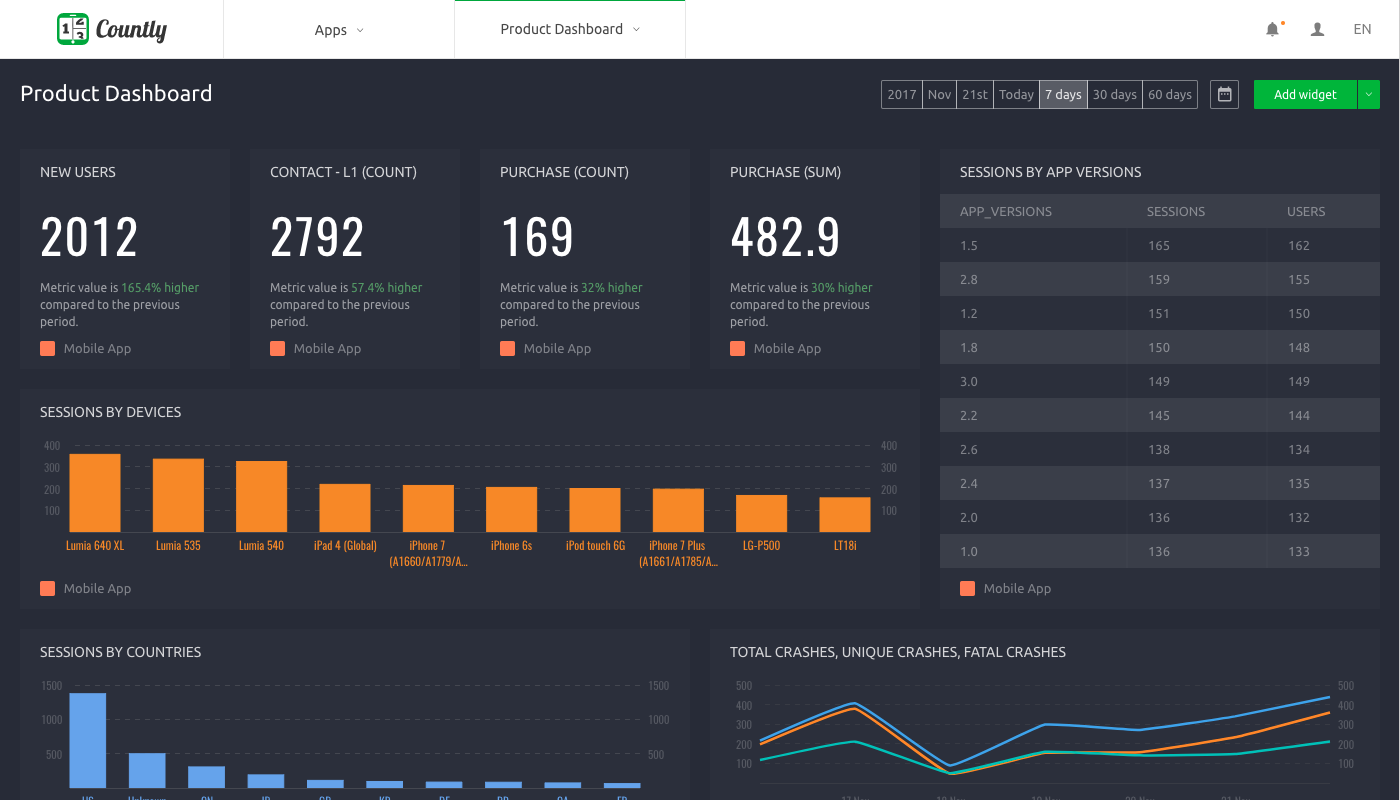
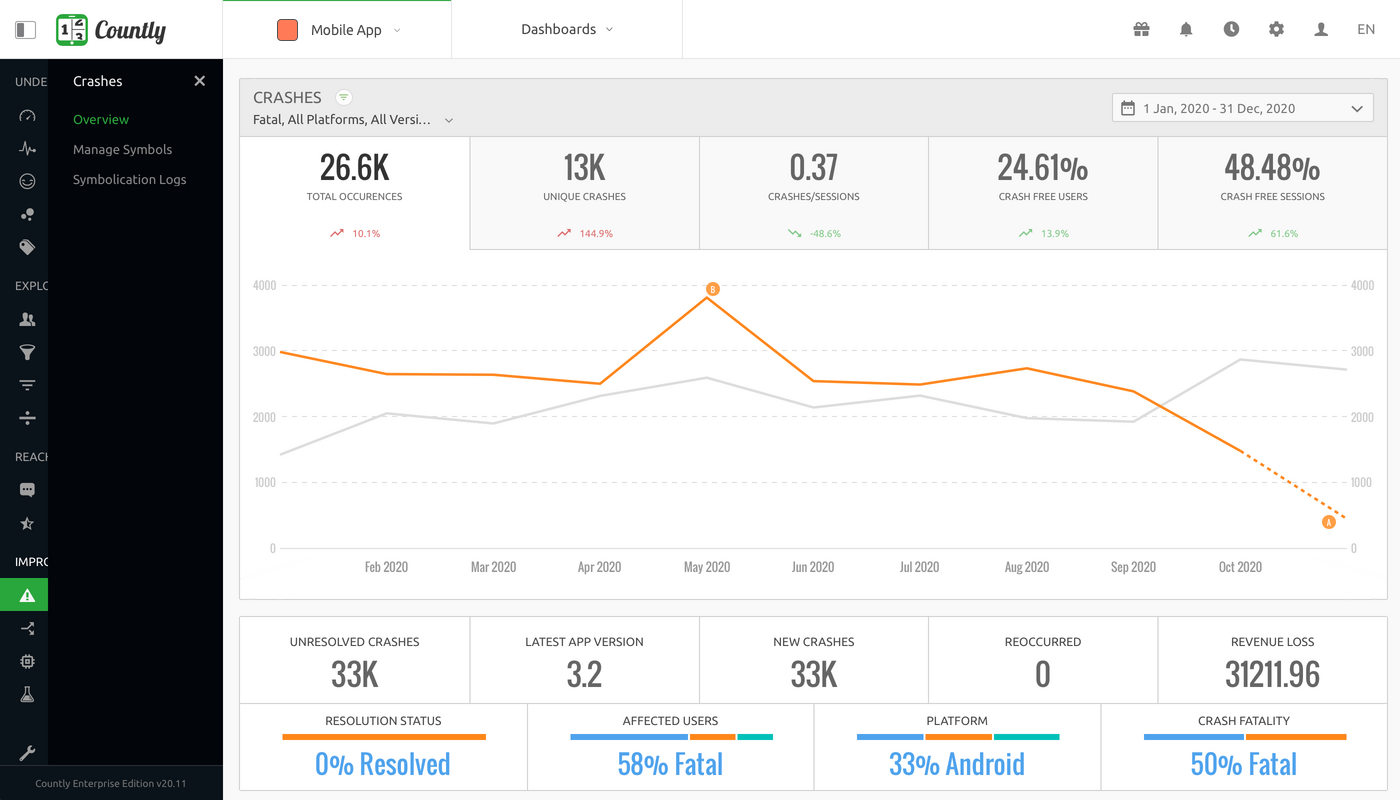
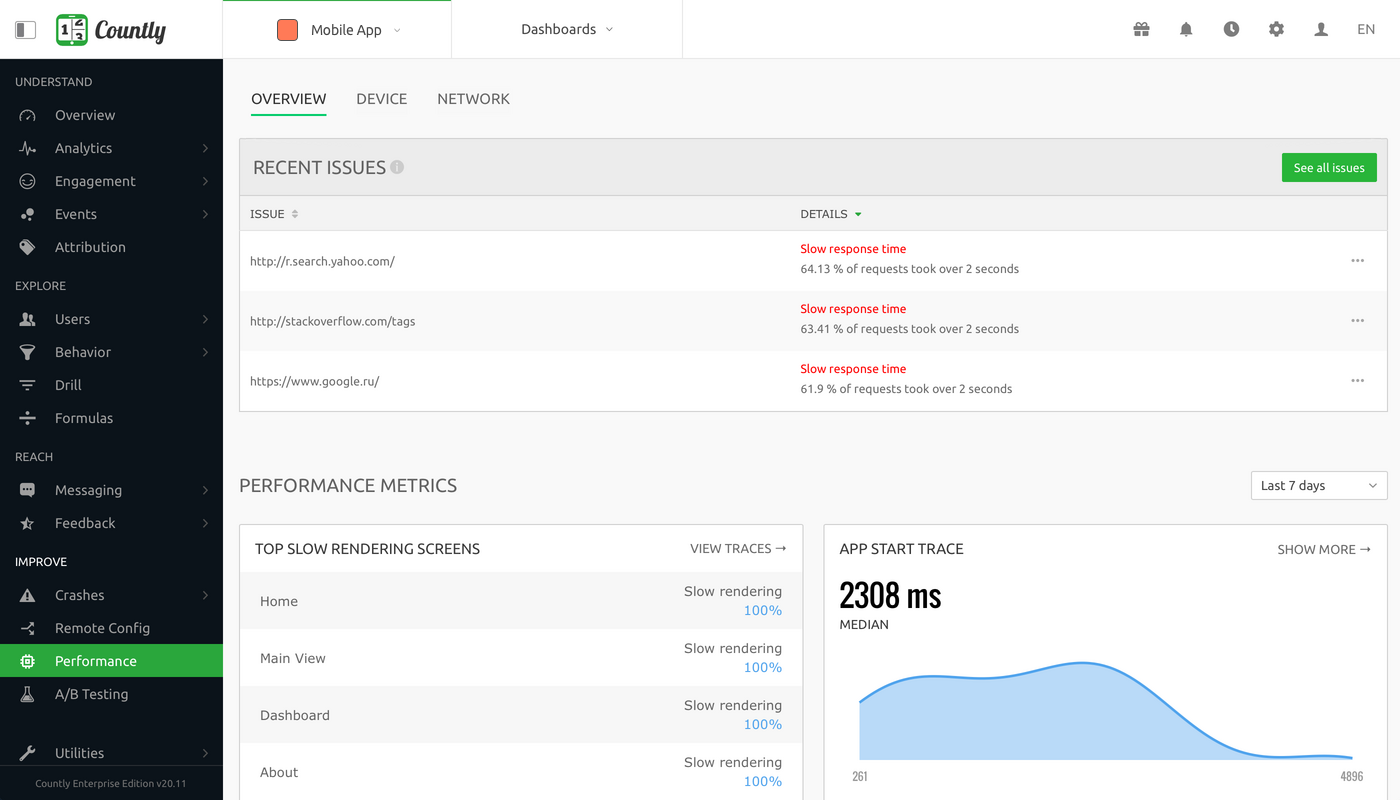
Countly is a product analytics solution and innovation enabler that helps teams track product performance and customer journey and behavior across mobile, web, and desktop applications. Ensuring privacy by design, Countly helps the user to innovate and enhance products to provide personalized and customized customer experiences, and meet key business and revenue goals. Countly empowers companies of any size or location to grow their business by helping them securely process billions of…
N/A
Google Cloud Storage
Score9.2 out of 10
N/A
Google Cloud Storage is unified object storage for developers and enterprises.
N/A
Pricing
Countly
Google Cloud Storage
Editions & Modules
Countly Enterprise Edition
Personalized Plans
per month per data point
Countly Community Edition
Free Forever
No answers on this topic
Offerings
Pricing Offerings
Countly
Google Cloud Storage
Free Trial
Yes
No
Free/Freemium Version
Yes
No
Premium Consulting/Integration Services
Yes
No
Entry-level Setup Fee
No setup fee
No setup fee
Additional Details
Customizable, with free Community Edition (free forever) and free Enterprise Edition trial (free for 1 Month).
Whether you're planning to include it into a website or a mobile application, this arrangement is simple to implement. The best feature has to be its superb "division," which allows you to delve deeper into your data without using SQL-like queries. On Ubuntu, the free "group version" can act organically aided.
A de minimis incentive was given to thank the reviewer for their time. The incentive was not used to bias or drive a particular response, nor was the incentive contingent on a positive endorsement. More Info
[Google Cloud Storage is] great for storing and playing large video files, and even sharing them securely with others, whether or not they are part of your organization. No need to download video files before watching, and can also be used to store any other kinds of files.
A de minimis incentive was given to thank the reviewer for their time. The incentive was not used to bias or drive a particular response, nor was the incentive contingent on a positive endorsement. More Info
Open-source and Self-hosted - Countly can be completely self-hosted, which makes it really easy to offset costs of a competing service like Segment or Mixpanel for early-stage companies.
A large number of SDKs and platform support - Countly provides fairly comprehensive support for mobile applications and general tracking. As a result, it's pretty easy to create comprehensive tracking of events for any company.
Custom queries, access to data - You have instant access to data and extensive customizability which makes this platform fairly easy to use for any purpose of user and market tracking.
A de minimis incentive was given to thank the reviewer for their time. The incentive was not used to bias or drive a particular response, nor was the incentive contingent on a positive endorsement. More Info
Really great, easy to use interface helps us manage files easily. Storage is fast and inexpensive, so we don't have to spin up storage instances locally
Great set of command-line tools to manage data and storage options via scripts and apps, as well as an SDK means we can build GCS into our orchestration and operations tools
Robust integration with other Google cloud tools means that we don't have to think too hard about using GCS for a variety of storage tasks as we interact with other Google services.
A de minimis incentive was given to thank the reviewer for their time. The incentive was not used to bias or drive a particular response, nor was the incentive contingent on a positive endorsement. More Info
A de minimis incentive was given to thank the reviewer for their time. The incentive was not used to bias or drive a particular response, nor was the incentive contingent on a positive endorsement. More Info
A de minimis incentive was given to thank the reviewer for their time. The incentive was not used to bias or drive a particular response, nor was the incentive contingent on a positive endorsement. More Info
after all of the investment made in the tool and considering how many teams use it I think we would not be likely to move away from this tool. A lot of our information including historical is already here and we are happy with the capabilities of the tool currently
A de minimis incentive was given to thank the reviewer for their time. The incentive was not used to bias or drive a particular response, nor was the incentive contingent on a positive endorsement. More Info
Very easy to use. I love having my data backed up. I love that Google Cloud Storage provides me with the peace of mind that I no longer need to worry about my data being lost. I can now sleep better at night. Google Cloud Storage is very easy to use. Overall, you save time and have less stress by using Google Cloud Storage.
A de minimis incentive was given to thank the reviewer for their time. The incentive was not used to bias or drive a particular response, nor was the incentive contingent on a positive endorsement. More Info
For performance i give Google Cloud Storage 10 of 10 on performance because even though there are other softwares that do exactly the same thing as Google Drive, it still works exceptionally well. It is very fast, and and far as integration, the only software I have used with it that integrated was Google Docs, and of course it integrates perfectly.
A de minimis incentive was given to thank the reviewer for their time. The incentive was not used to bias or drive a particular response, nor was the incentive contingent on a positive endorsement. More Info
A de minimis incentive was given to thank the reviewer for their time. The incentive was not used to bias or drive a particular response, nor was the incentive contingent on a positive endorsement. More Info
We have never used official support from Google for our Google Cloud Storage, but there is plenty of documentation in place already. With a small amount of work, anybody should be able to get started. Once needs get more complicated, there is still documentation from Google, but also plenty of community support for common use cases around the internet.
A de minimis incentive was given to thank the reviewer for their time. The incentive was not used to bias or drive a particular response, nor was the incentive contingent on a positive endorsement. More Info
overall I was not directly involved but hears the teams were satisfied with the implementation. the teams that used the tool did not encounter major issues, it was as expected with minor issues and bugs that were resolved later. The more significant learning curve was actually starting to use the tool
A de minimis incentive was given to thank the reviewer for their time. The incentive was not used to bias or drive a particular response, nor was the incentive contingent on a positive endorsement. More Info
Countly have two main elements that make it the better option. First is open sourced so you can edit with code new options and new events, also you can use a variety of plugins depending of the necessities of the users and the objectives of every analysis. The second characteristic is that is very easy to use and even if is open source and the code could seem complex everything is very intuitive.
A de minimis incentive was given to thank the reviewer for their time. The incentive was not used to bias or drive a particular response, nor was the incentive contingent on a positive endorsement. More Info
We prefer Google Cloud Storage over Amazon Web Services because of the tools and code integration offered by Google Cloud Storage. We found the Google Cloud Storage toolset to be highly usable and give us the fine-grained control we need for managing digital assets. Ultimately, we chose Google Cloud Storage because we found the API and suitability for code integration with our Java codebase to be impeccable and because we had excellent direct support from the Google Cloud Storage team
A de minimis incentive was given to thank the reviewer for their time. The incentive was not used to bias or drive a particular response, nor was the incentive contingent on a positive endorsement. More Info
A de minimis incentive was given to thank the reviewer for their time. The incentive was not used to bias or drive a particular response, nor was the incentive contingent on a positive endorsement. More Info
It has assisted greatly with our ability to share documents/information cross functionally. Especially within our advertising team, we store a large amount of information to assist new hires and refresh current employees.
Something that could improve is employees' understanding of how to best utilize Google Cloud Storage. This could improve by implementing a potential training video or tutorial.
Overall, Google Storage has been great. I have not used a similar storage product that had the same enterprise level capabilities.
A de minimis incentive was given to thank the reviewer for their time. The incentive was not used to bias or drive a particular response, nor was the incentive contingent on a positive endorsement. More Info