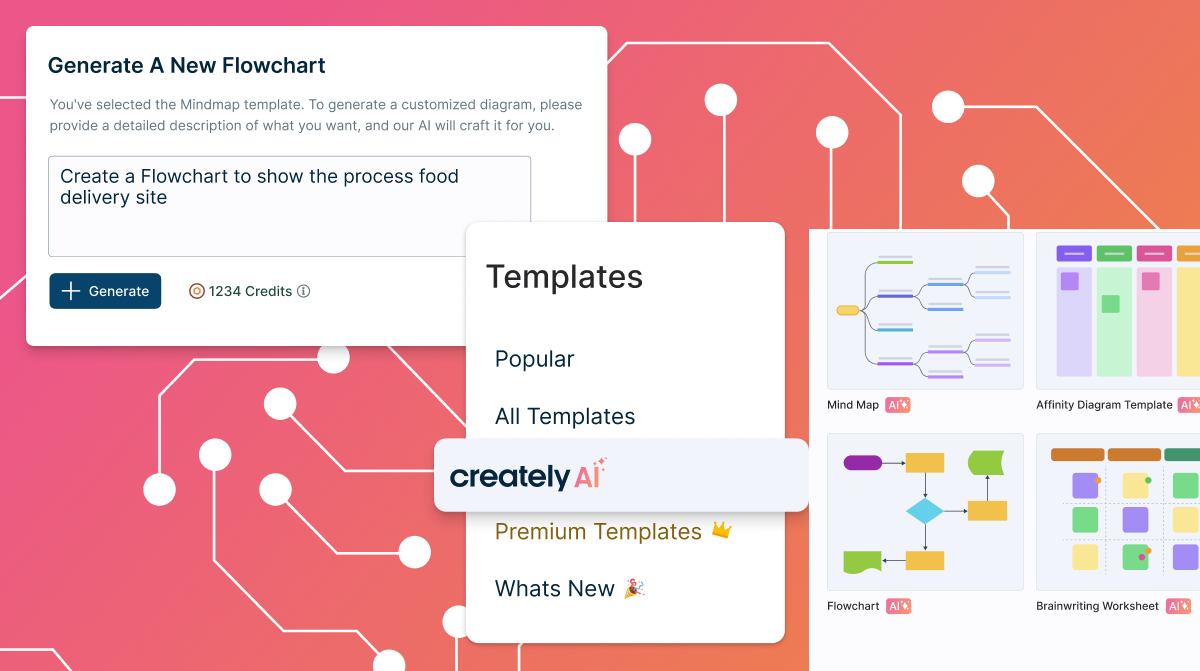
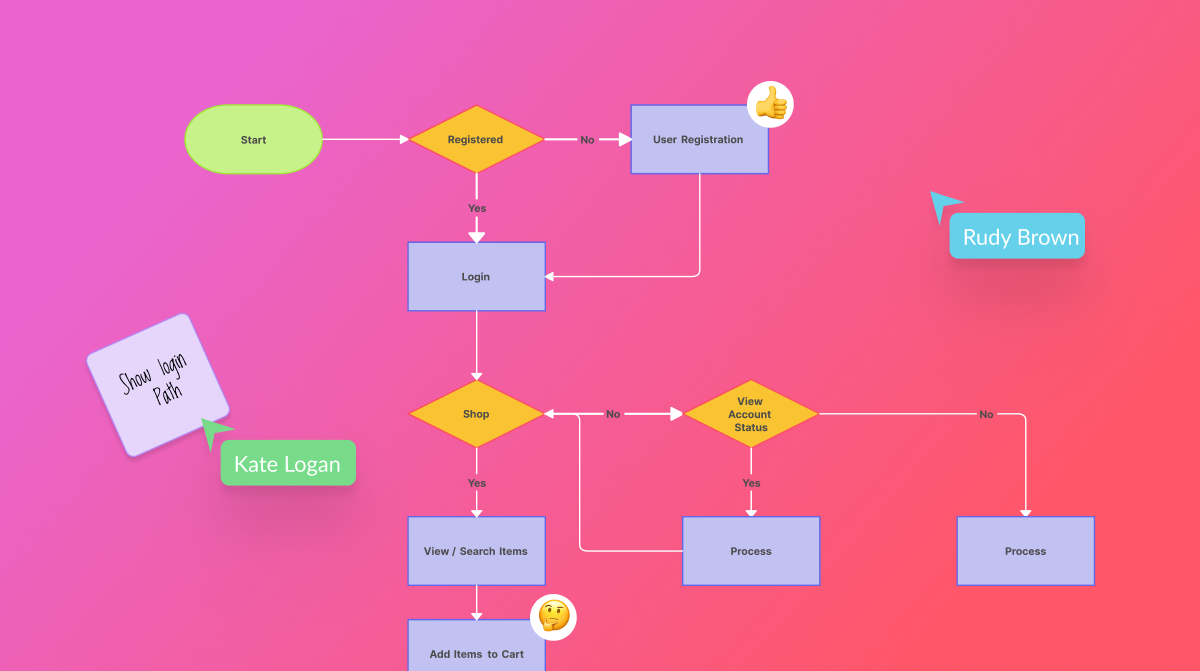
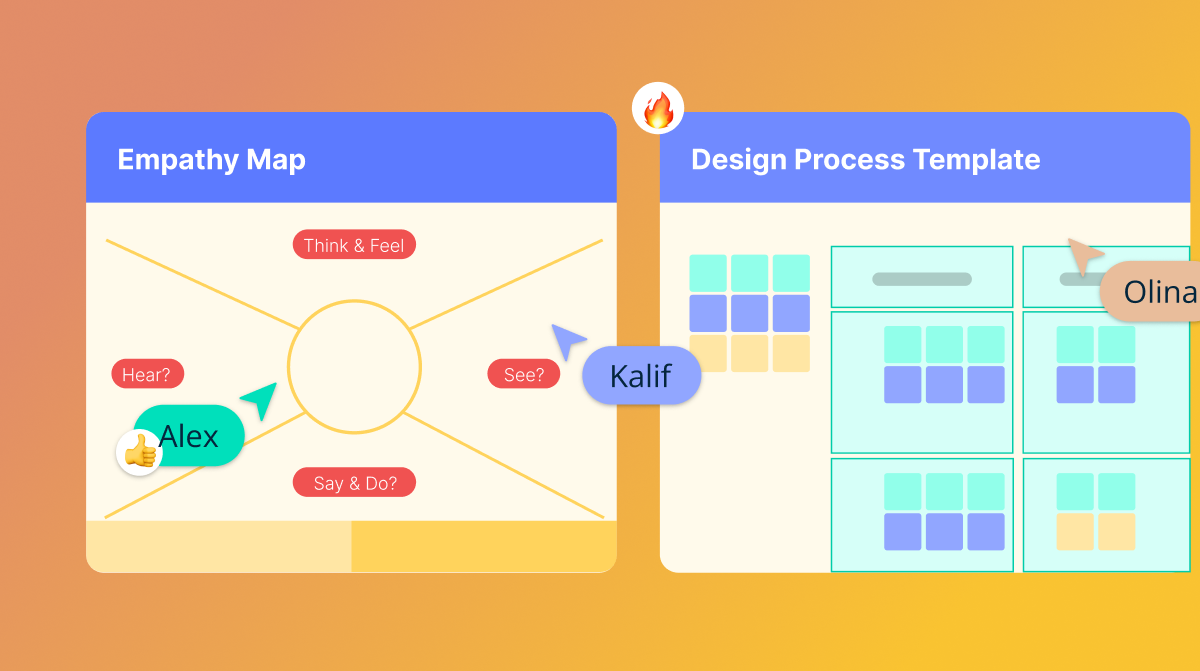
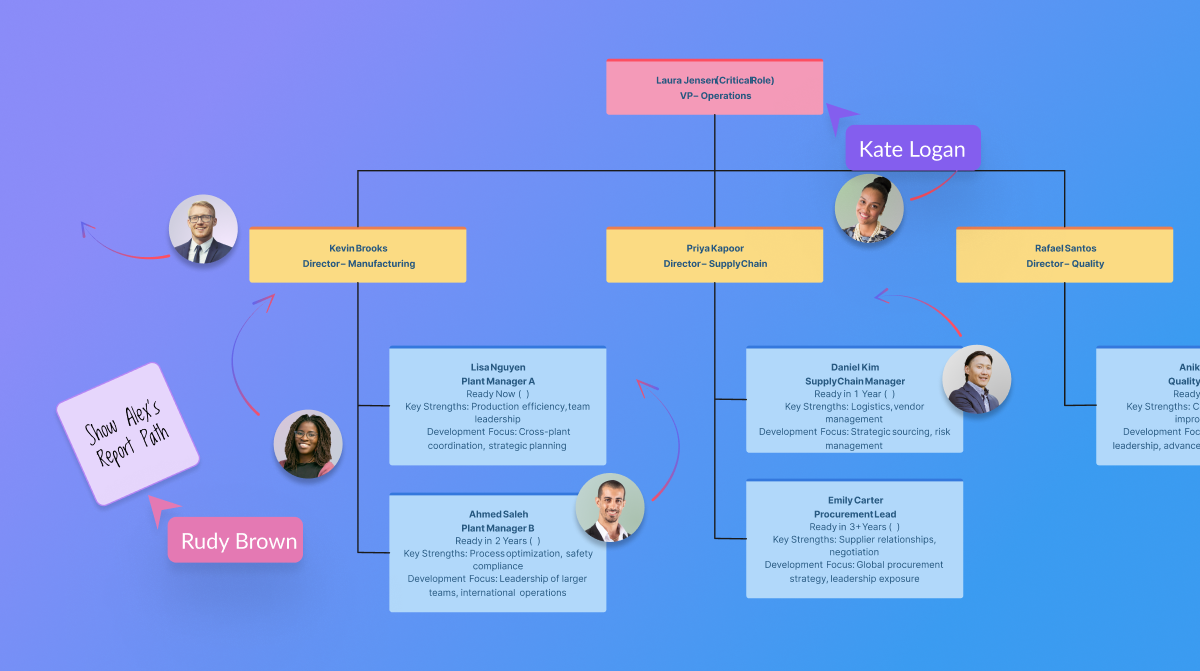
Creately is a visual collaboration platform that supports genograms, flowcharts, org charts, mind maps, and UML diagrams. Featuring template-based AI diagram generation, Creately boasts speed and accuracy in visual planning.
$8
per month (single user)
Pitch
Score 9.2 out of 10
N/A
Pitch is a pitching platform for crafting presentations and closing deals with personalized pitch rooms, empowering sales teams to manage the entire customer lifecycle in one workflow. Beyond the basic features of presentation tools, Pitch's features include a slide editor, deal rooms that nurture clients, CRM integrations, and advanced analytics to track engagement. The vendor states that teams — including brands like Pentagram, Thrive, and Synthesia — use Pitch to stay on…
N/A
SmartDraw
Score 8.3 out of 10
N/A
SmartDraw is a diagramming and flow chart building tool from SmartDraw Software in San Diego, California.
$131.40
per year (for a single user on an individual plan)
Pricing
Creately
Pitch
SmartDraw
Editions & Modules
Creately Personal
$8
per month
Creately Team
$8
per month per user
Creately Team
$60
per year per user
Creately Personal
$60
per year
Creately Business
$149
per month Unlimited Users
Creately Business
$1,068
per year Unlimited Users
No answers on this topic
Team
$119.40
per year per user (3 minimum)
Individual
$131.40
per year single user
Enterprise
Contact Sales
Offerings
Pricing Offerings
Creately
Pitch
SmartDraw
Free Trial
Yes
No
Yes
Free/Freemium Version
Yes
Yes
No
Premium Consulting/Integration Services
Yes
No
No
Entry-level Setup Fee
No setup fee
No setup fee
No setup fee
Additional Details
Discounted prices for non profits, educational institutes, and charities.
The software offers simple, intuitive features for diagramming and collaboration. It has an easy-to-learn design and very responsive customer support. Availability of real-time editing features and seamless integration with other systems. Creately software does not have offline use. It depends heavily on a strong internet connection, which is expensive and sometimes unavailable.
If we need to create a presentation that we know may take time, Pitch makes it very easy to create it in a fraction of the time because there are many presentation categories with dummy data and pictures which help as a guide and cut presentation development drastically. The end result is usually same or better than hiring a professional.
I believe SmartDraw is a great tool for small- to mid-sized organizations for simplifying the production and management of org charts. We've also had the PMO experiment with the use of some of their flow charts as well. If an organization has an HCM with the capability of producing (good!) org charts, that is likely the best option... but many that I have used in my 30-year HR career don't. So there is definitely a need for SmartDraw in the market!
Creately requires a very small investment to get started. Using the software does not require expensive training or experience. The software has reliable interactive tools for both collaboration and creative writing. Creately supports many languages, which makes it diverse and adaptable.
I rated 8 because its simple to use and easy to create network topologies quickly. I liked the drag and drop option which makes designing the network topology and flow chart easier. In general its does what it needs to.
They are always very helpful, we get computers every two years and I have to call them to move the license from one computer to another and they do it with a smile in their voice!
Creately's folder system is a novel feature that beats its competitors. It helps keep everything organized. In addition, there are many more customization possibilities, especially in the shapes and in the library of templates and drawings. It has an intelligent drawing capability superior to all the competition, allowing more customization and detail.
Pitch is a powerful version of Power Point, with enough features to create very professional and fast presentations. Canva is good but the results are limited, you need to get/buy something almost ready but with Pitch you can do it as fast but better looking and with more flexibility
We have used Corel Draw and Adobe Acrobat. Both of those tools were good when they came out but the abilities of SmartDraw far outweigh both those tools. Corel Draw was also more complex to operate and do tasks, as was Adobe Acrobat in which some basic tasks took additional steps to complete.
SmartDraw has provided good return for our internal purposes. Using it to understand an organization's structure and inner workings has been valuable. On the client side, creating steps and businesses processes has also been a big plus. It has helped decrease confusing reporting structures and has provided a detailed map for individuals to understand where they fit within their organization.
Unfortunately, SmartDraw has been somewhat inefficient with some of the more complex projects on our plate and has really deterred certain employees from even wanting to use it.